
1. Product Overview
The Braun Digital Alarm Clock BC16BUS features a VA LCD display, touch snooze pad, and automatic brightness adjustment. This manual provides instructions for its setup, operation, and maintenance.

Image: Front view of the Braun Digital Alarm Clock BC16BUS, displaying the current time as 12:15 AM and the set alarm time as 7:00 AM. The clock has a sleek black finish with a green accent on top.
2. Setup
2.1 Power Connection
- Connect the provided power adapter to the clock's power input port.
- Plug the power adapter into a standard electrical outlet. The clock requires continuous power from the adapter to operate.
2.2 Battery Backup Installation
A backup battery is included to maintain time and alarm settings during a power outage.
- Locate the battery compartment on the underside of the clock.
- Insert the 1 CR2032 battery, ensuring correct polarity (+/-).
- Close the battery compartment securely.
2.3 Initial Time Setting
The clock features a quick set function for easy time adjustment.
- Refer to the controls section for specific buttons (usually 'Time Set' or '+' / '-' buttons).
- Press the 'Time Set' button (if available) or hold down the appropriate button to enter time setting mode.
- Use the '+' and '-' buttons to adjust the hour and minute.
- Confirm the setting by pressing the 'Time Set' button again or waiting for the display to exit setting mode automatically.
2.4 12/24 Hour Format
The display can be set to either 12-hour or 24-hour format.
- Locate the 12/24 hour setting button or switch, typically on the back or underside of the clock.
- Toggle the setting to your preferred time format.
3. Operating Instructions
3.1 VA LCD Display
The clock features a Vertical Alignment (VA) LCD display for clear visibility.
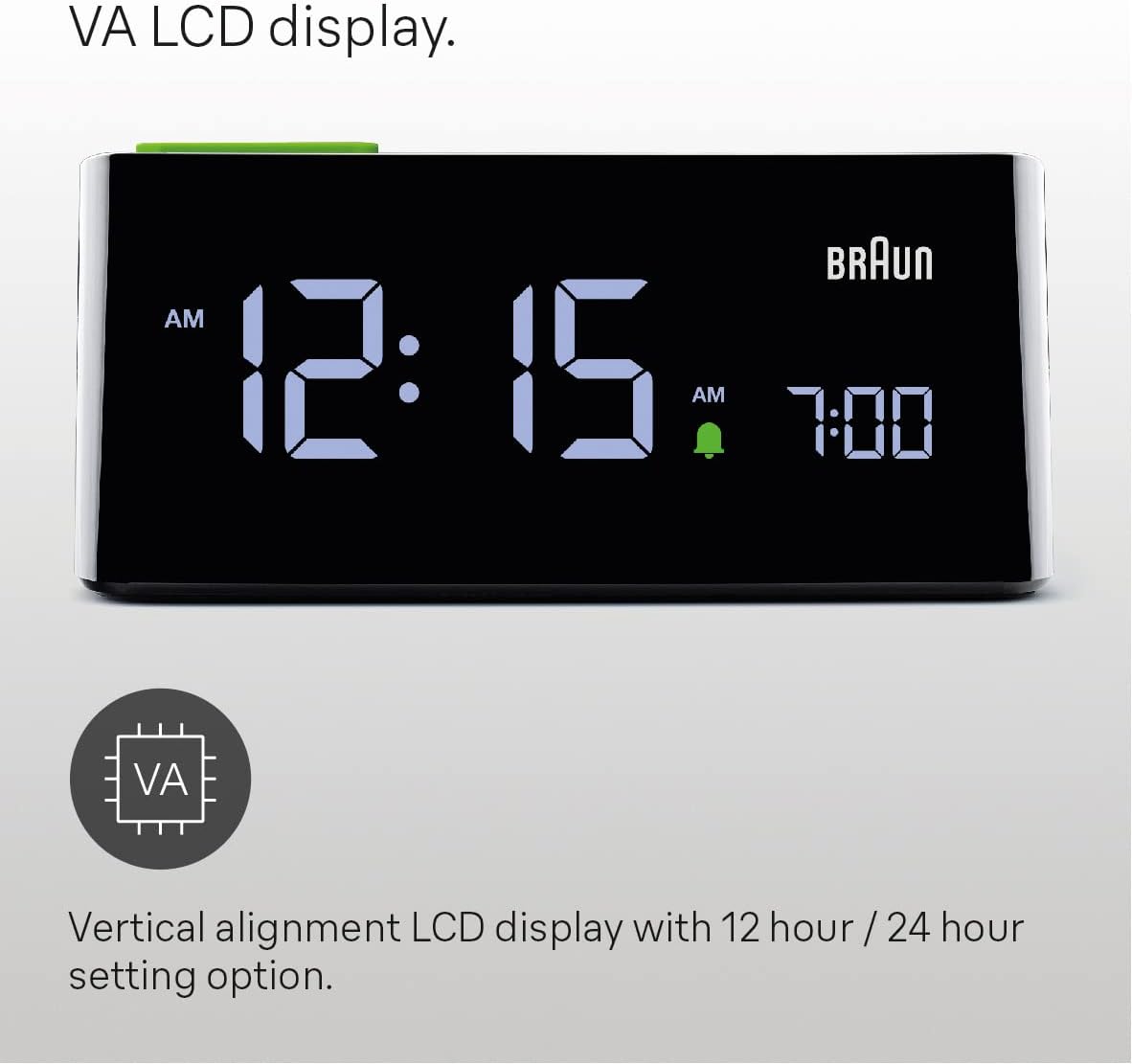
Image: Close-up of the Braun Digital Alarm Clock's VA LCD display, highlighting the clear digital numbers for time and alarm settings.
3.2 Automatic Display Brightness
The display brightness automatically adjusts based on ambient light levels, offering four levels of illumination.
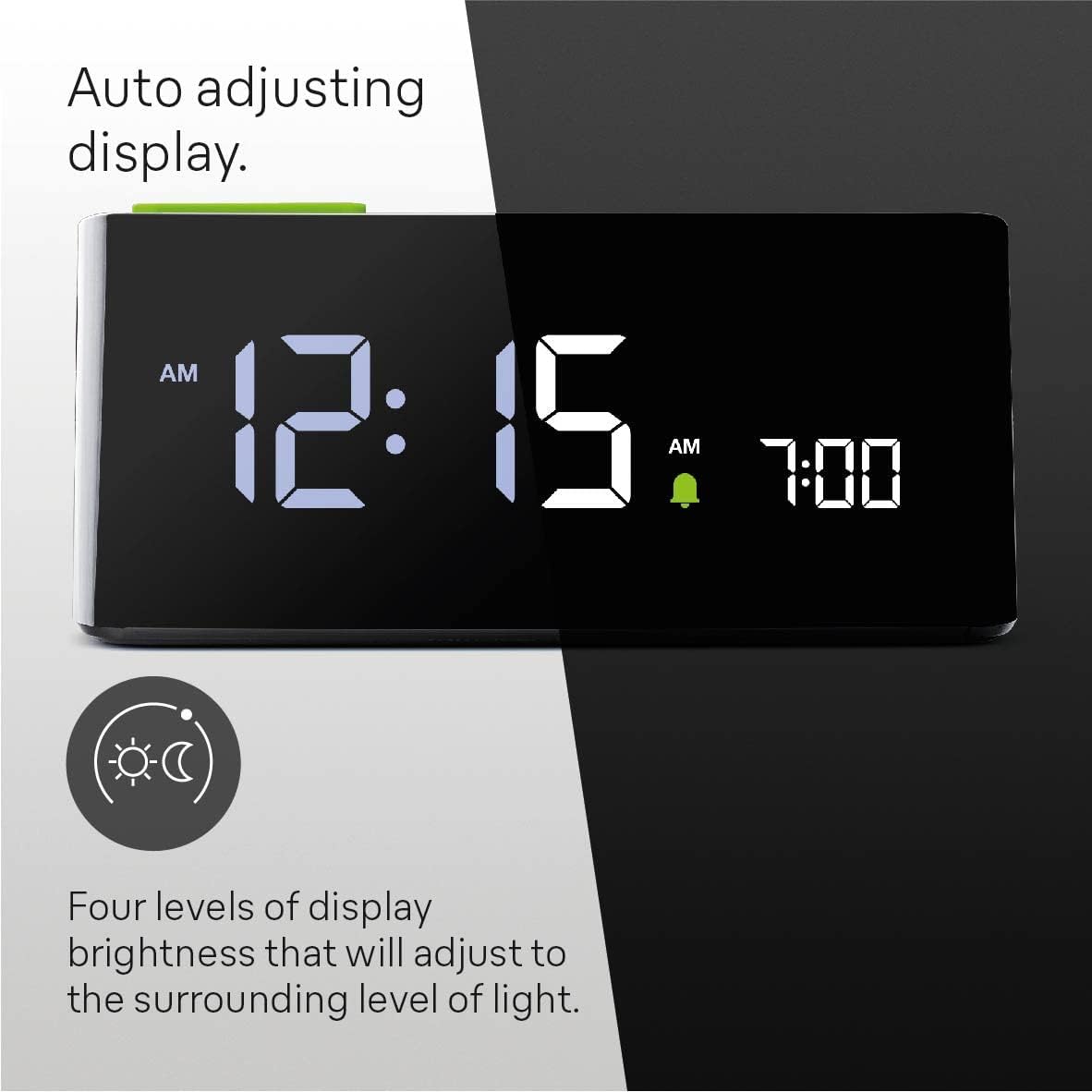
Image: Illustration demonstrating the automatic brightness adjustment of the Braun Digital Alarm Clock's display, showing how it adapts to different light conditions.
3.3 Setting the Alarm
- Locate the 'Alarm Set' button, typically on the top or back of the clock.
- Press and hold the 'Alarm Set' button to enter alarm setting mode.
- Use the '+' and '-' buttons to adjust the desired alarm hour and minute.
- Press 'Alarm Set' again or wait for the display to exit setting mode.
3.4 Activating/Deactivating the Alarm
The alarm can be easily turned on or off.
- Locate the 'Alarm On/Off' switch or button, often a distinct green button on the top.
- Toggle the switch or press the button to activate or deactivate the alarm. An alarm icon will typically appear on the display when active.
3.5 Crescendo Beep Alarm
The alarm features a crescendo beep, which increases in frequency if not turned off.

Image: The Braun Digital Alarm Clock displaying the time and alarm, accompanied by an icon representing the crescendo beep alarm feature.
3.6 Snooze Function
The large touch snooze pad allows for a temporary pause of the alarm.

Image: Top-down view of the Braun Digital Alarm Clock, highlighting the large touch snooze pad and indicating a 5-minute snooze interval.
- When the alarm sounds, touch the large snooze pad on the top of the clock.
- The alarm will pause for 5 minutes and then sound again.
- To turn off the alarm completely, use the 'Alarm On/Off' button.
4. Maintenance
To ensure the longevity and proper functioning of your Braun Digital Alarm Clock, follow these maintenance guidelines:
- Cleaning: Use a soft, dry cloth to clean the clock's exterior. Avoid abrasive cleaners, solvents, or spray cleaners, as these can damage the finish or display.
- Placement: Place the clock on a stable, flat surface away from direct sunlight, extreme temperatures, and high humidity.
- Handling: Handle the clock with care. Avoid dropping it or subjecting it to strong impacts.
- Battery Replacement: If the backup battery needs replacement, use a new CR2032 battery and ensure correct polarity.
5. Troubleshooting
If you encounter issues with your Braun Digital Alarm Clock, refer to the following common problems and solutions:
- Display is blank or flickering:
- Ensure the power adapter is securely connected to both the clock and the electrical outlet.
- Check if the electrical outlet is functioning correctly.
- If the issue persists, try disconnecting and reconnecting the power. If the display remains blank or flickers, the unit may require service.
- Alarm does not sound or cannot be turned off:
- Verify that the alarm is activated (check for the alarm icon on the display).
- Ensure the volume is not set to minimum (if adjustable).
- If the alarm button is stuck or unresponsive, gently check for any obstructions. If it remains unresponsive, the unit may require service.
- Battery backup not working:
- Check the CR2032 backup battery. Ensure it is inserted with correct polarity and is not depleted. Replace if necessary.
- The backup battery only maintains settings, it does not power the display during an outage.
- Time is incorrect:
- Re-set the time following the instructions in Section 2.3.
- Ensure the 12/24 hour format is set correctly for your preference.
6. Specifications
- Brand: Braun
- Model: BC16BUS
- Display Type: Digital VA LCD
- Color: Black
- Product Dimensions: 5.9"W x 2.2"H (approximately W14cm x H5.8cm x D15cm)
- Item Weight: 1.37 pounds (0.62 Kilograms)
- Power Source: Electrical (AC adapter included)
- Backup Battery: 1 x CR2032 (included)
- Special Features: Alarm, Large Display, Touch Snooze, Automatic Brightness Adjustment, 12/24 Hour Setting
- Alarm Type: Crescendo Beep Alarm
- Snooze Interval: 5 minutes
- Frame Material: Acrylonitrile Butadiene Styrene

Image: The Braun Digital Alarm Clock held in a hand, illustrating its compact size and indicating a height of 58mm.
7. Warranty and Support
This Braun Digital Alarm Clock BC16BUS comes with a limited warranty. For specific details regarding warranty coverage, please refer to the warranty card included with your product or visit the official Braun website.
For technical support, troubleshooting assistance beyond this manual, or warranty claims, please contact Braun customer service directly. Contact information can typically be found on the product packaging or the official Braun website.