1. Introduction
The Philips T1207 True Wireless Headphones are designed for portable audio enjoyment. They feature 6mm neodymium drivers, integrated controls, and IPX4 water resistance. This manual provides instructions for proper setup, operation, and maintenance of your headphones.

Image 1.1: Philips T1207 True Wireless Headphones in teal.
2. What's in the Box
Ensure all items are present in the packaging:
- Philips T1207 True Wireless Headphones (Left and Right earbuds)
- Charging case
- USB-C charging cable
- Ear tips (3 sizes: Small, Medium, Large)
- Quick Start Guide

Image 2.1: Included accessories for the Philips T1207 headphones.
3. Setup
3.1. Charging the Headphones
Before first use, fully charge the headphones and charging case.
- Place the earbuds into the charging case. Ensure they are correctly seated.
- Connect the USB-C charging cable to the charging port on the case and to a USB power source.
- The indicator light on the charging case will show charging status. A full charge typically takes 2 hours.

Image 3.1: Earbuds in the charging case.
3.2. Bluetooth Pairing
The headphones are ready to pair instantly when removed from the charging case.
- Open the charging case and remove both earbuds. They will automatically enter pairing mode.
- On your device (smartphone, tablet, laptop), enable Bluetooth.
- Search for available Bluetooth devices and select "Philips T1207".
- Once connected, the headphones will remember your device for future use.
3.3. Secure Fit and Ear Tips
Proper fit is crucial for optimal sound quality and comfort.
- Experiment with the three sizes of ear tips provided (Small, Medium, Large).
- Select the size that creates a snug seal in your ear canal. This helps to block external noise and improve bass response.
- Gently insert the earbud into your ear and twist slightly until it feels secure and comfortable.

Image 3.2: Ear tips for customized fit.
4. Operating the Headphones
4.1. Integrated Controls
The earbuds feature integrated controls for managing audio and calls:
- Play/Pause: Tap once on either earbud.
- Skip Track Forward: Double-tap on the right earbud.
- Skip Track Backward: Double-tap on the left earbud.
- Answer/End Call: Tap once on either earbud.
- Reject Call: Press and hold on either earbud.
4.2. Voice Assistant
Activate your smartphone's voice assistant directly from the headphones:
- Activate Voice Assistant: Triple-tap on either earbud.
4.3. Mono Mode
You can use a single earbud independently while the other charges or is stored.
- Remove one earbud from the case. It will automatically connect to your device if previously paired.
- To switch to stereo, simply remove the second earbud from the case.
Video 4.1: An overview of the Philips T1207 features, including controls and design.
5. Maintenance
5.1. Cleaning
Regular cleaning helps maintain performance and hygiene.
- Gently wipe the earbuds and charging case with a soft, dry, lint-free cloth.
- Remove ear tips and clean them with mild soap and water, then dry thoroughly before reattaching.
- Avoid using abrasive cleaners or solvents.
5.2. Water Resistance (IPX4)
The Philips T1207 headphones are IPX4 rated, meaning they are resistant to splashes and sweat.
- They are suitable for use during workouts or in light rain.
- Do not submerge the headphones in water.
- Ensure the charging port is dry before connecting the charging cable.
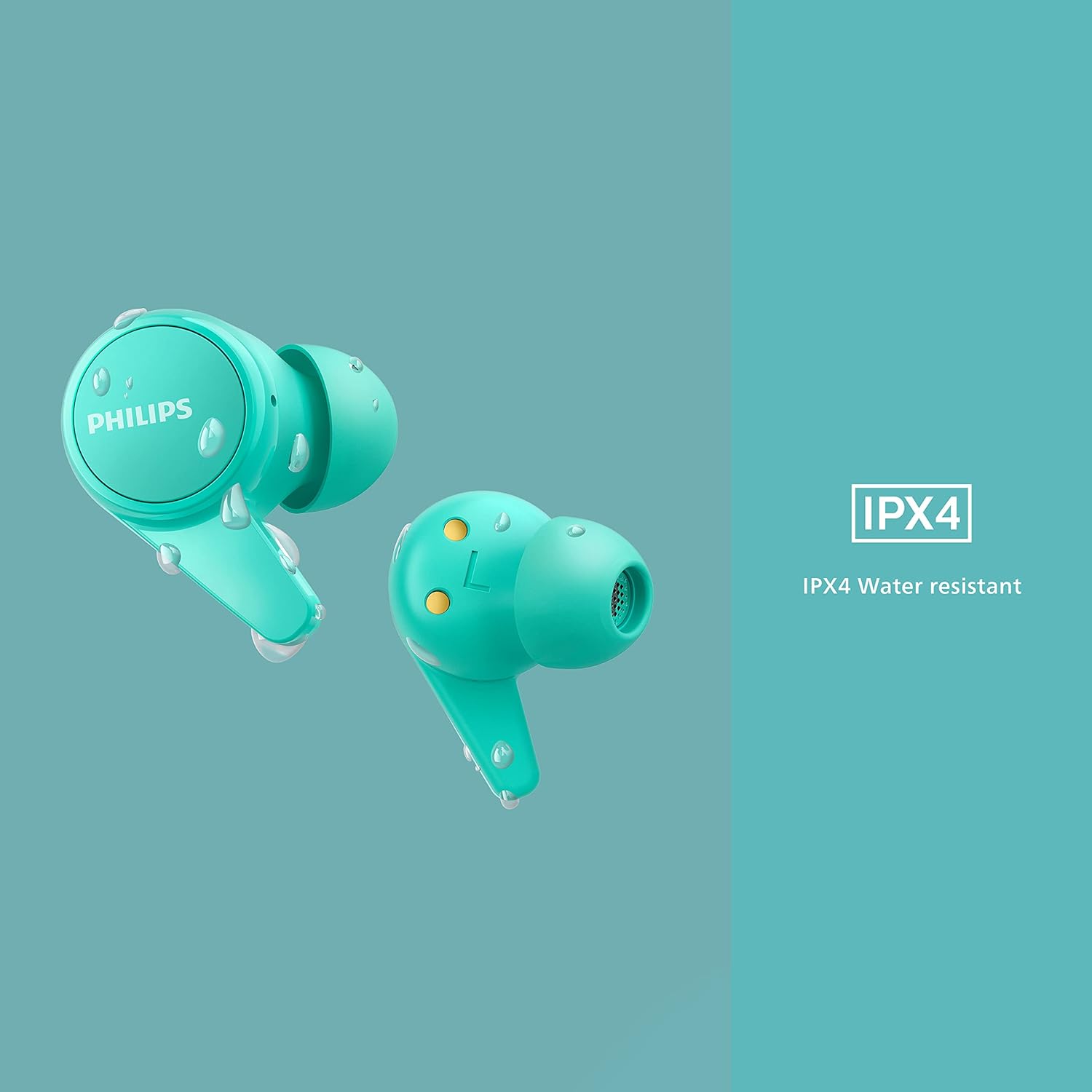
Image 5.1: IPX4 water resistance demonstration.
6. Troubleshooting
If you encounter issues, refer to the following common solutions:
| Problem | Solution |
|---|---|
| No sound or poor sound quality |
|
| Earbuds not pairing |
|
| Earbuds not charging |
|
7. Specifications
| Feature | Detail |
|---|---|
| Model Number | TAT1207BL/00 |
| Connectivity | Bluetooth 5.2 |
| Bluetooth Range | 10 Meters |
| Audio Driver Type | Dynamic Driver (6mm Neodymium) |
| Battery Life (Earbuds) | Up to 6 hours |
| Total Playtime (with case) | Up to 18 hours |
| Charging Time | 2 Hours |
| Water Resistance | IPX4 (Splash and Sweat Resistant) |
| Control Type | Call Control, Voice Assistant |
| Earpiece Shape | Rounded tip |
| Impedance | 16 Ohms |
| Item Weight | 3.21 ounces |
| Product Dimensions | 6.57 x 3.78 x 1.34 inches |
8. Warranty & Support
For detailed warranty information and customer support, please refer to the warranty card included with your product or visit the official Philips support website. Keep your proof of purchase for warranty claims.
Online Support: www.philips.com/support


