Introduction
This manual provides instructions for the proper setup, operation, and maintenance of your ROCKBROS Motorcycle Helmet Lock Bike Cable Lock. Please read this manual thoroughly before using the product to ensure safe and effective operation.
Product Overview
The ROCKBROS Cable Lock is a versatile and lightweight security device designed for various applications, including securing helmets, bicycle wheels, strollers, and luggage. It features a resettable 4-digit combination and a durable, stretchable steel cable with a PVC coating.
Key Features:
- Security Design: Features a 0.18-inch diameter lock body for high strength and cut resistance. The PVC coating protects against scratches.
- Easy to Use: Simple 4-digit combination setting and quick locking/unlocking mechanism.
- Lightweight & Portable: Weighs approximately 100g (0.22lb), making it easy to carry in a pocket or bag.
- High Scalability: The cable can stretch up to 60 inches for flexible use.
- Reinforced Steel Cable: Provides excellent anti-cutting and anti-theft performance.
- Multiple Applications: Suitable for helmets, bicycle wheels, strollers, luggage, doors, and ladders.
Setup: Setting Your Combination
Follow these steps to set your personalized 4-digit combination for the lock:
- Step 1: Ensure the lock is set to the default combination "0000" and unlocked.
- Step 2: Locate the "RESET" knob on the side of the lock. Rotate this knob 90 degrees forward (clockwise or counter-clockwise, depending on the lock design, usually indicated by an arrow).
- Step 3: With the knob rotated, set your desired 4-digit combination by turning the number wheels. Choose a memorable combination.
- Step 4: Rotate the "RESET" knob 90 degrees back to its original position. Your new combination is now set.
Important: It is highly recommended to take a photo of your new combination or write it down in a secure place to avoid forgetting it. Once the combination is changed, there is no master key or override to reset it if forgotten.

Image: Visual guide for setting the 4-digit combination on the ROCKBROS cable lock.
Operating Instructions
To Lock:
- Align the number wheels to your set combination.
- Press the release button (if applicable) or pull the cable head out.
- Thread the cable through the items you wish to secure (e.g., helmet strap, bike wheel, luggage handle).
- Insert the cable head back into the lock body until it clicks securely.
- Scramble the number wheels to secure the lock.
To Unlock:
- Align the number wheels to your set combination.
- Press the release button or pull the cable head to release it from the lock body.

Image: The cable lock securing a helmet to a bicycle.
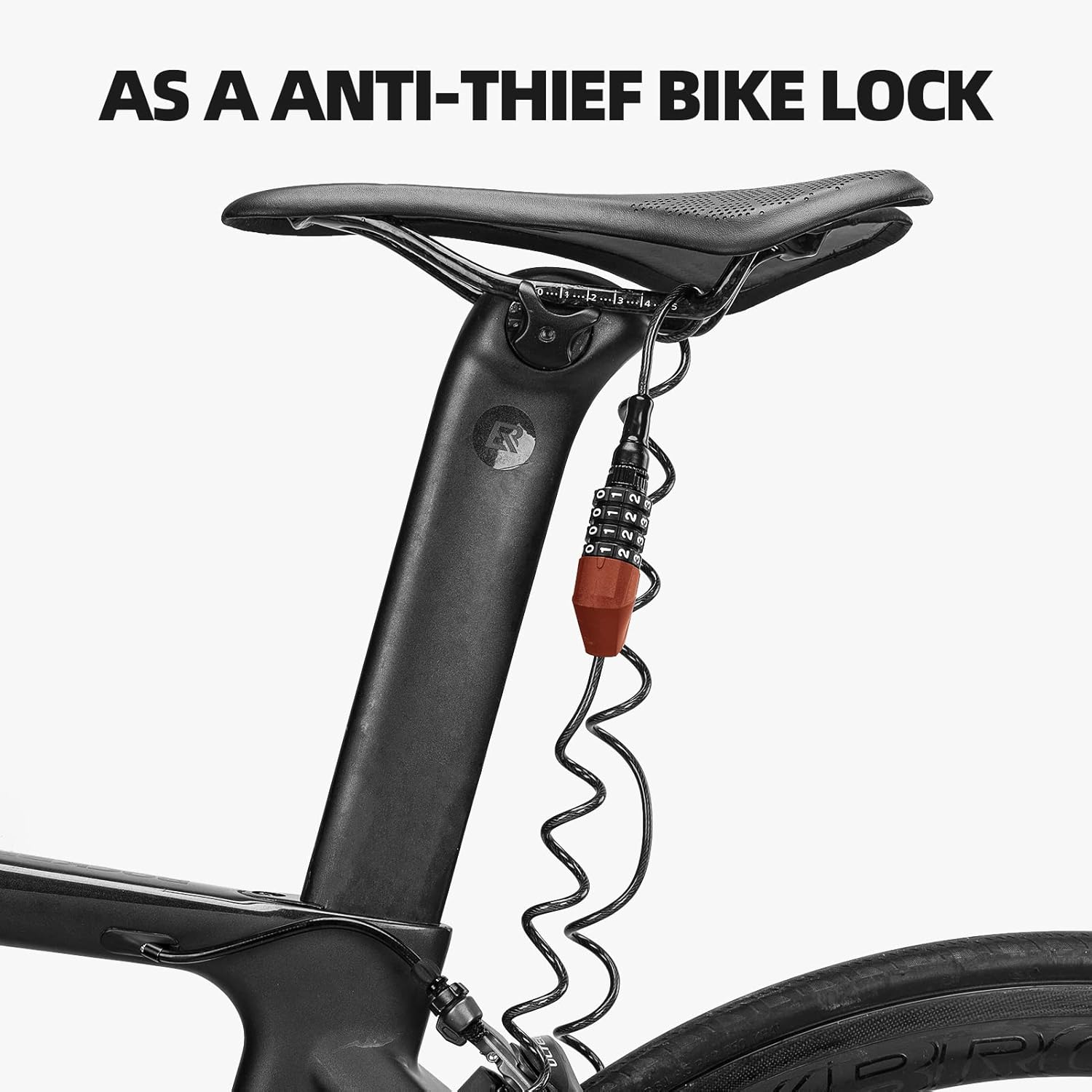
Image: The cable lock securing a bicycle wheel to the frame.

Image: The cable lock securing a motorcycle helmet to the handlebars.
Maintenance
- Keep the lock mechanism clean and free from dirt and debris.
- Periodically wipe the lock body and cable with a damp cloth to remove dust.
- Avoid exposing the lock to extreme temperatures or harsh chemicals, which may damage the PVC coating or internal mechanism.
- The PVC coating is designed to prevent scratches; inspect it regularly for any signs of wear or damage.
Troubleshooting
Lock Cannot Be Opened or Combination Forgotten:
If you encounter issues opening the lock or have forgotten your set combination, please note that there is no master key or factory reset procedure for combination locks once the code has been changed from the default. It is crucial to remember your combination.
If you received the lock and it cannot be opened with the default "0000" combination, or if you are certain you have entered the correct combination but it does not open, please contact ROCKBROS customer support for assistance.
Specifications
| Feature | Detail |
|---|---|
| Brand | ROCKBROS |
| Model Name | Motorcycle Helmet Lock |
| Lock Type | Cable lock (Combination) |
| Material | Alloy Steel, Polyvinyl Chloride, Zinc |
| Special Features | Resettable, Lightweight, Stretchable, Anti-theft |
| Recommended Uses | Helmet Lock, Bike Cable Lock, Strollers, Luggage, Doors, Ladders |
| Item Weight | 0.22 Pounds (approximately 100g) |
| Cable Length (Max Stretch) | Up to 60 inches |
| Cable Diameter | 0.18 inches |
| Color | Red (This specific model) |
| Batteries Required | No |

Image: The lock's portable and lightweight design, showing it fitting into a pocket and its weight on a scale.
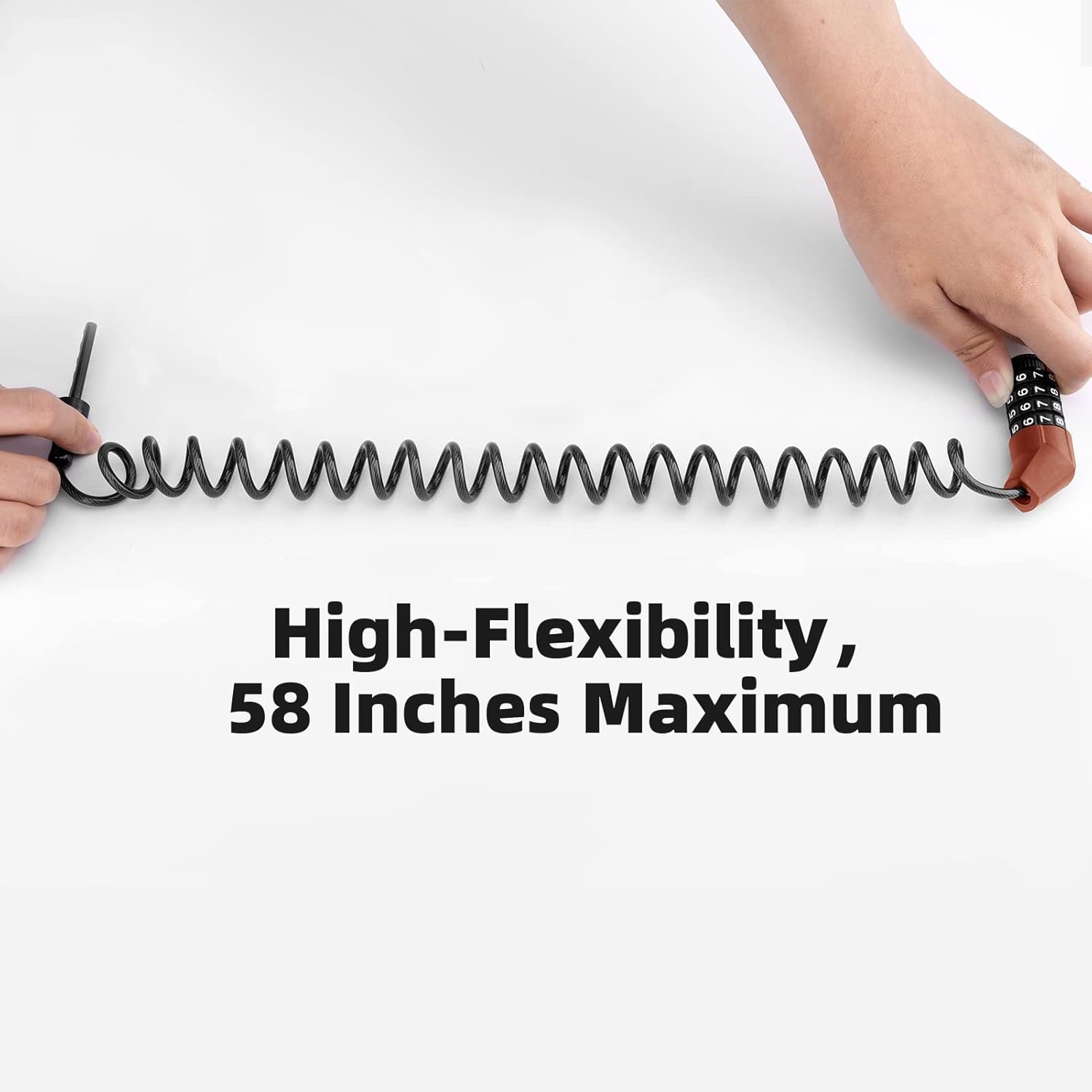
Image: Demonstrating the high flexibility and maximum stretch of the cable lock.

Image: Examples of the lock's multiple purposes for securing different items.
Customer Support
For any questions, concerns, or assistance with your ROCKBROS Motorcycle Helmet Lock Bike Cable Lock, please contact ROCKBROS customer support. Refer to your product packaging or the retailer's website for the most current contact information.


