
VOCOlinc Smart Light Bulbs BR30
User Manual
Model: BR30 | Brand: VOCOlinc

Image: Two VOCOlinc BR30 smart light bulbs, highlighting their compatibility with major smart home platforms like Apple Home, Alexa, and Google Home.
Product Overview
The VOCOlinc BR30 Smart Light Bulbs offer advanced lighting control for your home. These RGBW color-changing LED bulbs are designed for seamless integration with popular smart home ecosystems, providing convenience and customization for your lighting needs.
- Smart Voice Control: Compatible with Alexa Echo, Google Home Assistant, and Apple HomeKit for hands-free operation.
- APP Remote Control & Group Control: Manage your lighting from anywhere using the free VOCOlinc app (iOS, Android). Create groups to control multiple bulbs simultaneously. No hub required.
- 16 Million Colors and Tunable White: Choose from a vast spectrum of colors and adjust white light from warm (2200K) to cool (7000K) to match natural light patterns or create specific ambiances. Includes 5 light effects.
- Timing and Energy Saving: Set schedules and timers for automated lighting. With a service life of approximately 25,000 hours, these 9.5W bulbs are equivalent to 60W incandescent bulbs, offering significant energy savings.
Image: An illustration showcasing the VOCOlinc BR30 Flood Smart Light Bulb as a simple way to automate home lighting, compatible with Apple HomeKit, Amazon Alexa, and Google Assistant.
Setup Guide
- Installation: Screw the VOCOlinc Smart Light Bulb into a standard E26 light socket. Ensure the power is off before installation.
- Power On: Turn on the light switch. The bulb should blink, indicating it is in pairing mode.
- Download the VOCOlinc App: Search for 'VOCOlinc' in your device's app store (iOS or Android) and download the official application.
- Connect to 2.4GHz Wi-Fi: Ensure your smartphone is connected to a 2.4GHz Wi-Fi network. The smart bulbs require a 2.4GHz network for the initial connection.
- Pairing with App:
- Open the VOCOlinc app and follow the on-screen instructions to add a new device.
- The app will guide you through connecting the bulb to your Wi-Fi network.
- Integrate with Smart Home Platforms:
- Apple HomeKit: Open the Apple Home app, tap the '+' icon, and select 'Add Accessory'. Scan the HomeKit code on the bulb or its packaging.
- Amazon Alexa: Open the Alexa app, go to 'Devices', tap the '+' icon, and select 'Add Device'. Choose 'Light' and follow the instructions to discover your VOCOlinc bulb.
- Google Home: Open the Google Home app, tap the '+' icon, select 'Set up device', then 'Works with Google'. Search for 'VOCOlinc' and link your account.
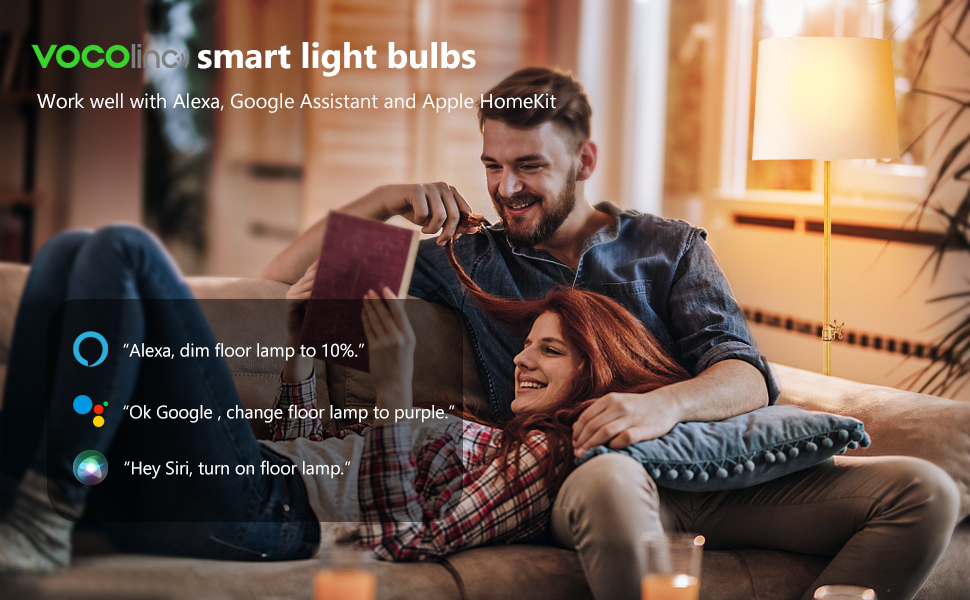
Image: A couple relaxing on a couch, demonstrating voice commands for VOCOlinc smart light bulbs with Alexa, Google Assistant, and Apple HomeKit.
Operating Instructions
Voice Control
Once paired with your smart assistant, you can control your lights using simple voice commands:
- "Alexa, turn on the living room lights."
- "Hey Siri, dim the kitchen lights to 50%."
- "Okay Google, change the bedroom light to blue."

Image: A woman on a couch interacting with a smart speaker, demonstrating voice control for her smart light, with icons indicating compatibility with Apple Home, Alexa, and Google Assistant.
App Control (VOCOlinc App)
The VOCOlinc app provides comprehensive control over your smart bulbs:
- On/Off: Toggle lights on or off.
- Dimming: Adjust brightness from 1% to 100%.
- Color Adjustment: Select from 16 million colors using a color wheel.
- Tunable White: Adjust color temperature from warm white (2200K) to cool white (7000K).
- Light Effects: Choose from 5 pre-set effects (e.g., Blink, Breathe, Flicker, Candle, Flow) for dynamic lighting.
- Scheduling & Timers: Set specific times for lights to turn on/off or change settings. Create countdown timers.
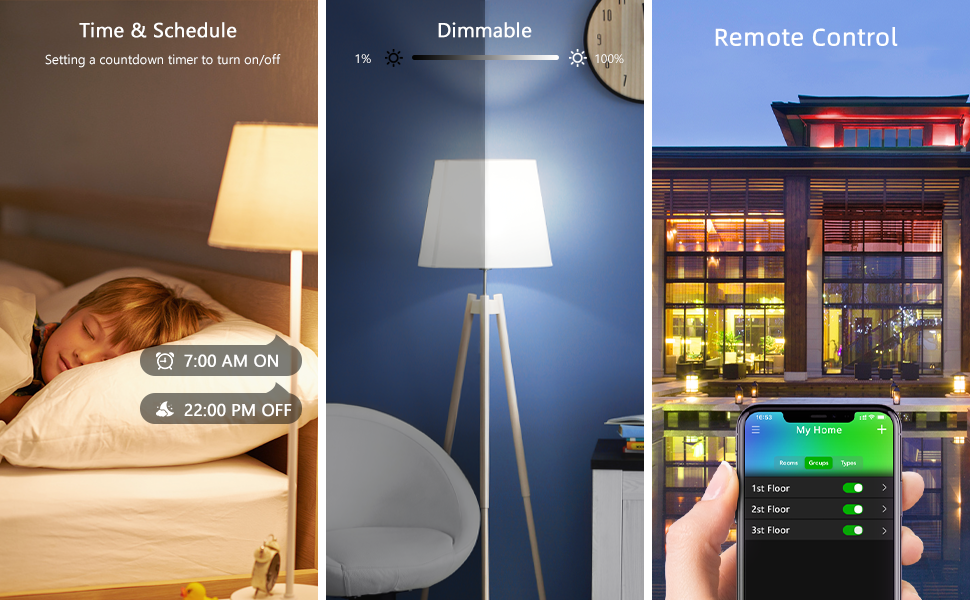
Image: A composite image illustrating the time and schedule features, dimmable functionality, and remote control capabilities of the smart light bulbs via a mobile application.
Group Control
Organize multiple VOCOlinc smart bulbs into groups within the app to control them simultaneously with a single command. This is ideal for rooms with multiple lights or for creating unified lighting zones.

Image: An illustration demonstrating the group control feature, allowing users to control multiple smart bulbs together or individually through the VOCOlinc app.
Maintenance
- Cleaning: Ensure the bulb is powered off and cool before cleaning. Wipe with a soft, dry cloth. Do not use liquid cleaners or abrasive materials.
- Firmware Updates: Periodically check the VOCOlinc app for available firmware updates. Updates can improve performance, add new features, or address bugs. Follow the in-app instructions for updating.
- Storage: If storing the bulbs for an extended period, keep them in a cool, dry place away from direct sunlight and extreme temperatures.
Troubleshooting
| Issue | Possible Cause | Solution |
|---|---|---|
| Bulb not connecting/pairing. | Incorrect Wi-Fi band (not 2.4GHz), weak Wi-Fi signal, incorrect pairing procedure. |
|
| Bulb loses connection frequently. | Weak Wi-Fi signal, network interference, router issues. |
|
| Voice commands not working. | Incorrect smart assistant setup, bulb offline, incorrect command syntax. |
|
Factory Reset Procedure
If you encounter persistent issues or need to re-pair your bulb, you can perform a factory reset:
- Turn the light switch OFF.
- Turn the light switch ON for 1-2 seconds, then OFF.
- Repeat this ON/OFF cycle four times.
- On the fifth ON, the bulb should blink rapidly, indicating it has been reset and is ready for pairing.
Specifications
| Feature | Detail |
|---|---|
| Brand | VOCOlinc |
| Model | BR30 |
| Light Type | LED |
| Special Features | Dimmable, Color Changing (RGBW) |
| Wattage | 9.5 Watts (60W Equivalent) |
| Lumen Output | 800 Lumens |
| Bulb Shape Size | BR30 |
| Bulb Base | E26 |
| Color Temperature | 2200K - 7000K (Tunable White) |
| Connectivity | Wi-Fi (2.4GHz only) |
| Compatibility | Alexa, Apple HomeKit, Google Home |
| Product Dimensions | 7.62 x 0.03 x 12.7 cm |
| Weight | 260 g |
| Service Life | Approx. 25,000 hours |

Image: A visual comparison highlighting that the 9.5W VOCOlinc smart bulb provides light output equivalent to a 60W traditional incandescent bulb, emphasizing energy efficiency.
Warranty and Support
VOCOlinc is committed to the design and development of smart home devices. We value your feedback and continuously strive to improve our products based on customer experience.
If you are not satisfied with your product, VOCOlinc provides 24-hour Email service and return service. Please refer to your purchase documentation or the official VOCOlinc website for specific warranty terms and contact information.
For support, please contact the VOCOlinc customer service team via email. Details can typically be found on the product packaging or the VOCOlinc official website.
