
Introduction
Thank you for choosing the suddus SD-100GM Multicolor 100 LED USB Pastel String Lights. These versatile globe string lights are designed to add a vibrant and cozy ambiance to your indoor and outdoor spaces. Featuring multiple lighting modes, a convenient timer function, and remote control, they are perfect for various occasions and everyday decoration.
What's Included
- 1 x suddus SD-100GM Multicolor 100 LED USB Pastel String Lights (33ft)
- 1 x Remote Control
- 1 x USB Cable
Setup
Powering the Lights
The suddus SD-100GM string lights are USB powered. To operate, connect the included USB cable to a 10W USB adapter (not included) or any compatible power bank. This allows for flexible placement without needing a traditional wall outlet nearby.
Placement
These lights are suitable for both indoor and outdoor use. For outdoor applications, ensure the USB connection point is protected from direct moisture. The lights themselves have an IP20 ingress protection rating, making them safe for dry indoor environments. For outdoor use, they are water-resistant and can withstand light rain, but the USB power source should be kept dry.

Image: Multicolor string lights strung across a classroom ceiling, powered by a USB port. The image shows the USB cable connected to a power source, illustrating flexible indoor placement.

Image: Multicolor string lights decorating an outdoor tent and a picnic area at night. This demonstrates the lights' suitability for outdoor decorative use.
Connecting Multiple Sets
Please note that multiple sets of these string lights cannot be connected end-to-end.
Operating Instructions
The string lights can be controlled using the included remote control or the button on the USB connector.
Remote Control Functions
- ON/OFF: Press the respective buttons to turn the lights on or off.
- MODE: Cycle through 8 different lighting modes:
- 1. Combination
- 2. In Waves
- 3. Sequential
- 4. Slow-Glow
- 5. Chasing/Flash
- 6. Slow Fade
- 7. Twinkle/Flash
- 8. Steady On
- TIMER: Activate the 6 hours ON / 18 hours OFF cycle. The lights will automatically turn on for 6 hours and then off for 18 hours, repeating daily.
- DIM+/DIM-: Adjust the brightness level. There are 4 adjustable brightness levels.

Image: Multicolor string lights decorating a bedroom, illustrating the 8 lighting modes and remote control functionality.
USB Connector Button
The button on the USB connector can also be used to cycle through the 8 lighting modes. It does not control the timer or brightness settings.
Maintenance
Cleaning
To clean the lights, gently wipe them with a soft, dry cloth. Do not immerse the USB connector in water. For outdoor use, ensure the lights are dry before storing.
Storage
When not in use, store the string lights in a cool, dry place, away from direct sunlight and extreme temperatures. Carefully coil the string to prevent tangling.
Safety Precautions
- The LED bulbs are cool-to-touch, making them safe for use around children and pets.
- The wires are designed to be tangle-resistant for easier handling.
- Avoid excessive pulling or bending of the wires to prevent damage.
- Ensure the USB power source is protected from moisture, especially during outdoor use.
Troubleshooting
Lights Not Turning On
- Check if the USB cable is securely connected to a working power source.
- Ensure the power source (USB adapter or power bank) is functioning correctly.
- Press the ON button on the remote control or the button on the USB connector.
Remote Control Not Working
- Ensure there are no obstructions between the remote and the USB receiver.
- Check the remote control battery and replace if necessary.
Lights Flickering
- Ensure the power source provides stable 5V output.
- If using a USB adapter, try a different adapter to rule out power supply issues.
Specifications
| Feature | Detail |
|---|---|
| Model Number | SD-100GM |
| Length | 33 feet |
| Number of LEDs | 100 |
| Light Color | Multicolor (Pastel) |
| Power Source | USB (5 Volts, 5 Watts) |
| Control Method | Remote Control |
| Special Features | Dimmable, Shatterproof, Timer, Twinkling, Water Resistant |
| Ingress Protection Rating | IP20 |
| Material | Copper, Plastic |
| Indoor/Outdoor Usage | Indoor, Outdoor |
Product Media
Product Images

Image: Pastel globe string lights illuminating a room with a 'SPRING' sign and Easter decorations. The lights create a soft, festive glow.
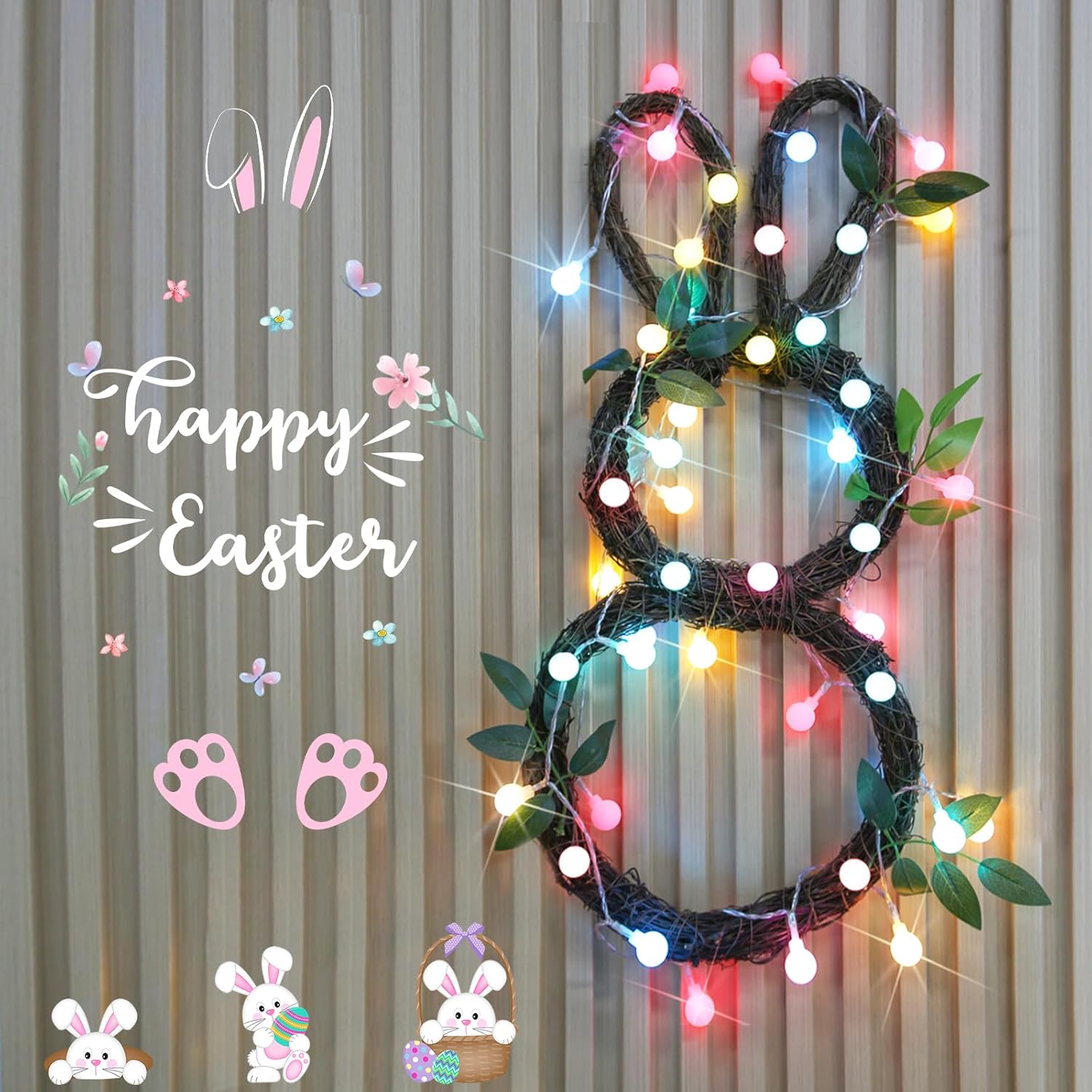
Image: An Easter bunny-shaped wreath adorned with colorful string lights, showcasing a creative decorative application.

Image: Multicolor string lights in a bedroom, with a child reading under the bed, illustrating the adjustable brightness levels for different moods.

Image: Multicolor string lights decorating an outdoor house and tree in winter, highlighting the remote control, timer, and 4 brightness levels for versatile outdoor use.

Image: A close-up of a single white globe light and a bundle of unstrung multicolor lights, demonstrating the lighting effect and bulb design.
Official Product Videos
Video: "Globe String Lights Outdoor" by suddus. This video demonstrates the string lights in an outdoor setting, showcasing their appearance and functionality for exterior decoration.