1. Introduction
Thank you for choosing the MOMAX Q.Mag Power Magnetic Wireless Power Bank. This compact and versatile device is designed to provide convenient charging for your mobile devices on the go, featuring magnetic attachment, a foldable stand, and both wireless and wired charging capabilities. Please read this manual carefully to ensure proper use and optimal performance.
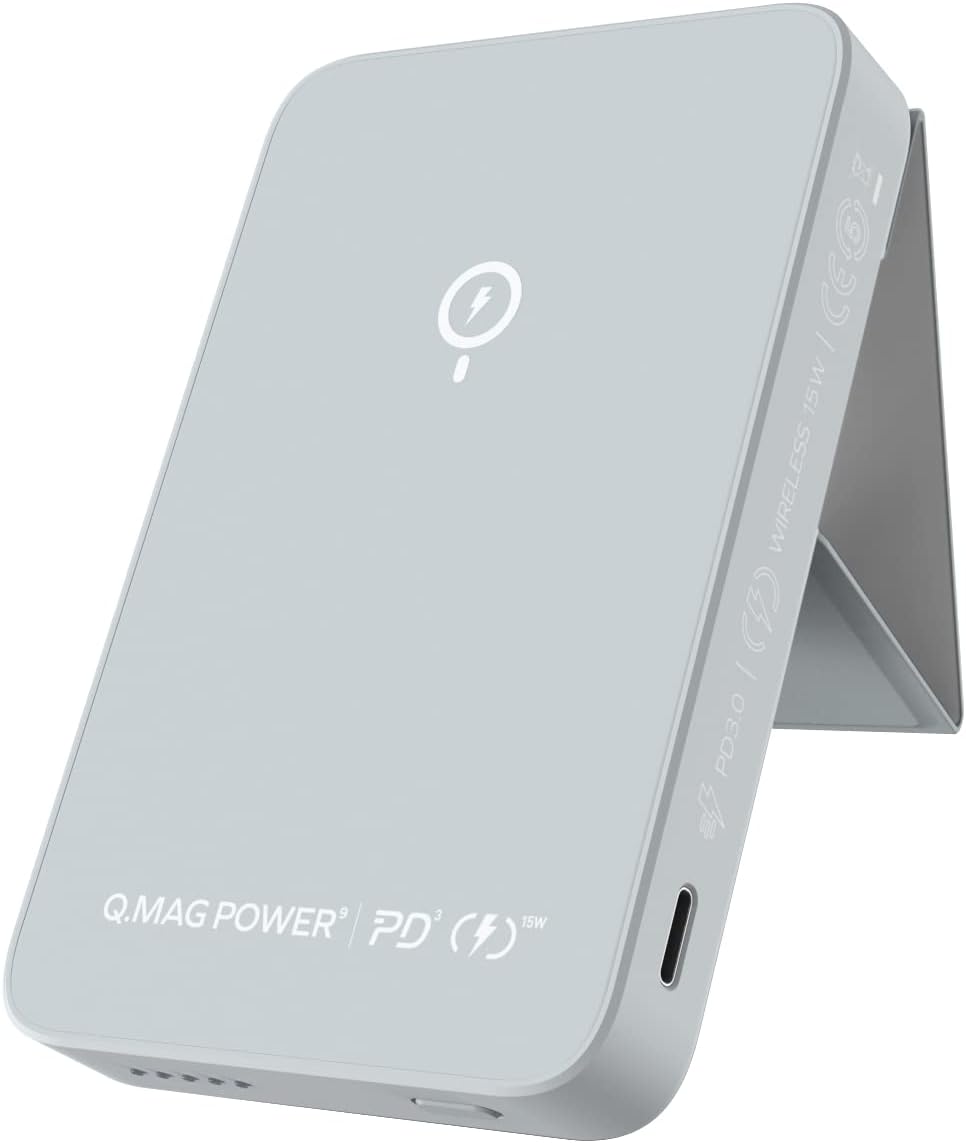
Image: The MOMAX Q.Mag Power Magnetic Wireless Power Bank, showcasing its sleek grey design and integrated stand.
2. Product Features
- Foldable Phone Stand: The power bank features a versatile foldable stand, allowing you to prop up your phone vertically or horizontally for comfortable viewing during video calls, media consumption, or general use.
- Super Magnetic Suction: Equipped with the latest magnetic locator design, ensuring strong and efficient alignment for secure wireless charging. It attaches firmly to the back of compatible phones, eliminating messy cables.
- Wireless Fast Charging: Supports 15W wireless fast charging for compatible devices, and 5W/7.5W/10W standard wireless charging for all Qi-enabled devices.
- High-speed USB-C Input and Output: Features USB-C for fast charging with 20W max output and 18W input, allowing for quick recharging of the power bank and connected devices.
- Slim and Compact Design: With a thickness of only 0.5 inches and weighing 4.7 ounces, it is highly portable and designed for comfortable one-handed use.
- Safety Features: Includes multiple protection mechanisms against overheating, over-charge, short-circuit, and Foreign Object Detection (FOD). It is also airline approved.

Image: A MOMAX power bank with its foldable stand deployed, supporting an iPhone in portrait mode on a wooden table, demonstrating its versatile viewing angles.

Image: An iPhone floating above the MOMAX power bank, illustrating the strong magnetic suction and auto-alignment feature for wireless charging.

Image: A person holding an iPhone with the MOMAX power bank attached to its back, demonstrating the convenience of wireless charging while actively using the phone.

Image: The MOMAX power bank with a USB-C cable plugged in, highlighting its PD 3.0 fast charging capabilities with 18W input and 20W output.
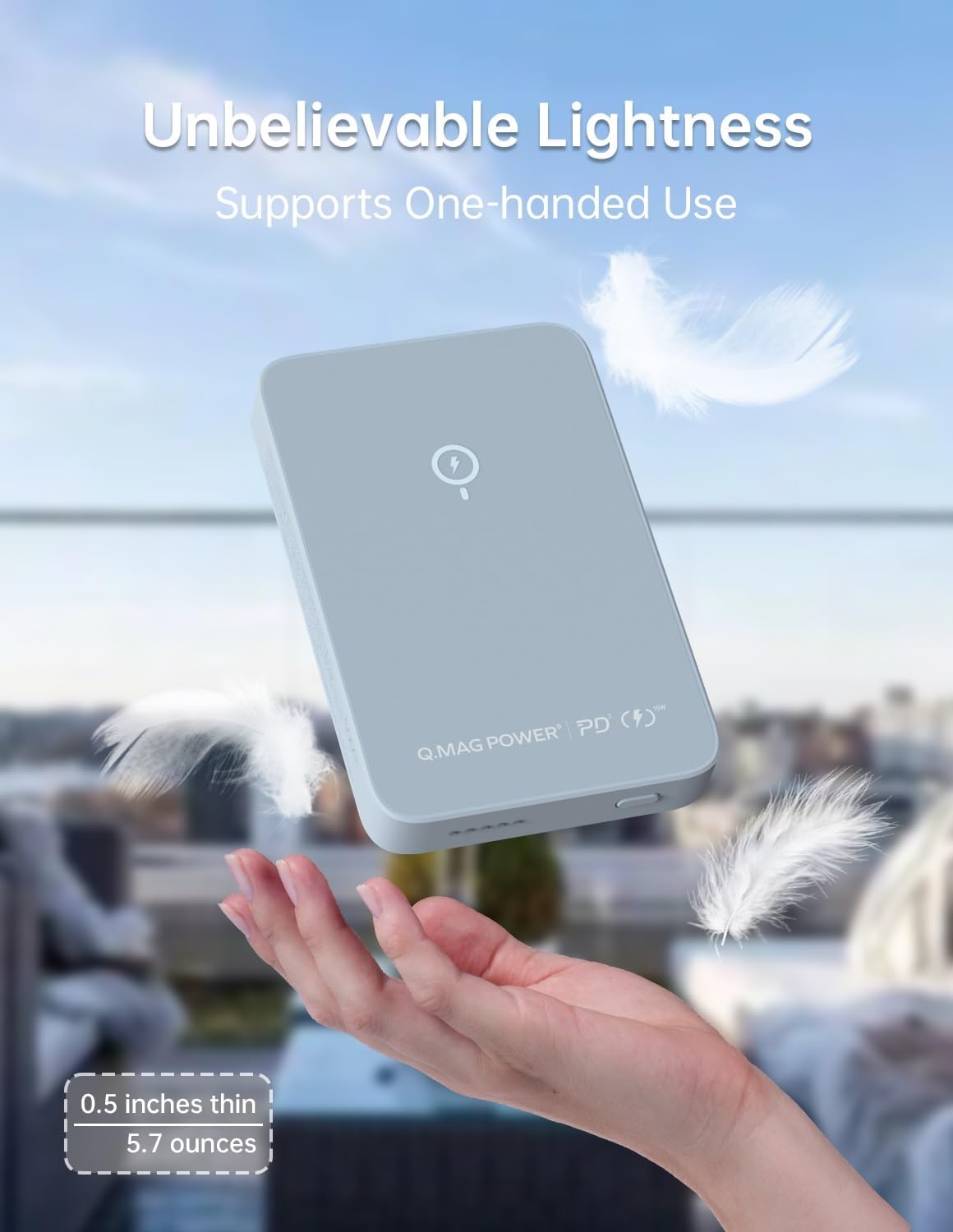
Image: A hand holding the MOMAX power bank, with feathers in the background, illustrating its lightweight and slim design (0.5 inches thin, 4.7 ounces).

Image: The MOMAX power bank with icons representing its safety features: protection against overheat, over-charge, short-circuit, and Foreign Object Detection (FOD).
3. Package Contents
Upon opening your MOMAX Q.Mag Power package, you should find the following items:
- MOMAX Wireless Charger Battery Pack (Q.Mag Power)
- 39.4 inches (100 cm) USB-C to USB-C Cable
- Instruction Manual (this document)

Image: The complete package contents, including the MOMAX power bank, USB-C to USB-C cable, and the instruction manual.
4. Setup
- Initial Charge: Before first use, fully charge your MOMAX Q.Mag Power bank. Connect the provided USB-C to USB-C cable to the power bank's USB-C port and the other end to a compatible USB-C power adapter (not included). The LED indicators will show charging progress.
- Power On: Press the power button located on the side of the power bank to turn it on. The LED indicators will light up to show the current battery level.
5. Operating Instructions
5.1 Wireless Charging
For magnetic wireless charging (compatible with iPhone 12/13/14/15 series and MagSafe-enabled cases):
- Ensure the power bank is powered on.
- Align your compatible iPhone or Qi-enabled device with the charging coil on the surface of the power bank. The magnetic attraction will help snap it into place for iPhones.
- Charging will begin automatically. The LED indicators on the power bank will show activity, and your device will indicate charging.

Image: An iPhone displaying a charging animation while resting on the MOMAX power bank, indicating active wireless charging.
5.2 Wired Charging
For wired charging using the USB-C port:
- Ensure the power bank is powered on.
- Connect one end of a USB-C cable (the provided one or another compatible cable) to the USB-C port on the power bank.
- Connect the other end of the cable to your device's charging port.
- Charging will begin automatically. The power bank's USB-C port supports up to 20W output for fast charging.
5.3 Using the Foldable Stand
The integrated foldable stand offers multiple viewing angles:
- Gently unfold the stand from the back of the power bank.
- Adjust the stand to your desired angle. It can support your phone in both portrait and landscape orientations.
- The stand can be used independently or while wirelessly charging your phone.
5.4 Official Product Video
Watch this official video from MomaxDirect to see the Q.Mag Power bank in action, demonstrating its slim design, magnetic attachment, and foldable stand functionality.
Video: A short demonstration of the MOMAX Magnetic Wireless Power Bank, highlighting its compact size, magnetic attachment to an iPhone, and the functionality of its foldable stand for both vertical and horizontal viewing. (Source: MomaxDirect)
6. Compatibility
The MOMAX Q.Mag Power bank offers broad compatibility:
- Magnetic Wireless Charging: Specifically designed for iPhone 15, 14, 13, and 12 Series.
- Standard Wireless Charging: Compatible with all Qi-enabled devices, including AirPods 3, AirPods Pro, AirPods 2, and Samsung S22.
- Wired Charging: The USB-C port can charge various devices such as iPad Pro, iPad Air, iPad, and iPad mini.

Image: A visual representation of the power bank's broad compatibility, showing various iPhone models for magnetic wireless charging, AirPods and Samsung S22 for standard wireless charging, and iPads for wired charging.
7. Indicators
The power bank features LED indicators to provide status information:
- Power Indicator: A series of LED lights (typically 4 or 5) that indicate the remaining battery capacity of the power bank. Each light represents a percentage of charge.
- Status Indicator: An additional LED light that may indicate charging status (e.g., solid when charging, blinking for errors or low battery).

Image: A close-up view of the MOMAX power bank's side, clearly labeling the Status Indicator (red dot) and Power Indicators (four blue dots) to show battery level and operational status.
8. Maintenance
- Keep the power bank dry and away from moisture.
- Avoid extreme temperatures (hot or cold).
- Do not drop, disassemble, or attempt to repair the device yourself.
- Clean the surface with a soft, dry cloth. Do not use harsh chemicals or abrasive materials.
- Store in a cool, dry place when not in use for extended periods.
9. Troubleshooting
| Problem | Possible Cause | Solution |
|---|---|---|
| Device not charging wirelessly. | Misalignment, non-Qi enabled device, foreign object, low power bank battery. | Ensure proper alignment. Check if device is Qi-enabled. Remove any foreign objects. Recharge power bank. |
| Device not charging via USB-C. | Cable issue, low power bank battery, device not compatible. | Try a different USB-C cable. Recharge power bank. Ensure device is compatible with USB-C charging. |
| Power bank not charging. | Faulty cable/adapter, loose connection. | Check cable and adapter. Ensure connections are secure. Try a different power source. |
| LED indicators not working. | Power bank off, internal issue. | Press the power button. If still unresponsive, contact customer service. |
10. Specifications
- Model Number: IP109
- Battery Capacity: 5000 Milliamp Hours (mAh)
- Product Dimensions: 4.02 x 2.6 x 0.53 inches
- Item Weight: 4.7 ounces
- Wireless Charging Output: Up to 15W (supports 5W/7.5W/10W/15W)
- USB-C Output: 20W Max
- USB-C Input: 18W Max
- Connector Type: USB Type C
- Color: Grey
- Manufacturer: Momax Technology Ltd.
- Special Features: Fast Charging, Foldable, Magnetic, Portable Charger, Wireless, Wireless Charger, Wireless Charging
11. Warranty & Support
Your MOMAX Q.Mag Power Magnetic Wireless Power Bank comes with a worry-free 24-month warranty.
For any questions, technical support, or warranty claims, please contact our friendly customer service team. Refer to the contact information provided on the product packaging or the official MOMAX website for the most up-to-date support details.