
Introduction
Thank you for choosing the Bitvae R2 Rotating Electric Toothbrush. This manual provides essential information for the safe and effective use of your new toothbrush. The Bitvae R2 is designed to deliver a superior clean, removing up to 400% more plaque compared to a manual toothbrush. It features a powerful motor, a visible pressure sensor to protect your gums, and five distinct brushing modes to cater to various oral care needs.
Please read this manual thoroughly before first use and retain it for future reference.
Package Contents
The Bitvae R2 Rotating Electric Toothbrush package includes the following items:
- 1 Bitvae R2 Toothbrush Handle
- 8 Toothbrush Heads
- 1 Travel Case
- 1 USB Cable (Adaptor not Included)
- 1 Instruction Manual

Image: Contents of the Bitvae R2 Electric Toothbrush package.
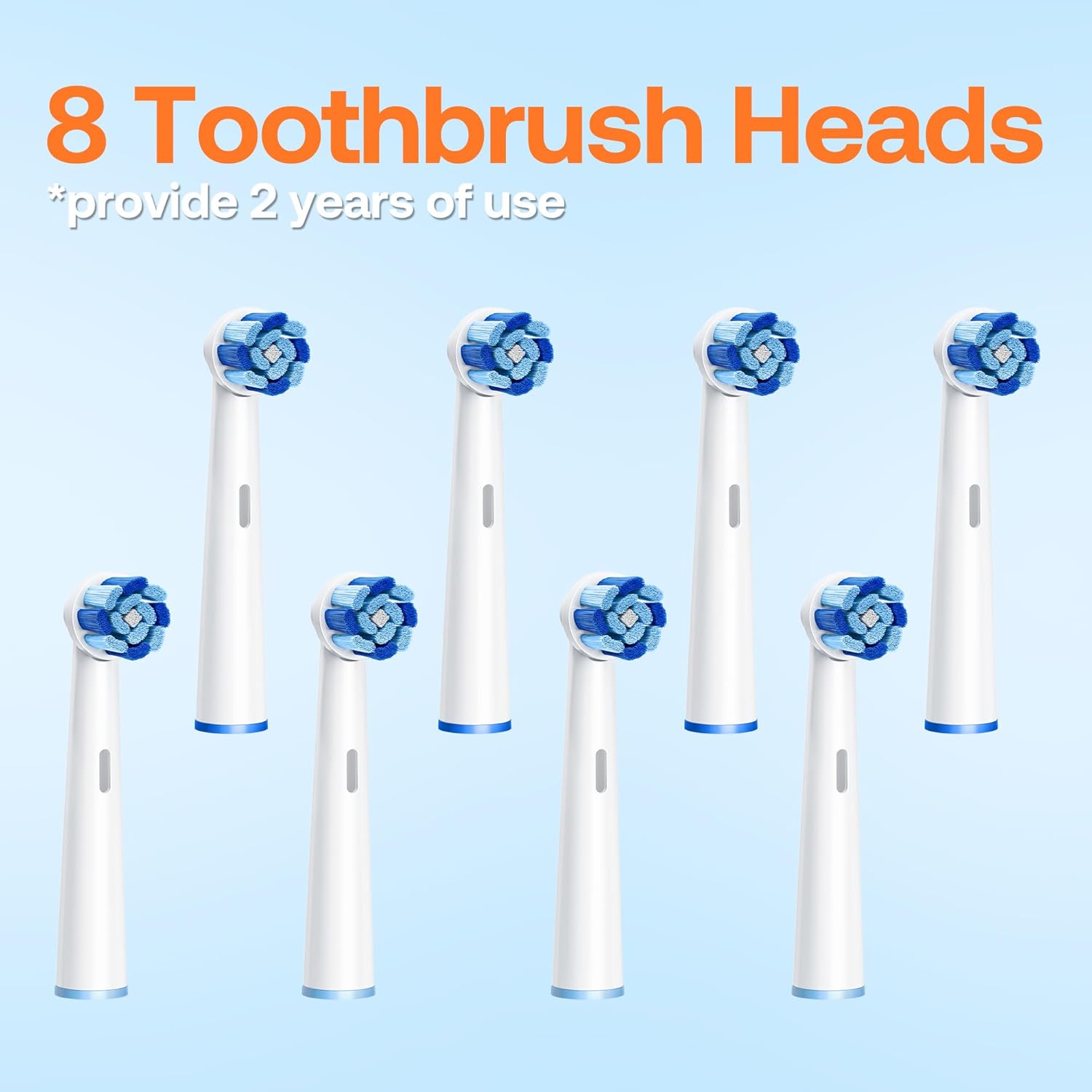
Image: A set of eight replacement toothbrush heads, providing up to two years of use.

Image: The Bitvae R2 toothbrush handle and two brush heads neatly stored within its portable travel case.
Safety Information
Please observe the following safety guidelines:
- Keep out of reach of young children.
- Do not use if damaged.
- Consult your dentist before use if you have any oral or dental concerns.
- Replace brush heads every 3 months or sooner if worn.
- Discontinue use if any discomfort occurs.
Setup
Follow these steps to set up your Bitvae R2 toothbrush for first use:
- Charging the Toothbrush: Charge the toothbrush using the provided USB cable with a DC charging port and a 5V-1A adapter (adapter not included) for at least 3 hours before initial use. A full charge provides up to 30 days of battery life.

Image: The USB charging cable with a DC round connector for the Bitvae R2 toothbrush.

Image: A standard 5V-1A USB power adapter, which is required for charging the toothbrush.
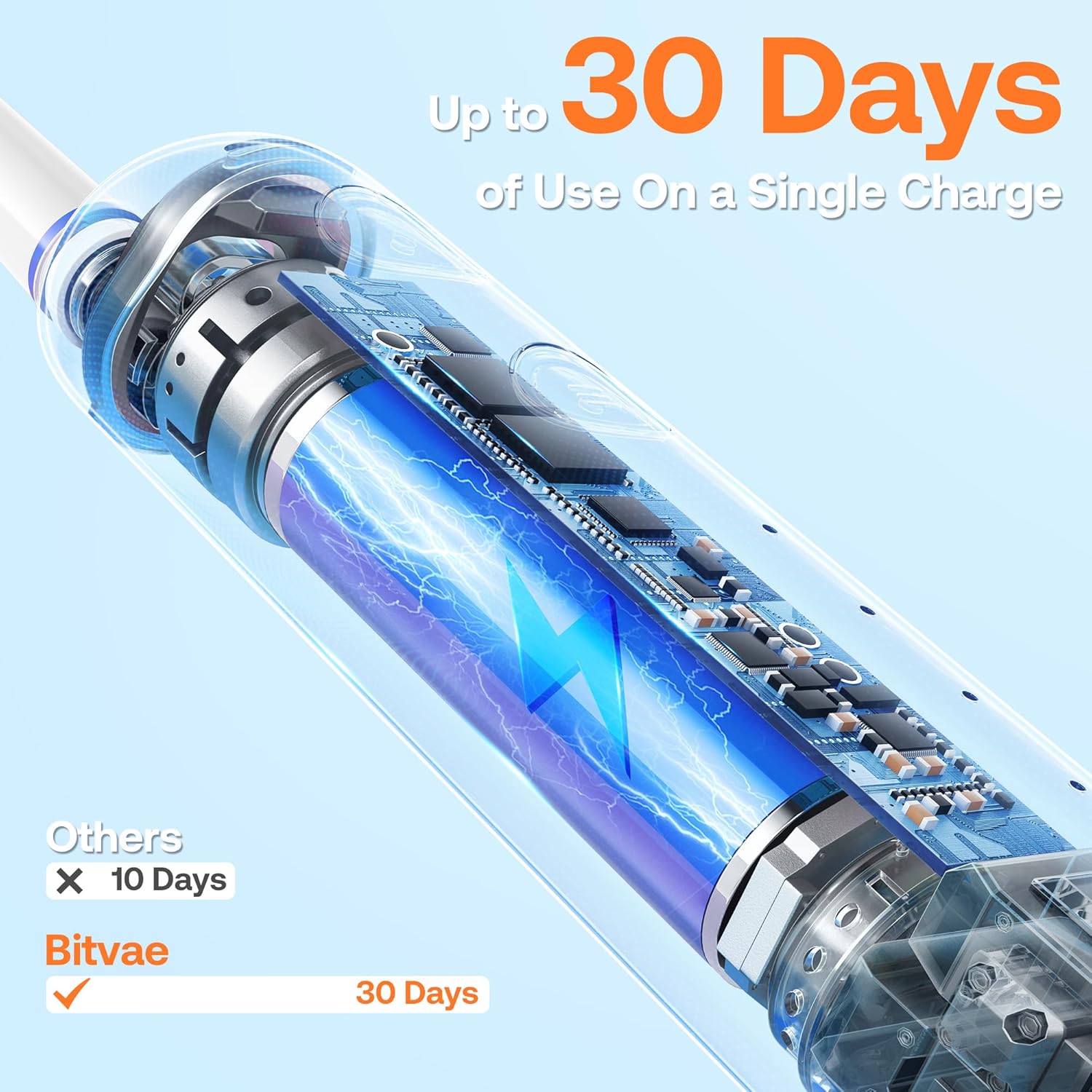
Image: Visual representation of the Bitvae R2's impressive 30-day battery life on a single charge.
- Attaching the Brush Head: Align the brush head with the metal shaft on the toothbrush handle and push it down firmly until it clicks into place.
Operating Instructions
To use your Bitvae R2 electric toothbrush:
- Wet the toothbrush head and apply a small amount of toothpaste.
- Press the power button to turn on the toothbrush.
- Selecting a Mode: Press the mode button to cycle through the 5 available brushing modes:
- Clean: Standard mode for daily cleaning.
- Sensitive: Gentle cleaning for sensitive teeth and gums.
- White: For polishing and removing surface stains.
- Gum Care: Gentle massage for gum health.
- Tongue: For cleaning the tongue to reduce bad breath.
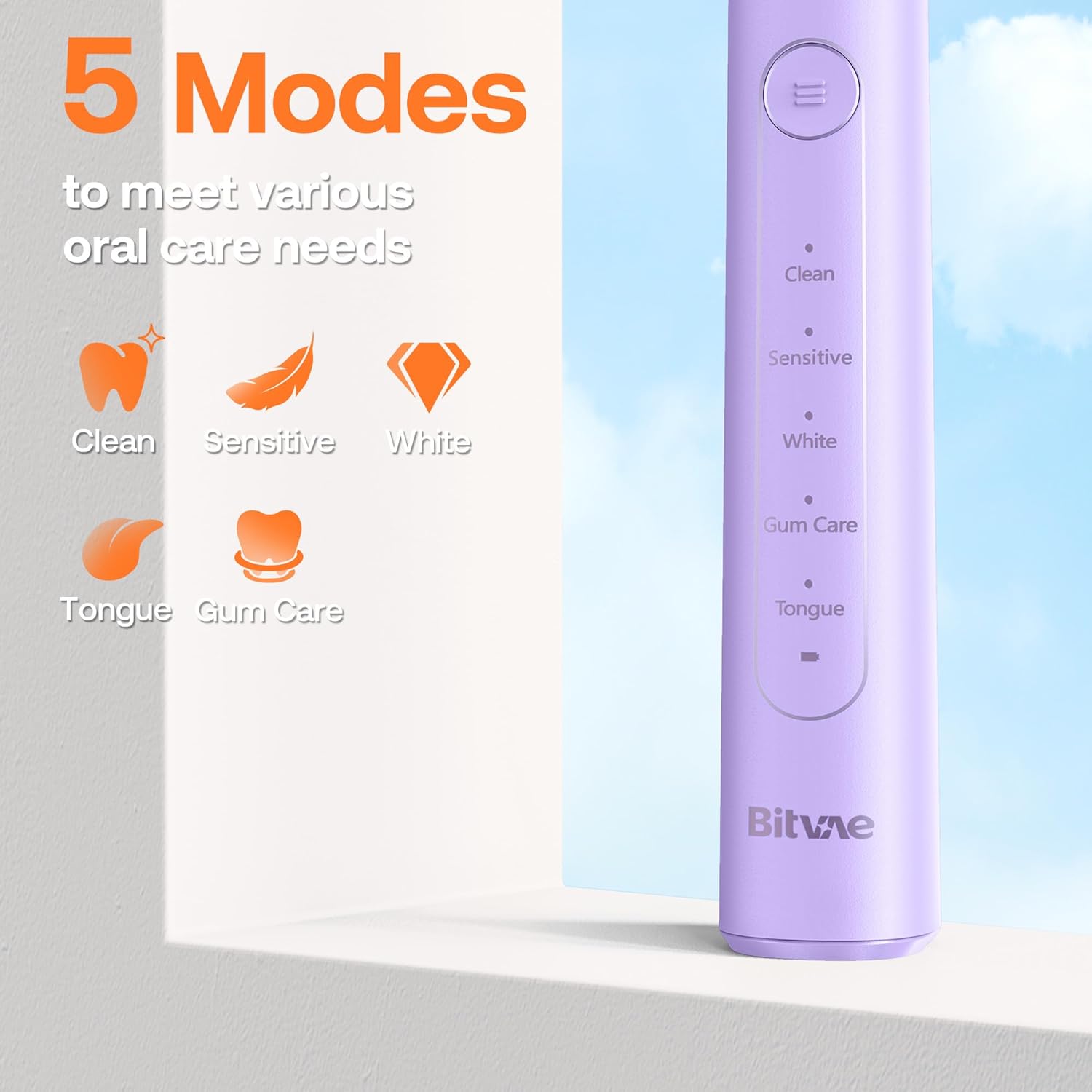
Image: Visual representation of the five distinct brushing modes available on the Bitvae R2 toothbrush.
- Brushing Technique: Place the brush head against your teeth at a slight angle towards the gumline. Move the brush slowly from tooth to tooth, allowing the rotating movements to clean each surface.
- Pressure Sensor: The toothbrush is equipped with a visible pressure sensor. If you apply too much pressure, the indicator light will illuminate RED, reminding you to reduce pressure to protect your gums and enamel.

Image: The visible pressure sensor lights up red when too much force is applied during brushing.
- Smart Timer: The built-in 2-minute smart timer ensures you brush for the dentist-recommended duration. The toothbrush will pulse every 30 seconds to remind you to move to the next quadrant of your mouth.

Image: The 2-minute smart timer with 30-second interval reminders for thorough brushing.

Image: The rotating brush head effectively removing plaque from the tooth surface.

Image: A user demonstrating proper brushing technique with the Bitvae R2 toothbrush.
Maintenance
Proper maintenance ensures the longevity and effectiveness of your toothbrush:
- Cleaning: After each use, rinse the brush head thoroughly under running water. Wipe the handle with a damp cloth. Do not immerse the handle in water for extended periods, although it is IPX7 waterproof.
- IPX7 Waterproof: The Bitvae R2 toothbrush is IPX7 waterproof, meaning it can withstand immersion in water up to 1 meter for 30 minutes. This allows for safe use in the shower and easy cleaning.

Image: The toothbrush is IPX7 waterproof, allowing for use in wet environments and easy cleaning.
- Brush Head Replacement: Dentists recommend changing the brush head every 3 months, or sooner if the bristles appear frayed or worn. The color of the Premium Reminder bristles will fade over time, indicating it's time for a replacement.

Image: Reminder to replace the brush head every 3 months for optimal performance.
- Distinguishing Users: The brush heads come with two colored rings that can be used to identify each brush head when the handle is shared among family members.

Image: Two colored rings on the brush heads allow for easy distinction between users.
Troubleshooting
If you encounter any issues with your Bitvae R2 toothbrush, please refer to the following common solutions:
- Toothbrush turns off or changes settings unexpectedly: This may occur if excessive pressure is applied during brushing. The pressure sensor is designed to prevent damage by temporarily stopping or altering operation. Reduce pressure and restart the toothbrush if necessary. Ensure your grip does not accidentally press the power/mode buttons.
- Battery life seems shorter than expected: Ensure the toothbrush is fully charged for at least 3 hours before first use and when recharging. If the battery life significantly degrades over time, ensure you are using a 5V-1A adapter for charging. Consistent charging when not in use can help maintain battery performance.
- Brush head not cleaning effectively: Ensure the brush head is securely attached to the handle. Replace the brush head if the bristles are worn or splayed, typically every 3 months.
For further assistance, please contact Bitvae customer support.
Specifications
| Feature | Detail |
|---|---|
| Product Dimensions | 9.76 x 1.18 x 1.45 inches |
| Item Weight | 4.94 ounces |
| Model Number | R2 |
| Batteries | 1 Lithium Ion battery (included) |
| Power Source | Battery Powered |
| Special Features | 2 Years Warranty, Brushing Timer, Pressure Sensor, Rechargeable, Travel Size |
| Item Firmness Description | Medium |
| Waterproof Rating | IPX7 |
Warranty and Support
The Bitvae R2 Rotating Electric Toothbrush comes with a 2-year warranty, covering manufacturing defects and ensuring long-term reliability.
For any questions, concerns, or support needs, please contact Bitvae customer service. Bitvae offers 24-hour customer support to assist you with your product.
You can find more information and contact details on the official Bitvae website or through your purchase platform.


