
1. Introduction
This manual provides detailed instructions for the setup, operation, and maintenance of your Dzees Outdoor Wireless Security Camera. Designed for comprehensive home security, this 2K battery-powered camera offers advanced features including smart motion detection, color night vision, two-way audio, and siren alarm, all within an IP65 waterproof design. Please read this manual thoroughly before using the product to ensure proper functionality and safety.
2. What's in the Box
- Camera (2 Pcs)
- Charging Cable
- Metal Mount
- Screws Set
- User Guide
- 1 Lithium Ion input battery

Image: All components included in the Dzees Outdoor Camera package.
3. Product Overview
Image: Detailed diagram of the Dzees Outdoor Camera components.
| Component | Function |
|---|---|
| Lens | Captures 2K 3MP HD video. |
| Spotlight | Illuminates activity area for color night vision. |
| PIR Motion Sensor | Detects motion and triggers recording/alerts. |
| Microphone | Records audio and enables two-way communication. |
| Speaker | Outputs audio for two-way communication and siren. |
| USB Charging Port | Used for recharging the camera's built-in battery. |
| Micro SD Card Slot | Supports local storage up to 128GB (SD card not included). |
| Power Button | Turns the camera on/off. |
| Status LED | Indicates camera status (e.g., charging, connected). |
4. Setup
4.1 Initial Charging
Before first use, fully charge the camera using the provided USB charging cable. The camera features a low-power technology, allowing it to work for 3 to 6 months on a full charge, extending standby time significantly.
4.2 App Download and Account Setup
- Download the 'Dzees Home' app from your device's app store (iOS or Android).
- Follow the in-app instructions to create an account and log in.
4.3 Wi-Fi Connection
Ensure your Wi-Fi network is 2.4GHz for optimal connection. The camera's upgraded antenna provides stable and long-range Wi-Fi coverage.

Image: Stable 2.4GHz Wi-Fi Connection.
4.4 Mounting the Camera
The camera comes with a metal mount and screws for easy installation. It supports both freestanding and screw-in installation methods, suitable for various locations like walls, ceilings, or flat surfaces.
Image: Camera mounted outdoors, showcasing weather resistance.
5. Operating Instructions
5.1 Smart Motion Detection & AI Recognition
The Dzees security camera utilizes advanced artificial intelligence (AI) sensors to differentiate between humans, pets, vehicles, and packages, significantly reducing false alarms. When the upgraded PIR motion sensor detects movement, it records video and sends an instant alert snapshot to your mobile phone via the Dzees Home app.

Image: Activity Zones and Smart AI Detection in the Dzees Home App.
5.2 2K 3MP Color Night Vision & Spotlight & Siren
Monitor your property in clear HD video, day or night. The camera provides excellent color night vision up to 33 feet with a 124° viewing angle, even in low light conditions. You can activate the 90dB loud siren via the Dzees Home app to deter unwanted visitors, and the integrated spotlight can illuminate the area.
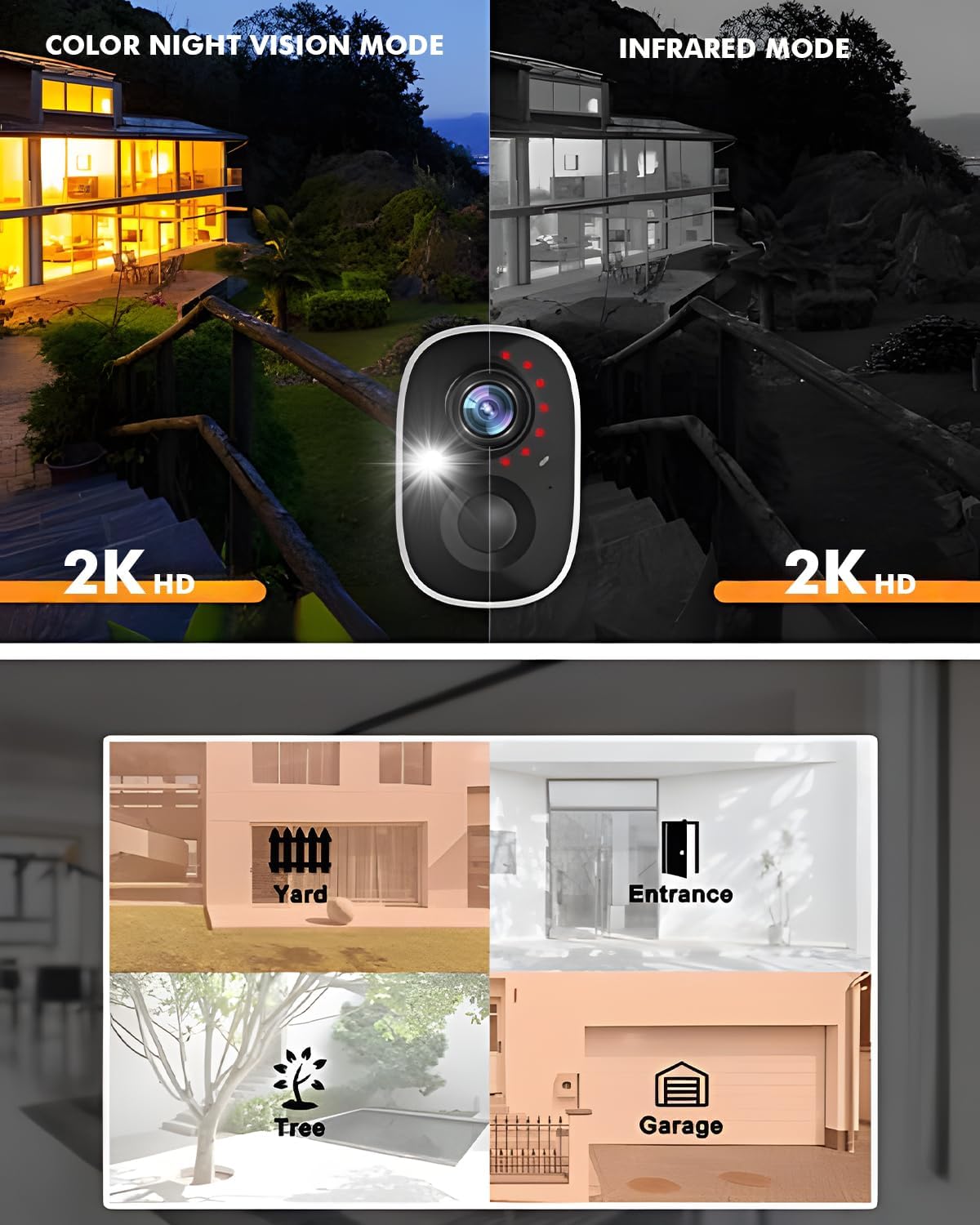
Image: Color Night Vision Mode vs. Infrared Mode.
Video: Demonstration of Color Night Vision, Spotlight, and Siren features.
5.3 2-Way Audio & Multi-User Sharing
The wireless security camera features a built-in microphone and speaker, enabling clear two-way communication in real-time. You can see, hear, and speak with visitors or deter intruders directly through the live view in the app. The system also supports multi-user sharing, allowing up to 10 users to access and monitor your home security together.
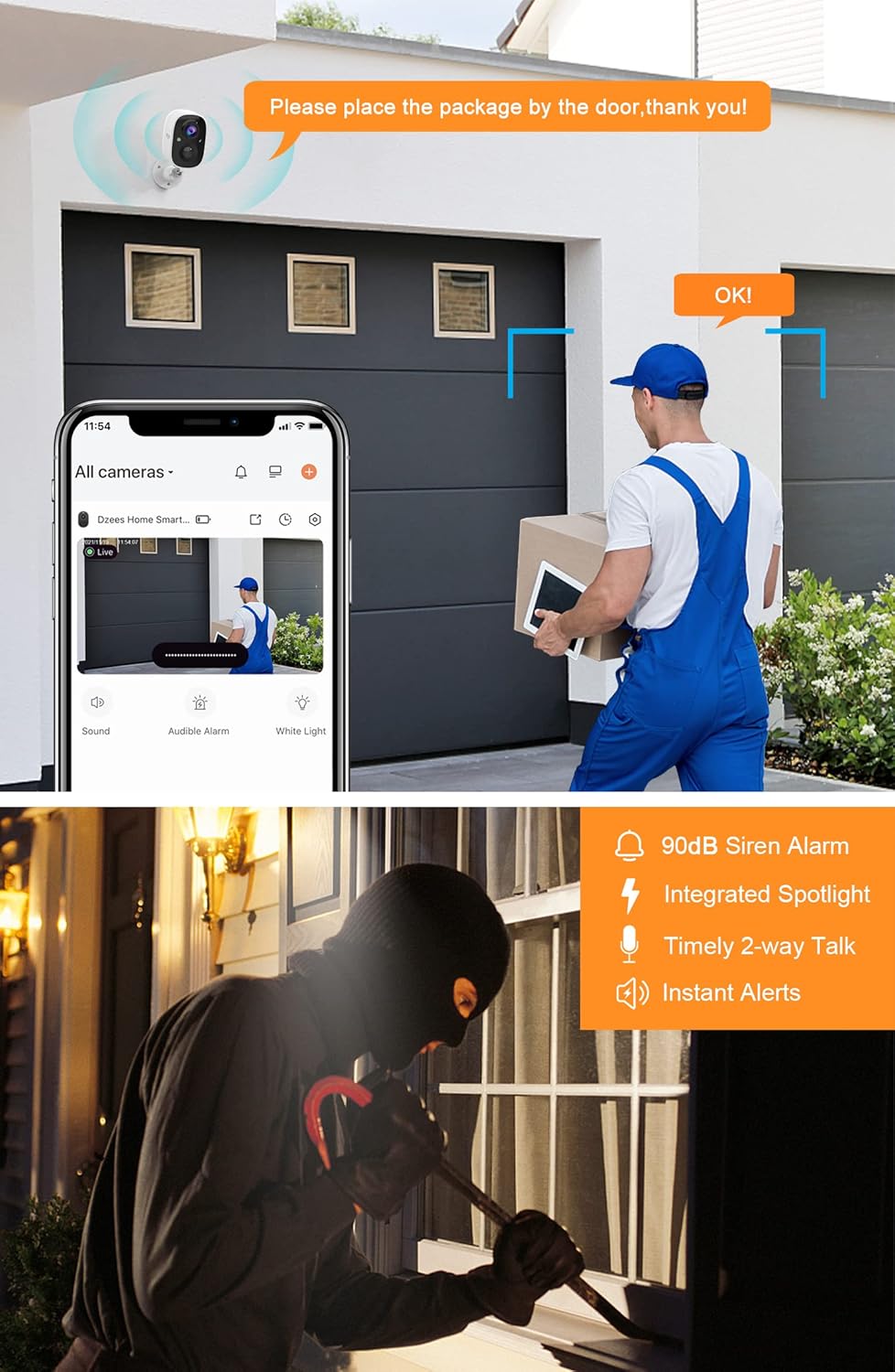
Image: Two-Way Audio Communication.
5.4 Video Storage Options
Dzees outdoor security cameras offer flexible storage solutions. You can utilize the free 3-day cycle cloud storage without any subscription. For extended recording, Dzees Smart plans are available, starting at $4.99 per month per account (supporting up to 20 cameras), offering 30-day cloud recording. Additionally, the camera supports local storage via a Micro SD card up to 128GB (not included).
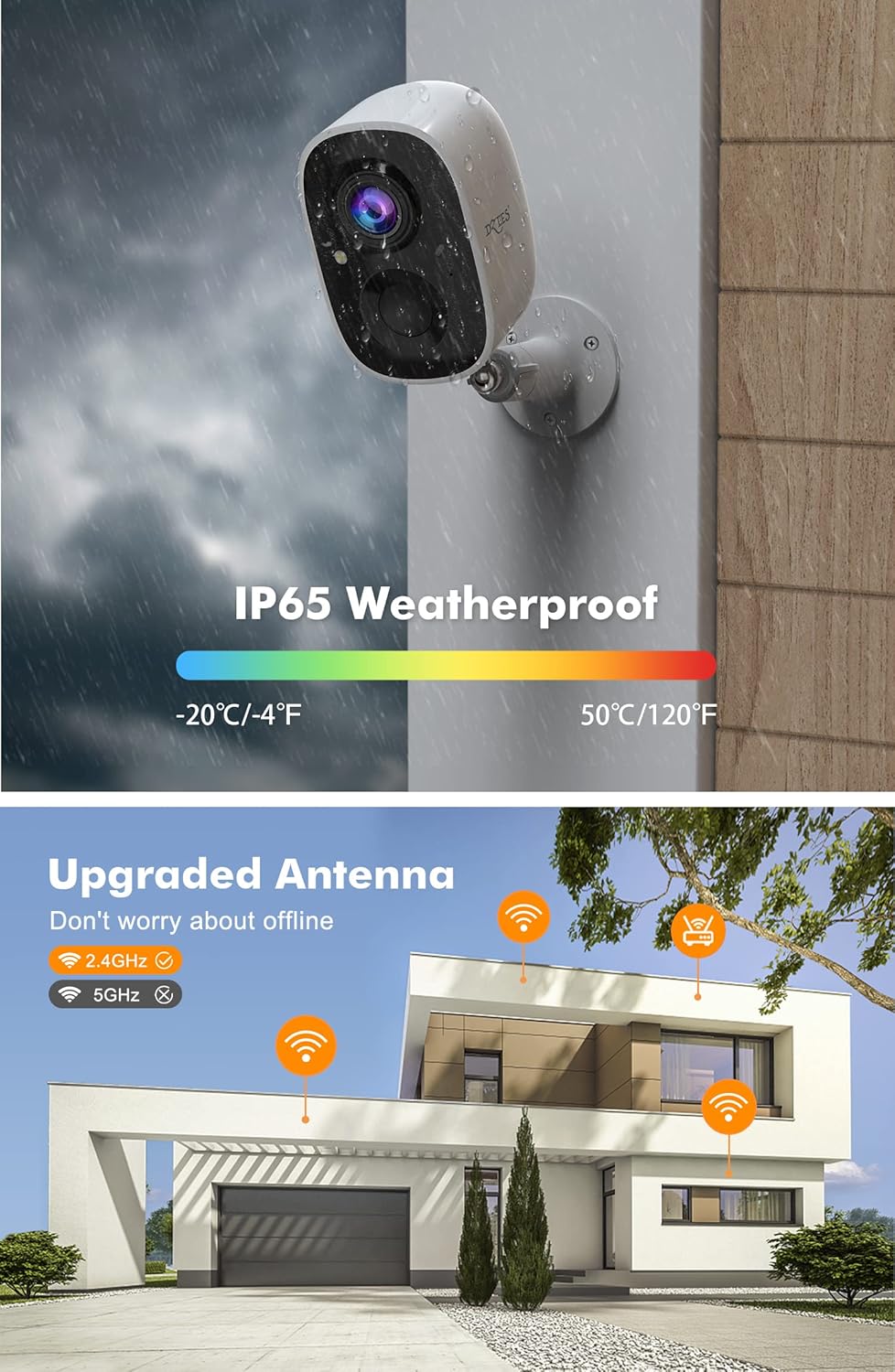
Image: Two Storage Methods (Cloud and SD Card).
6. Maintenance
6.1 Battery Management
The camera is equipped with 2 built-in rechargeable batteries. For optimal performance, ensure the camera is fully charged periodically. Battery life can last 3 to 6 months depending on usage and settings.
6.2 Weatherproofing
The Dzees camera boasts an IP65 waterproof rating, making it suitable for demanding weather conditions including rain, shine, or cold. Regularly check the rubber seal on the charging port to ensure it is properly closed to maintain water resistance.
7. Troubleshooting
- No Connection: Ensure the camera is within range of a 2.4GHz Wi-Fi network. Restart the camera and your router.
- Poor Video Quality: Check your Wi-Fi signal strength in the app. Ensure the camera lens is clean and free from obstructions.
- False Alarms: Adjust the motion detection sensitivity and set up activity zones within the Dzees Home app to minimize unwanted alerts.
- Battery Draining Quickly: Reduce the frequency of live view access, motion detection events, or adjust video recording duration. Ensure the camera is fully charged.
- Siren Not Activating: Verify the siren feature is enabled in the app settings and that the camera has sufficient battery.
8. Specifications
| Feature | Detail |
|---|---|
| Indoor/Outdoor Usage | Outdoor, Indoor |
| Compatible Devices | iOS, Android |
| Power Source | Battery/support solar power |
| Connectivity Protocol | Wi-Fi |
| Controller Type | App |
| Mounting Type | Wall Mount, Freestanding, Screw In |
| Video Capture Resolution | 3MP (2K HD) |
| Color | White (2 Pcs) |
| Number of Items | 2 |
| Included Components | 1 Lithium Ion input battery (per camera) |
| Number of Channels | 2 |
| Wireless Communication Technology | Wi-Fi |
| Form Factor | Bullet |
| Effective Video Resolution | 1080p |
| Viewing Angle | 124 Degrees |
| Night Vision Range | 33 Feet |
| Material | Acrylonitrile Butadiene Styrene (ABS) |
| Voltage | 5 Volts |
| Wattage | 2 Watt-hours |
| Item dimensions L x W x H | 6.2 x 6.6 x 0.7 inches |
| Flash Memory Installed Size | 128 GB (Max supported) |
| Item Weight | 11.2 ounces |
| Optical Zoom | 0.01 |
| Shape | Bullet |
| Battery Power | 2 Milliamp Hours |
| Focus Type | Auto Focus |
| Field Of View | 124 Degrees |
| Low light technology | 3MP Colorful HD night vision |
| Zoom Type | Digital Zoom |
| Alert Type | Motion/Alarm bell |
| Room Type | Garage, Store Room, Bedroom, Living Room, Hallway |
| Light Source Type | Infrared, LED |
| Video Capture Format | MP4 |
| Specific Uses For Product | Outside; Professional, Amateur, Inside, Outside |
| Unit Count | 2.0 Count |
| Photo Sensor Technology | CMOS |
| International Protection Rating | IP65 |
| Maximum Webcam Image Resolution | 3 MP |
| Control Method | App |
| Number of IR LEDs | 2 |
| Global Trade Identification Number | 00734931636655 |
| Product Dimensions | 6.2 x 6.6 x 0.7 inches |
| Item model number | CG6 |
| Batteries | 1 AAA batteries required. |
| Date First Available | March 29, 2022 |
| Manufacturer | DZEES |
| Recommended Uses For Product | Indoor/Outdoor |
| Brand | Dzees |
| Model Name | CG6 |
| Connectivity Technology | Wireless |
| Special Feature | Colorful HD night vision |
9. Warranty and Support
Dzees is committed to customer satisfaction. The product comes with a free 3-day cycle cloud storage. Optional Dzees Smart plans are available for extended cloud recording. Dzees offers an experienced technical support team available 24/7 for lifetime assistance. For any issues or inquiries, please contact Dzees customer support.


