
1. Safety Information
For external use only. This product contains small parts and is not suitable for children under 3 years old due to choking hazards. Adult supervision is recommended during operation. Do not operate the vehicle near water, heat sources, or electrical outlets. Always ensure batteries are inserted correctly and dispose of used batteries responsibly. Remove batteries from the vehicle and remote control when not in use for extended periods.
2. Package Contents
Verify that all items are present in the package:
- 1 x RASTAR Bugatti Divo 1:24 Scale RC Car
- 1 x Dual-grip Remote Controller
- 1 x User Guide
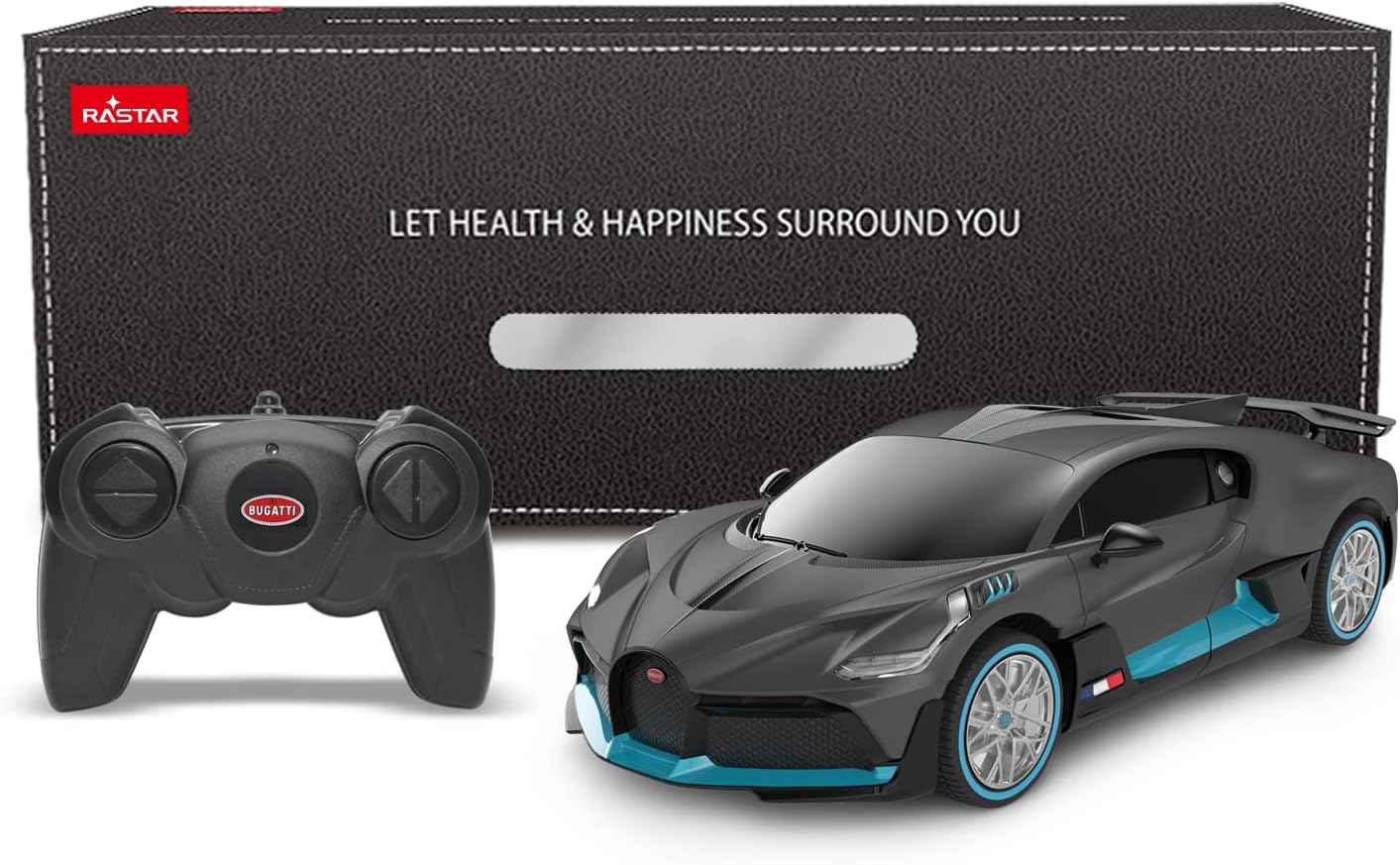
Image: The RASTAR Bugatti Divo RC car, its remote control, and the product packaging box.
3. Setup
3.1 Battery Installation
Batteries are not included and must be purchased separately.
For the RC Car:
- Locate the battery compartment on the underside of the car.
- Use a screwdriver to open the battery compartment cover.
- Insert 3 x AA 1.5V batteries, ensuring correct polarity (+/-).
- Replace the battery compartment cover and secure it with the screw.
For the Remote Controller:
- Locate the battery compartment on the back of the remote controller.
- Use a screwdriver to open the battery compartment cover.
- Insert 2 x AA 1.5V batteries, ensuring correct polarity (+/-).
- Replace the battery compartment cover and secure it with the screw.

Image: The remote control and the rear view of the RC car, indicating battery requirements for both units.

Image: The underside of the RC car, highlighting the battery compartment, power switch, and direction adjustment.
3.2 Power On and Pairing
- Turn on the power switch located on the underside of the RC car.
- Turn on the power switch on the remote controller.
- The car and remote will automatically pair using 2.4GHz frequency. This technology allows multiple RASTAR RC cars to be operated simultaneously without interference.
4. Operating Instructions
Once the car and remote are paired, you can begin operating your RASTAR Bugatti Divo RC Car.
4.1 Basic Controls
- Forward: Push the left joystick forward.
- Reverse: Pull the left joystick backward.
- Turn Left: Push the right joystick left.
- Turn Right: Push the right joystick right.
- Stop: Release both joysticks to their neutral position.

Image: A person holding the remote control, demonstrating its use with the Bugatti Divo RC car.
4.2 Driving Tips
- The remote control has an effective range of up to 80 feet (18-25 meters). Operating beyond this range may result in loss of control.
- The car can reach speeds of approximately 4 mph (7 km/h).
- For optimal performance, operate the car on smooth, flat surfaces.
- Adjust the direction trim on the underside of the car if it does not drive straight.
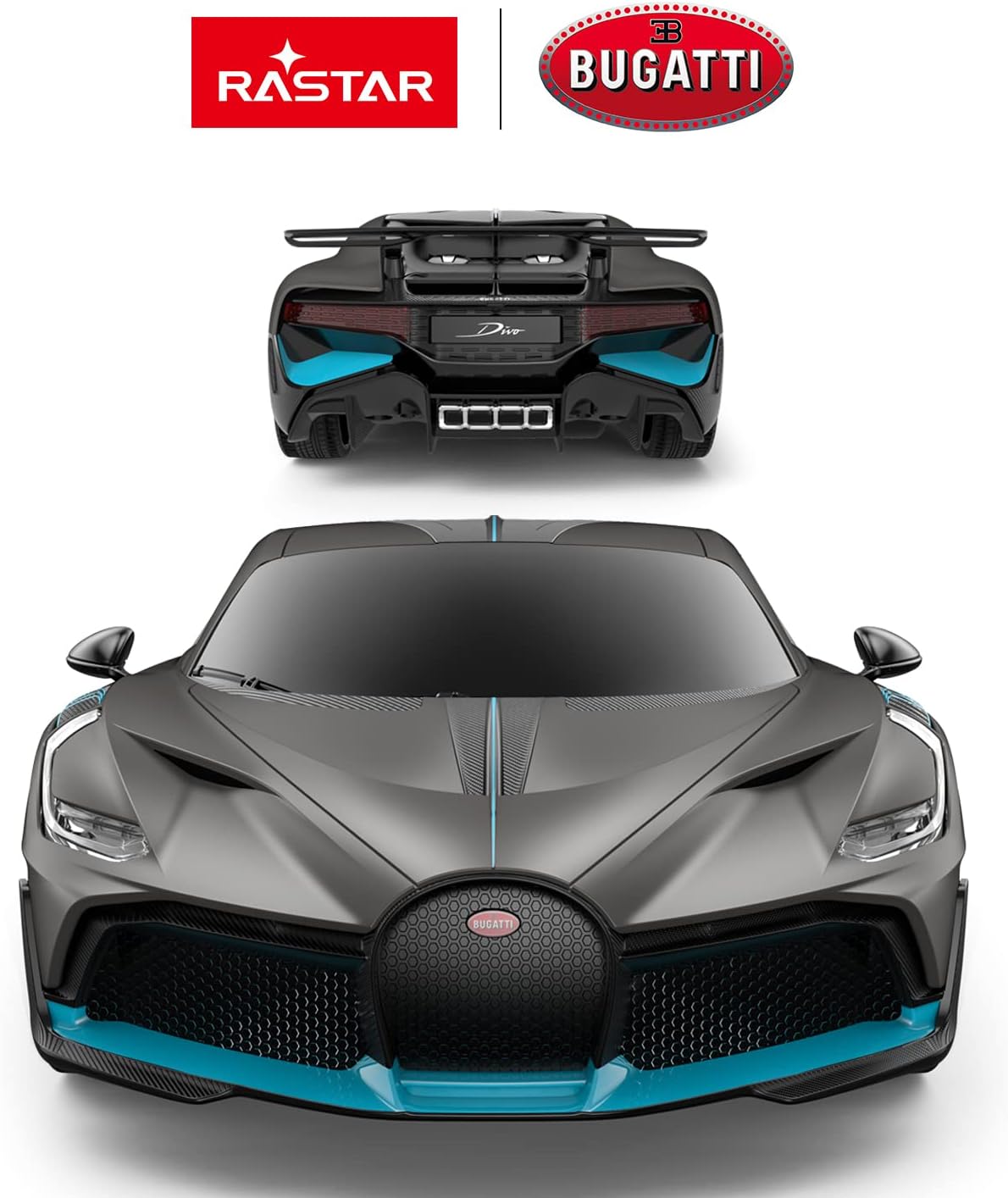
Image: A detailed front view of the RASTAR Bugatti Divo RC car, showcasing its design.
5. Maintenance
5.1 Cleaning
- Wipe the car and remote control with a soft, dry cloth to remove dust and dirt.
- Do not use water or chemical cleaners, as these can damage electronic components.
5.2 Storage
- Store the car and remote in a cool, dry place away from direct sunlight.
- Remove all batteries from both the car and the remote control if storing for an extended period to prevent battery leakage and damage.
6. Troubleshooting
If you encounter issues with your RC car, please refer to the following common problems and solutions:
| Problem | Possible Cause | Solution |
|---|---|---|
| Car does not move or respond. | Low or dead batteries in car or remote. Incorrect battery installation. Car or remote not powered on. | Replace batteries in both car and remote. Ensure batteries are inserted with correct polarity. Turn on power switches for both devices. |
| Short control range or intermittent control. | Weak batteries. Interference from other 2.4GHz devices. Operating beyond effective range. | Replace batteries. Move to an area with less interference. Operate within the specified range of 80 feet. |
| Car does not drive straight. | Front wheel alignment needs adjustment. | Adjust the direction trim switch located on the underside of the car until it drives straight. |
7. Specifications
- Model: Bugatti Divo
- Scale: 1:24
- Product Dimensions: 7.6 x 3.6 x 2.0 inches (19.3 x 9.2 x 5.2 cm)
- Item Weight: 1.1 pounds
- Speed: Approximately 4 mph (7 km/h)
- Remote Range: Up to 80 feet (18-25 meters)
- Frequency: 2.4GHz
- Car Batteries: 3 x AA 1.5V (not included)
- Remote Batteries: 2 x AA 1.5V (not included)
- Material: Quality ABS plastic
- Manufacturer Model Number: 98900

Image: A diagram illustrating the length, width, and height of the Bugatti Divo RC car.

Image: Close-up views highlighting the attractive body appearance, soft side mirror, rims and tires, and rear wing of the RC car.
8. Warranty and Support
For better after-sale service and guarantee, it is recommended to choose RASTAR Official products. For any support inquiries or warranty information, please visit the official RASTAR store or contact their customer service directly.
You can find more information and contact details by visiting the RASTAR Store on Amazon.