
1. Introduction
This manual provides comprehensive instructions for the installation, operation, and maintenance of your Quad Lock Motorcycle Handlebar Mount PRO. Please read these instructions carefully before use to ensure proper setup and safe operation. The Quad Lock system is designed to securely attach your smartphone to your motorcycle handlebars, providing easy access to navigation and other applications.
2. Package Contents
Verify that all components are present in your package:
- Quad Lock Handlebar Mount PRO (QLM-HBR-PRO)
- Mounting hardware (screws, washers)
- Handlebar shims for various bar sizes
- Hex key for installation
Note: A Quad Lock Case or Universal Adapter (not included) is required to use this mount with your smartphone. The optional Quad Lock Vibration Dampener (not included) is recommended for additional smartphone protection.

Image: The Quad Lock Motorcycle Handlebar Mount PRO, showing the main mount assembly and its components.
3. Setup and Installation
Follow these steps to correctly install the Handlebar Mount PRO on your motorcycle:
- Select Handlebar Position: Choose a suitable location on your motorcycle handlebar that does not obstruct controls or instruments.
- Determine Bar Size: The mount is compatible with handlebar sizes 22mm (⅞”), 25mm (1”), 28mm (1⅛”), 32mm (1¼”), and 35mm (1⅜”). Select the appropriate shim(s) for your handlebar diameter.
- Attach Mount Base: Open the handlebar clamp and place it around the chosen section of the handlebar. Insert the correct shims if necessary. Secure the clamp using the provided screws and hex key. Do not overtighten initially.
- Adjust Angle: Position the mount arm and head to your preferred viewing angle. The PRO mount offers multiple adjustment points for optimal placement. Tighten all screws securely once the desired position is achieved.
- Optional Vibration Dampener Installation: If using the optional Vibration Dampener, install it between the mount arm and the Quad Lock head according to its specific instructions. This accessory helps protect your smartphone from high-frequency vibrations.
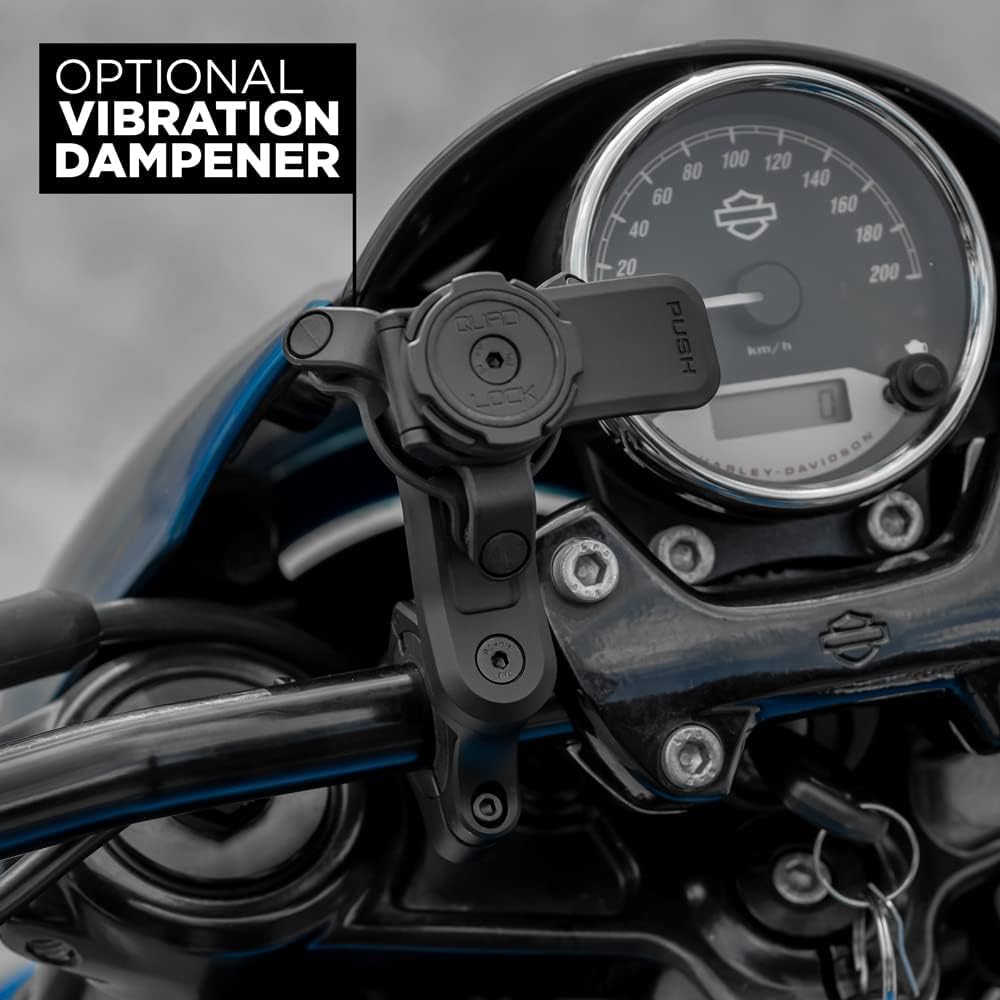
Image: The Quad Lock Handlebar Mount PRO securely installed on a motorcycle handlebar, with an optional vibration dampener visible.
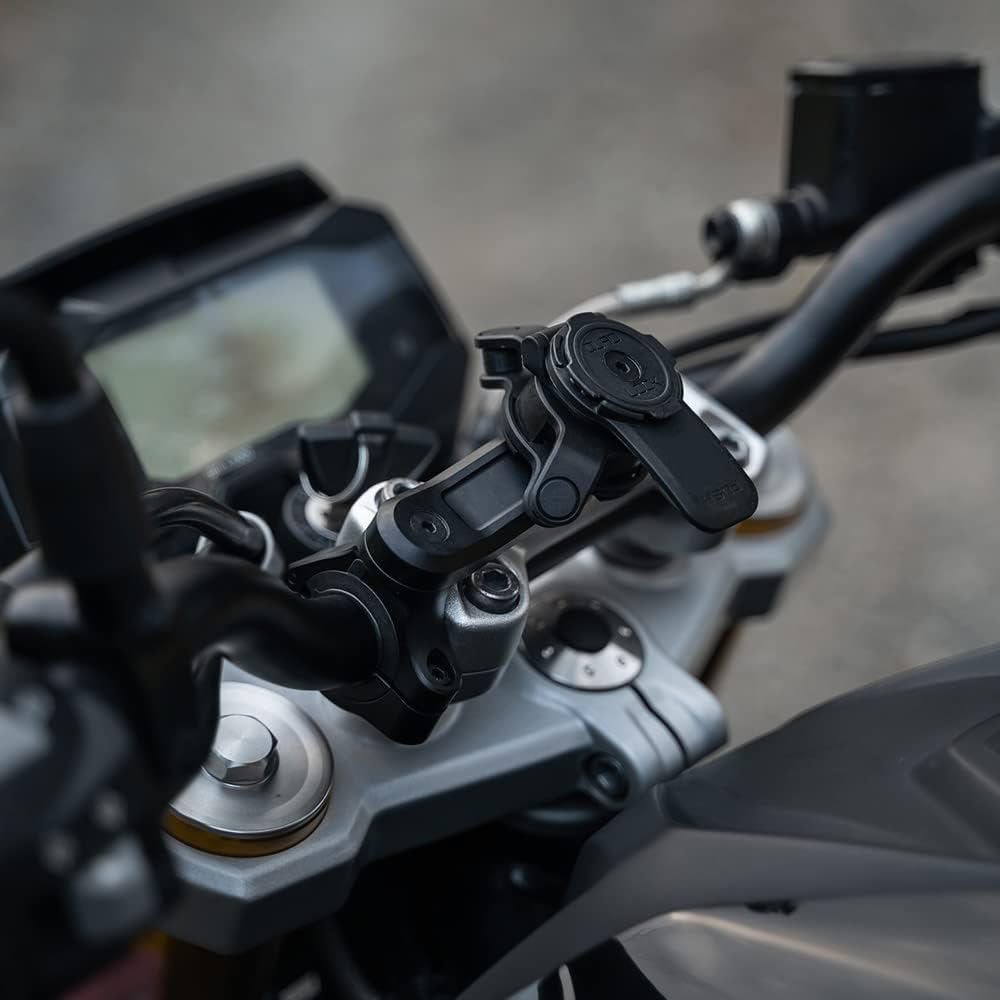
Image: A close-up view of the Quad Lock Handlebar Mount PRO on a motorcycle, illustrating its adjustable arm and head for optimal positioning.
4. Operating Instructions
The Quad Lock system features a patented dual-stage locking mechanism for secure attachment and easy detachment of your smartphone.
- Attaching Your Smartphone:
- Align your Quad Lock-equipped smartphone (with case or universal adapter) with the Quad Lock head on the mount.
- Press down and twist your smartphone until it locks into place. You will hear an audible "click" and feel it secure.
- Detaching Your Smartphone:
- Press down on the blue (or black, depending on model) lever located on the side of the Quad Lock head.
- While holding the lever down, twist your smartphone to unlock and remove it from the mount.
- Cable Routing: The mount features discreet cable routing options for USB charger cables (charger cable not included). Guide your charging cable through the designated channels to keep it tidy and secure.
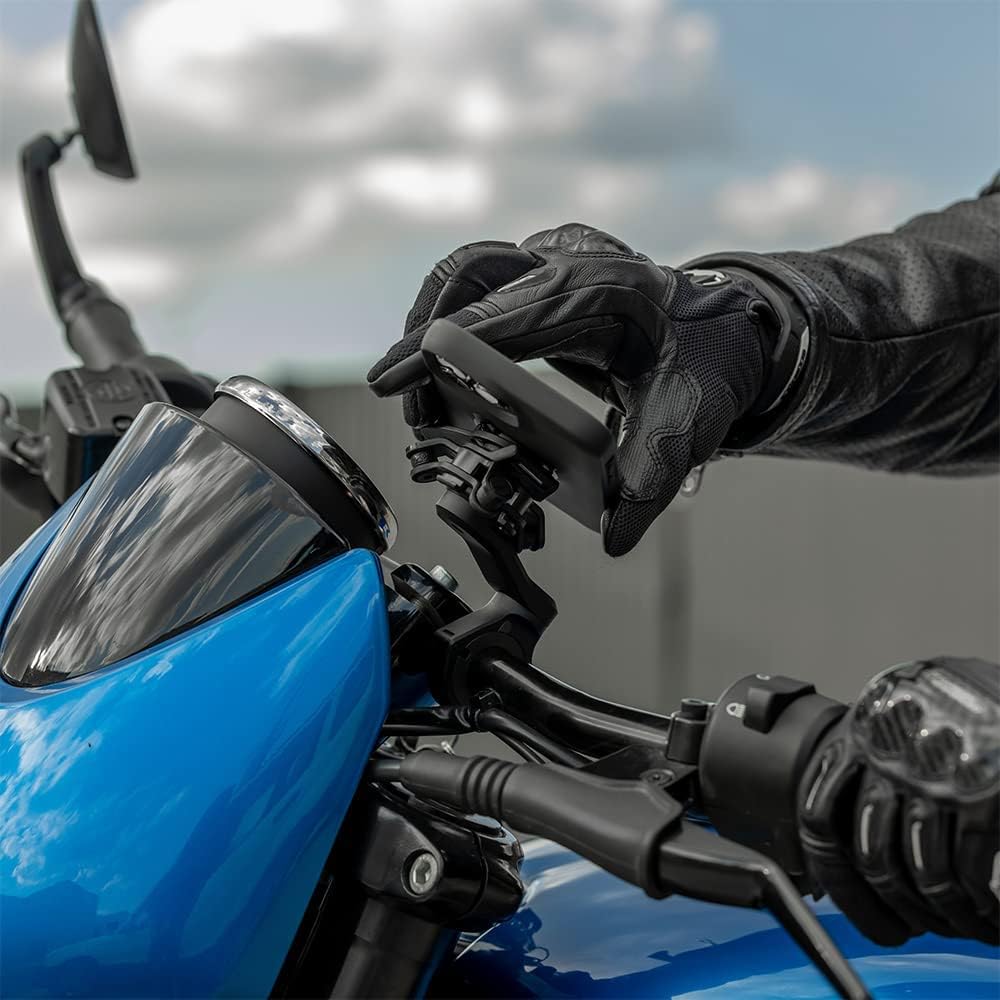
Image: A gloved hand demonstrating the attachment of a smartphone, fitted with a Quad Lock case, to the handlebar mount.
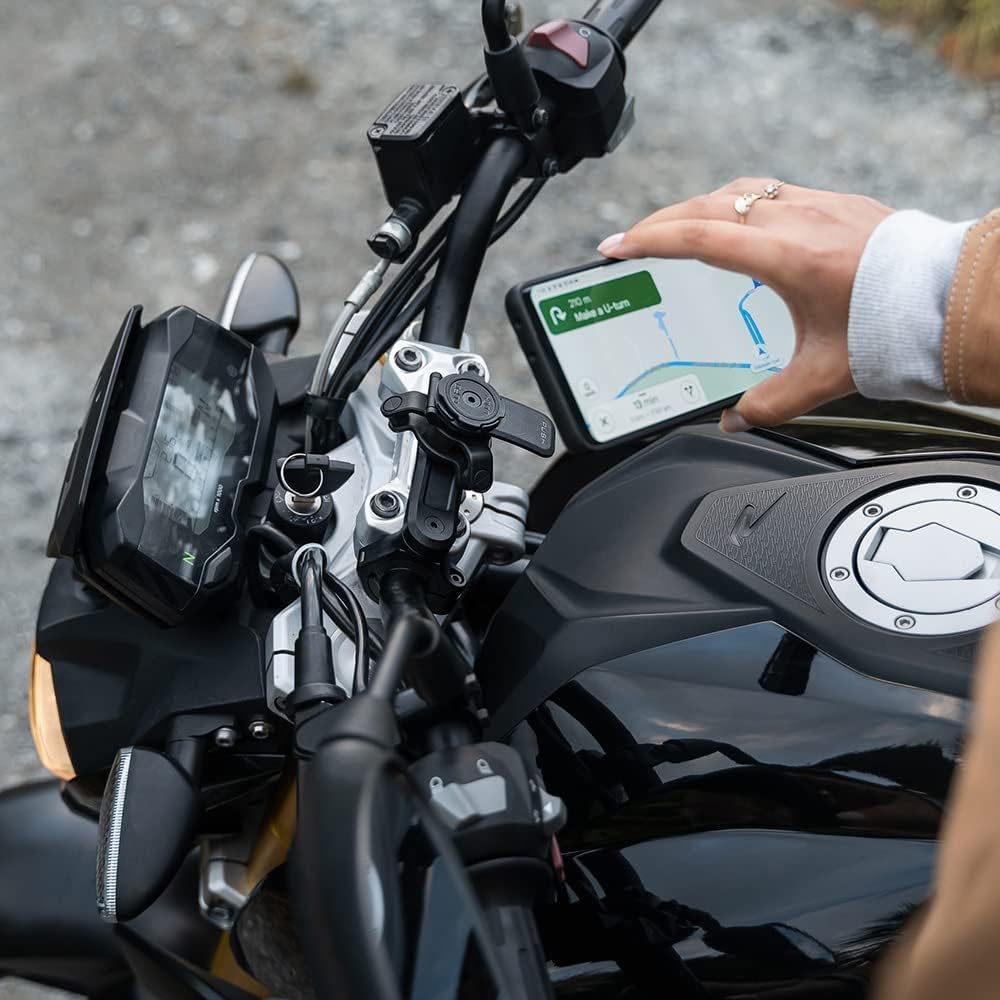
Image: A smartphone securely mounted on the Quad Lock Handlebar Mount PRO, displaying a navigation application, ready for use.
5. Maintenance
To ensure the longevity and optimal performance of your Quad Lock Handlebar Mount PRO, follow these maintenance guidelines:
- Regular Inspection: Periodically check all screws and connections to ensure they remain tight. Retighten if necessary, but avoid overtightening.
- Cleaning: Clean the mount with a damp cloth. Avoid using harsh chemicals or abrasive cleaners, as these can damage the finish or materials.
- Lubrication: The locking mechanism is designed for maintenance-free operation. Do not apply lubricants to the locking head unless specifically instructed by Quad Lock support.
- Storage: If the mount is removed for extended periods, store it in a clean, dry place away from direct sunlight.
6. Troubleshooting
If you encounter issues with your Quad Lock Handlebar Mount PRO, consider the following:
- Mount Feels Loose: Ensure all mounting screws are tightened securely. Check that the correct handlebar shims are used for your handlebar diameter.
- Smartphone Not Locking Securely: Verify that your smartphone is equipped with a genuine Quad Lock Case or Universal Adapter. Ensure the phone is aligned correctly and twisted until an audible "click" is heard. Inspect the locking mechanism for any obstructions or damage.
- Excessive Vibration: While the mount is designed to be sturdy, some motorcycles may produce high-frequency vibrations that can affect smartphone cameras. Consider installing the optional Quad Lock Vibration Dampener (sold separately) to mitigate this.
- Difficulty Detaching Smartphone: Ensure you are pressing the release lever fully before twisting the smartphone. The mechanism requires a firm press and twist.
7. Specifications
| Model Number | QLM-HBR-PRO |
| Product Dimensions | 3.84 x 2.66 x 3.19 inches |
| Item Weight | 6.3 ounces |
| Material | Black anodised CNC machined Aluminium |
| Compatible Handlebar Sizes | 22mm (⅞”), 25mm (1”), 28mm (1⅛”), 32mm (1¼”), 35mm (1⅜”) |
| Compatible Devices | Smartphones (with Quad Lock Case or Universal Adapter) |
| Mounting Type | Handlebar |
8. Warranty and Support
For warranty information, product registration, or technical support, please visit the official Quad Lock website or contact their customer service. Keep your proof of purchase for any warranty claims.
Online Support: www.quadlockcase.com
