
1. Introduction
Thank you for choosing the RHYTHM Air Fan. This personal handheld fan features innovative Dual Blade Technology to provide a focused and strong airflow. Designed for portability and convenience, it offers four-speed settings and is powered by a built-in rechargeable battery, making it suitable for various indoor and outdoor environments.

Figure 1: RHYTHM Air Fan with key features highlighted.
2. Safety Information
Please read all safety instructions carefully before using the RHYTHM Air Fan. Retain this manual for future reference.
- Do not insert fingers or any objects into the fan blades or grille.
- Keep the fan away from water or other liquids to prevent electric shock.
- Do not disassemble, repair, or modify the fan yourself. Contact customer support for assistance.
- Keep out of reach of children. This is not a toy.
- Use only the provided USB Type-C cable for charging.
- Do not expose the fan to extreme temperatures or direct sunlight for extended periods.
3. Package Contents
Verify that all items are present in your package:
- RHYTHM Air Fan (1 unit)
- USB Type-C Charging Cable (1 unit)
- Instruction Booklet (1 unit)
4. Product Overview
The RHYTHM Air Fan utilizes a unique Dual Blade Technology. The rear fan pulls air, which is then directed by the front fan to create a focused and strong centralized airflow. This design allows for effective cooling even at a distance.

Figure 2: Illustration of the Dual Blade Technology airflow.
Fan Components:
- Power/Speed Button: Located on the handle, controls power and speed settings.
- Charging Port: USB Type-C port at the bottom of the handle.
- Charging Indicator Light: Small LED near the power button, indicates charging status.
- Adjustable Stand: Foldable stand integrated into the handle for desktop use.
5. Setup
Initial Charging:
Before first use, fully charge the fan. Refer to the "Charging" section for detailed instructions.
Using the Adjustable Stand:
The RHYTHM Air Fan features an integrated adjustable stand for hands-free operation. To deploy the stand, gently pull it out from the back of the handle. The stand can be adjusted to various angles to position the fan as desired on a flat surface.

Figure 3: Deploying the adjustable stand.
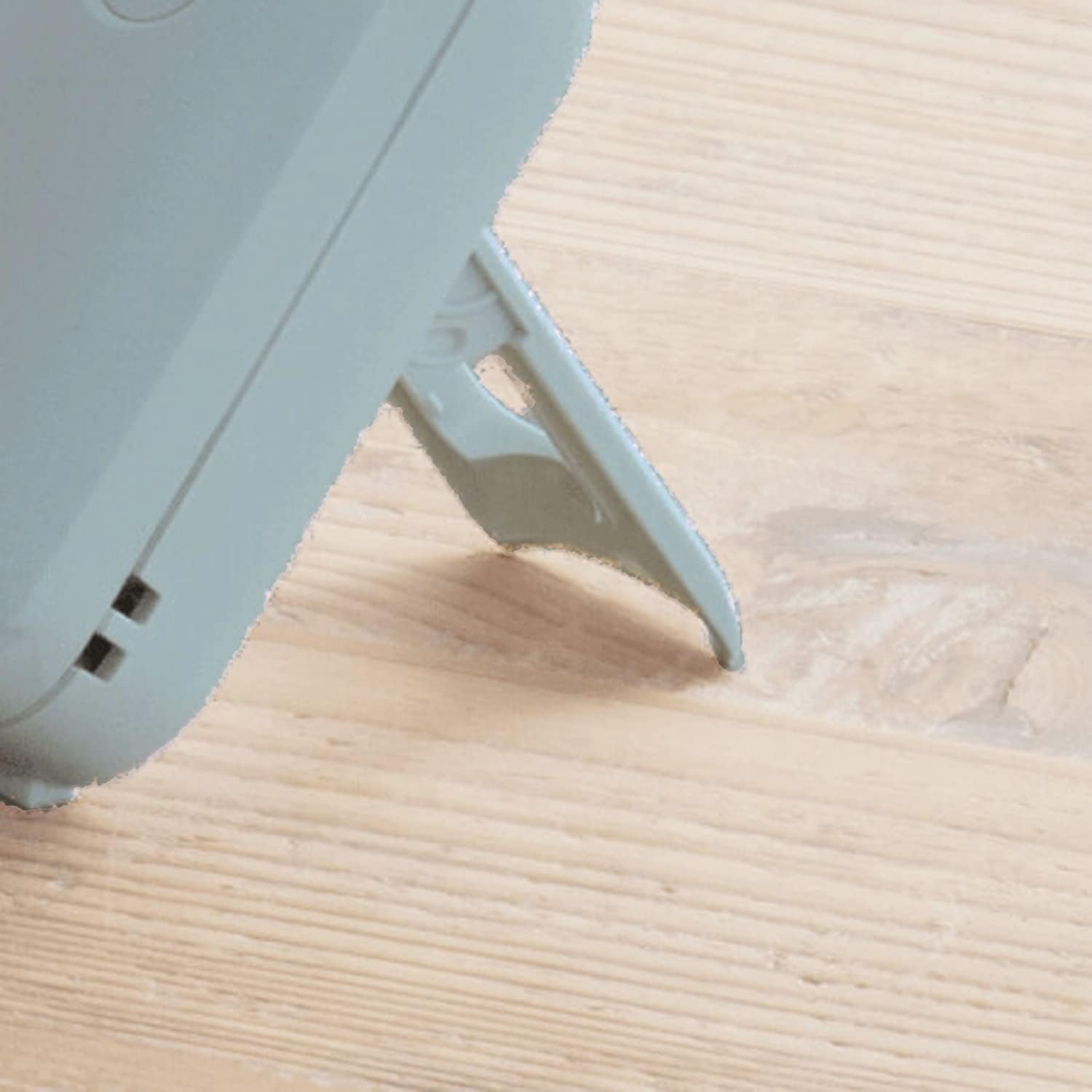
Figure 4: The fan positioned on its stand.
6. Operating Instructions
Power On/Off and Speed Adjustment:
The fan is controlled by a single button located on the handle.
- To Power On: Press the button once. The fan will start at Low speed.
- To Adjust Speed: Press the button repeatedly to cycle through the speed settings: Low > Mid > High > Turbo.
- To Power Off: After the Turbo speed setting, pressing the button again will turn the fan off.
Adjusting Fan Angle:
The fan head can be manually tilted to direct airflow. Gently adjust the fan head to your desired angle.

Figure 5: Adjusting the fan head angle.
7. Charging
The RHYTHM Air Fan is equipped with a 2000mAh Lithium-ion built-in battery. When the battery is low, the fan's performance may decrease, or it may stop operating.
- Connect the provided USB Type-C charging cable to the charging port at the bottom of the fan handle.
- Connect the other end of the USB cable to a compatible USB power source (e.g., computer USB port, USB wall adapter, power bank).
- The charging indicator light (white LED) will illuminate during charging.
- Charging typically takes approximately 6 hours for a full charge.
- Once fully charged, the indicator light may change color or turn off (behavior may vary by production batch). Disconnect the fan from the charging cable.
A full charge provides up to 10 hours of operation, depending on the speed setting used.
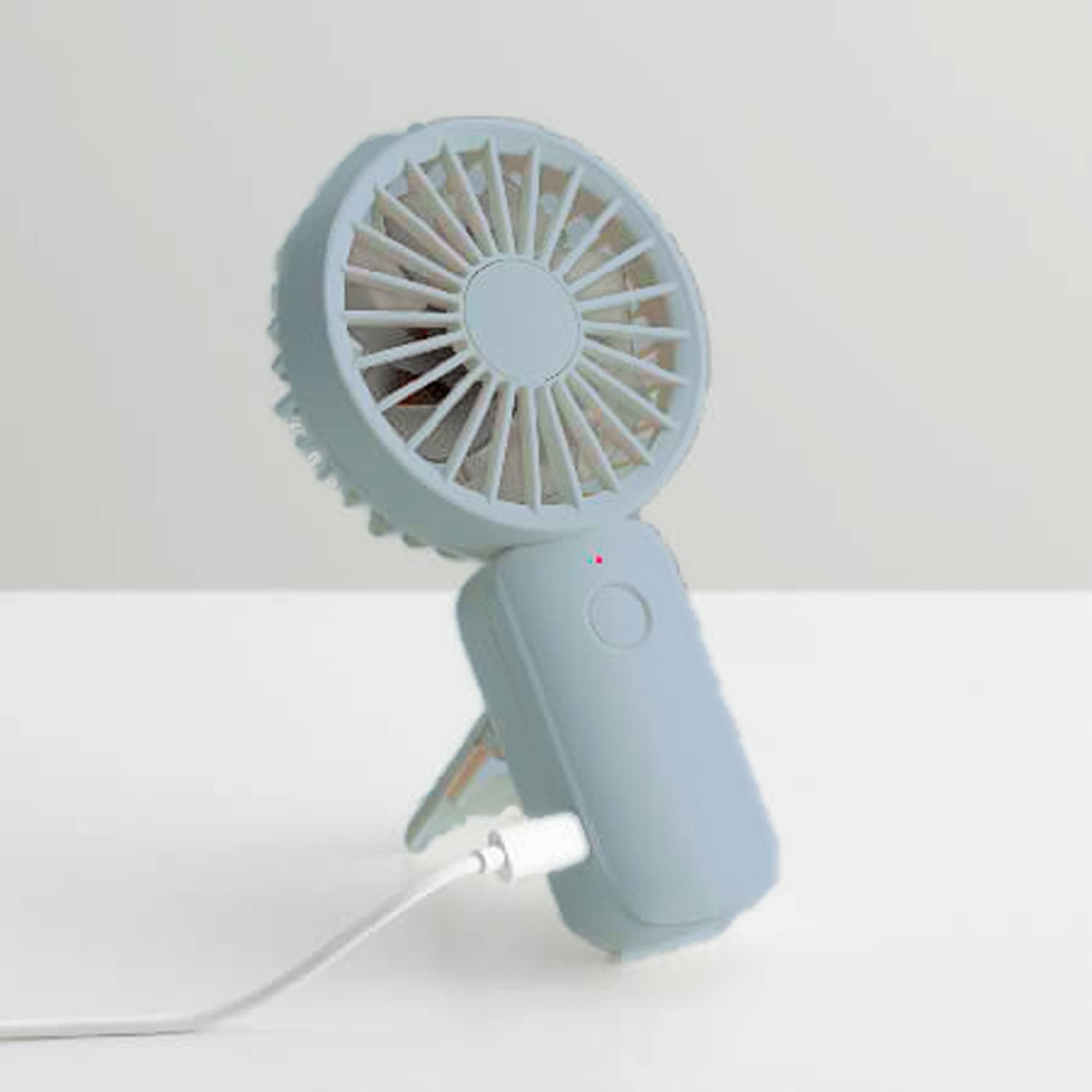
Figure 6: Connecting the fan for charging.
8. Maintenance
Cleaning the Fan:
To ensure optimal performance and longevity, clean your fan regularly.
- Ensure the fan is turned off and disconnected from any power source before cleaning.
- Use a soft, dry cloth to wipe the exterior surfaces of the fan.
- For dust accumulation on the grilles or blades, use a soft brush or compressed air. Do not use water or harsh cleaning agents.
- Do not immerse the fan in water or any other liquid.
Storage:
When not in use for extended periods, store the fan in a cool, dry place, away from direct sunlight and extreme temperatures. Ensure the battery is partially charged before storage to maintain battery health.
9. Troubleshooting
If you encounter issues with your RHYTHM Air Fan, please refer to the following common problems and solutions:
| Problem | Possible Cause | Solution |
|---|---|---|
| Fan does not turn on. | Battery is depleted. | Charge the fan using the provided USB Type-C cable. |
| Fan does not turn on. | Power button not pressed correctly. | Ensure the power button is pressed firmly. |
| Fan is not charging. | Charging cable or adapter is faulty. | Try a different USB Type-C cable or power adapter. Ensure connections are secure. |
| Weak airflow. | Fan speed is set too low. | Press the power button to increase the fan speed. |
| Weak airflow. | Grilles or blades are obstructed/dirty. | Clean the fan grilles and blades as per the "Maintenance" section. |
If the problem persists after trying these solutions, please contact customer support.
10. Specifications
Technical specifications for the RHYTHM Air Fan:

Figure 7: RHYTHM Air Fan dimensions.
- Model Name: Rhythm Air USB Dual Blade Fan
- Brand: RHYTHM
- Power Source: Battery Powered (2000mAh Lithium-ion Built-in Battery)
- Charging Port: USB Type-C
- Charging Time: Approximately 6 hours
- Battery Life: Up to 10 hours (depending on speed setting)
- Number of Speeds: 4 (Low, Mid, High, Turbo)
- Number of Blades: 12 (7 Front + 5 Rear)
- Wattage: 5 watts
- Voltage: 5 Volts
- Product Dimensions: 1.3"D x 3.2"W x 6.2"H
- Material: Acrylonitrile Butadiene Styrene (ABS), Plastic Blades
- Mounting Type: Portable, Free Standing (with adjustable stand)
- Control Method: Button Control
11. Warranty and Support
Limited Warranty:
The RHYTHM Air Fan comes with a 1-year limited warranty from the date of purchase. This warranty covers manufacturing defects and workmanship under normal use. It does not cover damage caused by misuse, accidents, unauthorized modifications, or normal wear and tear.
Customer Support:
For warranty claims, technical assistance, or any questions regarding your RHYTHM Air Fan, please contact our customer support. Refer to the contact information provided on the product packaging or the official RHYTHM website for the most up-to-date support details.

