
1. Important Safety Information
Please read all instructions carefully before using this appliance. Keep this manual for future reference. Failure to follow these instructions may result in electric shock, fire, or personal injury.
- This appliance is for indoor use only.
- Ensure the power supply matches the voltage specified on the rating label.
- Do not operate the unit with a damaged cord or plug. If the supply cord is damaged, it must be replaced by the manufacturer, its service agent, or similarly qualified persons to avoid a hazard.
- Always unplug the unit before cleaning or servicing.
- Do not block air outlets or inlets. Maintain at least 20 cm (8 inches) clearance around the unit.
- Do not insert objects into the air outlets.
- Keep the unit on a flat, stable surface to prevent tipping.
- Do not use the unit in wet environments such as bathrooms or laundry rooms.
- Children should be supervised to ensure they do not play with the appliance.
2. Product Overview
The AirOrig 10,000 BTU Portable Air Conditioner is a versatile 3-in-1 unit designed to provide cooling, dehumidification, and fan-only operation for rooms up to 450 sq. ft. It features a 24-hour timer, smart sleep mode, and a self-evaporating system for continuous use.
2.1 Unit Components
Familiarize yourself with the main components of your portable air conditioner.

Figure 2.1: Front view of the AirOrig Portable Air Conditioner.
2.2 What's in the Box
The package includes the following items:
- Portable Air Conditioner Unit
- Window Panel Kit (adjustable)
- Exhaust Hose (1.8m stretchable)
- Hose Connector
- Window Kit Adapter
- Remote Control
- Drain Pipe
- Buttery Screws
- User Manual (this document)
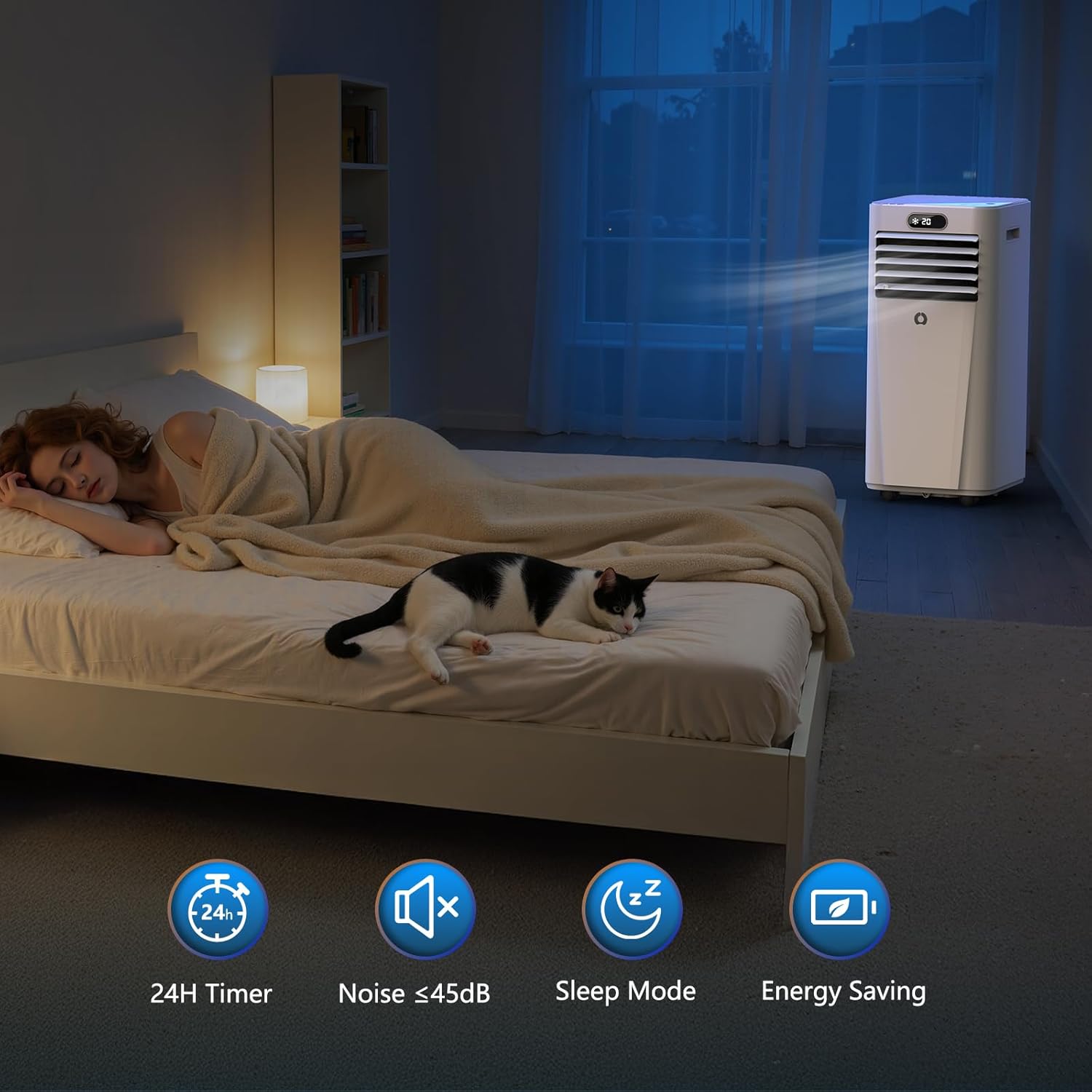
Figure 2.2: All included components: the AC unit, window panel kit, exhaust hose, connectors, remote control, drain pipe, and screws.
3. Setup and Installation
Proper installation is crucial for the efficient operation of your portable air conditioner. Ensure the unit is placed on a flat, stable surface and near a window for exhaust ventilation.
3.1 Window Kit Installation
The window kit is designed for various window types, including single/double-hung and sliding windows. The kit is adjustable from 26 to 50 inches.
- Insert the screws into the holes in the window plates.
- Install the washer and screw, but do not tighten fully yet.
- Place an additional inner plate into the outer plate and secure the screws.
- Adjust the length of the window plates to fit your window opening. Fix the plates and close the window to secure them.

Figure 3.1: Illustration of window kit compatibility with single/double-hung and sliding windows.

Figure 3.2: Detailed steps for assembling the window panel and connecting the exhaust hose.
3.2 Exhaust Hose Connection
- Connect the exhaust hose to the AC unit's adapter by twisting it clockwise until secure.
- Align the connector on the opposite end of the hose with the opening in the window bracket and push it in until it locks into place.
- Ensure the exhaust hose is not bent or kinked, as this can reduce efficiency.
3.3 Drain Pipe Connection (Dehumidifier Mode)
For continuous drainage during dehumidifier mode, connect the included drain pipe to the drainage port at the back of the unit. Ensure the pipe leads to a suitable container or floor drain, positioned lower than the unit's drain port for gravity flow.
4. Operating Instructions
Your AirOrig portable AC unit offers multiple functions for personalized comfort.
4.1 Control Panel and Remote Control
The unit can be operated using the touch control panel on top of the unit or the included remote control.

Figure 4.1: Overview of the unit's control panel and remote control functions.
4.2 Operating Modes
Press the 'Mode' button to cycle through the available operating modes:
- Cooling Mode: Provides powerful cooling. Adjust temperature using 'Up' and 'Down' buttons.
- Dehumidifier Mode: Removes excess moisture from the air.
- Fan Mode: Circulates air without cooling. Select fan speed (Low/High).
- Sleep Mode: Operates quietly with reduced fan speed and gradually increases temperature for comfortable sleep.

Figure 4.2: The four distinct operating modes of the portable AC unit.
4.3 Fan Speed Adjustment
In Cooling or Fan mode, press the 'Speed' button to select between Low and High fan speeds.
4.4 Timer Function
The 24-hour timer allows you to set the unit to turn on or off automatically after a specified period. Press the 'Timer' button and use 'Up'/'Down' to set the desired hours.
4.5 Power On/Off
Press the 'Power' button to turn the unit on or off.
4.6 Product Video Guide
Video 4.1: An official product video demonstrating the features and operation of the AirOrig 10,000 BTU Portable Air Conditioner.
5. Maintenance
Regular maintenance ensures optimal performance and extends the lifespan of your portable air conditioner.
5.1 Air Filter Cleaning
The air filter should be cleaned every two weeks or more frequently depending on usage and air quality.
- Unplug the unit from the power outlet.
- Locate and remove the air filter from the back or side of the unit.
- Wash the filter under running water (warm, not hot) or use a vacuum cleaner to remove dust.
- Allow the filter to air dry completely before reinstalling. Do not expose to direct sunlight.
- Reinstall the dry filter into the unit.

Figure 5.1: Illustration of the washable air filter and the cleaning process.
5.2 Unit Cleaning
Wipe the exterior of the unit with a soft, damp cloth. Do not use harsh chemicals, abrasives, or solvents.
5.3 Storage
If storing the unit for an extended period:
- Drain any accumulated water from the unit.
- Clean the air filter.
- Cover the unit with a plastic bag or cloth to protect it from dust.
- Store in a dry, cool place.
6. Troubleshooting
Refer to this section for common issues and their solutions. If the problem persists, contact customer support.
| Problem | Possible Cause | Solution |
|---|---|---|
| Unit does not turn on | No power supply; Power cord damaged; Unit's internal safety switch activated. | Check power outlet and plug; Ensure power cord is not damaged; Press the reset button on the plug if applicable. |
| Unit not cooling effectively | Air filter dirty; Exhaust hose blocked or improperly installed; Room size too large; Doors/windows open. | Clean air filter; Check exhaust hose for kinks or blockages and ensure proper sealing; Close doors and windows; Ensure unit is appropriate for room size. |
| Unusual noise | Unit not on a flat surface; Internal components vibrating. | Place unit on a flat, stable surface; Contact customer support if noise is excessive or unusual. |
| Water leakage | Drain plug not properly sealed; Unit tilted; Continuous drainage hose blocked. | Ensure drain plug is securely closed; Place unit on a level surface; Check continuous drainage hose for blockages. |
7. Specifications
Technical details for the AirOrig Portable Air Conditioner Model OL-A010L-06CD.
| Feature | Detail |
|---|---|
| Model Number | OL-A010L-06CD |
| Cooling Capacity | 10,000 BTU |
| Coverage Area | Up to 450 sq. ft. |
| Functions | Cooling, Dehumidifier, Fan |
| Voltage | 110 Volts (AC) |
| Wattage | 1514.99 watts |
| Noise Level | 45 Decibels |
| Product Dimensions (D x W x H) | 20" x 30" x 30" |
| Item Weight | 50 Pounds |
| Controller Type | Touch Control, Remote Control |
| Special Features | 4 Way Swing, 24H Timer, Smart Sleep Mode, Self-Evaporating System |
8. Warranty and Support
The AirOrig Portable Air Conditioner (Model OL-A010L-06CD) comes with a 1-year limited warranty from the date of purchase. This warranty covers defects in materials and workmanship under normal use.
The warranty does not cover damage resulting from misuse, accident, modification, improper installation, or unauthorized repairs. Please retain your proof of purchase for warranty claims.
8.1 Customer Support
For technical assistance, troubleshooting, or warranty inquiries, please contact AirOrig customer support. Refer to the contact information provided on the product packaging or the official AirOrig website.
When contacting support, please have your model number (OL-A010L-06CD) and purchase date available.


