1. Product Overview
The Alcatel 1B 2022 is a reliable smartphone designed for essential communication and daily tasks. It operates on Android 11 (Go Edition), offering an optimized experience for devices with 2GB RAM. Key features include a 5.5-inch HD+ display, 32GB of internal storage, and an 8MP rear camera.
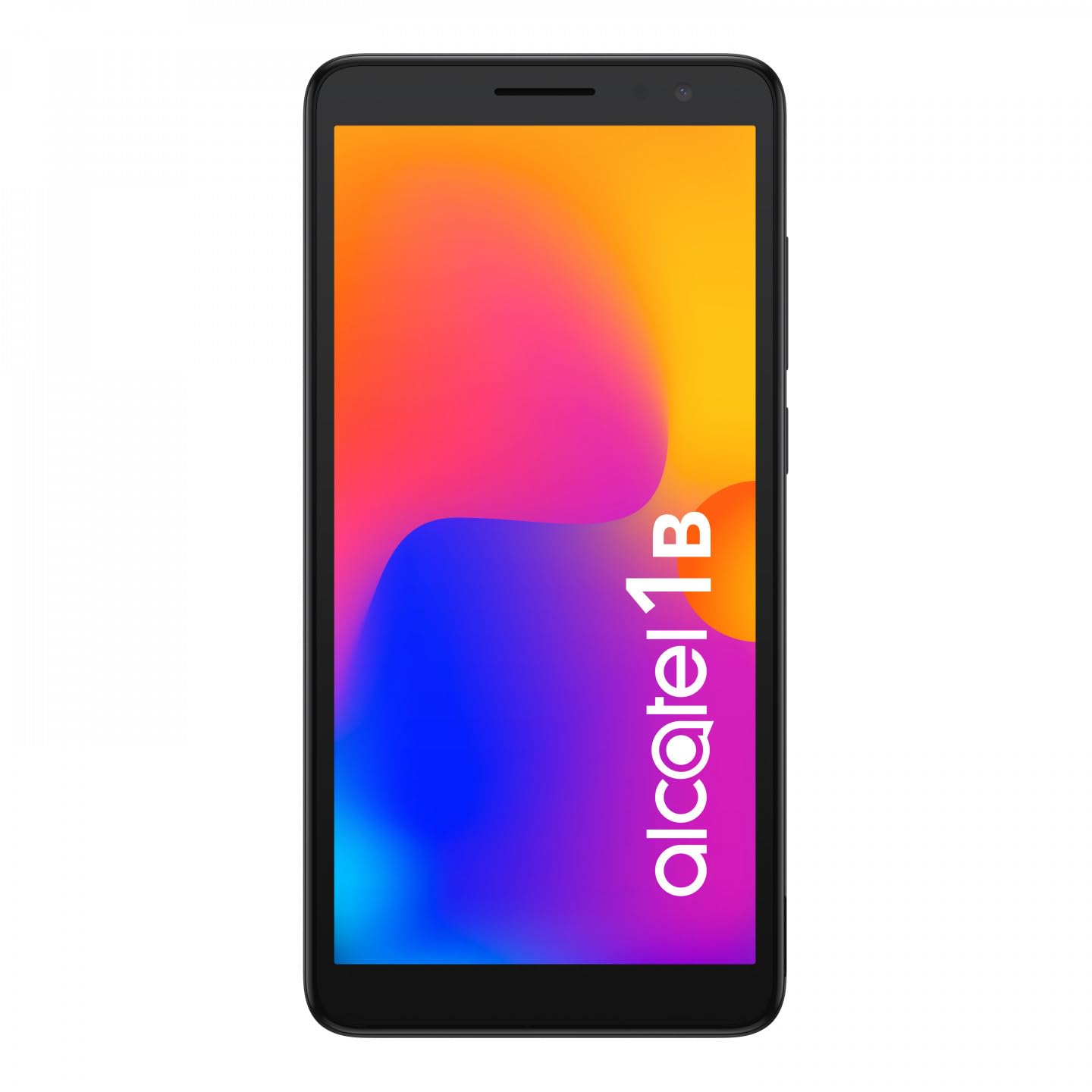
Image 1.1: Front view of the Alcatel 1B 2022 smartphone, showcasing its display and sleek design.
This manual provides comprehensive instructions to help you set up, operate, and maintain your device effectively.
2. Getting Started
2.1 Package Contents
Ensure your package contains the following items:
- Alcatel 1B 2022 Smartphone
- USB Charging Cable
- Power Adapter
- Quick Start Guide (may vary by region)
- Safety and Warranty Information
2.2 SIM Card and MicroSD Card Installation
The Alcatel 1B 2022 supports Nano SIM cards and a MicroSD card for expandable storage. The battery is removable to access the SIM and MicroSD slots.
- Remove the Back Cover: Carefully locate the small notch on the bottom right side of the phone. Use a thin, flat-blade tool (such as a 5mm flat-blade screwdriver or a plastic pry tool) to gently pry open the back cover.
- Remove the Battery: Once the back cover is off, lift the battery out of its compartment.
- Insert SIM Card(s): Locate the SIM card slot(s). Insert your Nano SIM card(s) into the designated slot(s) with the gold contacts facing down.
- Insert MicroSD Card: Locate the MicroSD card slot. Insert your MicroSD card with the gold contacts facing down.
- Reinsert the Battery: Place the battery back into its compartment, ensuring the contacts align correctly.
- Replace the Back Cover: Align the back cover with the phone's edges and press firmly around the perimeter until it clicks securely into place.

Image 2.1: Back view of the Alcatel 1B 2022 smartphone, showing the camera module and the Alcatel logo. The back cover needs to be removed to access SIM and MicroSD slots.
2.3 Charging the Battery
Before first use, fully charge the phone's battery. Connect the USB cable to the phone's Micro USB port and the other end to the power adapter. Plug the adapter into a wall outlet. A full charge typically takes approximately two hours.
2.4 Powering On and Off
- To Power On: Press and hold the Power button (usually on the right side of the device) until the Alcatel logo appears.
- To Power Off: Press and hold the Power button until the power options menu appears. Select "Power off" and confirm.
3. Basic Operation
3.1 Screen Lock and Unlock
To lock the screen, briefly press the Power button. To unlock, press the Power button and swipe up on the screen. You can set up various security methods, including a PIN, pattern, password, or facial recognition (if enabled).
3.2 Making Calls and Sending Messages
- Calls: Tap the Phone icon on the home screen, enter the number, and tap the call button.
- Messages: Tap the Messages icon, tap "Start chat," enter the recipient's number or select from contacts, type your message, and tap send.
3.3 Connecting to Networks
- Wi-Fi: Go to Settings > Network & internet > Wi-Fi. Turn Wi-Fi on, select your desired network, and enter the password if required.
- Mobile Data (4G): Go to Settings > Network & internet > Mobile network. Ensure "Mobile data" is turned on.
- Hotspot (Tethering): To share your phone's internet connection, go to Settings > Network & internet > Hotspot & tethering and enable "Wi-Fi hotspot."
3.4 Camera Usage
The Alcatel 1B 2022 features an 8MP rear camera and a front camera. Tap the Camera icon to open the application. You can switch between photo and video modes, and access settings for flash, timer, and other options.
3.5 Audio Features
The phone includes a standard headphone jack for connecting earphones. You can also access the built-in FM Radio application (requires headphones to be plugged in as an antenna).
4. Maintenance and Care
4.1 Cleaning Your Device
Use a soft, lint-free cloth to clean the screen and body of your phone. Avoid using harsh chemicals or abrasive materials, which can damage the device's surface.
4.2 Battery Care
The Alcatel 1B 2022 uses a Lithium-ion battery. To prolong battery life:
- Avoid extreme temperatures.
- Do not let the battery completely drain frequently.
- Use only the provided charger or a certified compatible charger.
4.3 Software Updates
Regularly check for and install software updates to ensure your device has the latest features, security patches, and performance improvements. Go to Settings > System > System update.
4.4 Storage Management
The phone comes with 32GB of internal storage. You can expand this using a MicroSD card. To manage storage, go to Settings > Storage to view usage and free up space by uninstalling apps or deleting files.
5. Troubleshooting
This section addresses common issues you might encounter with your Alcatel 1B 2022 smartphone.
5.1 Device Not Powering On
- Ensure the battery is charged. Connect the phone to its charger and wait a few minutes before attempting to power it on again.
- Press and hold the Power button for at least 10-15 seconds to perform a forced restart.
5.2 Network Connectivity Issues
- No Signal: Check if your SIM card is properly inserted. Try restarting the phone. Ensure you are in an area with network coverage.
- Wi-Fi Connection Problems: Restart your Wi-Fi router. Forget the network on your phone and reconnect.
5.3 Applications Crashing or Freezing
- Close and reopen the application.
- Clear the app's cache and data (Settings > Apps & notifications > See all apps > [App Name] > Storage & cache).
- Uninstall and reinstall the problematic application.
5.4 Performing a Factory Reset
A factory reset will erase all data from your phone and restore it to its original factory settings. Back up all important data before proceeding.
- Go to Settings > System > Reset options.
- Select "Erase all data (factory reset)."
- Follow the on-screen prompts to confirm the reset.
6. Specifications
Below are the technical specifications for the Alcatel 1B 2022 smartphone (Model: 5031G-2AALWE12).
| Feature | Detail |
|---|---|
| Brand | Alcatel |
| Model Name | 5031G 1B |
| Model Number | 5031G-2AALWE12 |
| Operating System | Android 11 (Go Edition) |
| Display Size | 5.5 Inches |
| Display Resolution | 1609 x 720 |
| RAM | 2 GB |
| Internal Storage | 32 GB |
| Expandable Storage | MicroSD (up to 128GB) |
| Rear Camera | 8 Megapixels (AF, F2.0, FOV 81°) |
| Front Camera | Yes |
| Processor (CPU Model) | Mediatek Dimensity 900 |
| Connectivity | 4G Cellular, Wi-Fi, Bluetooth |
| Connector Type | Micro USB |
| Battery Composition | Lithium-ion (Removable) |
| Color | Black |
| Wireless Carrier | Unlocked |
Note: Some specifications, such as CPU model, may vary slightly by region or specific production batch. The phone supports 4G cellular connectivity.
7. Warranty and Support
For detailed warranty information, please refer to the warranty card included in your product package or visit the official Alcatel website. Warranty terms and conditions may vary by region.
For technical support, service, or further assistance, please contact Alcatel customer service through their official channels. Information regarding spare parts availability and guaranteed software updates is not available in this document; please consult the manufacturer's official resources for the most current details.
You can often find support resources, FAQs, and contact information on the official Alcatel support website.


