1. Introduction
The Generic Pro 6 Wireless Headset offers a high-quality audio experience with advanced features. This manual provides detailed instructions for setup, operation, and maintenance to ensure optimal performance and longevity of your device.
Key features include:
- Bluetooth 5.1 connectivity for stable connections.
- Automatic pairing for ease of use.
- Smart touch controls for managing audio and calls.
- Active Noise Cancellation (CVC 8.0) for clear audio in noisy environments.
- Wireless fast charging capability.
- Ergonomic design for comfortable wear.
2. Product Overview
The Pro 6 earbuds are designed for comfort and functionality. They feature a compact charging case and individual earbuds with touch-sensitive surfaces.
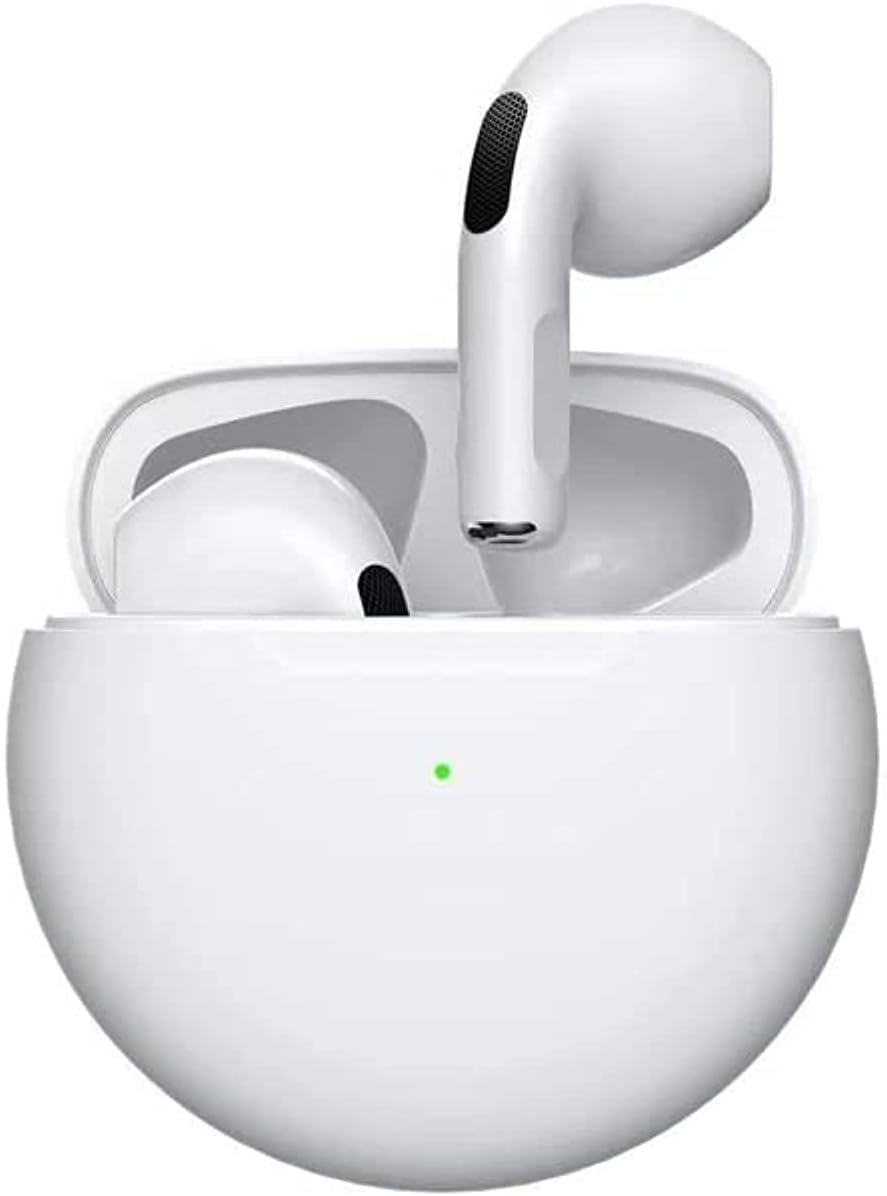
Image 2.1: Pro 6 Earbuds seated in their charging case, with the lid open, showing the earbuds ready for use. A small green indicator light is visible on the case.

Image 2.2: The Pro 6 charging case with its lid open, alongside the two individual earbuds. This view highlights the separate components of the product.

Image 2.3: The Pro 6 Earbuds in their open charging case, placed on a reflective surface, emphasizing their sleek design and compact form factor.
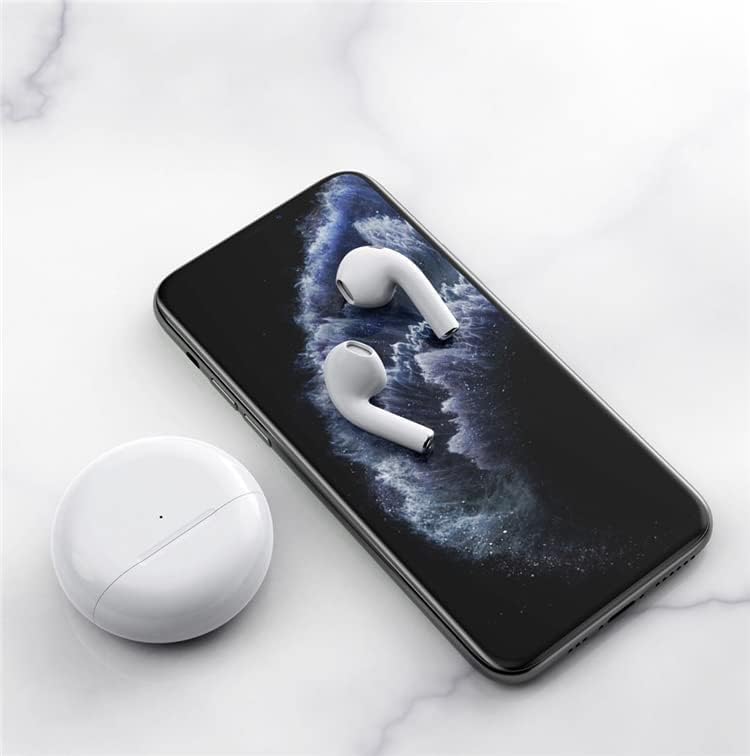
Image 2.4: The Pro 6 charging case with its lid open, showing the earbud compartments, next to the two individual earbuds resting on a marble-patterned surface. This image provides a closer look at the earbud design.

Image 2.5: The two Pro 6 Earbuds resting on the screen of a smartphone, with the closed charging case beside them. This illustrates the compact size of the earbuds and their compatibility with mobile devices.
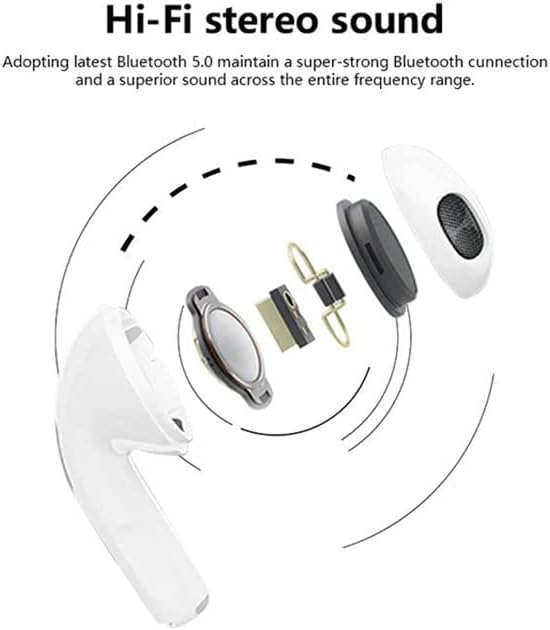
Image 2.6: The Pro 6 Earbuds in their open charging case, with text highlighting their "simple design" and "comfortable" fit. This image emphasizes the aesthetic and ergonomic aspects.
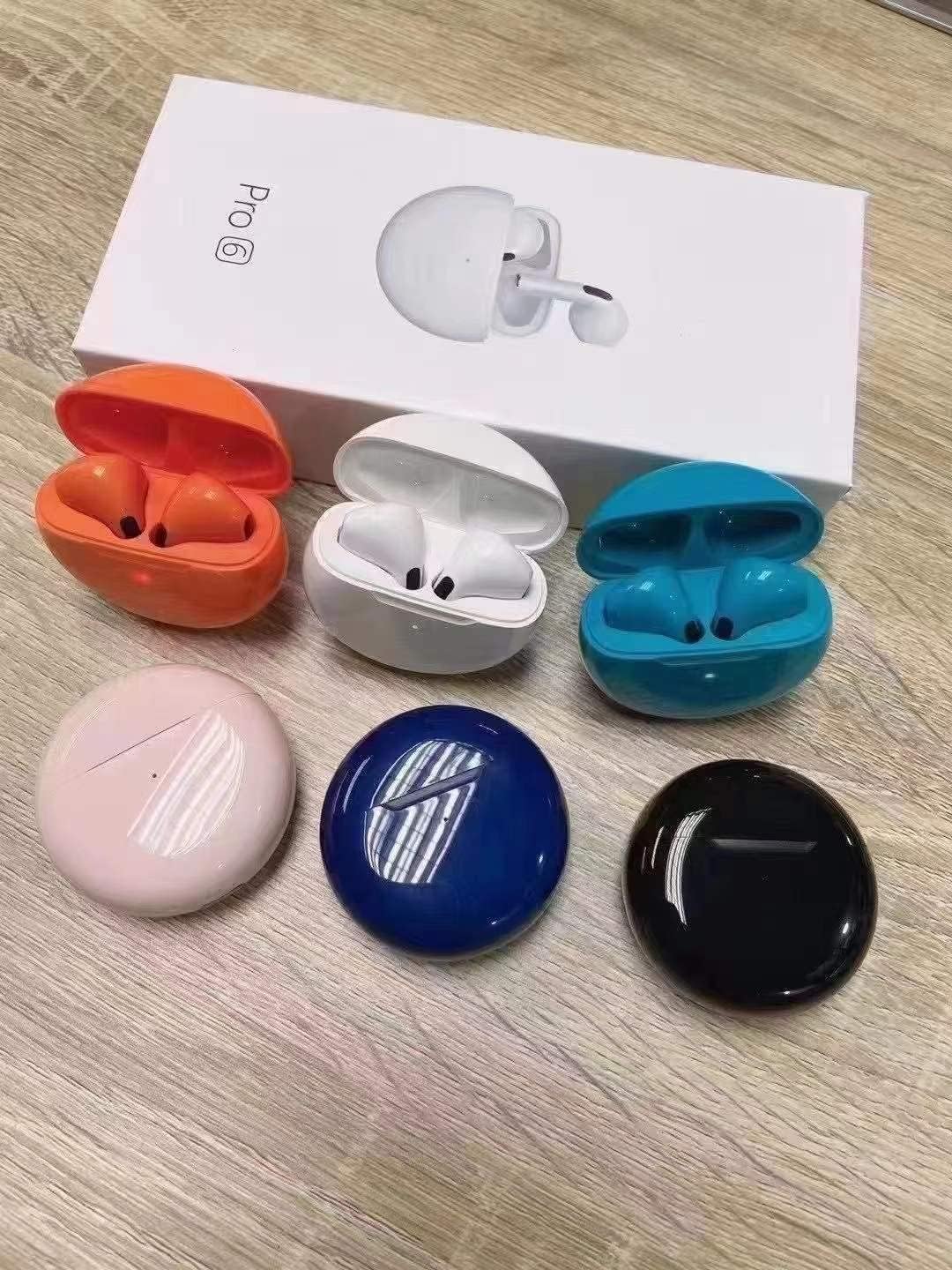
Image 2.7: A display of Pro 6 Earbuds and their charging cases in multiple colors (orange, white, blue, pink, dark blue, black), presented with the product packaging. This shows the range of available color options.
3. Setup
3.1. Initial Charging
Before first use, ensure the earbuds are fully charged. Remove the plastic film covers from the charging points on the earbuds, then place them into the charging case. Connect the charging case to a power source using a compatible cable (not specified if included, assume standard USB-C or Micro-USB).
- Charging time: Approximately 1 hour for a full charge.
- The charging case supports wireless charging.
3.2. Pairing with a Device
The Pro 6 earbuds feature one-step pairing for convenience.
- Ensure Bluetooth is enabled on your smartphone or other device.
- Open the lid of the earbud charging case. The earbuds will automatically enter pairing mode.
- On your device, search for Bluetooth devices and select "Pro 6" from the list.
- Once connected, the earbuds are ready for use.
Note: The earbuds will not disconnect or power off automatically when placed in the charging case if the case itself has no power.
4. Operating Instructions
The Pro 6 earbuds utilize smart touch controls for various functions.
4.1. Basic Functions
- Power On: Open the charging case.
- Power Off: Place earbuds back into the charging case and close the lid.
- Play/Pause: Single tap on either earbud.
- Next Song: Double tap on the right earbud.
- Previous Song: Double tap on the left earbud.
- Volume Up: Triple tap on the right earbud.
- Volume Down: Triple tap on the left earbud.
4.2. Call Management
- Answer Call: Single tap on either earbud.
- End Call: Single tap on either earbud during a call.
- Reject Call: Press and hold either earbud for 2 seconds.
4.3. Single Earbud Use
The Pro 6 earbuds support independent use. You can use either the left or right earbud individually. Simply take one earbud out of the case, and it will connect to your device. The other earbud can remain in the case or be used by another person.
5. Maintenance
Proper maintenance ensures the longevity and optimal performance of your Pro 6 earbuds.
- Cleaning: Regularly clean the earbuds and charging case with a soft, dry, lint-free cloth. Avoid using abrasive materials or harsh chemicals.
- Charging Contacts: Ensure the charging contacts on both the earbuds and inside the case are clean and free of debris to maintain proper charging.
- Storage: When not in use, store the earbuds in their charging case to protect them from dust and damage.
- Avoid Moisture: Do not expose the earbuds or charging case to excessive moisture or liquids.
6. Troubleshooting
If you encounter issues with your Pro 6 earbuds, refer to the following common solutions:
| Problem | Solution |
|---|---|
| Earbuds not pairing. |
|
| No sound from one earbud. |
|
| Earbuds not charging. |
|
| Poor sound quality. |
|
7. Specifications
Detailed technical specifications for the Pro 6 Bluetooth Earbuds:
- Model Name: Pro 6
- Connectivity Technology: Wireless (Bluetooth)
- Wireless Type: Bluetooth 5.1
- Ear Placement: In Ear
- Form Factor: In Ear
- Noise Control: Active Noise Cancellation (CVC 8.0)
- Vocalism Principle: Dynamic (Built-in 13.6mm high-dynamic high-sensitivity speaker)
- Battery Life: Up to 30 hours (with charging case)
- Charging Time: Approximately 1 hour (for full charge)
- Weight: Earphone weighs only 4 grams (per earbud)
- Included Components: Wireless Charging Case
- Manufacturer: The Equip Store
- Item Model Number: Pro6
- ASIN: B09VGZ8SP6
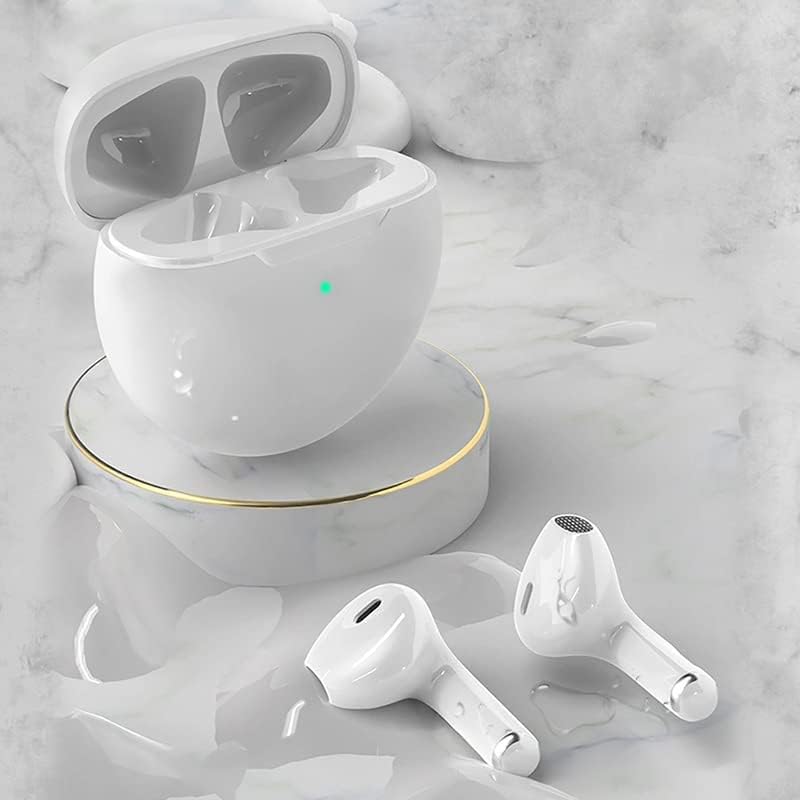
Image 7.1: An exploded diagram illustrating the internal components of an earbud, highlighting the speaker, diaphragm, and other elements contributing to the "Hi-Fi stereo sound" quality.
8. Warranty and Support
This product comes with a 1-year replacement warranty offered by The Equip Store. For warranty claims or technical support, please contact The Equip Store directly through your purchase platform or their official support channels.
Please retain your proof of purchase for warranty validation.


