
1. Introduction
This manual provides instructions for the setup, operation, and maintenance of your Cuifati Bilingual Chinese English Wired Computer Keyboard. This full-sized 108-key keyboard features both Chinese and English characters, a USB wired connection, and is designed for general use in home, office, and gaming environments.

Image: Cuifati Wired Computer Keyboard overview.
2. Setup
The Cuifati Wired Computer Keyboard is designed for simple plug-and-play functionality. No additional drivers or software are required for basic operation.
- Unpack the Keyboard: Carefully remove the keyboard from its packaging.
- Connect to your Device: Locate an available USB-A port on your computer (desktop or laptop). Insert the USB connector of the keyboard cable into the USB port.
- System Recognition: Your operating system should automatically detect and configure the keyboard. This process may take a few moments.
- Begin Use: Once recognized, the keyboard is ready for immediate use.

Image: Close-up of the USB-A connector for connection to a computer.
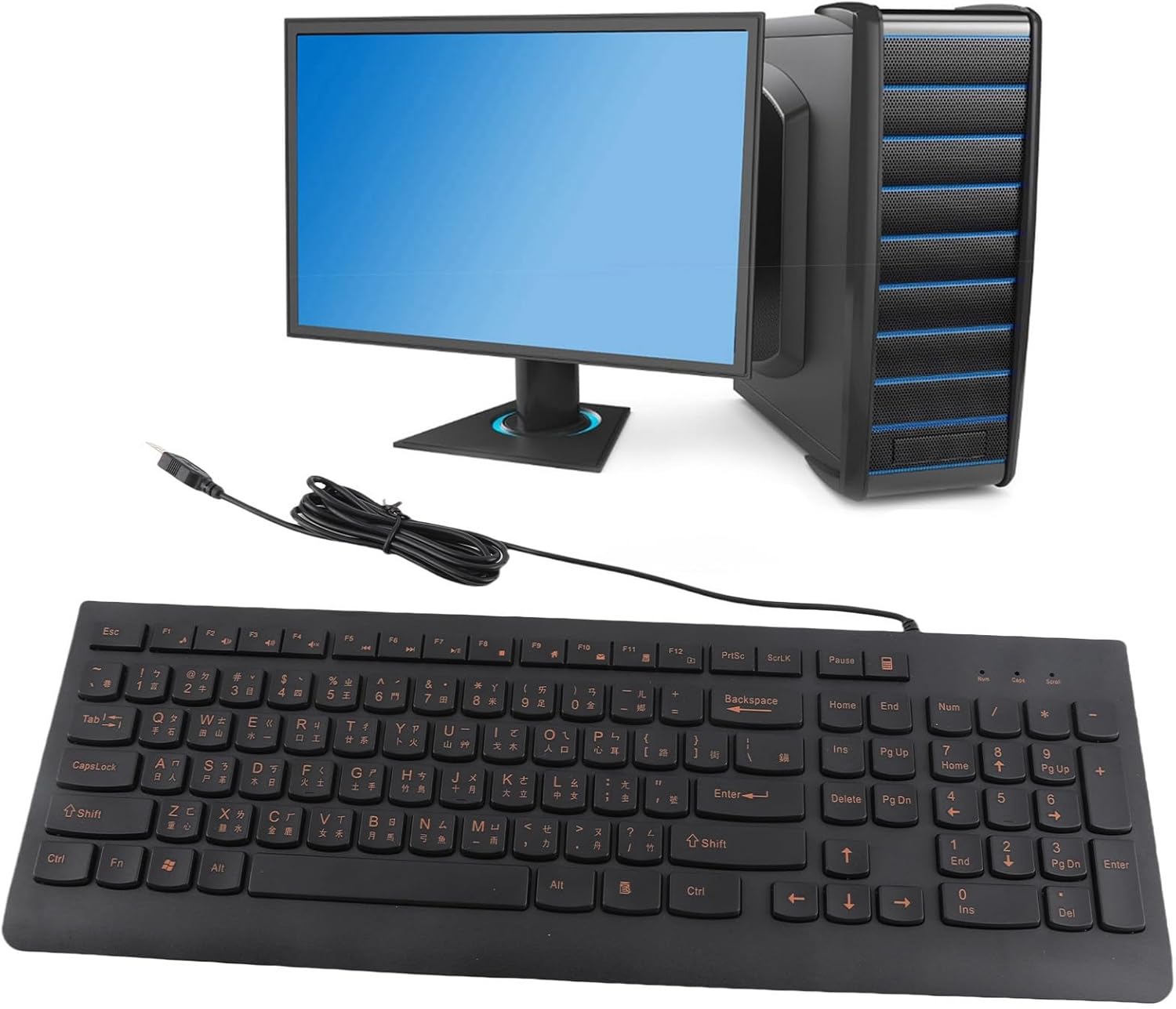
Image: The Cuifati keyboard connected to a desktop computer setup.
3. Operating Instructions
3.1 General Typing
The keyboard features a standard 108-key layout with both English and Chinese characters printed on the keycaps. The keys are designed for silent typing and a comfortable hand feel.
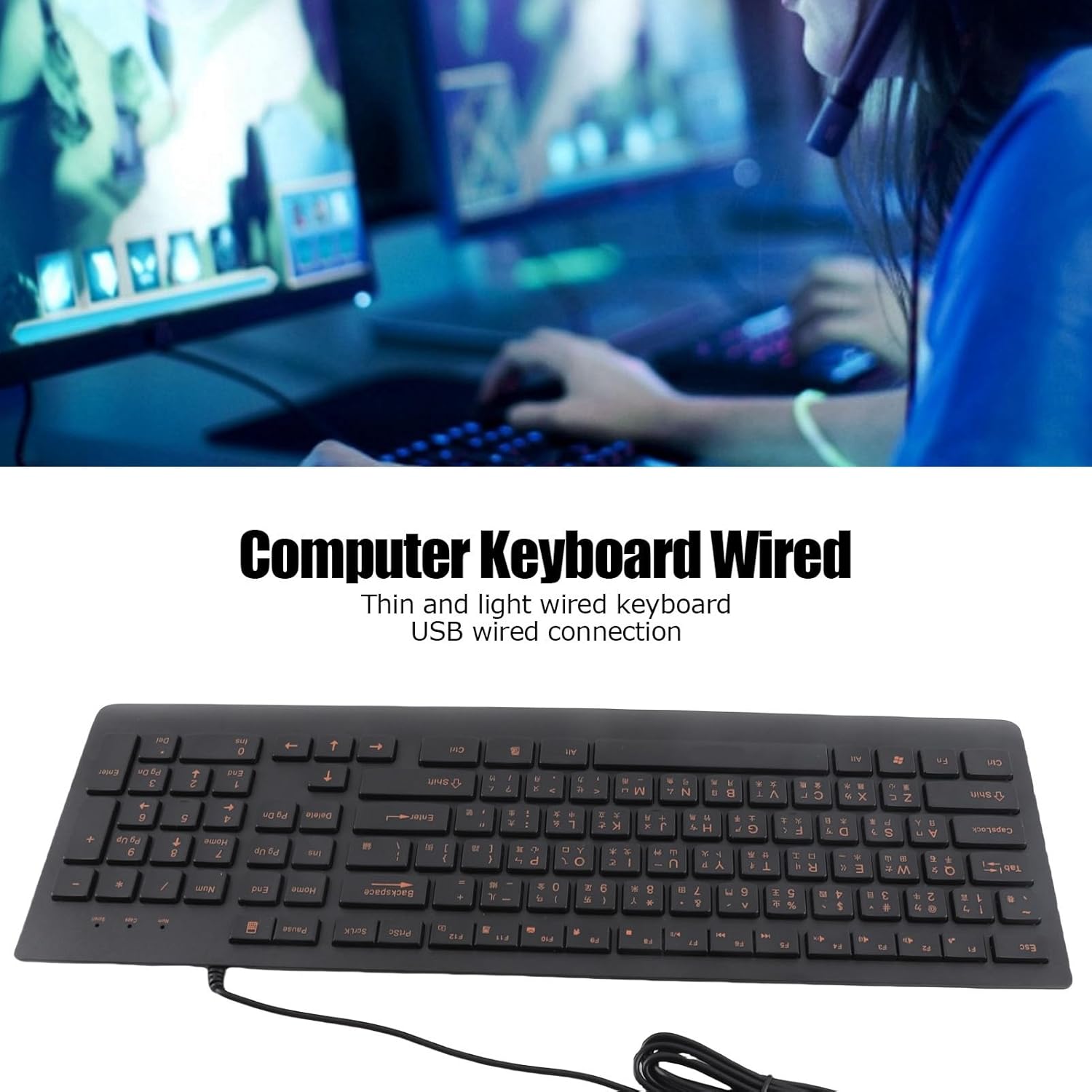
Image: Top view of the Cuifati Bilingual Chinese English Wired Computer Keyboard, showing the full 108-key layout with both character sets.
3.2 Multimedia Keys (Function Keys)
The keyboard includes multimedia shortcut keys (F1-F10) that can be activated by pressing the Fn key in combination with the desired function key. Some operating systems may require specific settings for these keys to function correctly.

Image: Detail of the keyboard highlighting the function keys (F1-F10) and the Fn key for multimedia shortcuts.
4. Maintenance
To ensure the longevity and optimal performance of your Cuifati keyboard, follow these maintenance guidelines:
- Cleaning: Disconnect the keyboard from your computer before cleaning. Use a soft, dry cloth to wipe the surface of the keyboard. For stubborn dirt, a slightly damp cloth with mild soap can be used, ensuring no liquid enters the key switches.
- Dust Removal: Use compressed air to remove dust and debris from between the keycaps.
- Avoid Liquids: Do not spill liquids on the keyboard. In case of accidental spills, immediately disconnect the keyboard and allow it to dry completely before reconnecting.
- Storage: Store the keyboard in a cool, dry place away from direct sunlight and extreme temperatures when not in use for extended periods.
The engraved keycaps are designed for durability and wear resistance, maintaining their legibility over time.
5. Troubleshooting
If you encounter issues with your keyboard, please refer to the following common troubleshooting steps:
| Problem | Possible Cause | Solution |
|---|---|---|
| Keyboard not responding | Loose USB connection, faulty USB port, system driver issue. |
|
| Keys are sticky or unresponsive | Dirt or debris under keycaps, liquid damage. |
|
| Multimedia keys not working | Operating system settings, incorrect key combination. |
|
6. Specifications
| Brand | Cuifati |
| Model Number | CUIFATI6m0w7ogh918078 |
| Connectivity Technology | USB, USB-A (Wired) |
| Number of Keys | 108 |
| Keyboard Layout | Bilingual Chinese/English, Full-Sized |
| Keycap Type | Engraved |
| Switch Type | Tactile |
| Compatible Devices | Laptop, Desktop PC |
| Item Weight | 1.4 pounds (approximately 0.64 kg) |
| Package Dimensions | 18.4 x 6.5 x 1.55 inches (approximately 46.7 x 16.5 x 3.9 cm) |
| Included Components | Wired computer keyboard |
7. Support
For any questions regarding your Cuifati Bilingual Chinese English Wired Computer Keyboard, or if you are not satisfied with the product, please contact Cuifati customer service. We are committed to providing the best possible solution and ensuring your satisfaction.
Please refer to your purchase documentation or the retailer's website for specific contact information.