
1. Introduction
This manual provides detailed instructions for the installation and operation of your Start-X Remote Starter Kit for Toyota RAV4 Hybrid vehicles (model years 2022, 2023, 2024) equipped with push-to-start ignition. This kit allows you to remotely start your vehicle using your existing factory key fob, providing comfort by pre-conditioning your vehicle's interior.
Important Compatibility Note:
- This kit is designed exclusively for hybrid vehicles.
- Vehicle must have push-to-start ignition. Not compatible with key blade ignition systems.
- For gas and automatic transmission only.
- Your factory remote is required; no additional remote is included in this kit.
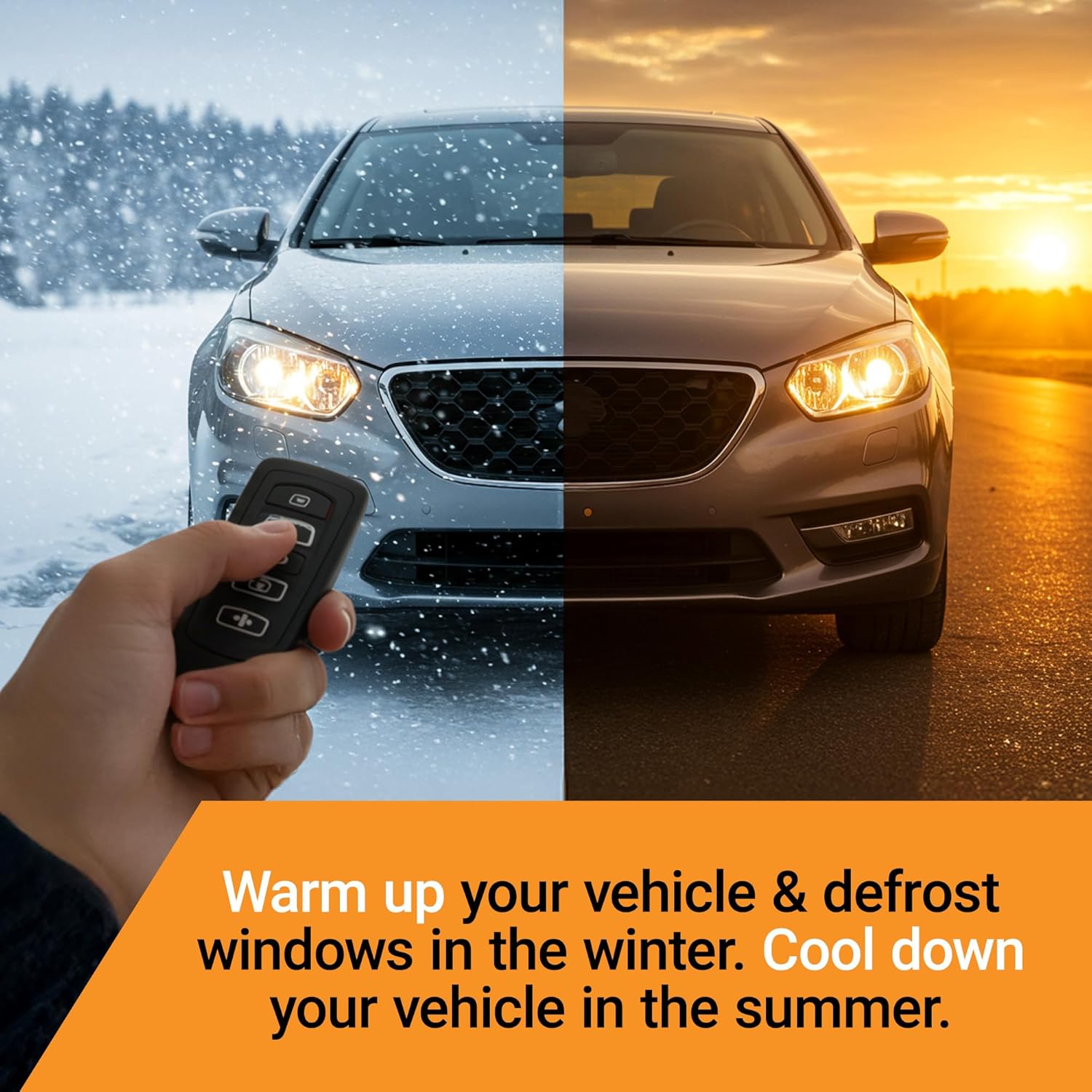
Enjoy a comfortable vehicle interior year-round by remotely starting your engine to warm up or cool down the cabin.
2. Package Contents
Please verify that all the following components are included in your Start-X Remote Starter Kit:
- Remote Start Module
- Vehicle Connection T-Harness
- Pry Tool
- Zip Ties
- Install Guide
- Welcome Card
- Warning Sticker

Ensure all listed components are present before beginning installation.
3. Installation Guide
The Start-X Remote Starter Kit features a plug-and-play T-harness design, eliminating the need for wire cutting or splicing. Follow these steps carefully for a successful installation. Some vehicle disassembly may be required.
3.1. Installation Video
For a visual guide, please refer to the official installation video:
Official Start-X installation video for the 2022+ RAV4 Hybrid Push-to-Start remote start kit. This video demonstrates the step-by-step process for connecting the T-harnesses and module.
3.2. Step-by-Step Instructions
- Disconnect the OBD2 Connector: Locate the OBD2 connector under the dashboard. Use the provided pry tool or a flathead screwdriver to gently push one of the tabs and pop out the connector. You are only removing it from its mounting point, not disconnecting any wires from it yet.
- Remove the Side Panel: Using the pry tool, carefully disconnect the side panel of the dashboard. You may also be able to pull down the lower dash with your hand. This will expose the Body Control Module (BCM) and its connectors.
- Identify BCM Connectors: The BCM has three connectors in a column. You will be connecting to the second and third connectors from the top. The third connector is located behind a metal brace.
- Connect BCM T-Harnesses: Disconnect the vehicle's connectors from the BCM by pushing on their respective tabs. Connect the Start-X T-harnesses in line with these vehicle connectors. First, connect the vehicle's connector to one end of the T-harness, then connect the other end of the T-harness to the BCM. Repeat for both identified connectors.
- Connect Hybrid T-Harness: Locate the hybrid T-harness connection point to the left of the BCM. Disconnect the vehicle's connector by pressing on the tab, then connect the Start-X hybrid T-harness in line with it. It may be easier to connect this harness before the BCM T-harnesses.
- Connect OBD2 T-Harness: Connect the OBD2 T-harness in line with the vehicle's OBD2 connector that you initially popped out. First, connect the vehicle's OBD2 connector to one end of the T-harness, then connect the other end of the T-harness to the original OBD2 port.
- Secure the Module: Use the provided zip ties to secure the remote start module and excess wiring, ensuring it is safely tucked away and does not interfere with any moving parts or pedals.
4. Operating Instructions
Your Start-X Remote Starter Kit utilizes your existing factory key fob for operation. No additional remote is needed.
4.1. Starting Your Vehicle
- Ensure your vehicle is locked.
- Press the Lock button on your factory key fob three (3) times consecutively.
- The vehicle's parking lights will flash, and the engine will start.
The remote start distance is the same as your factory key fob's lock/unlock range. For increased range, an optional Start-X range extender kit (sold separately) is available.
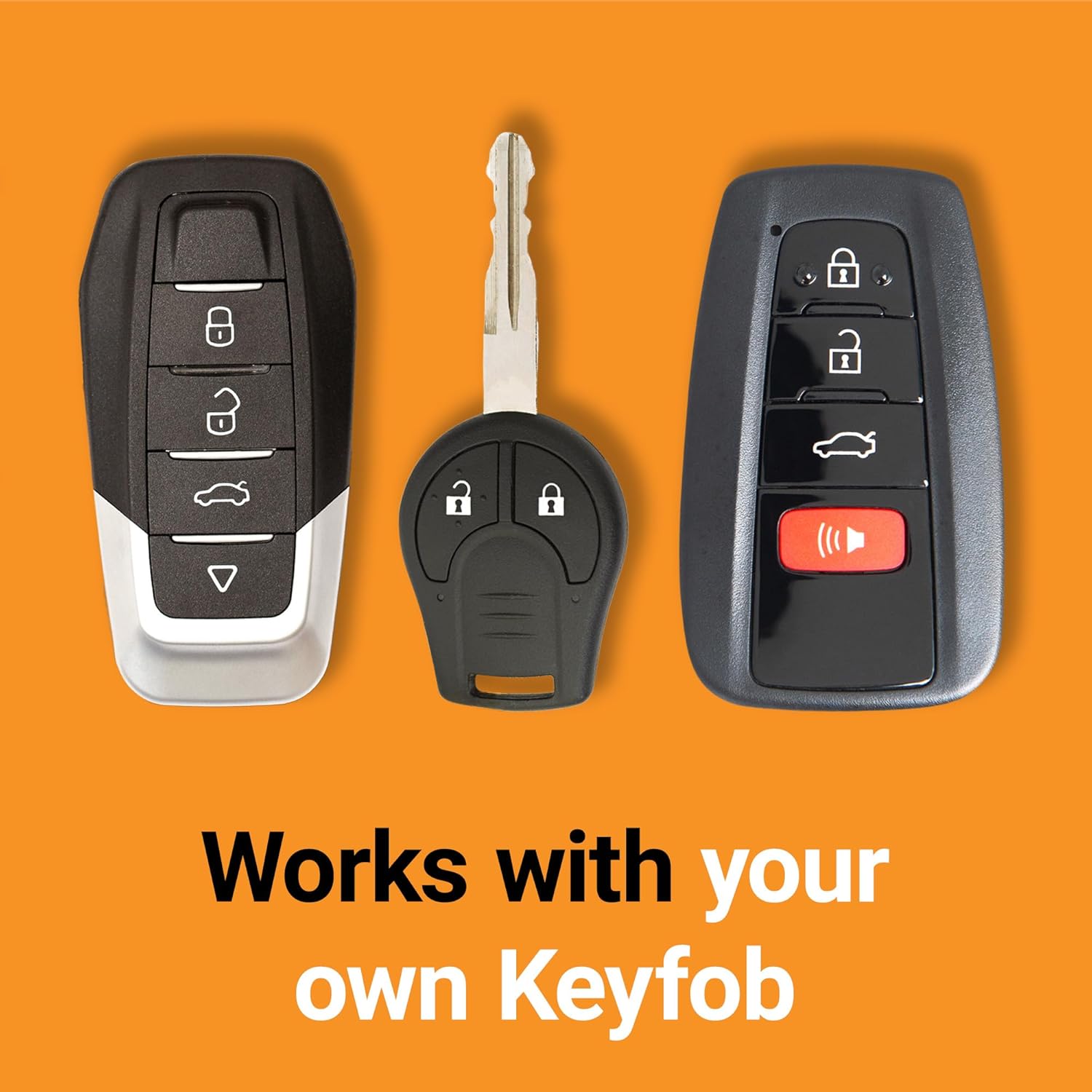
Utilize your existing factory key fob for convenient remote starting.
4.2. Turning Off Your Vehicle
- To turn off the vehicle after remote starting, press the Lock button on your factory key fob three (3) times consecutively again.
Safety Precaution:
As a safety measure, the vehicle will shut down automatically when a door is opened after remote starting. The vehicle must be restarted manually before driving.
5. Troubleshooting
If you encounter issues with your Start-X Remote Starter Kit, please review the following common solutions:
- Remote Start Not Activating: Ensure all connections are secure and fully seated. Verify that your vehicle's doors, hood, and trunk are completely closed. The vehicle must be locked before attempting to remote start.
- Vehicle Shuts Down Immediately: This is a normal safety feature. If a door is opened after remote starting, the engine will turn off. Restart the vehicle manually to drive.
- Check Engine Light or Warning Messages: Double-check all T-harness connections. Ensure the module is properly programmed for your specific vehicle. If issues persist, contact technical support.
- Reduced Remote Range: The remote start range is limited by your factory key fob's capabilities. Obstructions or interference can reduce range. Consider a Start-X range extender kit for improved distance.
For further assistance, refer to the detailed installation video or contact Start-X technical support.
6. Specifications
| Feature | Detail |
|---|---|
| Brand | Start-X |
| Model Number | T22-R-H |
| Compatibility | Toyota RAV4 Hybrid (2022, 2023, 2024) with Push-to-Start Ignition |
| Installation Type | Plug & Play T-Harness (Zero Wire Splicing) |
| Operation Method | Factory OEM Key Fob (Lock 3X) |
| Item Weight | 12.3 ounces |
| Package Dimensions | 8.07 x 4.17 x 2.36 inches |
7. Warranty and Support
Start-X products are designed for reliability and ease of use. For warranty information or technical support, please refer to the contact details provided with your product packaging or visit the official Start-X website. Our technical and customer support team is available to assist with any questions or installation guidance.


