
1. Introduction
Thank you for choosing the KUCCHERO 50W Portable Bluetooth Speaker. This manual provides essential information for setting up, operating, and maintaining your speaker to ensure optimal performance and longevity. Please read this manual thoroughly before use.

Image 1: Front view of the KUCCHERO 50W Portable Bluetooth Speaker, showcasing its robust design and speaker grille.
2. Setup
2.1 What's in the Box
- Wireless Bluetooth Speaker
- Type-C Charging Cable
- 3.5mm Audio Cable
- Quick-Start Guide
2.2 Charging the Speaker
Before first use, fully charge the speaker. Connect the provided Type-C charging cable to the speaker's charging port and the other end to a compatible USB power adapter (not included). The LED indicator will show charging status. A full charge provides up to 30 hours of playtime at 50% volume.
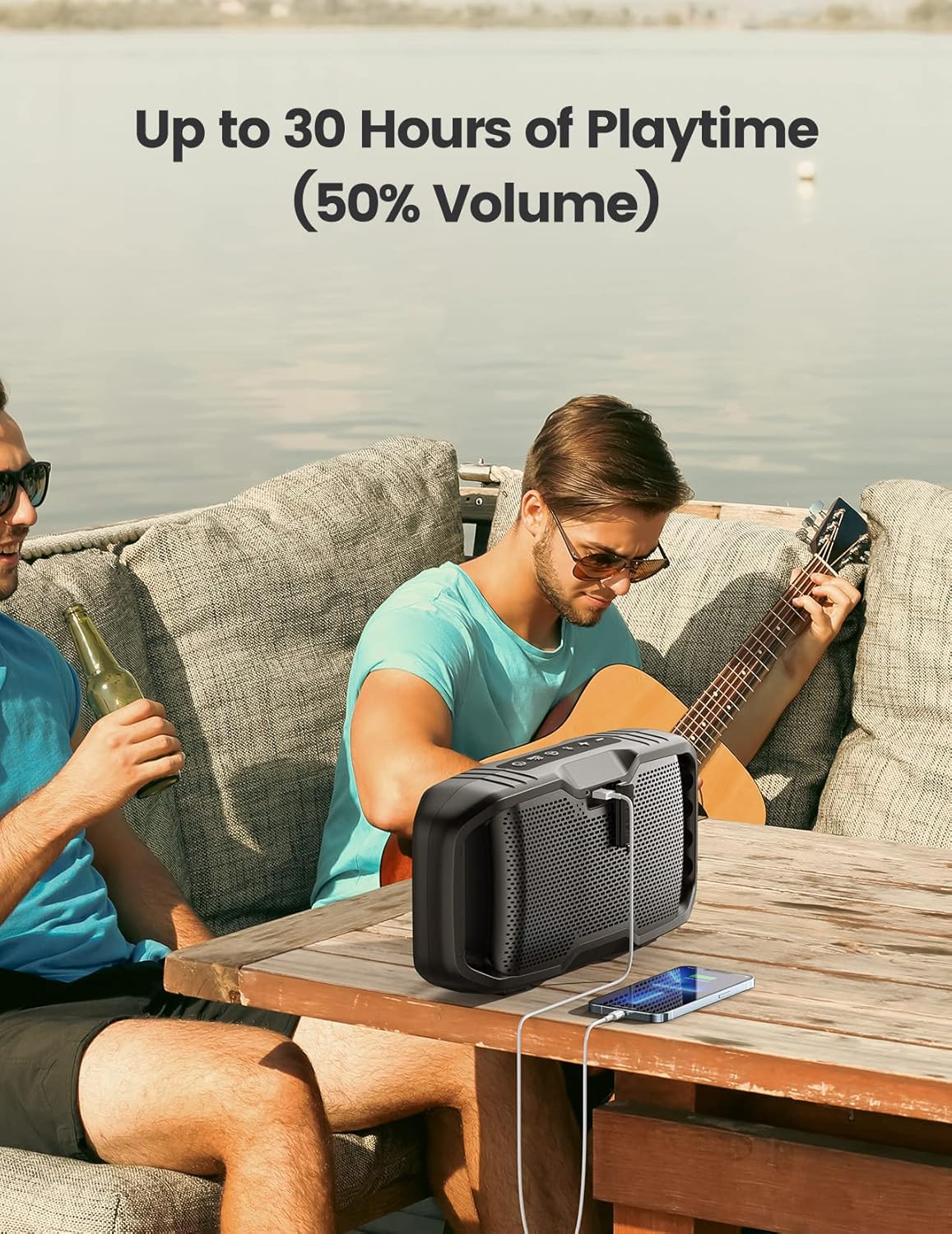
Image 2: The KUCCHERO speaker connected via USB-C cable, demonstrating its ability to charge a smartphone, highlighting its power bank feature.
2.3 Powering On/Off
Press and hold the Power button for 2-3 seconds to turn the speaker on or off. A sound prompt will indicate the power status.
2.4 Bluetooth Pairing
- Ensure the speaker is powered on and in Bluetooth pairing mode (LED indicator will flash).
- On your device (smartphone, tablet, laptop), enable Bluetooth and search for available devices.
- Select "KUCCHERO Speaker" from the list.
- Once connected, the LED indicator will become solid, and a confirmation sound will play.
2.5 True Wireless Stereo (TWS) Pairing
For an immersive stereo experience, you can pair two KUCCHERO speakers together. This feature allows for synchronized audio output across multiple units, creating a wider soundstage.
- Ensure both speakers are powered on and not connected to any Bluetooth device.
- On one speaker (this will be the primary speaker), press the TWS button. The speaker will enter TWS pairing mode.
- The primary speaker will automatically search for and connect to the second speaker.
- Once connected, both speakers will play audio in synchronized stereo.
- To disconnect TWS, press the TWS button on either speaker again.

Image 3: Two KUCCHERO speakers positioned on a beach, illustrating the True Wireless Stereo (TWS) pairing for enhanced sound.

Image 4: Several KUCCHERO speakers placed in a backyard setting, demonstrating the ability to sync up to 100 speakers for a wide 360-degree sound experience.
3. Operating the Speaker
3.1 Button Functions
Familiarize yourself with the control buttons located on the top panel of the speaker for easy operation.
- Power Button: Press and hold to turn on/off.
- Play/Pause Button: Press to play or pause audio.
- Volume Up (+): Press to increase volume. Press and hold for next track.
- Volume Down (-): Press to decrease volume. Press and hold for previous track.
- EX-BASS Button: Press to activate or deactivate the enhanced bass mode.
- TWS Button: Press to initiate or disconnect True Wireless Stereo pairing.
3.2 Audio Playback
The speaker supports audio playback via Bluetooth and a 3.5mm AUX cable.
- Bluetooth Mode: After successful pairing, audio from your connected device will play through the speaker.
- AUX-in Mode: Connect a device using the 3.5mm audio cable. The speaker will automatically switch to AUX mode.
3.3 Hands-Free Calling
When connected via Bluetooth, the speaker's built-in microphone allows for hands-free calling.
- Answer Call: Press the Play/Pause button once.
- End Call: Press the Play/Pause button once during a call.
- Reject Call: Press and hold the Play/Pause button.
3.4 EX-BASS Function
Activate the EX-BASS function for a deeper, more powerful bass response. This is ideal for outdoor environments or when you desire a more impactful sound.

Image 5: An exploded view of the KUCCHERO speaker's internal components, emphasizing the subwoofers and tweeters that contribute to its 50W loud sound and exclusive bass.
3.5 Using as a Power Bank
The speaker can be used to charge other USB-powered devices. Connect your device to the speaker's USB output port using a compatible charging cable.
Video 1: An official product video demonstrating the KUCCHERO 50W Loud Outdoor Bluetooth Speaker with EX-BASS in various outdoor and indoor settings, highlighting its portability and sound quality.
4. Maintenance
4.1 Cleaning
Wipe the speaker with a soft, damp cloth. Do not use harsh chemicals or abrasive cleaners. Ensure all ports are dry before charging or connecting cables.
4.2 Water Resistance (IPX5)
The speaker is IPX5 water-resistant, meaning it can withstand water splashes and light rain. It is not designed to be submerged in water. Ensure the charging port cover is securely closed before exposure to water.

Image 6: The KUCCHERO speaker placed near a swimming pool, illustrating its IPX5 water-resistant capability, suitable for outdoor use.
4.3 Storage
Store the speaker in a cool, dry place away from direct sunlight and extreme temperatures when not in use for extended periods.
5. Troubleshooting
5.1 No Power
- Ensure the speaker is fully charged.
- Press and hold the Power button for a few seconds.
5.2 No Sound
- Increase the volume on both the speaker and your connected device.
- Ensure the speaker is correctly paired via Bluetooth or the AUX cable is fully inserted.
- Try disconnecting and re-pairing the Bluetooth connection.
5.3 Bluetooth Pairing Issues
- Ensure the speaker is within the 66ft (20m) wireless range of your device.
- Turn off and on the Bluetooth function on your device.
- Forget the speaker from your device's Bluetooth list and try pairing again.
- Ensure no other devices are currently connected to the speaker.
5.4 TWS Pairing Issues
- Ensure both speakers are KUCCHERO models compatible with TWS.
- Make sure both speakers are not connected to any other Bluetooth device before initiating TWS pairing.
- Place speakers close to each other during TWS pairing.
6. Specifications
| Feature | Detail |
|---|---|
| Brand | KUCCHERO |
| Model Number | 752671978163 |
| Speaker Maximum Output Power | 50 Watts |
| Connectivity Technology | Bluetooth, USB |
| Wireless Communication Technology | Bluetooth |
| Bluetooth Range | 20.12 Meters (66 feet) |
| Battery Life | Up to 30 Hours |
| Water Resistance | IPX5 |
| Product Dimensions | 4"D x 14"W x 7"H |
| Item Weight | 5 Pounds |
| Material | Metal, Plastic |
| Special Feature | Up to 100 Speakers Multiple Pairing |
7. Warranty Information
This product comes with a Limited Warranty. For detailed information regarding the warranty period, coverage, and terms, please refer to the warranty card included in your product packaging or visit the official KUCCHERO website.
8. Customer Support
If you encounter any issues or have questions not covered in this manual, please contact KUCCHERO customer support. Contact information can typically be found on the product packaging, the official KUCCHERO website, or the quick-start guide.


