
Introduction
This manual provides detailed instructions for the installation, use, and maintenance of your Dexnor Heavy Duty Protective Case for the Samsung Galaxy S22 Plus 5G. This case is designed to offer comprehensive protection for your device.
Compatibility
This Dexnor protective case is specifically designed for the Samsung Galaxy S22 Plus 5G. It is not compatible with Samsung Galaxy S22, S21, or S22 Ultra models.

This image illustrates that the case is designed exclusively for the Samsung Galaxy S22 Plus 5G (6.6 inches) and is not compatible with other Galaxy S series models like S22 (6.1 inches), S21 (6.2 inches), or S22 Ultra (6.8 inches).
Features
- Built-in Screen Protector: The front frame includes an integrated plastic screen protector.
- Military Grade Protection: Dual-layer construction with a hard PC shell and shockproof TPU bumper provides full-body protection.
- Reinforced Corners: Raised thickened rubber in all four corners effectively absorbs shock from drops and falls.
- Integrated Kickstand: A built-in kickstand allows for hands-free viewing in landscape or two different portrait angles.
- Raised Edges: Elevated lips protect the screen and camera from direct impact.
- Wireless Charging Compatible: The case supports wireless charging without needing to be removed.
- Precise Cutouts: Ensures full access to all buttons, sensors, and cameras.

This diagram highlights the case's construction, featuring a hard PC back cover, durable PC kickstand, soft TPU edges for easy installation, and a hard front frame with an integrated screen protector, providing 360-degree protection.
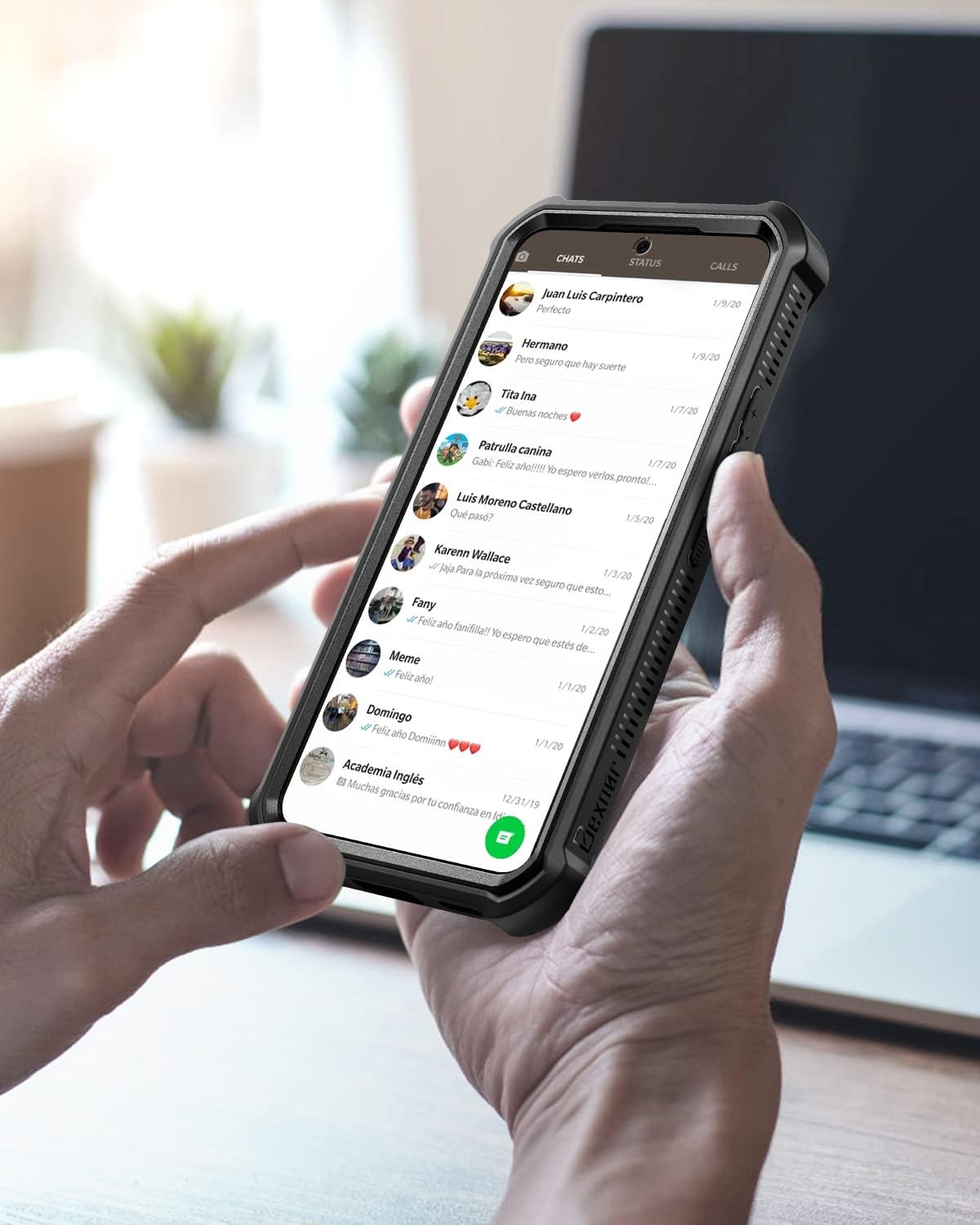
The image displays the reinforced corners of the case, designed to withstand extreme drops and provide enhanced shock absorption.
Setup and Installation
Follow these steps to properly install your Dexnor protective case:
- Separate the Case: Carefully open the case by separating the front frame from the back cover. You may need to gently pry it open from a corner, such as the lower right corner.
- Clean Your Phone: Ensure your Samsung Galaxy S22 Plus is clean and free of dust or smudges before installation.
- Prepare the Front Frame: Peel off any protective films from the built-in screen protector on the front frame.
- Install Phone into Front Frame: Place your phone into the front frame first, ensuring it fits snugly and securely.
- Attach Back Case: Align the front frame (with your phone inside) with the back cover and press firmly around the edges until it snaps into place. Ensure all edges are sealed.
- Fingerprint Sensor Setup: Wipe the fingerprint area on the screen protector. Then, reset and re-register your fingerprint ID on your phone with the case installed to ensure proper functionality. Increase touch sensitivity in phone settings if needed.
This video demonstrates the step-by-step installation process for the Dexnor case, including separating the case, inserting the phone, and re-registering the fingerprint.

A hand is shown peeling off a protective film from the inside of the case's screen protector, a crucial step before installing the phone.
Operating the Kickstand
The integrated kickstand provides convenient hands-free viewing:
- To Deploy: Gently pull out the kickstand from the back of the case until it locks into position.
- Viewing Angles: The kickstand supports both horizontal (landscape) and two different vertical (portrait) viewing angles. Adjust as needed for optimal viewing.
- To Retract: Push the kickstand back into its recess until it sits flush with the case.

This image demonstrates the two ultra-stable standing ways provided by the kickstand, allowing for comfortable viewing angles in both landscape and portrait orientations.
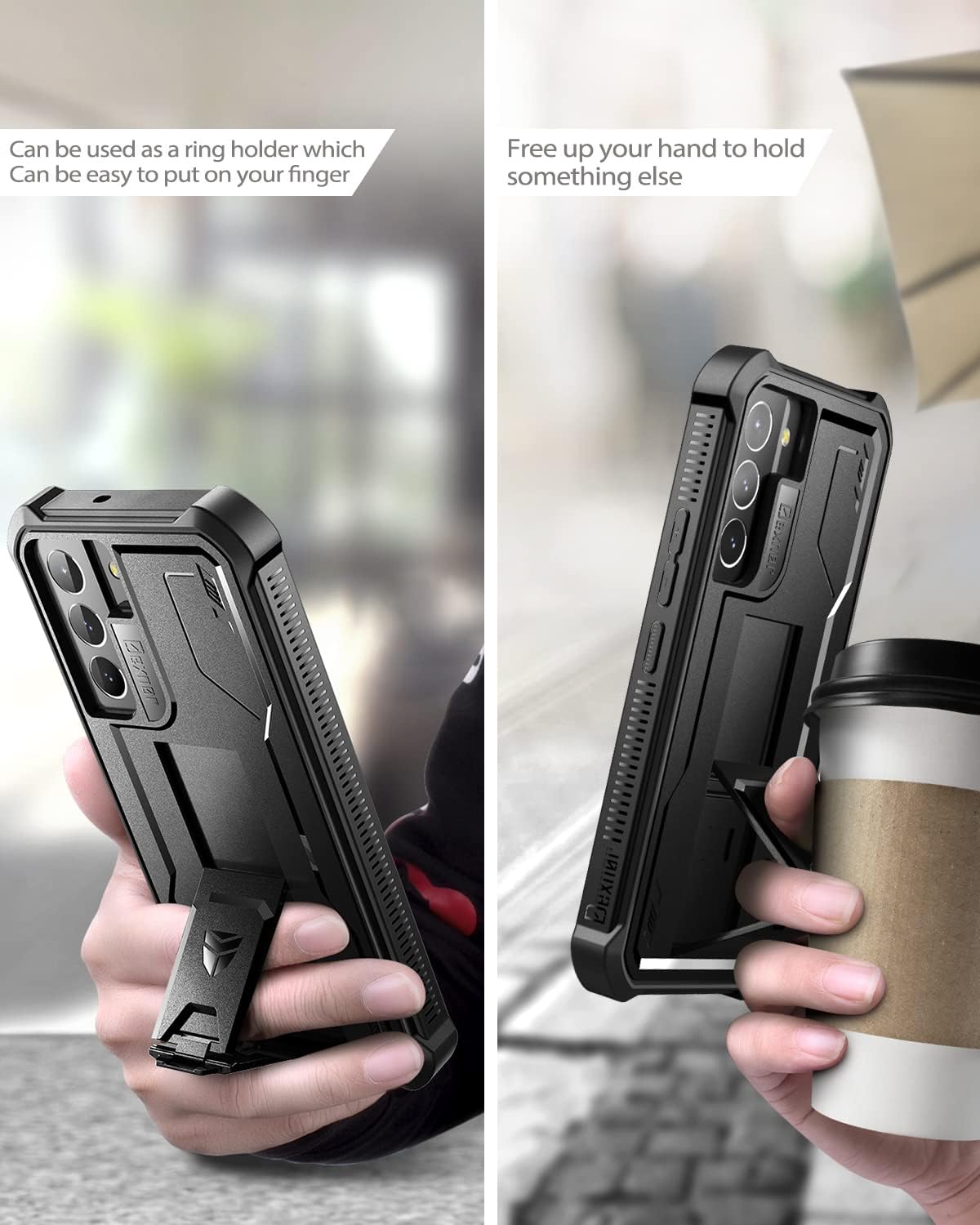
This image illustrates the versatility of the kickstand, showing it being used as a ring holder for secure gripping and as a stand to free up hands for other activities.
Maintenance
To ensure the longevity and effectiveness of your Dexnor case:
- Cleaning: Wipe the case regularly with a soft, damp cloth to remove dust and grime. Avoid harsh chemicals or abrasive materials.
- Screen Protector Care: Keep the built-in screen protector clean. If dust accumulates underneath, carefully remove the case, clean both the phone screen and the protector, and re-install.
- Inspection: Periodically inspect the case for any signs of wear or damage, especially after significant drops, to ensure continued protection.
Troubleshooting
- Fingerprint Sensor Issues: If the fingerprint sensor is not working correctly after installation, ensure you have re-registered your fingerprints with the case on. Also, check your phone's settings to increase touch sensitivity if available.
- Dust Under Screen Protector: If dust or debris gets under the screen protector, carefully remove the case, clean both the phone screen and the inside of the screen protector with a microfiber cloth, and then re-install the case following the installation steps.
- Case Not Snapping Shut: Ensure your phone is correctly seated within the front frame and that no debris is obstructing the edges of the case. Apply even pressure around all sides until the case fully snaps together.
Specifications
| Feature | Detail |
|---|---|
| Brand | Dexnor |
| Compatible Phone Models | Samsung Galaxy S22 Plus |
| Color | Black (for this specific model) |
| Material | Polycarbonate, Thermoplastic Polyurethane |
| Water Resistance Level | Not Water Resistant |
| Additional Features | Built-in Screen Protector, Heavy Duty Protection, Kickstand |
| Screen Size Compatibility | 6.6 Inches |
| Item Weight | 80 Grams |
| Item Dimensions | 6.67 x 3.42 x 0.6 inches |
Warranty and Support
Dexnor products are covered under a one-year limited warranty. If you encounter any issues with your Dexnor case, please contact Dexnor customer support for assistance.
For further support, visit the official Dexnor store: Dexnor Store on Amazon