Introduction
This manual provides detailed instructions for the setup, operation, and maintenance of your SKMEI Digital Sports Watch Model 1895. Please read this guide thoroughly to ensure proper use and to maximize the lifespan of your watch.
SKMEI 1895 Digital Sports Watch on a wrist, displaying current time and date.
Product Features
- Digital Time Display (Hour, Minute, Second)
- Date Display (Month, Day, Week)
- 12/24 Hour Format Selection
- Stopwatch Function
- Alarm Function
- Countdown Timer
- Dual Time Zone Display
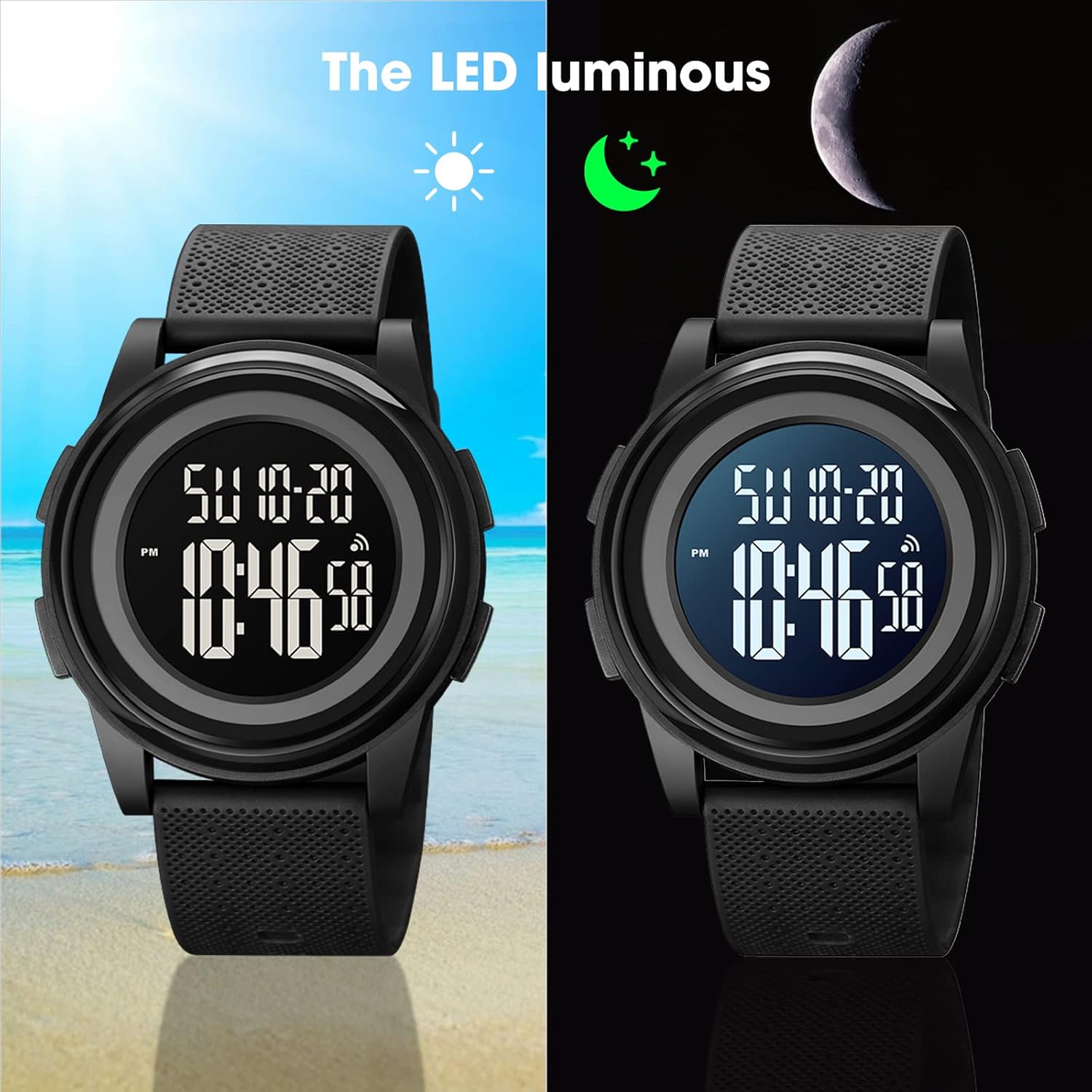
- LED Backlight for low-light conditions
- Water Resistance: 50 meters (5 ATM)

Diagram illustrating the various functions of the SKMEI 1895 Digital Sports Watch.
Setup
1. Time and Date Setting
- In normal time mode, press and hold the MODE button until the seconds start flashing. This indicates you are in setting mode.
- Press the RESET button to cycle through the setting options: Seconds → Hour → Minute → Year → Month → Day → 12/24H Format.
- Use the START button to adjust the flashing value.
- Once all settings are correct, press the MODE button to exit setting mode.
2. Alarm Setting
- From normal time mode, press the MODE button twice to enter Alarm mode.
- Press the RESET button to select Hour or Minute.
- Use the START button to adjust the flashing value.
- Press the MODE button to confirm and exit Alarm setting mode.
- To activate/deactivate the alarm, press the START button while in Alarm mode. An alarm icon will appear/disappear on the display.
Operating Functions
1. Stopwatch
- From normal time mode, press the MODE button once to enter Stopwatch mode.
- Press the START button to begin timing.
- Press the START button again to pause timing.
- Press the RESET button to reset the stopwatch to zero.
- Press the MODE button to return to normal time mode.
2. Countdown Timer
- From normal time mode, press the MODE button three times to enter Countdown mode.
- Press and hold the RESET button until the hour digits flash to set the countdown time.
- Use the START button to adjust the flashing value (Hour, Minute, Second).
- Press the RESET button to move between Hour, Minute, and Second settings.
- Press the MODE button to confirm the countdown time.
- Press the START button to begin the countdown.
- Press the START button again to pause/resume.
- Press the RESET button to reset the countdown.
3. Dual Time
- From normal time mode, press the MODE button four times to enter Dual Time mode.
- Press and hold the RESET button until the hour digits flash.
- Use the START button to adjust the flashing hour.
- Press the RESET button to move to minute setting.
- Use the START button to adjust the flashing minute.
- Press the MODE button to confirm and exit Dual Time setting mode.
4. Backlight
Press the LIGHT button (usually top-left) to illuminate the display for a few seconds in low-light conditions.

The watch display with and without LED backlight.
Maintenance
Water Resistance (5 ATM / 50 Meters)
Your SKMEI 1895 watch is water-resistant to 50 meters. This means it is suitable for daily use, such as hand washing, rain, and showering. It is not recommended for swimming, diving, or prolonged submersion in water. Do not operate buttons while the watch is wet or submerged.
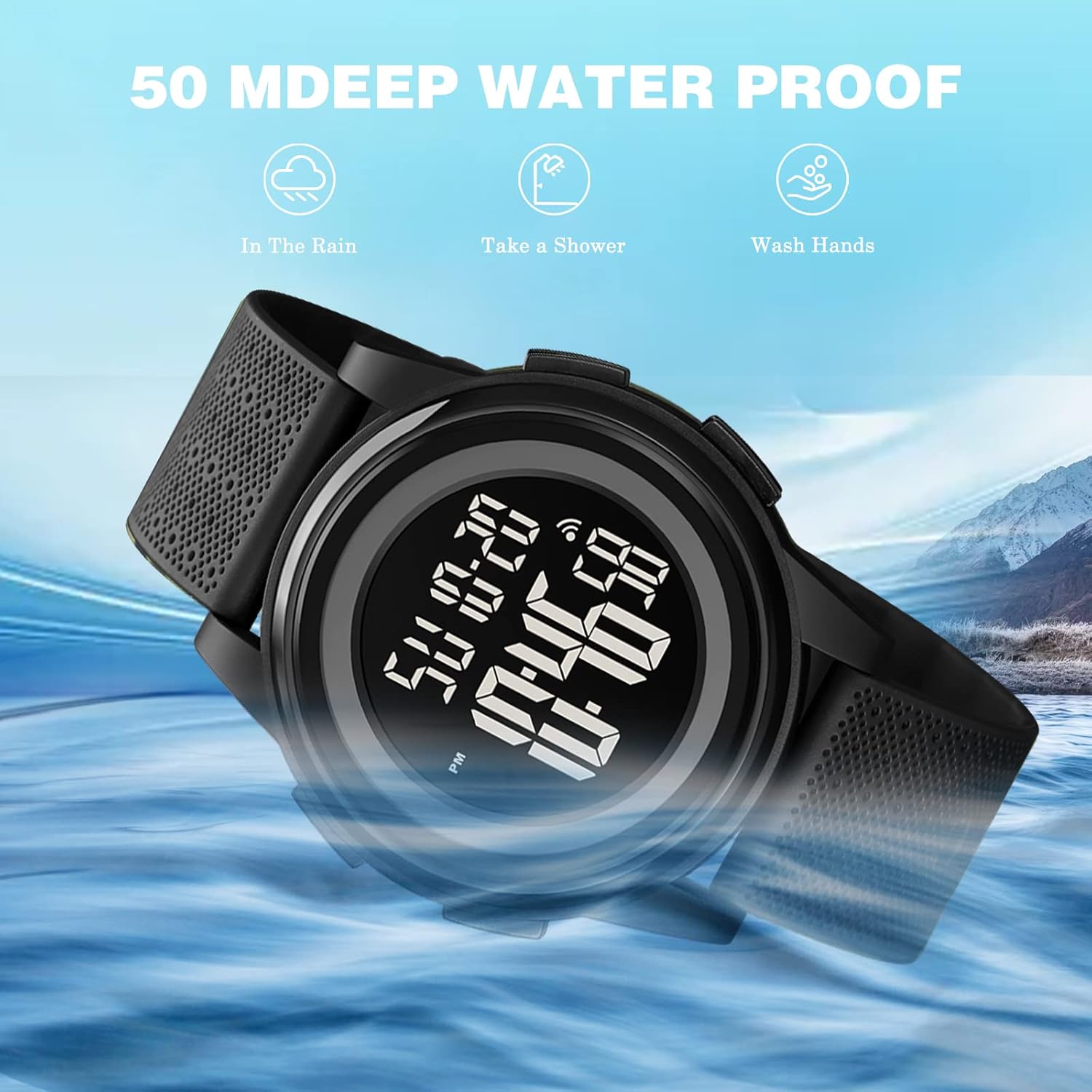
Water resistance guidelines for the SKMEI 1895 watch.
Cleaning
Wipe the watch case and strap with a soft, damp cloth. Avoid using harsh chemicals or abrasive materials that could damage the finish.
Battery Replacement
When the display becomes dim or the watch stops functioning, the battery may need replacement. It is recommended to have the battery replaced by a qualified watch technician to ensure the water resistance seal is maintained.
Troubleshooting
- Display is blank or dim: The battery may be low or depleted. Replace the battery.
- Buttons are not responding: The watch might be in a locked mode (if applicable, refer to specific model features) or the battery is low. Try resetting the watch by pressing all four buttons simultaneously for a few seconds, or replace the battery.
- Time is inaccurate: Ensure the time was set correctly. If the issue persists after setting, the battery may be low or the movement may require service.
- Water inside the watch: If water appears inside the watch, stop using it immediately and take it to a professional for inspection and repair to prevent further damage.
Specifications
| Feature | Detail |
|---|---|
| Model Number | SKMEI-1895 |
| Movement Type | Digital |
| Case Material | ABS Resin |
| Band Material | PU (Polyurethane) |
| Buckle Material | Stainless Steel |
| Mirror Material | Resin |
| Water Resistance | 50M (5 ATM) |
| Case Diameter | 40mm (1.57 Inches) |
| Case Thickness | 10mm |
| Band Width | 20mm |
| Watch Length | 240mm |
| Item Weight | 24 g |
| Included Components | Gift Box, Instruction Manual, Extra Band |
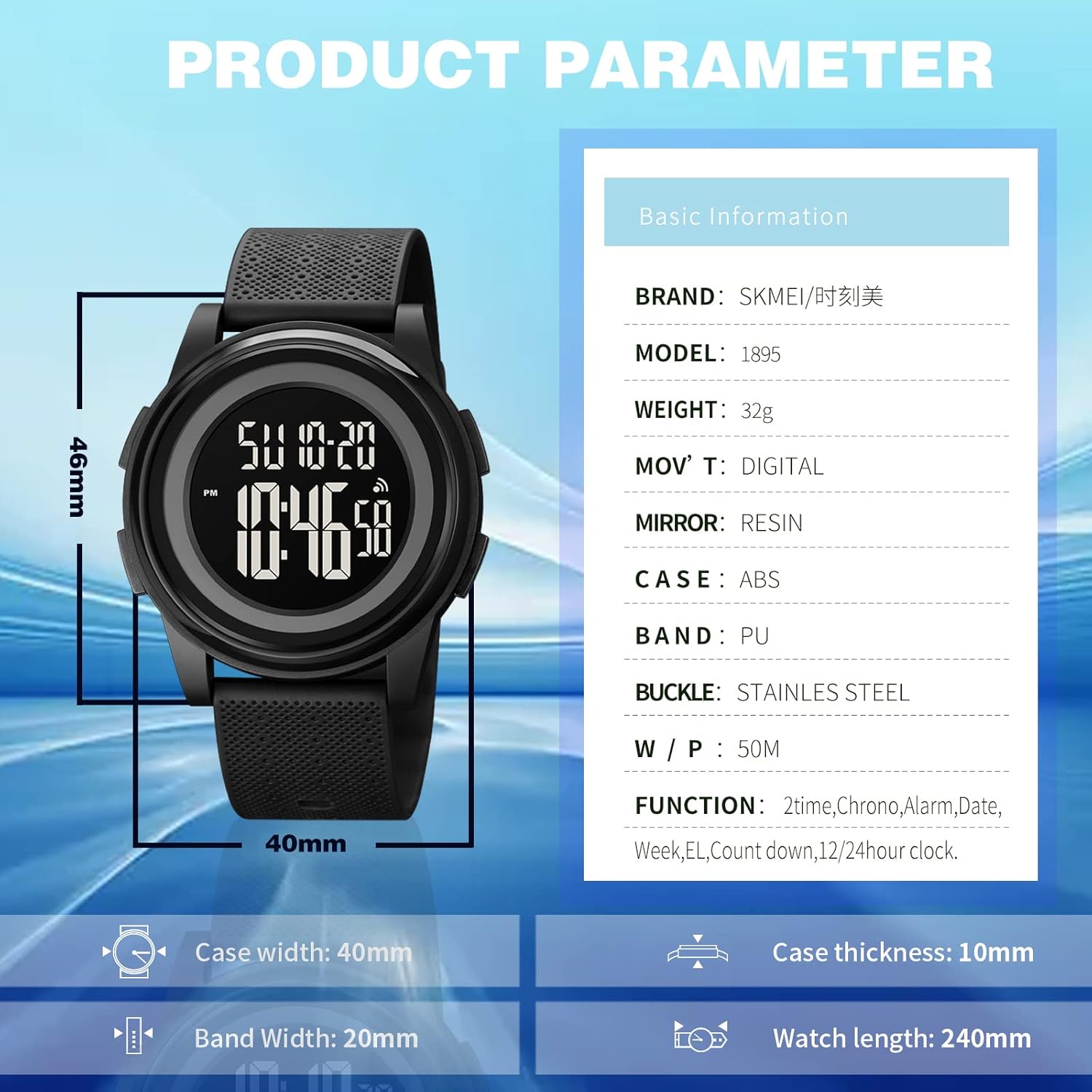
Product parameter details for the SKMEI 1895 watch.
Warranty and Support
Warranty Information
This SKMEI Digital Sports Watch Model 1895 comes with a 9-month limited warranty from the date of purchase. This warranty covers manufacturing defects. It does not cover damage caused by improper use, accidents, unauthorized repairs, or normal wear and tear.
Customer Support
For any questions, technical assistance, or warranty claims, please contact your retailer or the official SKMEI customer service. Refer to the contact information provided with your purchase or visit the official SKMEI website for support details.


