1. Safety Information
WARNING: Always store firearms unloaded and locked away from children and unauthorized individuals. Failure to do so may result in serious injury or death. This safe is designed to deter theft and unauthorized access, but it cannot guarantee absolute security against all forms of attack. Always follow local and national laws regarding firearm storage.
- Keep emergency keys in a secure location away from the safe and out of reach of children.
- Do not store the safe in areas with extreme temperatures or high humidity.
- Ensure the safe is securely mounted or placed to prevent unauthorized removal.
- Regularly check battery levels to ensure proper operation of the biometric system.
2. Product Overview
The SOULYI Biometric Fingerprint Gun Safe provides secure storage for pistols, ammunition, money, and other valuables. It features quick biometric access and a robust alloy steel construction.
Key Features:
- Biometric Fingerprint Access: High-resolution 650 DPI sensor for quick unlocking in 0.1 seconds.
- Emergency Key Access: Provides an alternative entry method in case of battery depletion or biometric system issues.
- Solid Construction: Made from high-strength alloy steel with seamless welding for enhanced security.
- Interior Protection: Features a built-in light and 270-degree sponge foam padding to protect contents from scratches.
- Compact Design: Easily concealable for placement under tables, beds, in cabinets, or on shelves.
- Security Cable: Includes a reinforced steel cable for securing the safe to fixed objects.
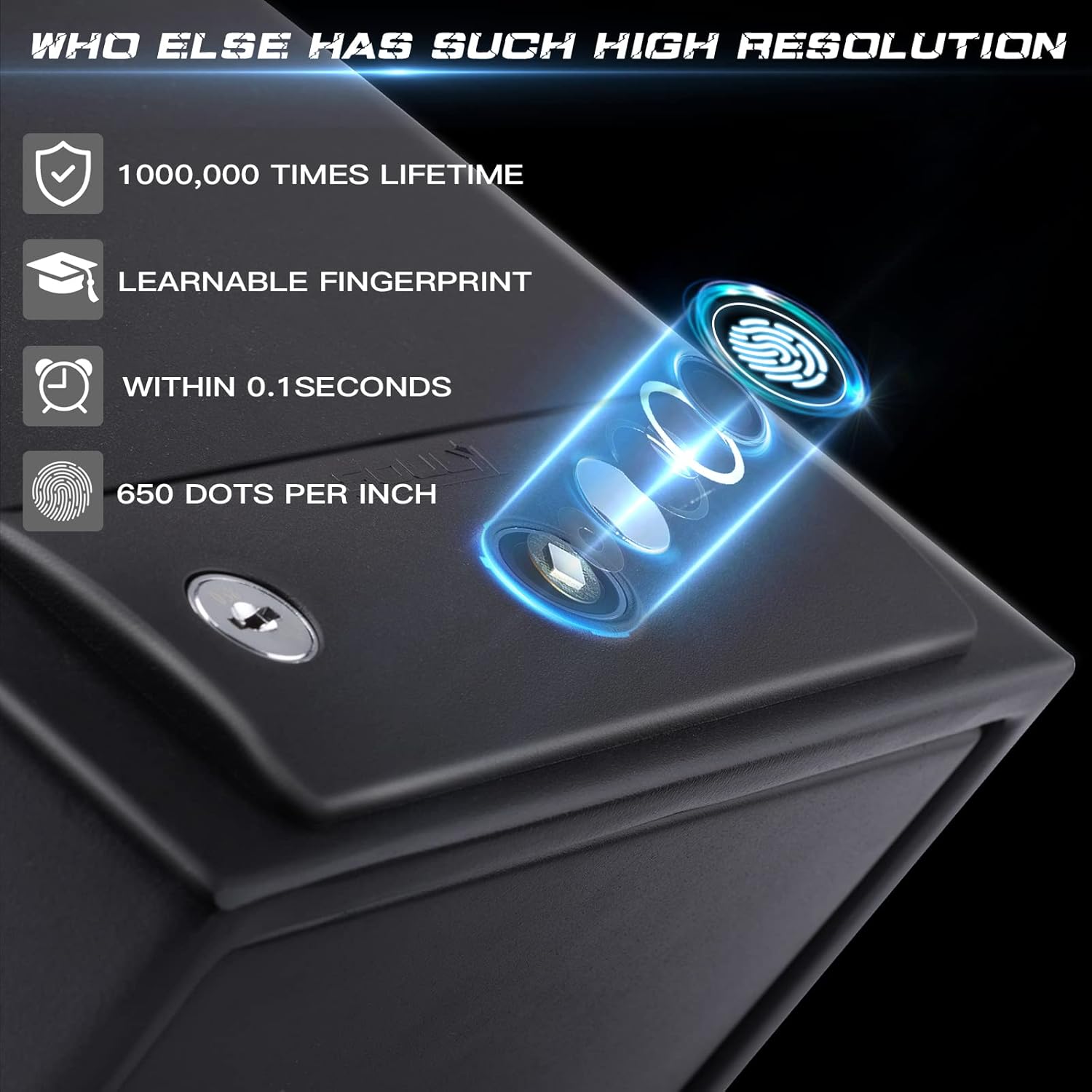
Image: The SOULYI Biometric Fingerprint Gun Safe, a compact black safe with a fingerprint scanner and keyhole on top.
3. Package Contents
Verify that all items are present in your package:
- 1 x SOULYI Biometric Fingerprint Gun Safe
- 2 x Emergency Keys
- 1 x Steel Security Cable
- 1 x User Manual (this document)
- 4 x AA Batteries (may be included separately or pre-installed)

Image: Illustration showing the safe, two keys, four AA batteries, a steel security cable, and the user manual.
4. Specifications
| Attribute | Detail |
|---|---|
| Brand | SOULYI |
| Model Number | Biometric |
| Product Dimensions | 11.68"D x 8.12"W x 5.6"H |
| Lock Type | Biometric |
| Color | Black |
| Material | Alloy Steel |
| Special Feature | Fingerprint Sensor |
| Mounting Type | Freestanding, Tabletop |
| Item Weight | 9.3 Pounds |
| Power Source | 4 x AA Batteries (Required) |

Image: The safe with its dimensions labeled: 11.4" (depth), 7.9" (width), and 5.5" (height).
5. Setup
5.1 Battery Installation
- Locate the battery compartment, typically inside the safe door or on the interior ceiling.
- Insert 4 AA batteries, ensuring correct polarity (+/-).
- Close the battery compartment cover securely.
5.2 Fingerprint Enrollment
The safe can store multiple fingerprints for authorized users.
- Open the safe using the emergency key.
- Locate the enrollment button inside the safe (refer to the diagram in the manual for exact location).
- Press and hold the enrollment button until an indicator light (usually blue) illuminates.
- Place your finger on the fingerprint sensor. The light will flash or change color.
- Lift and reposition your finger slightly, repeating the scan multiple times (typically 5-10 times) from different angles until the indicator light confirms successful enrollment (e.g., green light or a specific sound).
- Repeat the process for any additional fingerprints you wish to enroll.
- Test all enrolled fingerprints to ensure they unlock the safe correctly.
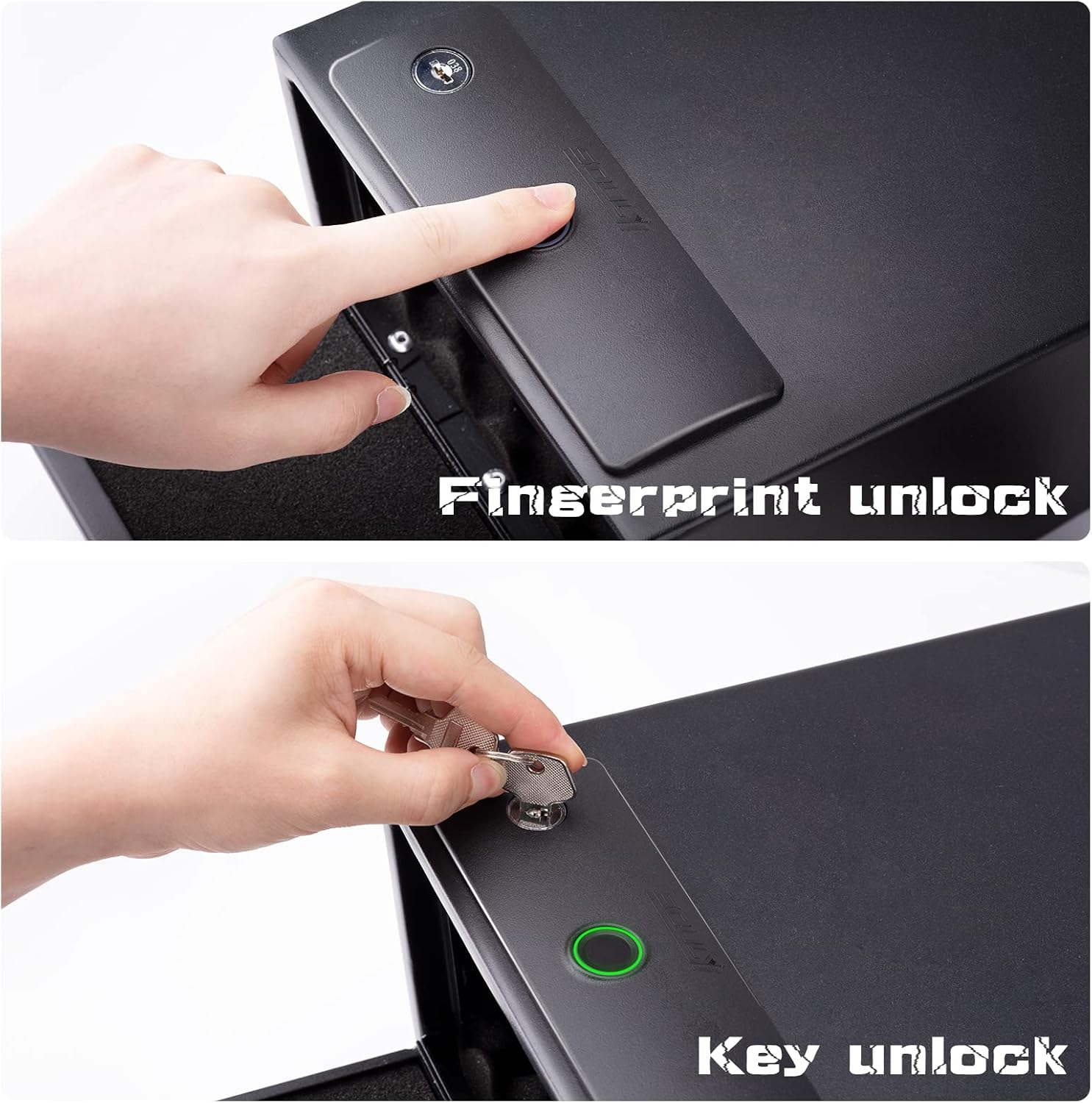
Image: A hand placing a finger on the biometric sensor for unlocking.
5.3 Emergency Key Use
The emergency keys provide manual access to the safe.
- Locate the keyhole on the safe's top panel.
- Insert one of the emergency keys into the keyhole.
- Turn the key to unlock the safe.
- Open the safe door.

Image: A hand inserting an emergency key into the keyhole on the safe's top panel.
5.4 Mounting the Safe
The safe can be used freestanding or secured using the provided security cable.
- Freestanding: Place the safe on a flat, stable surface. Its compact size allows for placement under beds, in cabinets, or on shelves.
- Using the Security Cable:
- Locate the security cable port on the safe.
- Thread the steel security cable through the port and around a secure, immovable object (e.g., a table leg, bed frame).
- Secure the cable ends together as instructed by the cable's locking mechanism.

Image: The safe with a security cable attached, demonstrating how to secure it to a fixed object.

Image: The interior of the safe showing the built-in light and foam padding.
6. Operating Instructions
6.1 Opening the Safe with Fingerprint
- Place an enrolled finger firmly on the fingerprint sensor.
- The indicator light will turn green, and the safe door will pop open automatically within 0.1 seconds.
6.2 Closing the Safe
To close the safe, simply push the door firmly until it latches securely. Ensure no objects obstruct the closing mechanism.
7. Maintenance
7.1 Battery Replacement
When the batteries are low, the indicator light may flash red or emit a warning sound during operation. Replace all 4 AA batteries promptly to ensure continuous functionality. Follow the battery installation steps in Section 5.1.
7.2 Cleaning
Wipe the exterior of the safe with a soft, damp cloth. Do not use abrasive cleaners or solvents. Keep the fingerprint sensor clean and dry for optimal performance.
8. Troubleshooting
| Problem | Possible Cause | Solution |
|---|---|---|
| Safe does not open with fingerprint. | Finger not properly placed; Unenrolled finger; Low batteries; Sensor dirty. | Ensure full contact with sensor; Enroll finger (Section 5.2); Replace batteries (Section 7.1); Clean sensor. |
| Red light flashes when attempting to open. | Unrecognized fingerprint; Low batteries. | Use an enrolled finger; Replace batteries (Section 7.1). |
| Safe door does not pop open. | Obstruction; Mechanism issue. | Check for internal obstructions; Contact customer support if issue persists. |
| No power/lights. | Dead batteries. | Replace batteries (Section 7.1). |
9. Warranty and Support
For any issues, questions, or support needs, please contact SOULYI customer service. Refer to your purchase documentation for specific warranty details. We are committed to providing assistance as quickly as possible.
Customer Service: If you have any problems, please feel free to contact us as soon as possible; We definitely will do our best to deal with it.


