
1. Introduction
Thank you for choosing the UGREEN MFi Certified Lightning to USB-A Nylon Braided Charger Cable. This cable is designed to provide reliable charging and data synchronization for your Apple devices. Featuring Apple MFi certification, a durable nylon braided exterior, and efficient performance, it ensures compatibility and longevity.
2. Product Overview
The UGREEN Lightning to USB-A cable features a Lightning connector for your Apple device and a USB-A connector for power sources or computers. Its nylon braided design enhances durability and prevents tangling.

Image: UGREEN Lightning to USB-A cable, showcasing its braided exterior and metallic connectors.
2.1 Key Features
- Apple MFi Certified: Ensures 100% compatibility with all 8-pin Lightning iOS devices, preventing warning messages.
- Nylon Braided Design: Provides enhanced durability, flexibility, and tangle-free use.
- Fast Charging: Supports charging speeds up to 5V/2.4A (max).
- High-Speed Data Sync: Supports data transfer rates up to 480Mbps.
- Multi-layer Shielding: Designed for anti-interference and enhanced security during use.

Image: Cross-section diagram illustrating the multi-layer shielding of the cable, including tinned copper core, aluminum foil, metal mesh, TPE shell, and nylon shielding.

Image: Detail showing the nylon-braided jacket for durability and the integrated Apple Original Chip for superior charging safety.
3. Setup
Setting up your UGREEN Lightning cable is straightforward. Follow these steps to connect your device:
- Connect to Apple Device: Insert the Lightning connector end of the cable into the charging port of your iPhone, iPad, or iPod.
- Connect to Power Source or Computer: Insert the USB-A connector end of the cable into a compatible USB-A port on a power adapter, power bank, or computer.
Ensure both connections are secure for optimal performance.
4. Operating Instructions
4.1 Charging Your Device
To charge your Apple device:
- Connect the Lightning end to your Apple device.
- Connect the USB-A end to a USB power adapter (wall charger), power bank, or a computer's USB-A port.
- The cable supports charging up to 5V/2.4A (max) for efficient power delivery.
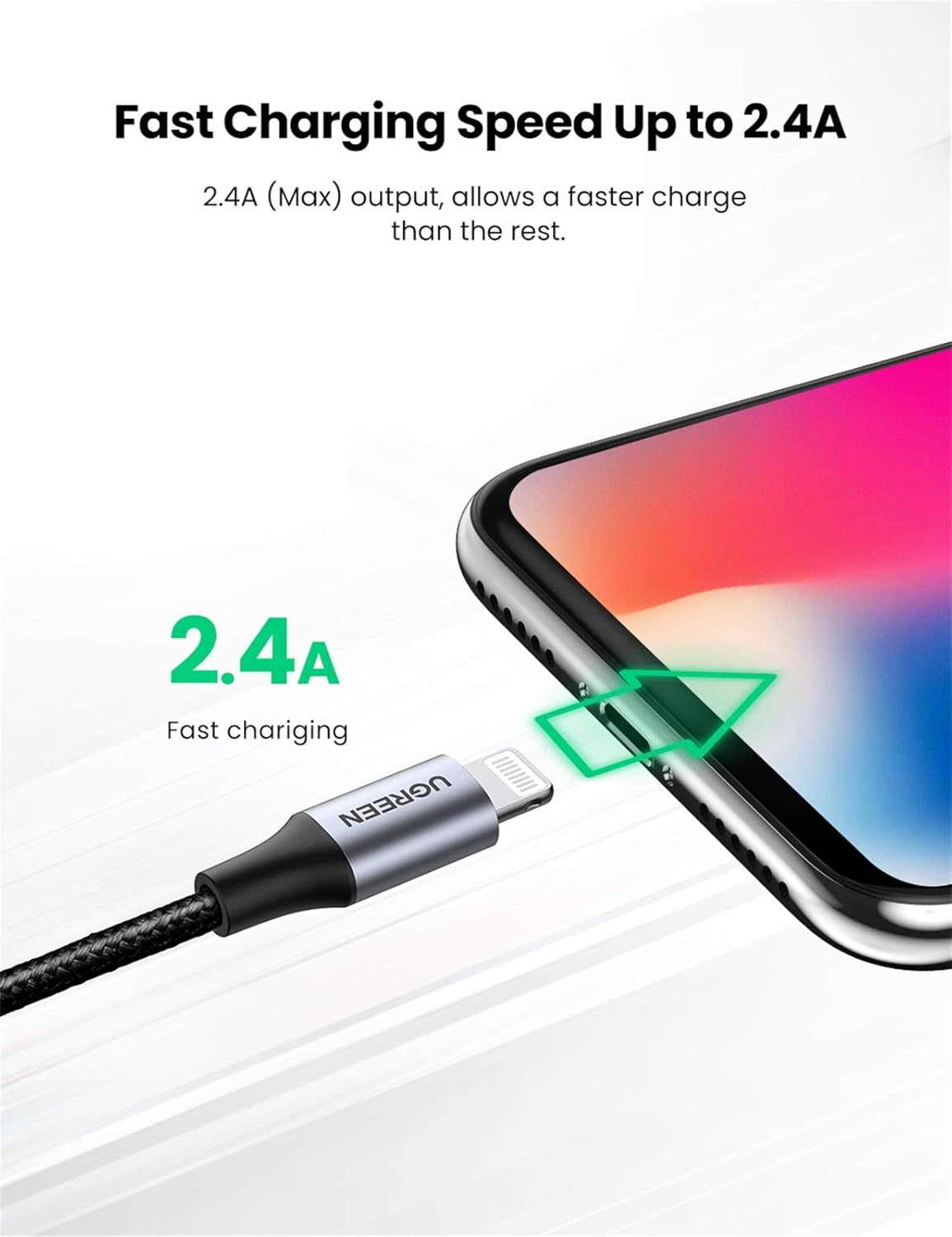
Image: The UGREEN cable connected to an iPhone, highlighting its 2.4A fast charging capability.
4.2 Data Synchronization
To sync data between your Apple device and a computer:
- Connect the Lightning end to your Apple device.
- Connect the USB-A end to a USB-A port on your computer.
- Your device should appear in iTunes or Finder, allowing you to transfer files, backup, or restore.
- The cable supports data transfer speeds up to 480Mbps.
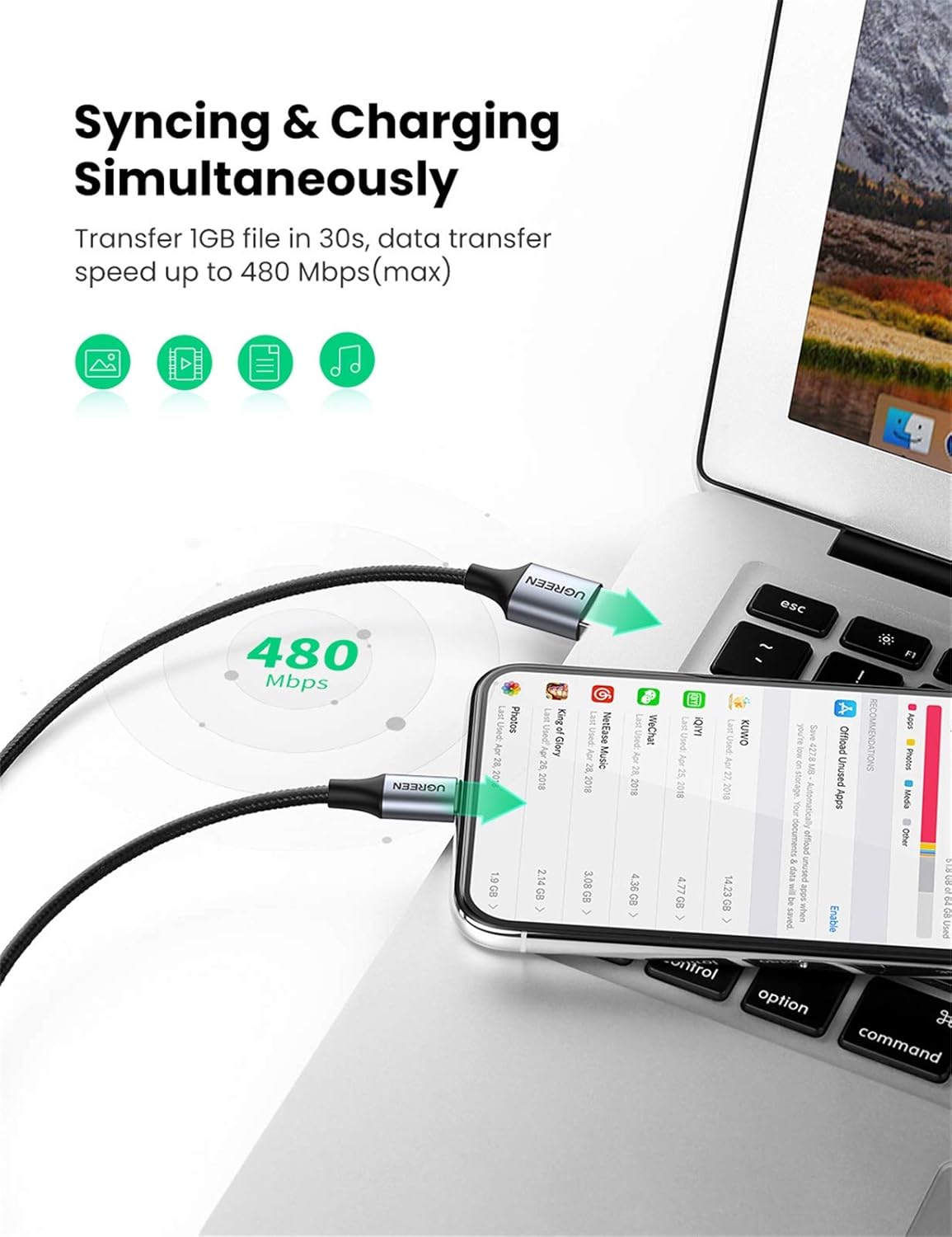
Image: The UGREEN cable simultaneously syncing and charging an iPhone connected to a laptop, demonstrating 480Mbps data transfer speed.
4.3 Device Compatibility
This UGREEN Lightning cable is MFi certified and compatible with a wide range of Apple devices, including but not limited to:
- iPhone: iPhone 14 Pro Max/14 Pro/14 Plus/14, iPhone 13 Pro Max/13/13 mini, iPhone 12 mini/12/12 Pro Max, iPhone 11 Pro Max, iPhone XS Max/XR/X/8/8 Plus/7 Plus/7/6s Plus/6s/6 Plus/6
- iPad: New iPad 9, iPad Air, iPad mini, iPad Pro (older models with Lightning port)
- iPod: iPod Touch, iPod nano (7th gen)
- Other: AirPods, AirPods Pro

Image: A visual chart detailing the universal compatibility of the UGREEN cable with various iPhone, iPad, and iPod models.
5. Maintenance
Proper care and maintenance will extend the life of your UGREEN cable:
- Cleaning: Gently wipe the cable with a dry, soft cloth to remove dust or dirt. Avoid using harsh chemicals or abrasive materials.
- Storage: Store the cable in a cool, dry place away from direct sunlight and extreme temperatures. Avoid tightly coiling or bending the cable at sharp angles.
- Handling: Always grasp the connector head when plugging or unplugging the cable. Avoid pulling directly on the cable itself, as this can damage the internal wires.
- Protection: Do not expose the cable to water or other liquids.
6. Troubleshooting
If you encounter issues with your UGREEN cable, refer to the following common troubleshooting steps:
- Device Not Charging:
- Ensure both the Lightning and USB-A connectors are fully inserted into their respective ports.
- Try a different USB power adapter or USB-A port on your computer.
- Check if the power source (wall outlet, power bank) is functional.
- Inspect the charging port on your Apple device for any debris or damage.
- Device Not Syncing Data:
- Verify that the cable is securely connected to both your Apple device and your computer.
- Try a different USB-A port on your computer.
- Restart your computer and Apple device.
- Ensure your computer's operating system and iTunes/Finder are up to date.
- "Accessory Not Supported" Message:
- This cable is MFi certified. If this message appears, try disconnecting and reconnecting the cable.
- Ensure your Apple device's software is up to date.
- Clean the Lightning port on your device for any lint or debris.
- Slow Charging/Data Transfer:
- Ensure you are using a compatible power adapter that provides sufficient output (e.g., 5V/2A or higher for faster charging).
- Avoid using USB hubs for charging or data transfer, as they can sometimes reduce performance.
7. Specifications
Detailed specifications for the UGREEN MFi Certified Lightning to USB-A Nylon Braided Charger Cable:

Image: Diagram showing product specifications including length, current, material, and connector dimensions.
| Feature | Detail |
|---|---|
| Brand | UGREEN |
| Model Number | 60154 |
| Connector Type | Lightning to USB-A |
| Cable Type | USB 2.0 |
| Length | 0.25 Meters |
| Material | Nylon Braided (Outer), Aluminum Case (Connectors) |
| Max Charging Current | 2.4A (Max) |
| Data Transfer Rate | Up to 480Mbps |
| Certification | Apple MFi Certified |
| Color | Black |
| Item Weight | 20 g |
8. Warranty Information
UGREEN products are manufactured to high-quality standards and come with a limited warranty. For specific warranty terms and conditions applicable to your region, please refer to the official UGREEN website or contact customer support. Please retain your proof of purchase for warranty claims.
9. Support
For further assistance, technical support, or to provide feedback, please visit the official UGREEN support page or contact their customer service team. You can typically find contact information on the UGREEN website:
UGREEN Official Website: www.ugreen.com
Please have your product model number (60154) and purchase details ready when contacting support.