
1. Introduction
The Bitvae Water Dental Flosser is designed to provide comprehensive oral care, offering an effective way to clean between teeth and below the gumline where traditional brushing and flossing may not reach. This cordless device features multiple modes and intensity settings to cater to individual needs, promoting healthier gums, fresher breath, and a brighter smile.
Key features include:
- Cleaning Options: 3 modes and 5 intensity settings for personalized cleaning, from gentle to powerful.
- Large Capacity Reservoir: A 260ml wide-mouth reservoir ensures a 60-second full mouth clean without frequent refills and is easy to clean.
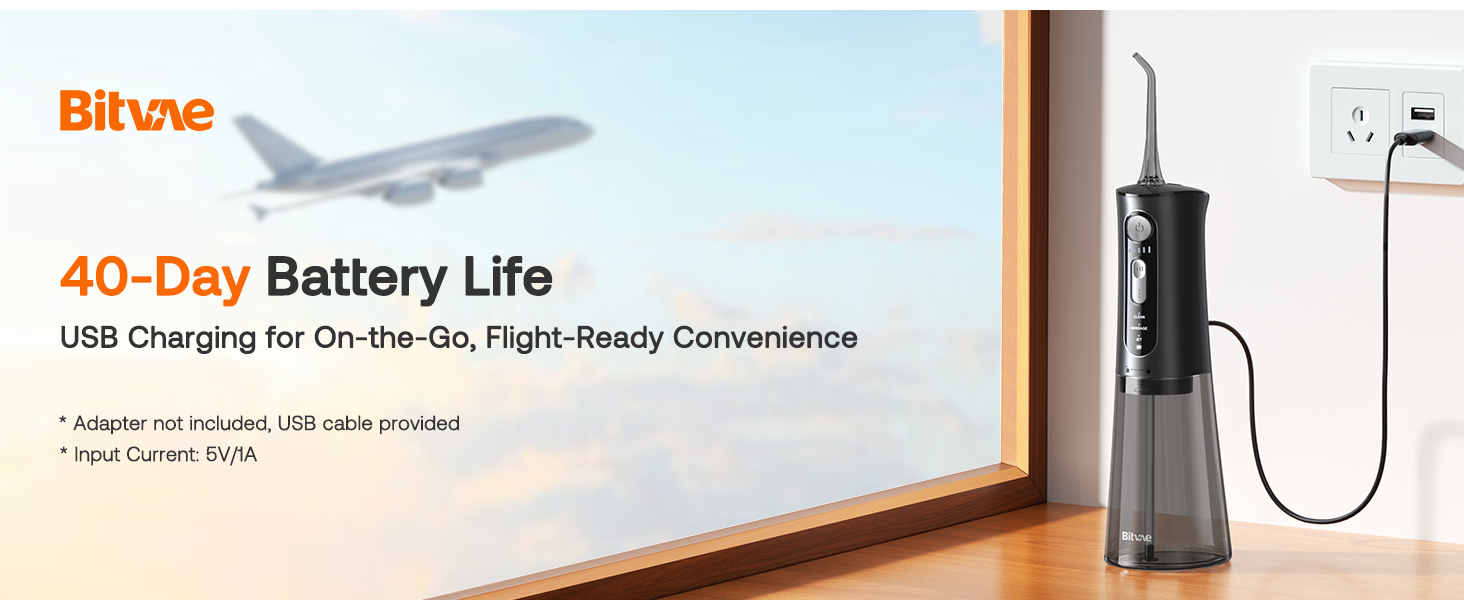
- Long Battery Life: Up to 40 days of use on a single charge, with convenient USB charging.
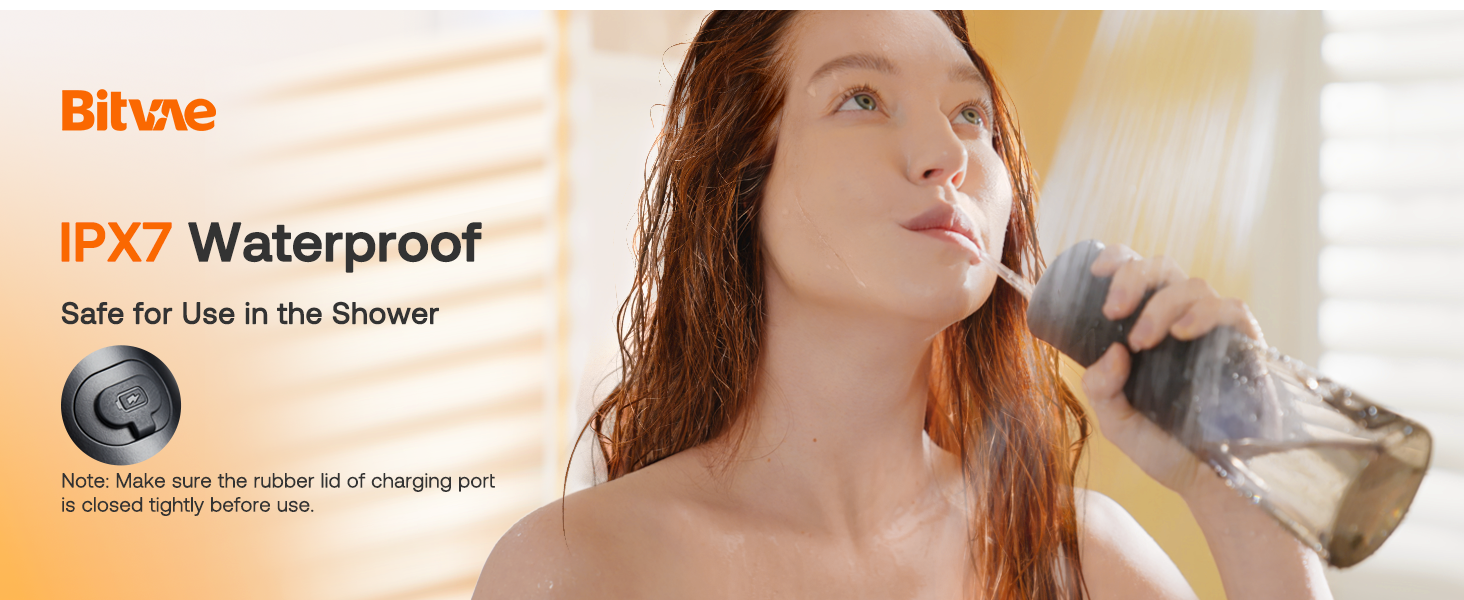
- Waterproof Design: IPX7 waterproof rating allows for safe use in the shower.
- 360° Tip Rotation: Ensures no area is left unreached for thorough cleaning.

2. Safety Information
CAUTION: For oral irrigator use, keep out of reach of children. Do not use with certain medical conditions unless approved by a healthcare professional. Ensure the device is properly charged or has working batteries before use. Do not submerge the device in water except for the IPX7 rated shower use.
3. Setup
Follow these steps to prepare your Bitvae Water Dental Flosser for first use:
- Charge the Device: Before initial use, fully charge the device. The charging port is located on the back of the unit. A USB charging cable is provided.
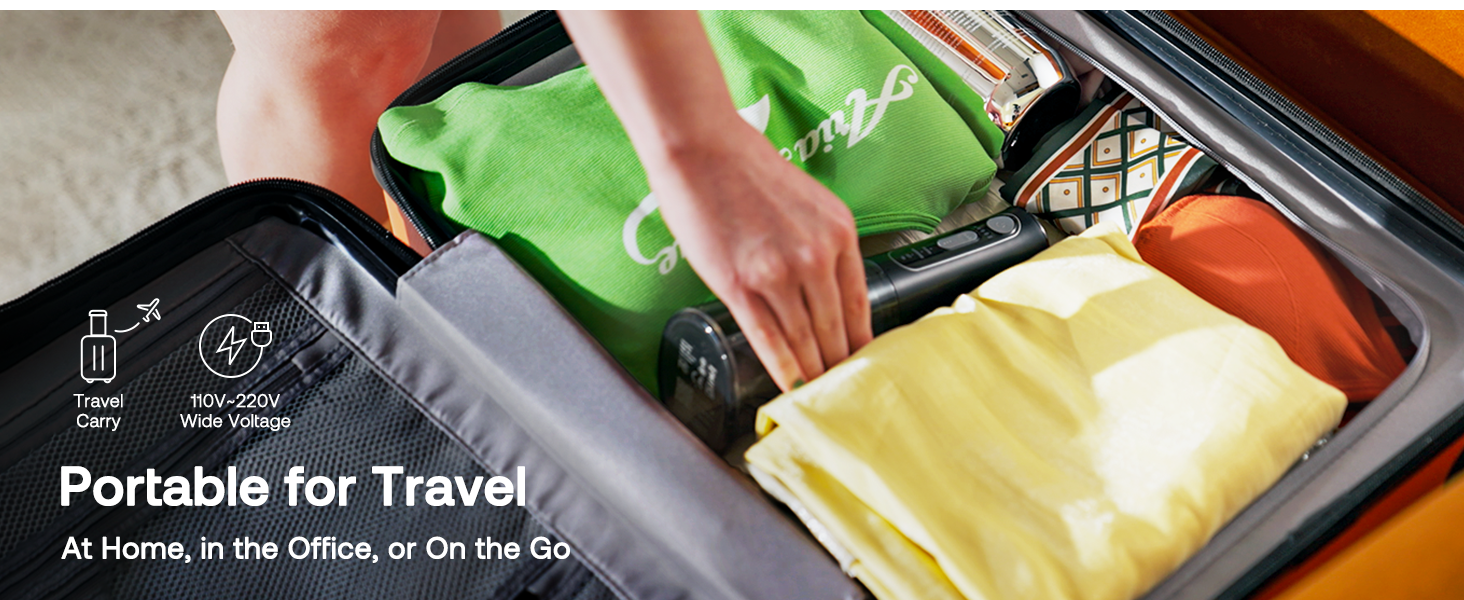
- Fill the Reservoir: Detach the water tank by twisting or pulling it off. Fill the tank with lukewarm water. The wide-mouth design makes refilling easy.
- Attach the Nozzle: Select the desired irrigator tip and firmly insert it into the opening at the top of the device until it clicks into place.
4. Operating Instructions
Using your Bitvae Water Dental Flosser is simple and effective:
- Select Mode and Intensity: Press the mode button to cycle through the 3 available modes: Clean, Massage, and Jet. Use the intensity button to adjust the water pressure across 5 levels. Beginners should start at a lower intensity (e.g., level 1) and gradually increase as comfortable.
- Position the Tip: Place the irrigator tip in your mouth, aiming it at a 90-degree angle to your gumline.
- Begin Flossing: Close your mouth slightly to prevent splashing, and press the power button to start. Guide the tip along your gumline and between your teeth, pausing briefly between each tooth.
- Complete Cleaning: Continue until you have cleaned all areas of your mouth. The 260ml reservoir is designed for a full 60-second cleaning session.

5. Maintenance
Regular maintenance ensures the longevity and hygiene of your Bitvae Water Dental Flosser:
- Empty and Rinse Reservoir: After each use, empty any remaining water from the reservoir. The wide-mouth design allows for easy rinsing and drying to prevent mold and mildew buildup.
- Clean the Tip: Remove the irrigator tip and rinse it under warm water. Replace tips periodically for optimal performance and hygiene.
- Wipe Down Unit: Wipe the exterior of the flosser with a soft, damp cloth. Ensure the charging port cover is closed to prevent water ingress.
- Charging: Recharge the device when the battery indicator shows low power. A full charge can last up to 40 days.

6. Troubleshooting
If you encounter issues with your Bitvae Water Dental Flosser, please refer to the following common solutions:
| Problem | Possible Cause | Solution |
|---|---|---|
| No water flow | Empty reservoir; clogged tip; device not powered on. | Refill water tank; clean or replace tip; ensure device is charged and powered on. |
| Weak water pressure | Low battery; incorrect intensity setting; clogged tip. | Recharge device; increase intensity setting; clean or replace tip. |
| Device not turning on | Battery depleted. | Charge the device fully. |
If the issue persists, please contact Bitvae customer support for further assistance.
7. Specifications
- Product Dimensions: 2.6 x 3.7 x 8.78 inches
- Item Weight: 13.44 ounces
- Model Number: C5
- Batteries: 1 A battery required (included)
- UPC: 632138418886
- Manufacturer: Bitvae
- Power Source: Battery Powered
- Special Feature: Large Capacity Water Reservoir
- Product Benefits: Removes Plaque
- Unit Count: 1.0 Count
8. Warranty and Support
The Bitvae Water Dental Flosser comes with a 12-month care period from the date of purchase, ensuring quality and customer satisfaction. For any product-related inquiries, technical support, or warranty claims, please contact Bitvae customer service through the official channels provided at the point of purchase or on the Bitvae website.
For additional resources, you may refer to the official Bitvae store: Bitvae Store on Amazon.

