1. Introduction and Safety Information
Thank you for choosing the Falcon 18000 BTU Cold Split Air Conditioner. This manual provides essential information for the safe and efficient operation, installation, and maintenance of your unit. Please read it thoroughly before use and keep it for future reference.
1.1 Important Safety Instructions
- Ensure the power supply matches the unit's requirements (240V).
- Do not attempt to install or repair the unit yourself. Contact qualified service personnel.
- Keep the unit away from flammable materials and heat sources.
- Do not insert objects into the air outlet or inlet.
- Regularly clean the air filters to maintain efficiency and air quality.
- Disconnect power before cleaning or performing any maintenance.
2. Product Overview and Features
The Falcon 18000 BTU Cold Split Air Conditioner (Model 167131FLG1) is designed to provide efficient and comfortable cooling for your space. It features an advanced compressor for superior cooling capacity and even air distribution.
2.1 Key Components
- Indoor Unit: Mounted inside the room, responsible for air distribution.
- Outdoor Unit: Mounted outside, houses the compressor and condenser.
- Remote Control: For convenient operation of the unit.
- Air Filters: Located in the indoor unit for air purification.
2.2 Product Features
- Modern Design: Blends seamlessly with contemporary interiors.
- Precise Temperature Control: Maintain your desired room temperature with high accuracy.
- Four-Way Air Swing: Ensures uniform distribution of cool air throughout the room.
- High-Quality Filtration System: Includes air purification, dust, and anti-bacterial filters for healthier air.
- High Humidity Resistance: Designed to operate effectively in humid conditions.
- Dehumidifier Function: Helps reduce excess moisture in the air.
- Hidden Display: Integrated for a sleek appearance.

Figure 1: Indoor unit of the Falcon 18000 BTU Split Air Conditioner, showing the Falcon logo and 'Ultra' branding.
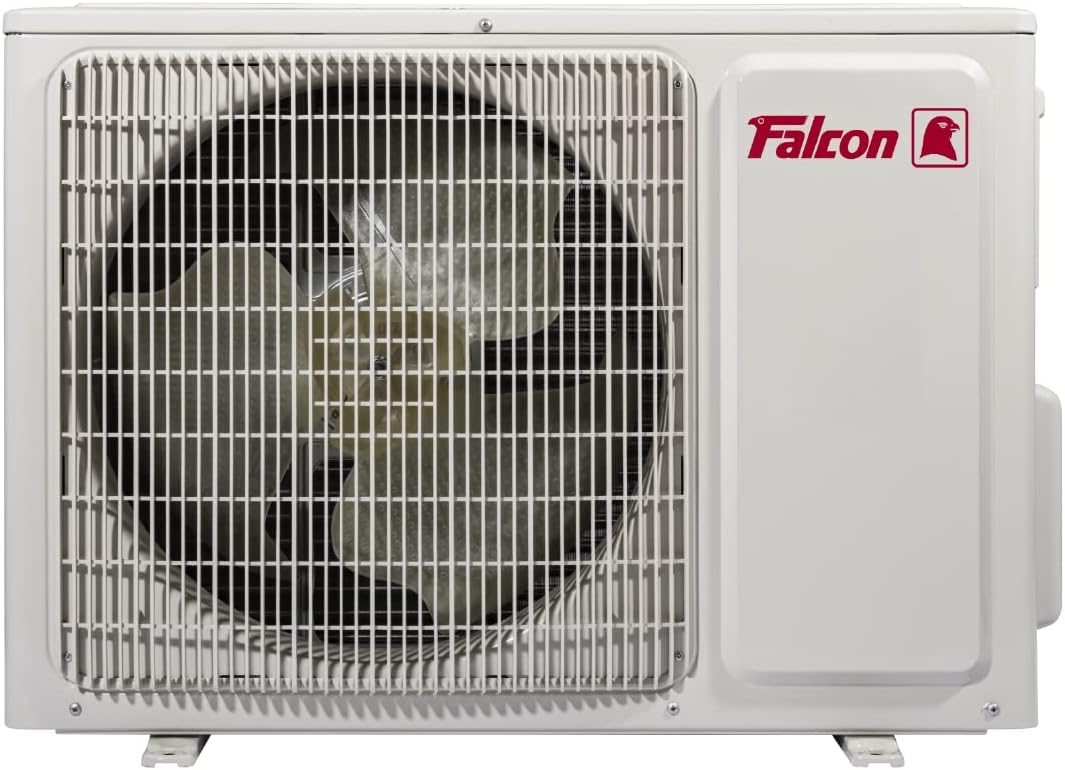
Figure 2: Outdoor unit of the Falcon 18000 BTU Split Air Conditioner, featuring the Falcon logo and a protective grille.
3. Setup and Installation
Installation of a split air conditioner requires specialized tools and expertise. It is highly recommended that you contact a certified HVAC technician for professional installation to ensure proper functioning and safety.
3.1 Pre-Installation Checks
- Verify that the installation location for both indoor and outdoor units is suitable, allowing for proper airflow and drainage.
- Ensure the electrical wiring meets local codes and the unit's power requirements (240V).
- Confirm that the mounting surfaces are strong enough to support the weight of the units.
3.2 Professional Installation Steps (Overview)
- Mount the indoor unit securely on the wall.
- Install the outdoor unit on a stable surface, ensuring adequate clearance.
- Connect the refrigerant lines and electrical wiring between the indoor and outdoor units.
- Perform vacuuming and refrigerant charging.
- Test the unit for proper operation and check for leaks.
4. Operating Instructions
Your Falcon air conditioner can be operated using the included remote control. Familiarize yourself with the remote's functions for optimal use.
4.1 Basic Operation
- Power On/Off: Press the power button on the remote control to turn the unit on or off.
- Temperature Adjustment: Use the temperature up/down buttons to set your desired temperature.
- Mode Selection: Press the 'Mode' button to cycle through available modes (e.g., Cool, Fan, Dry).
- Fan Speed: Adjust the fan speed using the 'Fan' button.
- Swing Function: Activate the four-way air swing for even air distribution.
4.2 Operating Modes
- Cool Mode: Provides cooling to lower the room temperature.
- Fan Mode: Circulates air without cooling.
- Dry (Dehumidifier) Mode: Reduces humidity in the room.
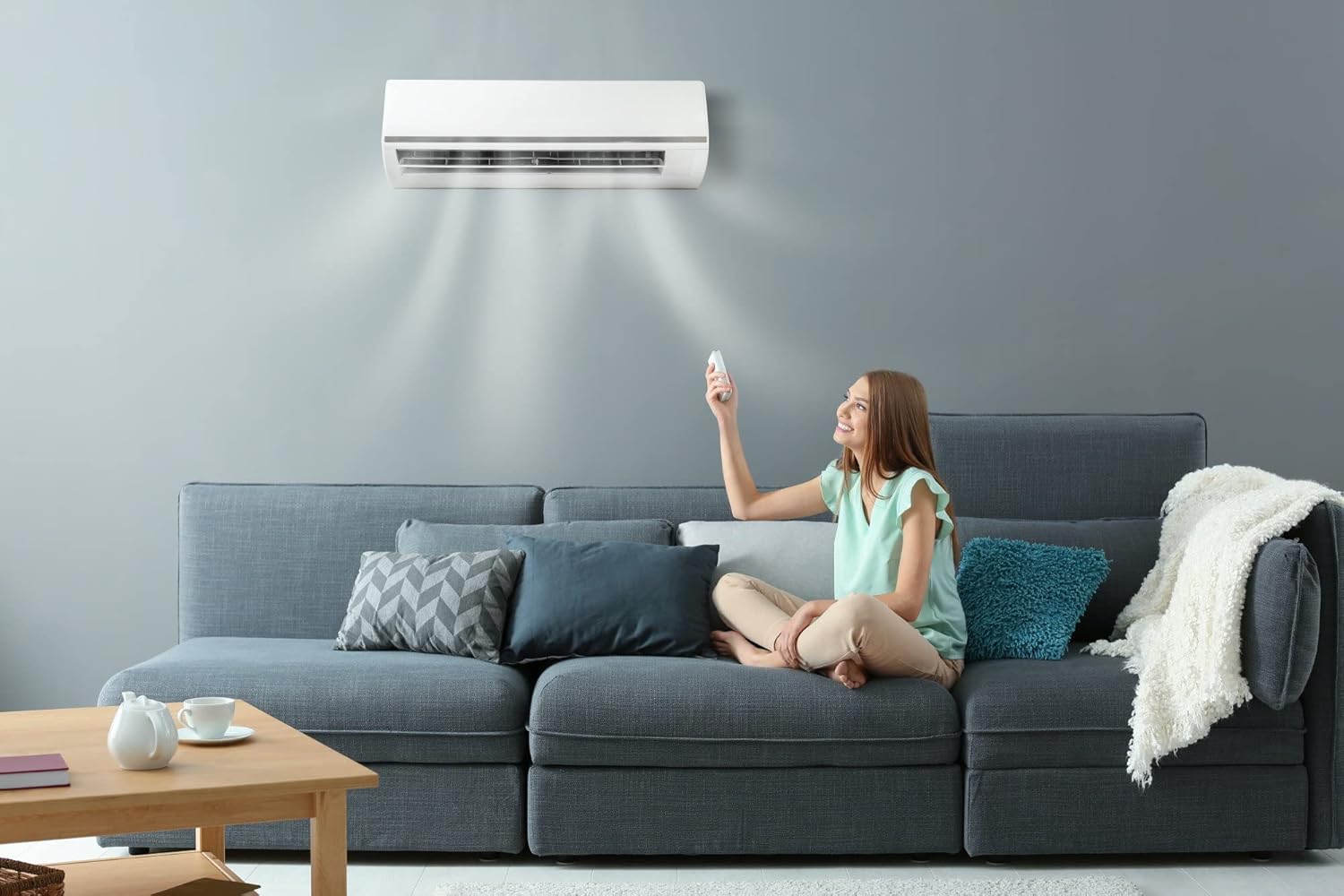
Figure 3: User adjusting the air conditioner settings with the remote control for comfortable cooling.
5. Maintenance
Regular maintenance ensures the longevity and efficient performance of your air conditioner. Always disconnect power before performing any maintenance.
5.1 Cleaning Air Filters
The air filters should be cleaned every two weeks or more frequently depending on usage and air quality.
- Open the front panel of the indoor unit.
- Carefully remove the air filters.
- Wash the filters with lukewarm water and a mild detergent. Rinse thoroughly.
- Allow the filters to dry completely in a shaded area before reinserting them.
- Close the front panel.
5.2 General Cleaning
- Wipe the indoor unit's exterior with a soft, damp cloth. Do not use harsh chemicals or abrasive cleaners.
- Ensure the outdoor unit's coils are free from debris (leaves, dust). This can be done by gently brushing or rinsing with water.
6. Troubleshooting
Before contacting customer service, please refer to the following common issues and their solutions.
| Problem | Possible Cause | Solution |
|---|---|---|
| Unit does not turn on | No power supply; Remote control batteries dead | Check power connection and circuit breaker; Replace remote control batteries |
| Insufficient cooling | Dirty air filters; Blocked outdoor unit; Room too large; Doors/windows open | Clean air filters; Clear obstructions from outdoor unit; Ensure room is sealed |
| Unusual noise | Loose parts; Unit not level; Obstruction in fan | Check for loose components; Ensure unit is level; Remove any obstructions |
| Water leakage | Clogged drain pipe; Improper installation | Clear drain pipe; Contact technician for inspection |
If the problem persists after attempting these solutions, please contact a qualified service technician.
7. Product Specifications
| Specification | Detail |
|---|---|
| Brand Name | Falcon |
| Model Number | 167131FLG1 |
| Product Dimensions (Indoor Unit) | 24.8 x 108.1 x 32.5 cm |
| Item Weight | 21 Kilograms |
| Efficiency | 3 Stars |
| Cooling Capacity | 1.78 Tons (approx. 18000 BTU) |
| Cooling Power | 5.22 kW |
| Annual Energy Consumption | 14500 kWh |
| Noise Level | 35 dB |
| Installation Type | Split System |
| Form Factor | Split System |
| Special Features | Air purification filter, Dust filter, Anti-bacterial filter, Dehumidifier |
| Color | White |
| Voltage | 240V |
| Power (Electrical) | 5220W |
| Material Type | Plastic, Metal |
| Included Components | Hidden display, Filter |
| Batteries Required | No (for main unit) |
| Power Source | Corded Electric |
| Filter Type | Air purification, Anti-bacterial |
| First Available Date | February 23, 2022 |
8. Warranty and Support
Your Falcon Air Conditioner is covered by a manufacturer's warranty. Please refer to the warranty card included with your purchase for specific terms and conditions, including warranty period and coverage details.
8.1 Customer Support
For technical assistance, service requests, or warranty claims, please contact Falcon customer support. Contact information can typically be found on the product packaging, the official Falcon website, or your purchase receipt.
When contacting support, please have your model number (167131FLG1) and purchase date ready.


