1. Introduction
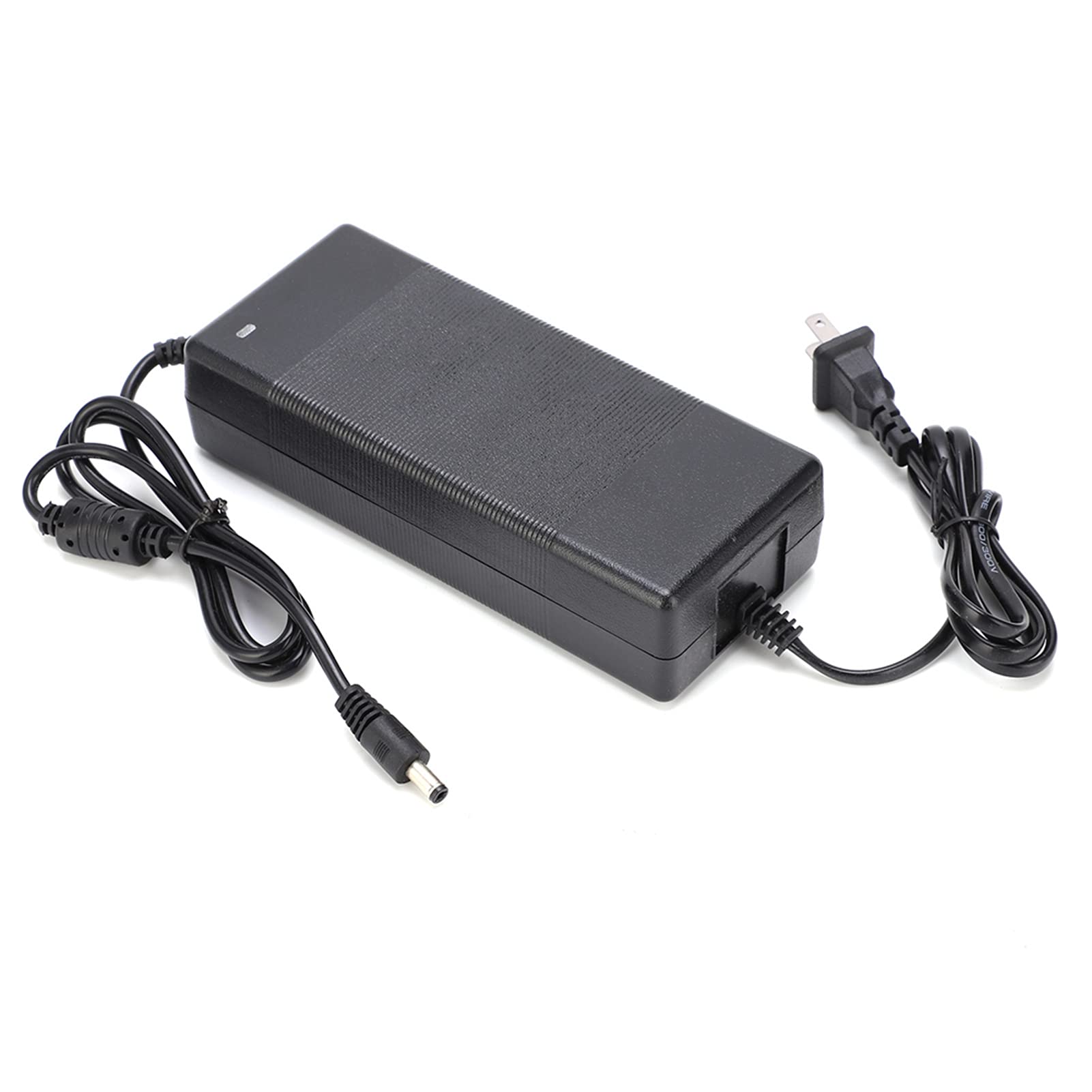
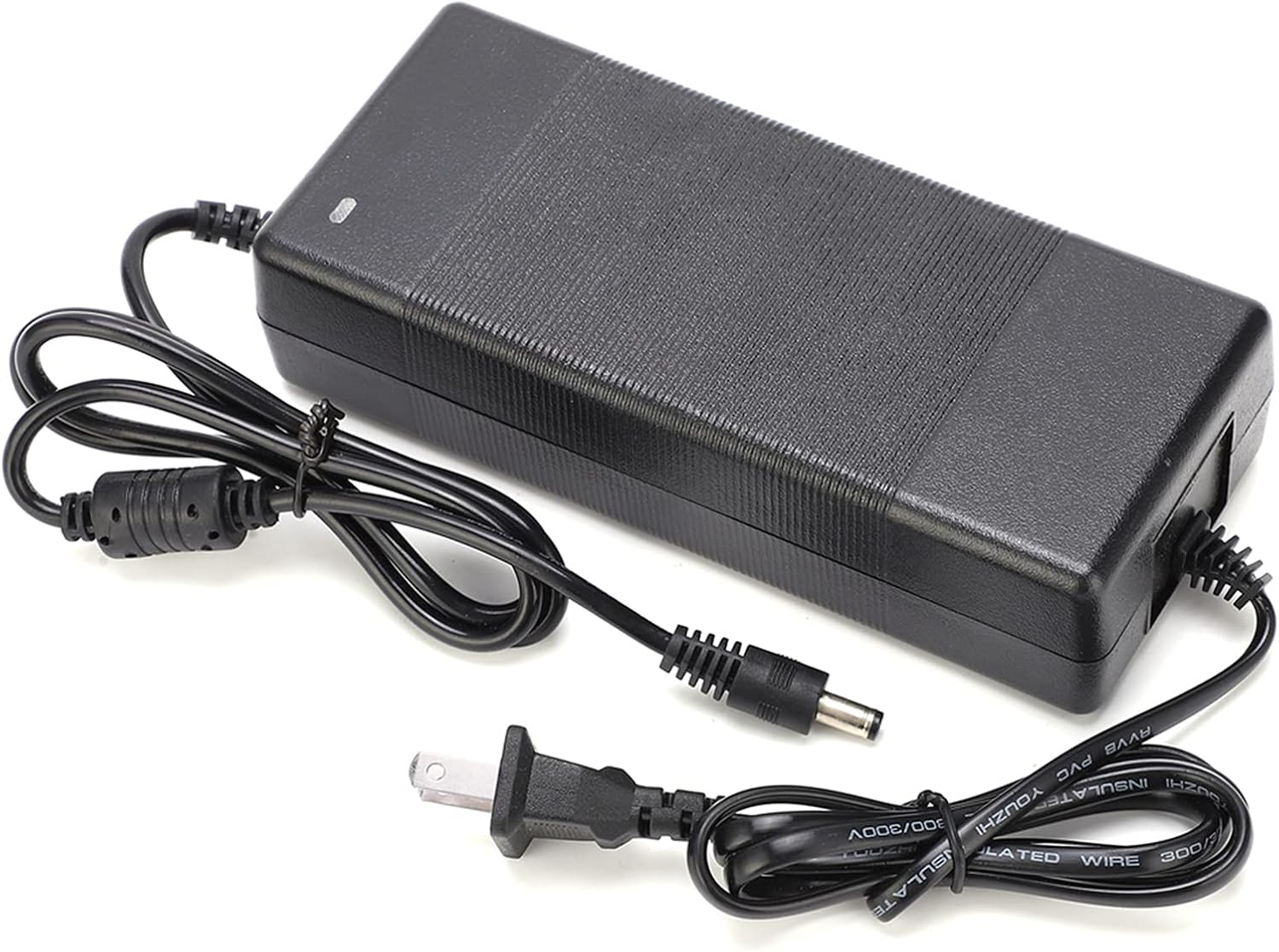
This manual provides instructions for the safe and efficient use of your Hilitand DC 24V 10A Power Adapter, Model 2410. This device is designed to convert AC household current (100-240V) into a stable DC 24V output, suitable for powering compatible amplifier boards and other electronic devices requiring a 24V 10A power supply.
Please read this manual thoroughly before operating the device and retain it for future reference.
2. Safety Information
- Ensure the power adapter is used with devices that match its output specifications (DC 24V, 10A). Connecting to incompatible devices may cause damage.
- Do not expose the adapter to water, moisture, or high humidity.
- Avoid placing the adapter in direct sunlight or near heat sources.
- Do not open the adapter casing. There are no user-serviceable parts inside.
- Always unplug the adapter from the power outlet before cleaning or if it will be unused for an extended period.
- Keep out of reach of children.
- Ensure proper ventilation around the adapter during operation to prevent overheating.
3. Package Contents
Upon opening the package, please verify that all items are present and in good condition:
- 1 x Hilitand DC 24V 10A Power Adapter (Model 2410)
4. Setup
Follow these steps to set up your power adapter:
- Inspect the Adapter: Before connecting, visually inspect the power adapter and its cables for any signs of damage.
- Connect to Device: Plug the DC output connector (round barrel connector) of the power adapter into the corresponding power input port of your amplifier board or other compatible device. Ensure a secure connection.
- Connect to Power Outlet: Insert the US plug of the power adapter into a standard AC 100-240V wall outlet.
- Power On: Once connected, the adapter will begin supplying power to your device. Some adapters may have an indicator light to show power status.
5. Operating Instructions
The Hilitand DC 24V 10A Power Adapter is designed for straightforward operation:
- Once properly connected as described in the Setup section, the adapter will automatically provide the necessary 24V DC power to your connected device.
- Monitor your device to ensure it powers on correctly.
- The adapter is designed for continuous operation within its specified limits.
- If your device has a power switch, use it to turn the device on or off. To completely cut power to the device and adapter, unplug the adapter from the wall outlet.
6. Maintenance
To ensure the longevity and optimal performance of your power adapter, follow these maintenance guidelines:
- Cleaning: Disconnect the adapter from all power sources before cleaning. Use a soft, dry cloth to wipe the exterior. Do not use liquid cleaners or solvents.
- Storage: When not in use, store the adapter in a cool, dry place, away from direct sunlight and extreme temperatures. Avoid wrapping cables too tightly.
- Ventilation: Ensure the adapter's ventilation areas are not blocked during operation to allow for proper heat dissipation.
- Cable Care: Regularly check the power cables for any signs of fraying, cuts, or damage. If damage is found, discontinue use immediately and replace the adapter.
7. Troubleshooting
If you encounter issues with your power adapter, refer to the following common problems and solutions:
| Problem | Possible Cause | Solution |
|---|---|---|
| No power to device |
|
|
| Adapter feels hot |
|
|
| Device not performing optimally |
|
|
8. Specifications
Detailed technical specifications for the Hilitand DC 24V 10A Power Adapter:
| Feature | Specification |
|---|---|
| Model | 2410 |
| Input Voltage | AC 100-240V, 50/60Hz |
| Output Voltage | DC 24V |
| Output Current | 10A |
| Material | ABS |
| Main Power Connector Type | US 2-Pin Plug |
| Package Dimensions | 9.02 x 4.88 x 1.81 inches |
| Item Weight | 14.1 ounces |

9. Warranty Information
This Hilitand power adapter is covered by a standard manufacturer's warranty against defects in materials and workmanship. The warranty period typically begins from the date of purchase. Please retain your proof of purchase for warranty claims.
The warranty does not cover damage caused by misuse, accident, unauthorized modification, or improper installation. For specific warranty terms and conditions, please refer to the documentation provided at the time of purchase or contact the seller.
10. Support
If you have any questions, require technical assistance, or need to report an issue with your Hilitand DC 24V 10A Power Adapter, please contact the seller or manufacturer directly through the platform where the product was purchased. Provide your product model (2410) and purchase details for faster service.
For more information about Hilitand products, you may visit the official Hilitand store or website.


