1. Introduction
This manual provides comprehensive instructions for the safe and efficient operation of your BAOFENG BF-33C FRS Walkie Talkies. Please read this manual thoroughly before using the device to ensure proper functionality and to prevent damage.

Figure 1: BAOFENG BF-33C FRS Walkie Talkies (Red, Green, Yellow)
2. Key Features
- License-Free Operation: Utilizes 22 FRS channels, compliant with FCC regulations (FCC ID: 2AJGM-F22).
- Private Communication: Supports 155 private codes (50 CTCSS tones / 105 DCS codes) for enhanced privacy.
- NOAA Weather Channels: Access to 12 NOAA channels for weather alerts.
- Dual Power Options: Compatible with rechargeable lithium batteries (not included) or 3x AA batteries (not included).
- USB-C Charging: Convenient charging via Type-C port (for rechargeable batteries).
- Emergency Functions: Local and Broadcast alarm modes, built-in LED flashlight.
- Compact and Lightweight: Designed for comfortable handling by both children and adults.
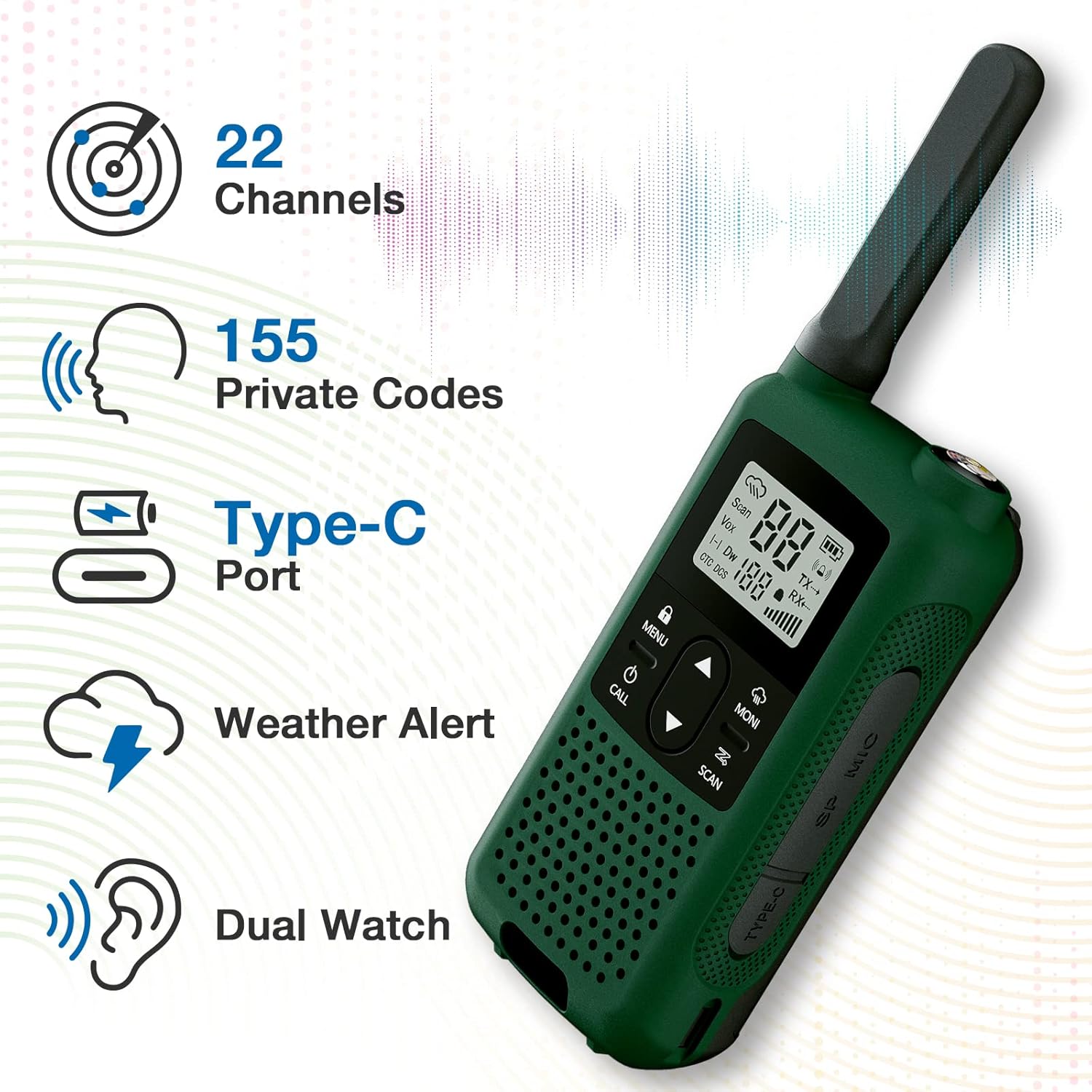
Figure 2: Overview of BAOFENG BF-33C Key Features
3. Product Components
Familiarize yourself with the various parts of your BF-33C walkie talkie:

Figure 3: BF-33C Walkie Talkie Components
- Fixed Antenna: For transmitting and receiving signals.
- Flashlight: Integrated LED light for illumination.
- PTT Button (Push-to-Talk): Press and hold to transmit, release to receive.
- Accessory Port (K-plug): For connecting external speaker microphones or headsets.
- Flashlight (Emergency Button): Activates the flashlight, often doubles as an emergency alert trigger.
- Type-C USB Charging Port: For charging rechargeable batteries.
- LCD Display: Shows channel, battery status, and other indicators.
- MENU Button: Accesses settings and options.
- Up/Down Buttons: Navigate menus and adjust settings.
- MONI Button: Monitors weak signals.
- CALL Button: Sends a call tone.
- SCAN Button: Initiates channel scanning.
4. Setup
4.1 Battery Installation
Your BF-33C walkie talkie can be powered by either a rechargeable lithium battery (not included) or three AA batteries (not included).
- Ensure the walkie talkie is powered off.
- Locate the battery compartment cover on the back of the unit.
- Slide the latch or press the release button to open the cover.
- Insert the rechargeable lithium battery or three AA batteries, observing the correct polarity (+/-) as indicated inside the compartment.
- Replace the battery compartment cover and ensure it clicks securely into place.

Figure 4: Battery Compartment and Options
4.2 Charging (for Rechargeable Batteries)
If using rechargeable lithium batteries, charge them using the integrated Type-C USB port.
- Connect a Type-C USB cable to the charging port on the side of the walkie talkie.
- Connect the other end of the USB cable to a compatible USB power adapter (Note: Use a power adapter of 2A or less. Fast charging protocols are not supported and may prevent charging.).
- The battery indicator on the LCD display will show charging status.
- Once fully charged, disconnect the charging cable.
5. Operating Instructions
5.1 Power On/Off
- To power on, press and hold the Power button (usually located below the MENU button) until the LCD screen illuminates.
- To power off, press and hold the Power button again until the screen turns off.
5.2 Adjusting Volume
Volume is typically adjusted using the Up/Down buttons when not in menu mode, or via a dedicated rotary knob if present (BF-33C uses buttons).
- Press the Up button to increase volume.
- Press the Down button to decrease volume.
5.3 Selecting Channels
The BF-33C has 22 FRS channels.
- Press the MENU button once. The channel number on the display will flash.
- Use the Up or Down buttons to select your desired channel (1-22).
- Press the MENU button again to confirm the selection, or wait a few seconds for it to auto-confirm.
5.4 Transmitting and Receiving
- To transmit, press and hold the PTT (Push-to-Talk) button on the side of the radio. Speak clearly into the microphone.
- Release the PTT button to stop transmitting and listen for a response.
- Ensure you are on the same channel and private code (if used) as the person you wish to communicate with.
5.5 Private Codes (CTCSS/DCS)
The BF-33C supports 155 private codes to minimize interference from other users on the same channel.
- Press the MENU button twice to enter the private code setting. The current code will flash.
- Use the Up or Down buttons to select a CTCSS (50 options) or DCS (105 options) code.
- Press MENU to confirm. Both radios must use the same channel and private code to communicate.
5.6 Scanning Channels
The scan function allows you to find active channels.
- Press the SCAN button. The radio will begin scanning through channels.
- When an active signal is detected, the scan will pause on that channel.
- To stop scanning, press the SCAN button again.
5.7 NOAA Weather Channels
Access 12 NOAA channels for weather alerts.
- Refer to the specific menu option for NOAA channels (usually accessed via the MENU button).
- Select a NOAA channel to receive local weather broadcasts.
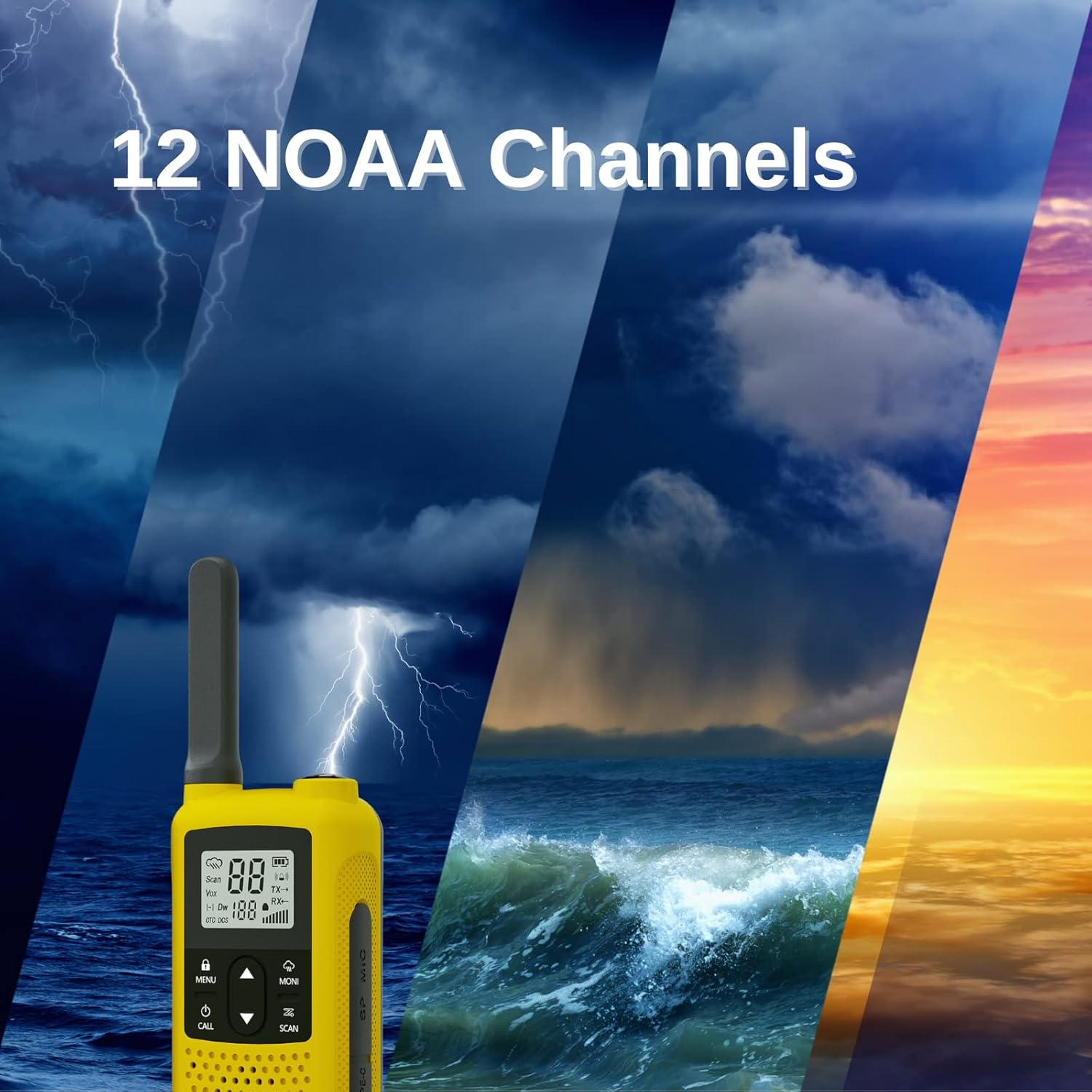
Figure 5: NOAA Weather Channel Functionality
5.8 Emergency Alarm Functions
The BF-33C includes local and broadcast alarm features for emergency situations.
- Local Alarm: Activates an audible alarm on the unit itself to alert nearby individuals.
- Broadcast Alarm: Transmits an alarm tone over the selected channel to alert other radios.
- Consult the menu settings to activate and configure these alarm types. The flashlight button may also trigger an emergency function.

Figure 6: Local and Broadcast Alarm Features
6. Maintenance and Care
- Cleaning: Wipe the radio with a soft, damp cloth. Do not use harsh chemicals or abrasive cleaners.
- Battery Care: If using rechargeable batteries, avoid overcharging. If using AA batteries, remove them if the radio will not be used for an extended period to prevent leakage.
- Storage: Store the walkie talkie in a cool, dry place away from direct sunlight and extreme temperatures.
- Water Resistance: The BF-33C is Not Water Resistant. Avoid exposure to rain, splashes, or immersion in water.
7. Troubleshooting
| Problem | Possible Cause | Solution |
|---|---|---|
| No power | Dead batteries; Incorrect battery installation. | Replace or recharge batteries; Check battery polarity. |
| Cannot transmit or receive | Different channels/private codes; Out of range; Low battery. | Ensure both radios are on the same channel and private code; Move closer; Recharge/replace batteries. |
| Poor audio quality | Weak signal; Obstructions; Volume too low/high. | Move to an open area; Adjust volume. |
| Charging issue | Incorrect charger; Faulty cable; Fast charging protocol. | Use a standard USB-C charger (2A or less); Try a different cable. |
8. Specifications
| Feature | Detail |
|---|---|
| Model | BF-33C |
| Brand | BaoFeng |
| Channels | 22 FRS Channels, 12 NOAA Channels |
| Private Codes | 155 (50 CTCSS / 105 DCS) |
| Frequency Range | FRS Frequency Only |
| Maximum Talking Range | Up to 4 miles (flat open terrain) |
| Power Options | Rechargeable Lithium Battery (not included) or 3x AA Batteries (not included) |
| Charging Port | Type-C USB |
| Dimensions (Package) | 22.4 x 21.79 x 6.3 cm |
| Weight (Package) | 671 g |
| FCC ID | 2AJGM-F22 |
| Water Resistance Level | Not Water Resistant |
| Included Components | Belt Clip, Lanyard (per unit) |
9. Warranty and Support
For warranty information and customer support, please refer to the documentation provided with your purchase or contact BaoFeng customer service. Keep your proof of purchase for warranty claims.
For additional accessories like rechargeable batteries (e.g., Baofeng BL-T22 1400mAh battery), please check official retailers.


