1. Introduction
Thank you for choosing the X Rocker Super Mario All-Star Floor Rocker - Yoshi Gaming Chair. This manual provides essential information for the safe and effective use of your new gaming chair. Please read it thoroughly before assembly and operation, and retain it for future reference.

Image 1.1: The X Rocker Super Mario All-Star Floor Rocker featuring Yoshi, presented in a vibrant yellow color.
2. Safety Information
To ensure your safety and prevent damage to the product, please adhere to the following guidelines:
- Ensure proper assembly for stability. Incorrect assembly can lead to instability and potential injury.
- Do not exceed the maximum weight capacity of 150 kg (330 pounds). Overloading the chair can cause structural failure.
- Clean the chair with a damp cloth only. Avoid harsh chemicals or abrasive cleaners that may damage the material.
- Keep the chair away from open flames, heat sources, and direct sunlight to prevent material degradation.
- Supervise young children when using the chair to prevent misuse or accidents.
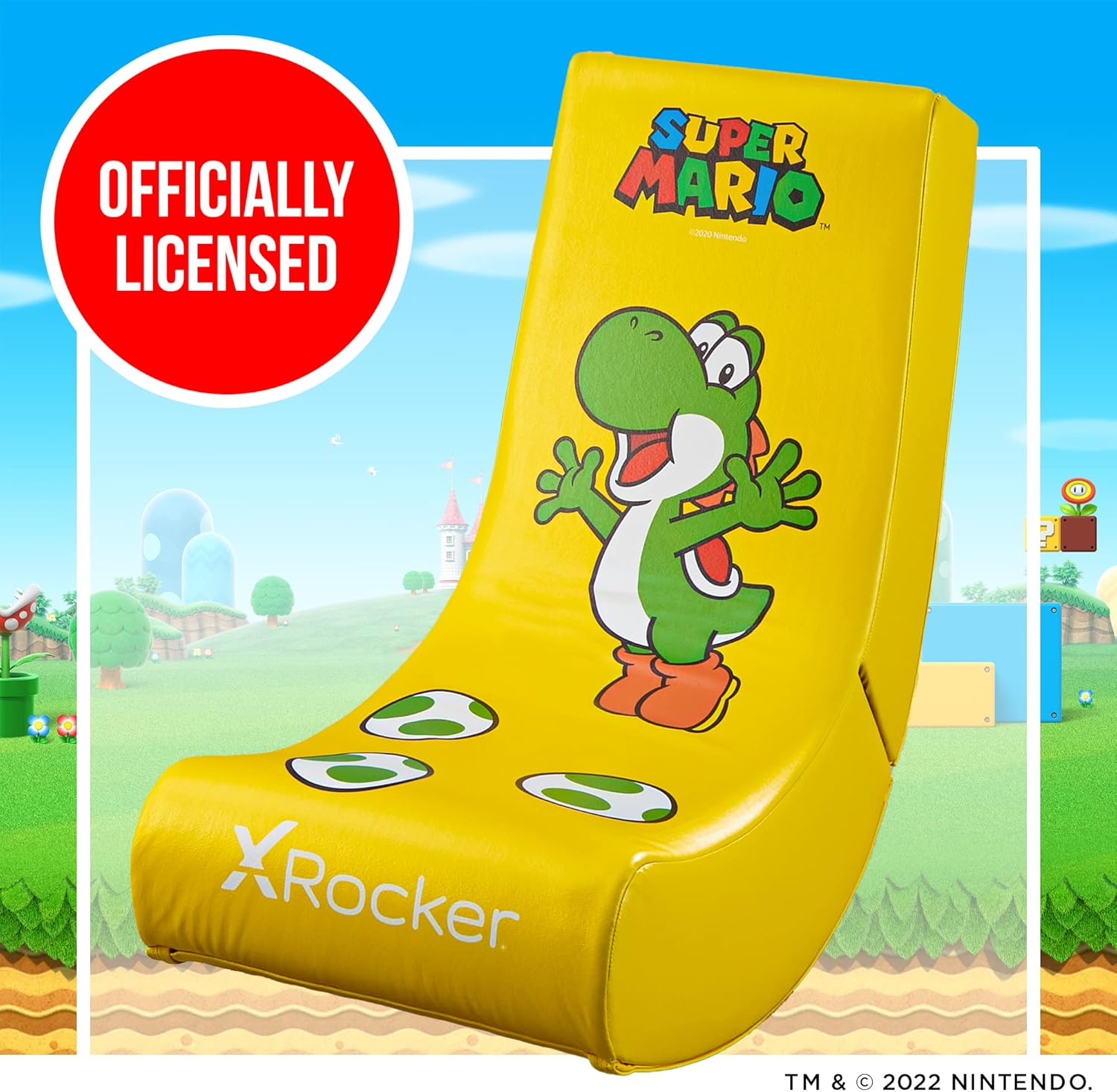
Image 2.1: The X Rocker gaming chair with an 'Officially Licensed' badge, indicating compliance with brand standards.
3. Package Contents
Upon unpacking, please verify that all components are present and undamaged. The package should contain:
- X Rocker Super Mario All-Star Floor Rocker - Yoshi (main chair unit)
- Integrated sound system components (two speakers, subwoofer)
- Assembly instructions (this manual)
If any parts are missing or damaged, please contact customer support immediately.
4. Setup and Assembly
The X Rocker Super Mario All-Star Floor Rocker requires minimal assembly. Follow these steps:
- Carefully remove all components from the packaging.
- Unfold the chair from its compact storage position. Ensure the backrest clicks securely into place.
- Position the chair on a flat, stable surface.
- Connect any necessary audio cables to your gaming console or audio device (cables may be sold separately depending on your setup).
The chair is designed to be compact and foldable for easy storage when not in use.

Image 4.1: The X Rocker gaming chair in its compact, folded state, demonstrating its easy storage capability.
5. Operating Instructions
The X Rocker Floor Rocker is designed for an immersive gaming and entertainment experience.
5.1 Using the Rocking and Reclining Feature
The unique floor rocker design allows for comfortable rocking and reclining. Simply lean back or forward to find your preferred position. The chair will naturally adjust to your body's movement, providing maximum comfort during extended use.
5.2 Integrated Sound System
This chair features an integrated sound system with two speakers and a subwoofer. To utilize the sound system:
- Connect the chair's audio input to your gaming console, TV, or audio device using the appropriate audio cables (e.g., 3.5mm jack, RCA).
- Ensure the chair's power supply is connected (if applicable, check product specifications for power requirements).
- Adjust the volume using the controls located on the side of the chair (if present) or through your connected audio device.
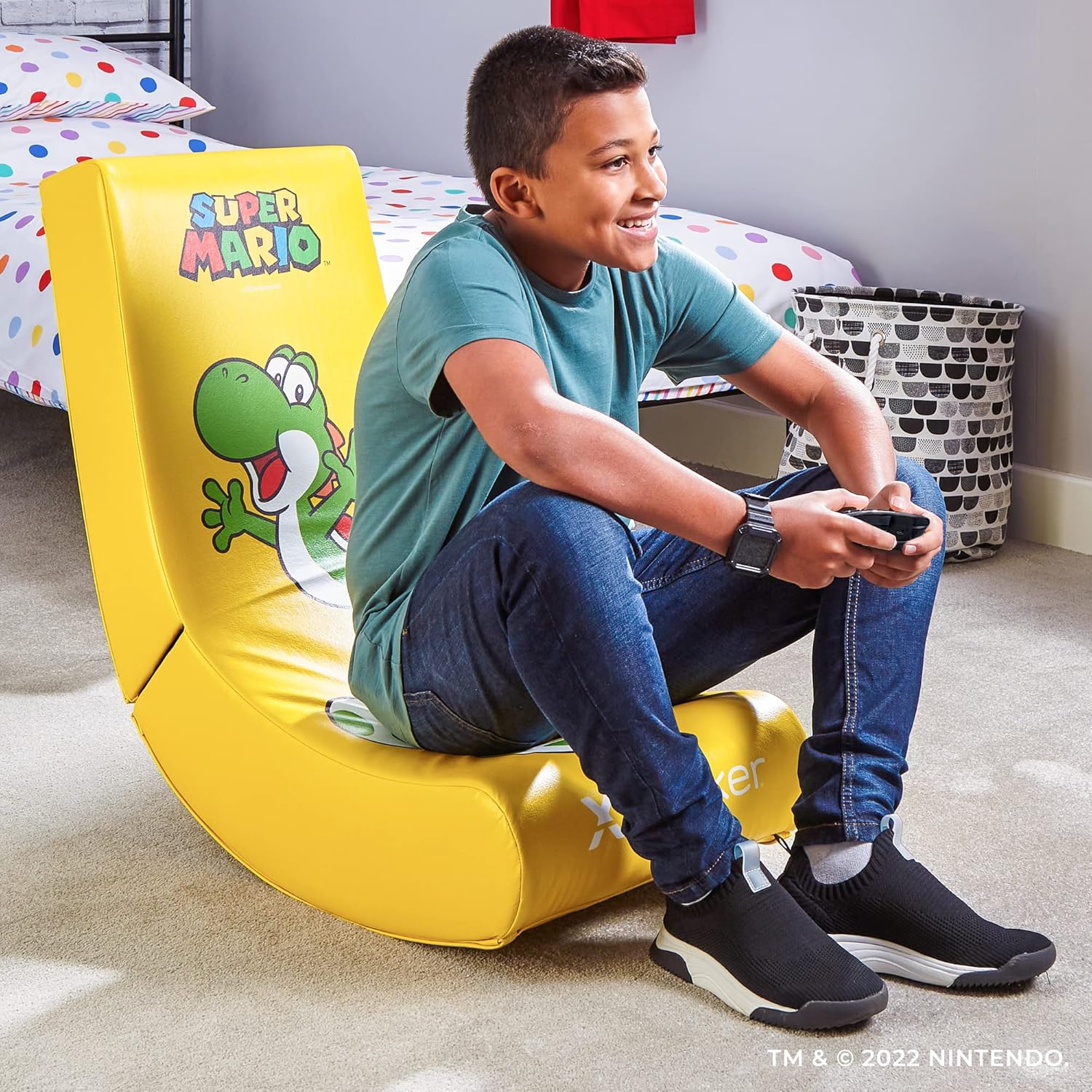
Image 5.1: A child comfortably seated on the X Rocker Yoshi chair, engaged in gaming with a controller.
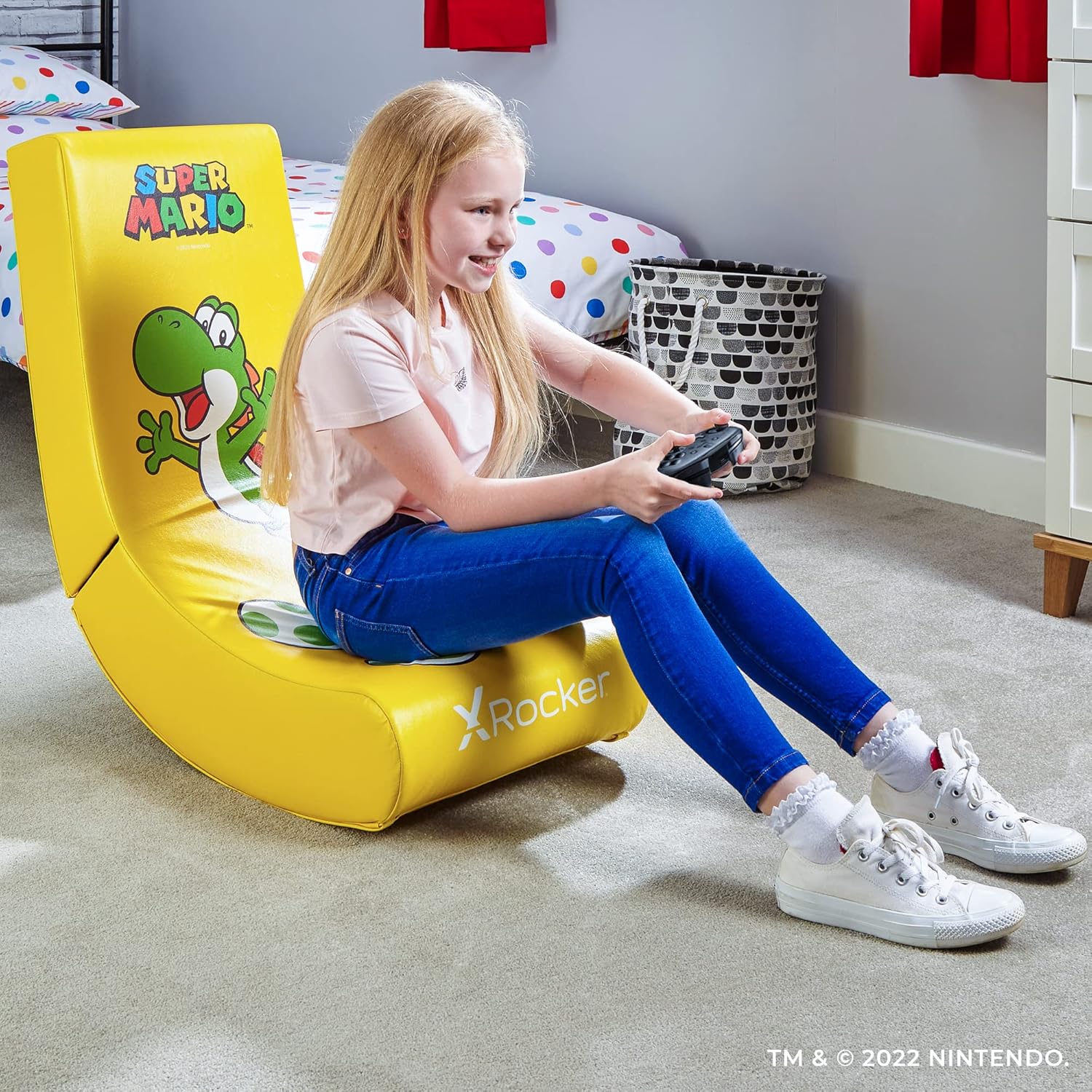
Image 5.2: A girl enjoying a gaming session while seated on the X Rocker Yoshi chair.
6. Maintenance
Proper care will extend the life and appearance of your X Rocker gaming chair.
6.1 Cleaning Instructions
The chair's synthetic leather material should be cleaned with a damp cloth. For stubborn stains, use a mild soap solution and wipe thoroughly with a clean, damp cloth. Avoid using abrasive cleaners, solvents, or harsh detergents, as these can damage the material and finish.
6.2 General Care
- Periodically check all connections and fasteners to ensure they are secure.
- Avoid placing sharp objects on the chair that could puncture or tear the material.
- Store the chair in a cool, dry place when not in use, especially if folding it for extended periods.

Image 6.1: A close-up view of the X Rocker logo on the chair's material, highlighting its soft and durable texture.
7. Troubleshooting
If you encounter any issues with your X Rocker gaming chair, refer to the following common problems and solutions:
- No Sound from Speakers:
- Ensure all audio cables are securely connected to both the chair and your audio source.
- Verify that the chair's power supply is connected and switched on.
- Check the volume levels on both the chair and your audio device. - Chair Feels Unstable:
- Confirm that the chair is fully unfolded and the backrest is securely locked into position.
- Ensure the chair is placed on a flat, even surface. - Difficulty Folding/Unfolding:
- Apply gentle, even pressure when folding or unfolding. Do not force the mechanism.
- Check for any obstructions that might be preventing smooth movement.
If the problem persists after attempting these solutions, please contact X Rocker customer support.
8. Specifications
Detailed specifications for the X Rocker Super Mario All-Star Floor Rocker - Yoshi:
| Item Weight | 22.49 Pounds (approx. 10.2 kg) |
| Product Dimensions | 85 cm (Depth) x 41 cm (Width) x 65 cm (Height) |
| Seat Height | 33.5 Inches |
| Filling Material | Foam |
| Recommended Maximum Load | 150 Kilograms (330 Pounds) |
| Form Factor | Foldable |
| Finish Type | Glossy |
| Care Instructions | Wipe with a cloth |
| Assembly Required | Yes |
| Batteries Required | No |
| Included Components | Chair, integrated sound system (two speakers, subwoofer) |
| Material | Synthetic Leather |

Image 8.1: Diagram illustrating the dimensions of the X Rocker Super Mario All-Star Floor Rocker: 25.5 inches height, 16 inches width, and 33.4 inches depth.
9. Warranty and Support
For warranty information, please refer to the documentation provided at the time of purchase or visit the official X Rocker website. X Rocker is committed to providing quality products and customer satisfaction.
If you require technical assistance, have questions about assembly, or need to report a defect, please contact X Rocker customer support through their official channels. Contact details can typically be found on the product packaging or the manufacturer's website.


