
Introduction
This manual provides detailed instructions for the KUIYN X18 Wireless Gaming Mouse. Please read this manual carefully before using the product to ensure proper operation and to maximize your gaming experience. The KUIYN X18 features advanced 2.4G wireless technology, a long-lasting rechargeable battery, customizable RGB lighting, and adjustable DPI settings for precise control.

Image: The KUIYN X18 Wireless Gaming Mouse, showcasing its ergonomic design and vibrant RGB lighting.
Package Contents
- KUIYN X18 Wireless Gaming Mouse
- USB Receiver
- Charging Cable
- User Manual (this document)
Setup Instructions
- Locate the USB Receiver: The USB receiver is stored in a compartment on the underside of the mouse. Gently remove it.
- Connect the Receiver: Plug the USB receiver into an available USB port on your computer (PC, Mac, Laptop).
- Power On the Mouse: Locate the power switch on the bottom of the mouse and slide it to the "ON" position.
- Automatic Connection: The mouse will automatically connect to your computer. No additional drivers or software installation is required for basic functionality.
- For PS4/Xbox: To connect to a PS4 or Xbox, a compatible converter (not included) is required. Direct connection is not supported.

Image: The bottom of the KUIYN X18 mouse, highlighting the storage slot for the USB receiver.
Operating Instructions
General Use
The KUIYN X18 mouse is designed for comfortable and precise control. It features 7 buttons for various functions. The 2.4G wireless technology ensures a stable connection up to 10 meters.
Silent Click Feature
The mouse is equipped with silent click buttons, reducing noise during use. This feature is beneficial for quiet environments or late-night gaming sessions.

Image: Illustration of the silent click feature, emphasizing its benefit for quiet operation.
DPI Adjustment
The mouse offers 3 adjustable DPI levels: 800, 1600, and 2400. You can cycle through these settings by pressing the DPI button, usually located behind the scroll wheel. Each DPI setting may be indicated by a different LED color.

Image: Diagram illustrating the three DPI settings (800, 1600, 2400) and their corresponding LED colors.
RGB Lighting
The KUIYN X18 features 7-color RGB breathing light effects, enhancing the aesthetic appeal. The lighting can cycle through various colors automatically.
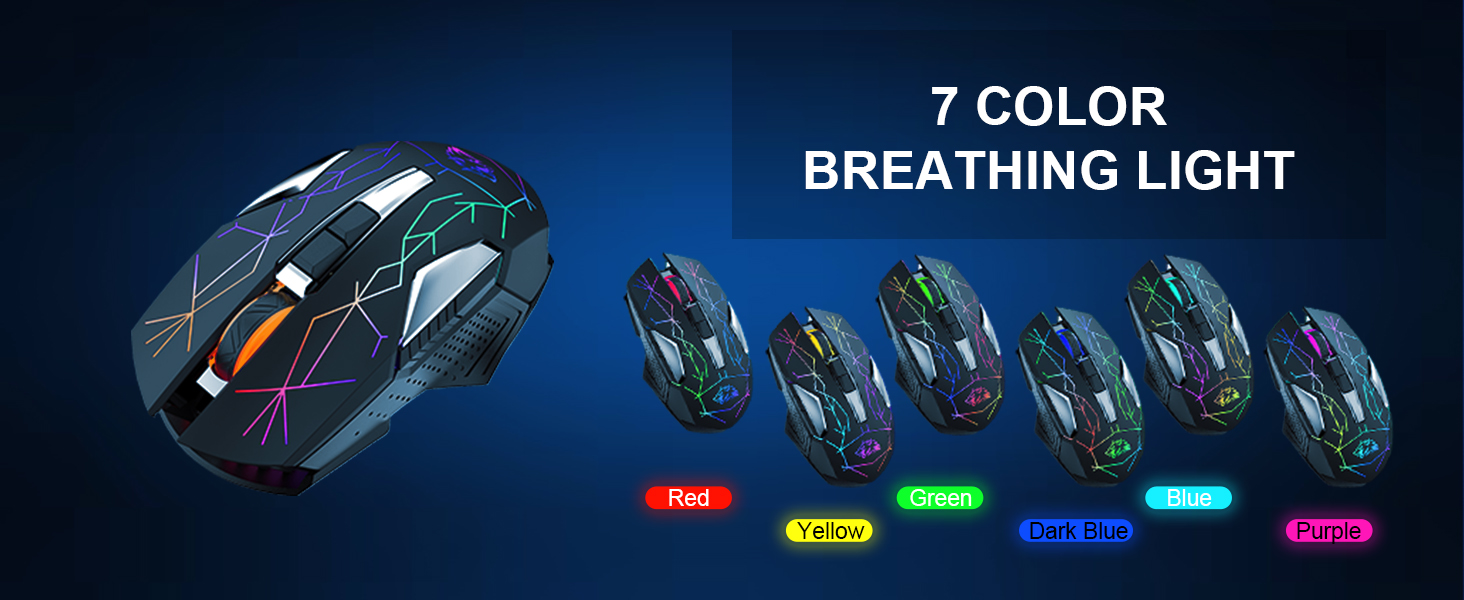
Image: Multiple views of the KUIYN X18 mouse showcasing its dynamic 7-color RGB breathing light effects.
Smart Sleep Function
To conserve battery life, the mouse is equipped with a smart sleep function:
- Light Sleep Mode: Enters after 1 minute of inactivity.
- Deep Sleep Mode: Enters after 15 minutes of inactivity.
To wake the mouse, simply move it or click any button.

Image: The KUIYN X18 mouse on a mousepad, illustrating its ergonomic design and smart sleep functionality with battery saving details.
Charging the Mouse
The KUIYN X18 features a built-in 600 mAh rechargeable lithium battery. When the battery is low, the mouse's performance may be affected, or it may stop responding.
- Charging Indicator: A steady red light indicates the mouse is charging. A blinking red light indicates the battery is almost full. The light will turn off when fully charged.
- Charging Time: A full charge typically takes 6-8 hours.
- Usage During Charging: The mouse can be used while it is charging.
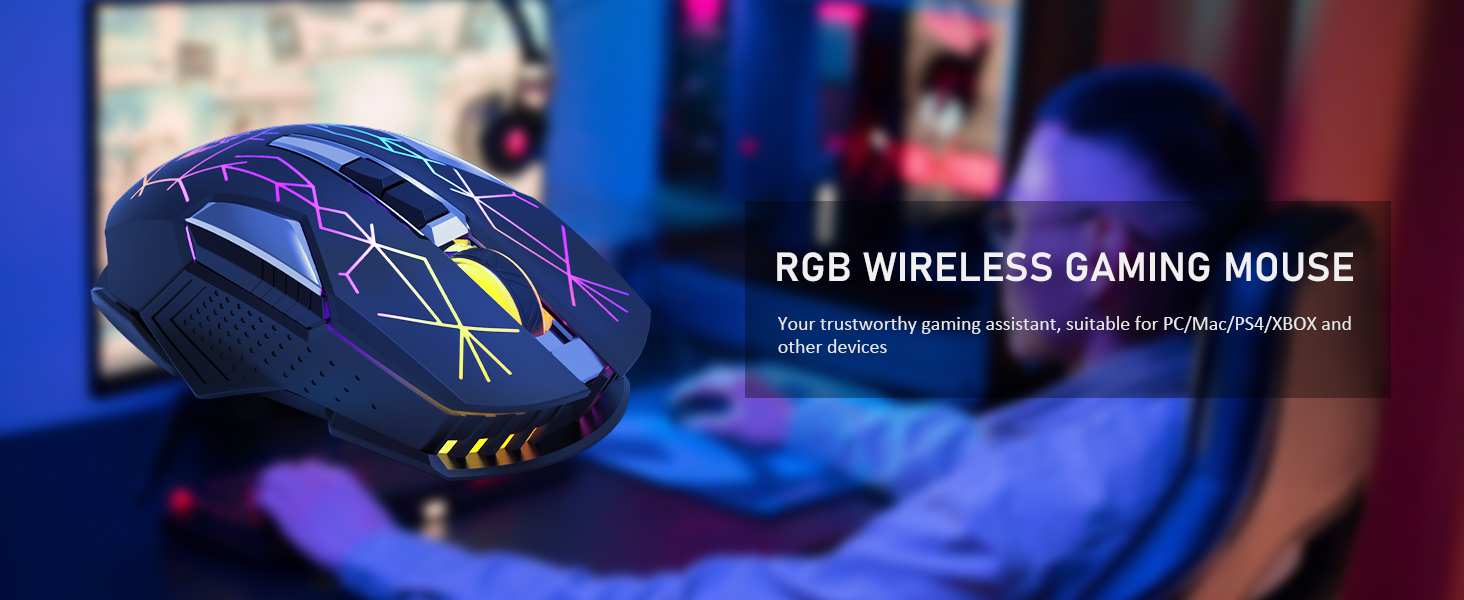
Image: The KUIYN X18 mouse with text indicating charging status and battery information.
Compatibility
The KUIYN X18 Wireless Gaming Mouse is compatible with a wide range of operating systems and devices:
- Operating Systems: Windows XP, Vista, Win7, Win8, Mac OS.
- Devices: Laptops, Personal Computers (PC).
- Gaming Consoles: For PS4 or Xbox, a separate converter is required for connection.

Image: The KUIYN X18 mouse displayed with logos for Windows, Mac, and PS4, indicating broad compatibility.
Maintenance
To ensure the longevity and optimal performance of your KUIYN X18 mouse, follow these maintenance guidelines:
- Cleaning: Use a soft, dry cloth to clean the mouse. Avoid using harsh chemicals or abrasive materials.
- Storage: Store the mouse in a cool, dry place when not in use.
- Avoid Liquids: Do not expose the mouse to liquids.
- USB Receiver: When transporting the mouse, store the USB receiver in its designated compartment to prevent loss.
Troubleshooting
| Problem | Possible Cause | Solution |
|---|---|---|
| Mouse not responding |
|
|
| Cursor movement is erratic or slow |
|
|
| RGB lights not working |
|
|
Specifications
| Feature | Detail |
|---|---|
| Brand | KUIYN |
| Model Name | KUIYN X18 |
| Connectivity Technology | 2.4G Wireless (USB Receiver) |
| Movement Detection Technology | Optical |
| DPI Levels | 800 / 1600 / 2400 DPI |
| Number of Buttons | 7 |
| Battery | 600 mAh Rechargeable Lithium Polymer |
| Wireless Range | Up to 10 meters |
| Special Features | Ergonomic Design, Lightweight, Rechargeable, Wireless, Silent Click, 7-Color RGB Breathing Light, Smart Sleep Function |
| Weight | 145 Grams |
| Dimensions (L x W) | 13.2 cm x 7.3 cm |
| Compatible Operating Systems | Windows XP, Vista, Win7, Win8, Mac OS |
| Compatible Devices | Laptop, Personal Computer, Gaming Consoles (with converter) |
Warranty and Support
For warranty information or technical support, please refer to the retailer's policy or contact KUIYN customer service directly. Contact details may be available on the official KUIYN website or through your purchase platform.
Please retain your proof of purchase for any warranty claims.