
Introduction
This manual provides essential information for setting up, operating, maintaining, and troubleshooting your BCB Controllers Custom Modded Wireless Controller for PlayStation 5. This controller features a unique Tokyo Ghouul hydro-dip design and integrated modification capabilities.

Image: Front view of the BCB Controllers Custom Modded Wireless Controller featuring a Tokyo Ghouul design.
Setup
1. Initial Charging
Before first use, ensure your controller is fully charged. Connect the controller to your PlayStation 5 console or a compatible USB charger using a USB-C cable (not included). The light bar on the controller will slowly blink orange while charging and turn off when fully charged.
2. Pairing with PlayStation 5
- Turn on your PlayStation 5 console.
- On the controller, press and hold the PS button and the Create button simultaneously until the light bar flashes.
- Using another controller or the console's power button, navigate to the PS5's Bluetooth settings.
- Select the new controller from the list of available devices to complete the pairing process.
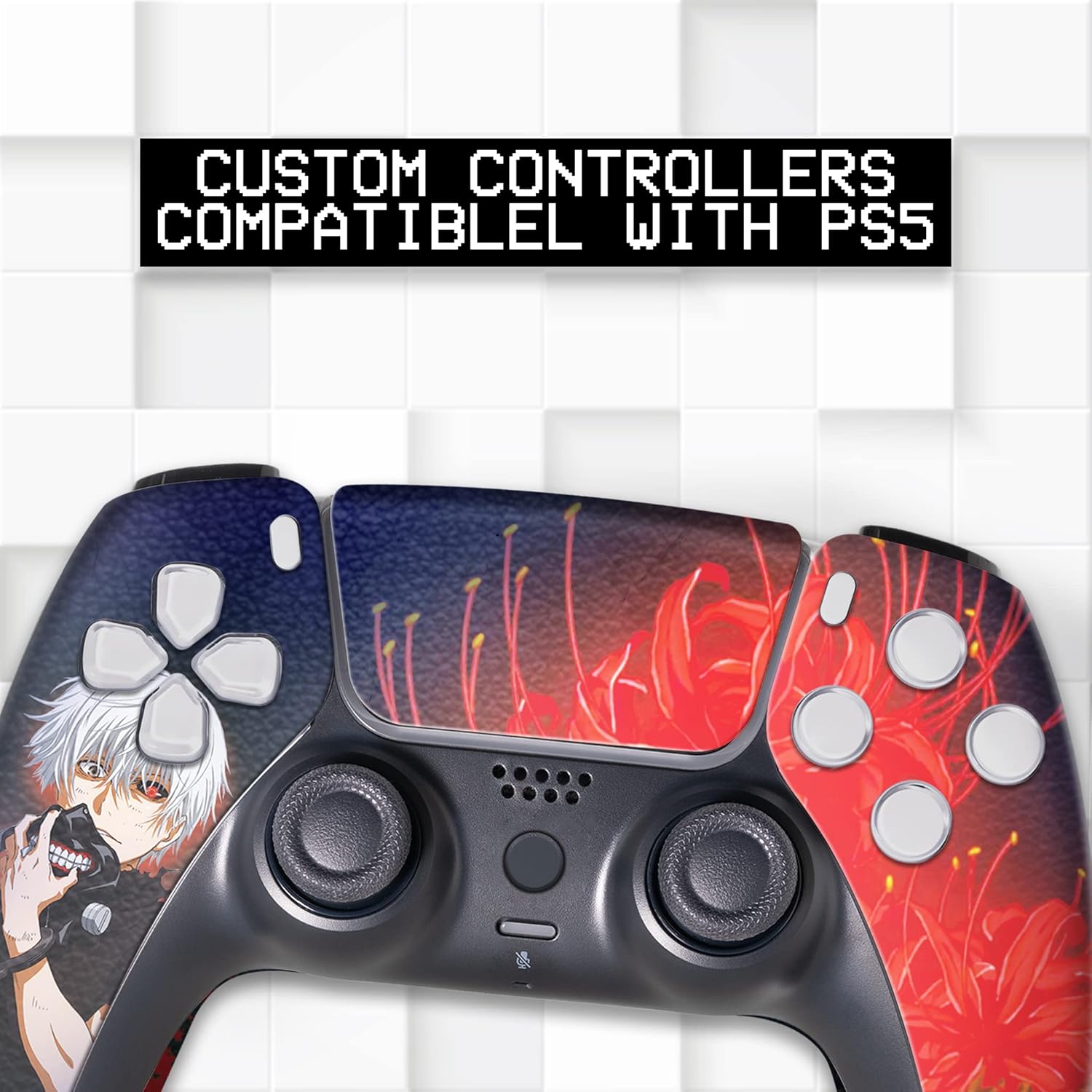
Image: A custom PS5 controller with text indicating compatibility with PS5.
Operating the Controller
Standard Functions
This controller functions identically to a standard PlayStation 5 DualSense controller for all basic gameplay. All buttons, joysticks, and triggers operate as expected. Note that due to the hydrographic customization process, touchscreen features may or may not function as originally intended.
Modded Features
Your BCB Controllers Modded Wireless Controller includes various pre-programmed modifications to enhance your gaming experience. A detailed MOD Guide is included with your purchase, which provides specific instructions on how to activate, deactivate, and customize each mod. Below is a list of available mods:
- Rapid Fire: Allows for faster firing rates in compatible games.
- Burst Fire: Converts single-shot weapons into burst-fire.
- Auto-Aim/Aim Assist: Provides assistance with aiming in supported titles.
- Akimbo: Optimizes dual-wielding weapon usage.
- Auto Sprint: Automatically sprints in-game without holding the sprint button.
- Auto Hold Breath: Automatically holds breath for improved accuracy in sniper scopes.
- Quick Scope: Facilitates rapid aiming and firing with sniper rifles.
- Jumpshot: Executes a jump and fire action simultaneously.
- Dropshot: Executes a prone and fire action simultaneously.
- Auto Reload: Automatically reloads your weapon.
- Mimic Fire: Synchronizes firing across dual-wielded weapons.
- Sniper Breathe: Enhances stability for sniper shots.

Image: A visual representation of the various modded features available on the controller.

Image: A user holding the custom controller during gameplay.
Maintenance and Care
Hydro-Dip Printing Durability
Your controller features permanent hydro-dip printing, which is designed for longevity. The colors are resistant to fading, and unlike skins, the design will not peel off or develop wrinkles or bubbles over time, even with frequent use.
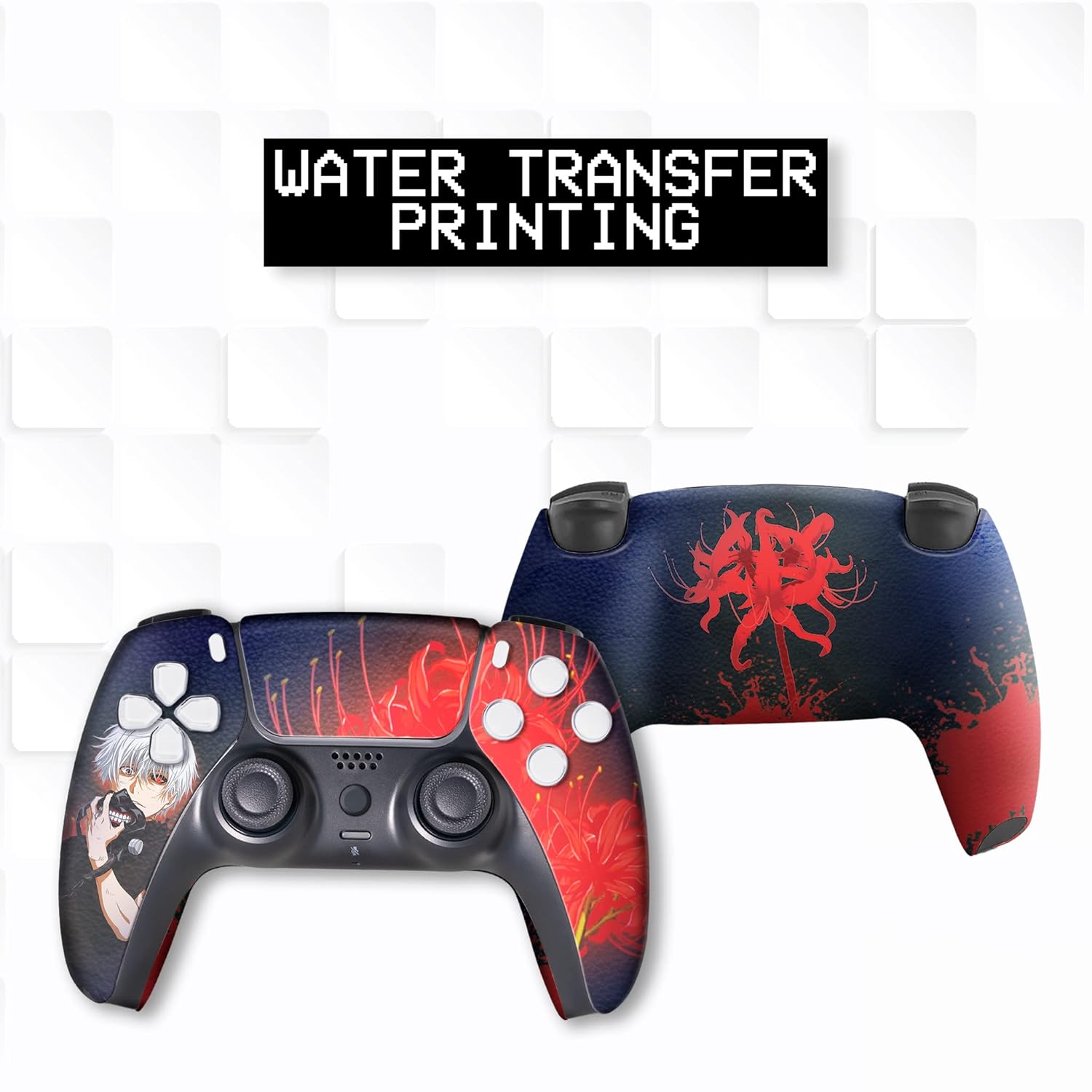
Image: Front and back views of the controller, highlighting the water transfer printing process.
Cleaning Instructions
- Use a soft, dry cloth to wipe down the controller regularly.
- For stubborn dirt, lightly dampen the cloth with water. Avoid using harsh chemicals or abrasive cleaners, as these can damage the finish.
- Ensure no liquid enters the controller's ports or openings.
Storage
Store the controller in a cool, dry place away from direct sunlight and extreme temperatures to preserve its functionality and aesthetic.
Troubleshooting
If you encounter issues with your controller, please refer to the following common problems and solutions:
| Problem | Possible Cause / Solution |
|---|---|
| Controller not pairing or disconnecting frequently | Ensure the controller is charged. Re-attempt the pairing process (see Setup section). Move closer to the PS5 console to avoid interference. |
| Mods activating unintentionally | Refer to the included MOD Guide for specific instructions on how to disable mods. Ensure you are following the correct deactivation sequence. If the issue persists, contact support. |
| Buttons (e.g., R2) are overly sensitive or double-clicking | This may indicate a mechanical issue. Contact customer support for assistance. |
| Stick drift (joystick input without physical movement) | This is a common issue with controllers over time. Try resetting the controller (locate the small reset button on the back, use a pin to press it). If the issue persists, contact customer support. |
| Touchpad not functioning | As mentioned, hydrographic customization may affect touchpad functionality. If it's critical for your use, contact support for options. |
Specifications
| Feature | Detail |
|---|---|
| Brand | BCB Controllers (BABY CUDDLE BOX) |
| Model Name | TOKYO GHOUUL_M_BACK |
| Model Number | PS5_TOKYO GHOUL_M_BACK |
| Compatible Devices | PC, Sony PlayStation 5 |
| Controller Type | Gamepad |
| Connectivity Technology | Bluetooth |
| Power Source | Battery Powered |
| Button Quantity | 16 |
| Item Weight | 14.4 ounces |
| Additional Features | 3D Textured Patterns & Engravings, Dual-Tone or Gradient Color Scheme, Metallic, Matte, and Glossy Finish, Premium Hydro-Dipped Graphics, Themed Artwork |
Warranty and Support
Quality Assurance
All BCB Controllers are manually checked for quality by in-house technicians in the USA and tested before shipping to ensure functionality and adherence to standards.
Return Policy
This product is eligible for a 30-day return/replacement policy. Please refer to Amazon's after-sales service policy for detailed information.
Optional Protection Plans
Extended protection plans are available for purchase to cover your controller beyond the standard return period:
- 2-Year Protection Plan
- 3-Year Protection Plan
- Complete Protect (monthly subscription)
Customer Support
For any inquiries, maintenance questions, or return services, please contact BCB Controllers directly through Amazon. You can reach us by accessing your order history, selecting the seller name, and choosing the 'Contact the seller' option.