
1. Introduction
This manual provides instructions for the proper use and care of your kwmobile Neoprene Pouch. This universal sleeve is designed to protect tablets measuring between 12.4 and 12.9 inches. Please read this manual carefully to ensure optimal performance and longevity of your product.

Image 1.1: The kwmobile Neoprene Pouch, designed for portability and protection.
2. Product Features
- Neoprene Design: The pouch is constructed from lightweight and water-resistant neoprene material.
- Zipper Closure: Features a secure zipper closure to keep your device safely enclosed.
- Protection: Provides protection against scratches, minor bumps, and splashes.
- Lightweight and Portable: Designed for easy carrying and convenient storage within a larger bag.
2.1 Water-Resistant Material
The neoprene material offers a degree of water resistance, helping to protect your tablet from light splashes and moisture. It is not fully waterproof and should not be submerged in water.

Image 2.1: Demonstrating the water-resistant properties of the neoprene material.
2.2 Secure Zipper and Protection
The durable zipper ensures that your tablet remains securely inside the pouch. The elastic neoprene also provides a cushioning effect against minor impacts.
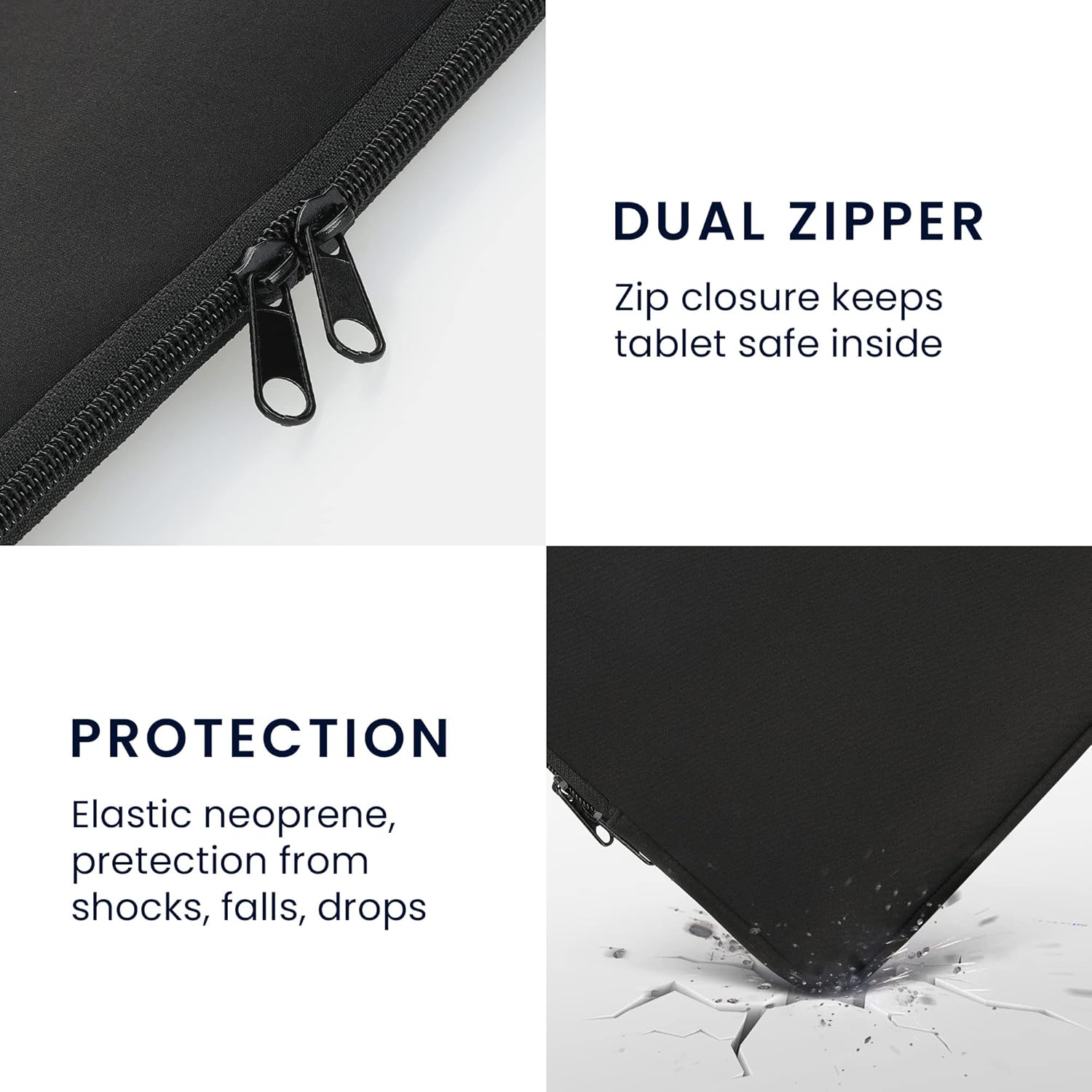
Image 2.2: Detail of the zipper and the protective qualities of the material.
3. Compatibility
This kwmobile Neoprene Pouch is designed for tablets with screen sizes ranging from 12.4 to 12.9 inches. It is compatible with various models, including but not limited to:
- Apple iPad: 12.9 (2021)
- Samsung Galaxy Tab S8+ (2021)
- Samsung Galaxy Tab S7 FE
- Samsung Galaxy Tab S7 Plus
Please verify your tablet's dimensions to ensure a proper fit.
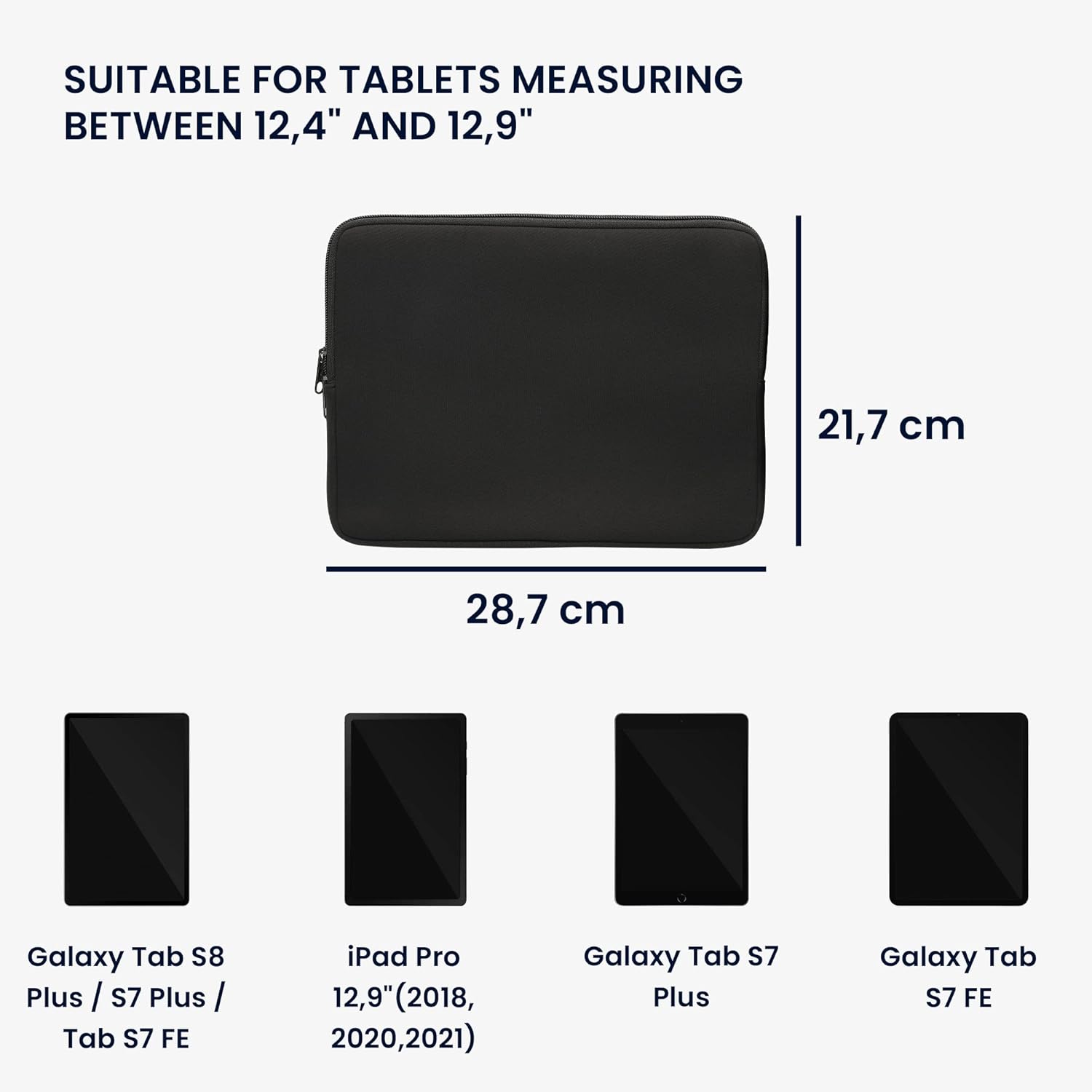
Image 3.1: Pouch dimensions and examples of compatible tablet models.
4. Setup and Usage
4.1 Inserting Your Tablet
- Open the zipper completely.
- Carefully slide your tablet into the pouch. Ensure it is centered to provide even protection.
- Close the zipper securely.

Image 4.1: Preparing to insert a tablet into the pouch.
4.2 Carrying the Pouch
The slim design allows the pouch to be easily carried by hand or slipped into a larger bag, backpack, or briefcase for added protection during transport.
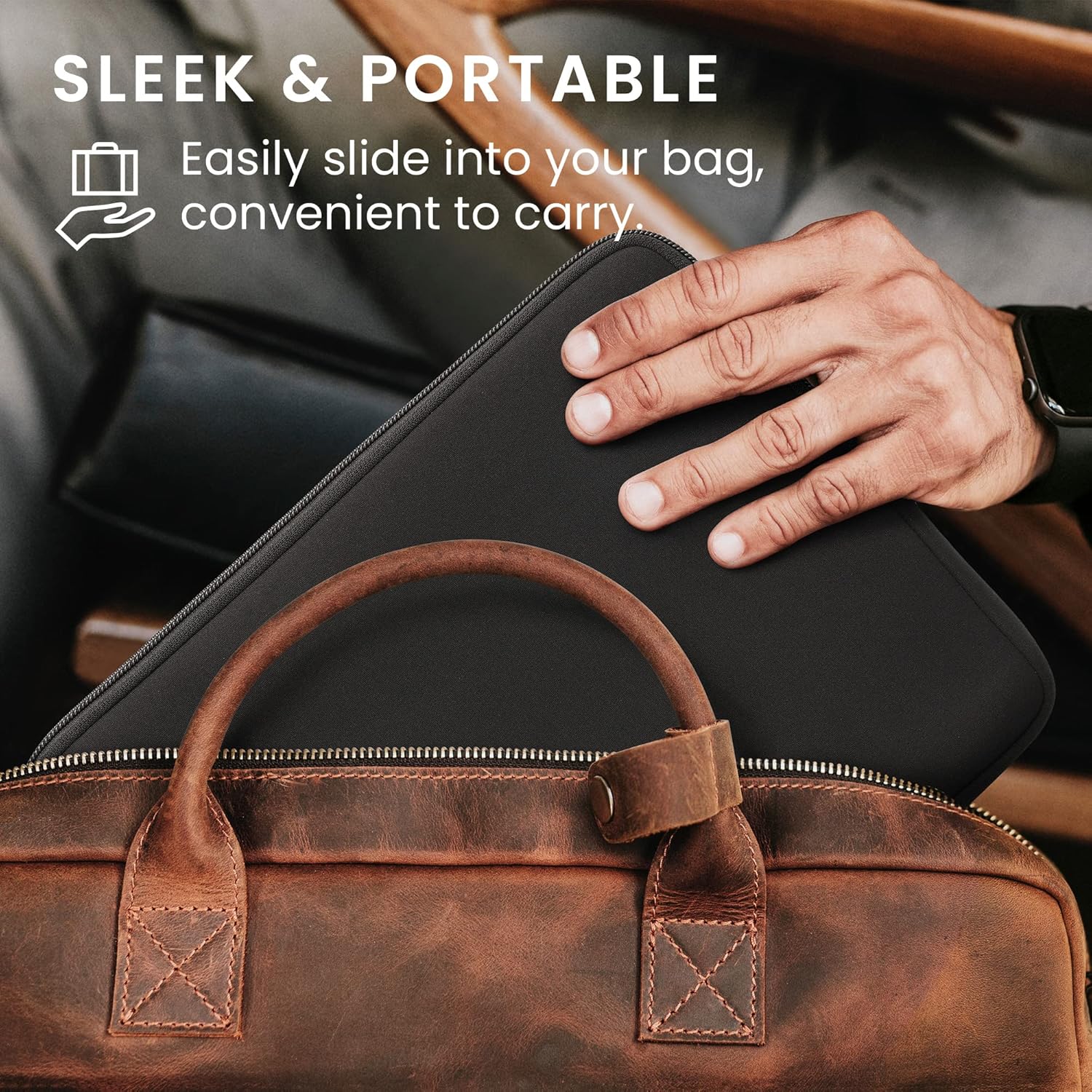
Image 4.2: The pouch being placed into a bag for convenient transport.
5. Maintenance
To maintain the quality and appearance of your neoprene pouch, follow these guidelines:
- Cleaning: Wipe the exterior with a damp cloth and mild soap if necessary. Avoid harsh chemicals or abrasive cleaners.
- Drying: Allow the pouch to air dry completely before reinserting your tablet. Do not use direct heat sources like hair dryers.
- Storage: Store in a cool, dry place away from direct sunlight when not in use.
6. Troubleshooting
6.1 Pouch Feels Too Snug
If the pouch feels very tight when inserting your tablet, especially with an existing cover or keyboard attached, ensure your tablet's dimensions are within the specified range (12.4"-12.9"). Neoprene has some elasticity, and the fit may become slightly easier with repeated use. If the fit is excessively tight, it may not be the correct size for your device with its accessories.
7. Specifications
| Feature | Detail |
|---|---|
| Brand | kwmobile |
| Model Number | 57319.01 |
| Compatible Device Size | 12.4" - 12.9" Tablets |
| Material | Neoprene |
| Color | Black |
| Form Factor | Sleeve |
| Shell Type | Soft |
| Water Resistance Level | Water Resistant |
| Additional Features | Lightweight |
| Item Dimensions | 15.55 x 9.84 x 0.3 inches (approximate) |
8. Warranty and Support
For information regarding warranty, returns, or product support, please refer to the kwmobile official website or contact the retailer from whom you purchased the product. You can also visit the kwmobile Store on Amazon for more details and contact options.