1. Important Safety Instructions
Please read and understand all safety instructions before using this product. Failure to follow these instructions may result in electric shock, fire, or other hazards.
- Do not expose to liquids: Keep the adapter away from water, rain, or excessive moisture.
- Indoor use only: This adapter is designed for indoor use in dry locations.
- Proper ventilation: Ensure adequate ventilation around the adapter. Do not cover it or place it in an enclosed space that could restrict airflow.
- Avoid damage: Do not use the adapter if the cord or plug is damaged. Do not attempt to open or repair the adapter.
- Correct voltage: Only connect the adapter to a power outlet with the specified voltage range (100-240VAC).
- Disconnect when not in use: Unplug the adapter from the power outlet when not in use for extended periods.
2. Product Overview
The saschedross 29V AC Adapter is designed as a replacement power supply for specific Martha Stewart Christmas Tree models. It provides the necessary power to illuminate your pre-lit artificial Christmas tree.
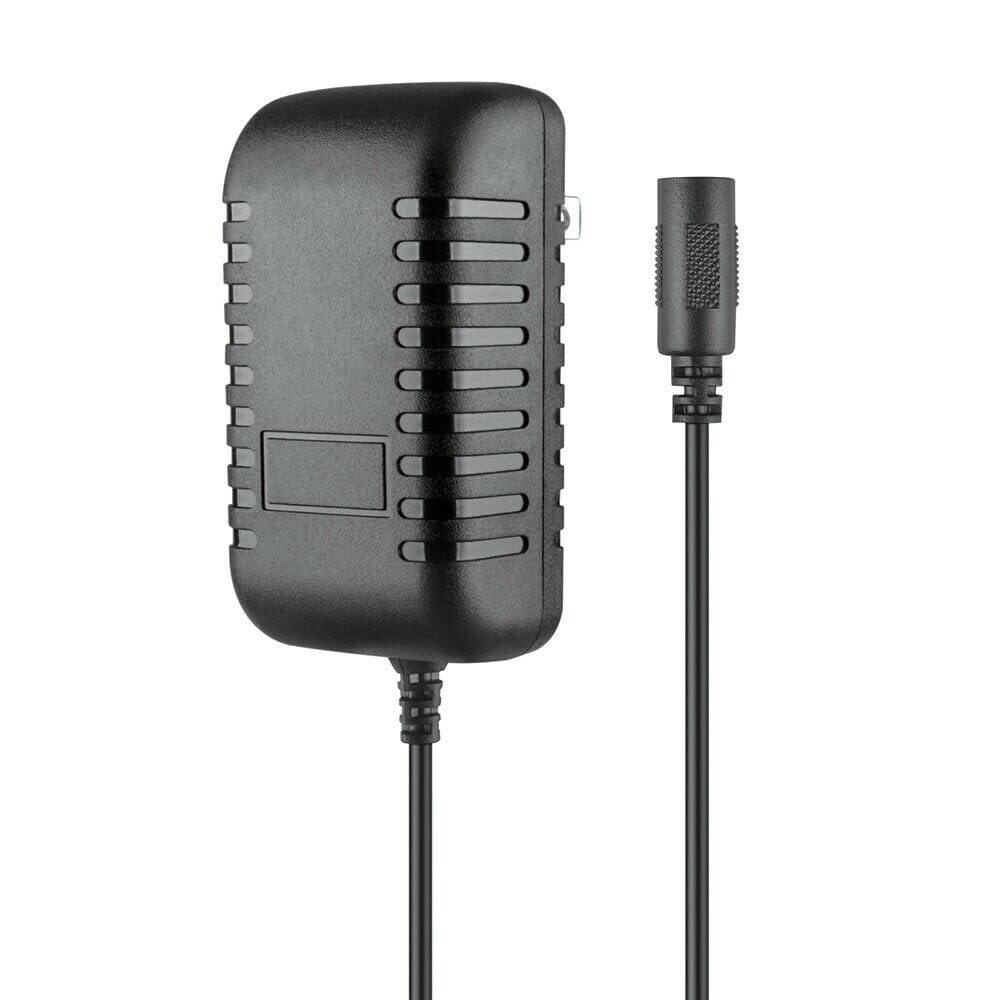
Image of the saschedross 29V AC Adapter, showing its compact design and standard power connector.
Package Contents:
- 1 x saschedross 29V AC Adapter
3. Specifications
| Input Voltage | 100-240VAC |
| Input Frequency | 50-60Hz |
| Output Voltage | 29V (as per compatible devices) |
| Connector Type | Coaxial |
| Number of Ports | 1 |
| Certifications | FCC, CE, RoHS |
| Protection Features | Over-current, Over-voltage, Over-heat protection |
| Compatible Devices | Martha Stewart Living VMSL-7.5', Pre-Lit Downswept Denison Spruce, Artificial Pine Xmas Christmas Tree models DOU186755LEDCMR, DOU186755LEDCMC |
4. Setup
Follow these steps to properly set up your AC adapter with your Christmas tree:
- Unpack: Carefully remove the AC adapter from its packaging.
- Inspect: Check the adapter and its cord for any visible damage. Do not use if damaged.
- Connect to Tree: Locate the power input port on your Martha Stewart Christmas Tree. Insert the coaxial connector of the AC adapter firmly into this port. Ensure a snug fit.
- Connect to Power Outlet: Plug the AC adapter's power cord into a standard 100-240VAC electrical wall outlet.
- Verify Connection: Once connected, your Christmas tree lights should illuminate, indicating a successful power connection.
Note: Always ensure the Christmas tree's power switch (if present) is in the 'ON' position for the lights to function.
5. Operating Instructions
Operating the saschedross 29V AC Adapter is straightforward once properly set up:
- Power On: After connecting the adapter to both the tree and a power outlet, the tree lights should turn on automatically. If your tree has a separate power switch, ensure it is in the 'ON' position.
- Power Off: To turn off the tree lights, either unplug the AC adapter from the wall outlet or use the tree's integrated power switch (if available).
- Continuous Use: The adapter is designed for continuous use during the holiday season. However, for energy conservation and safety, it is recommended to unplug the adapter when the tree is not in use for extended periods, such as overnight or when leaving the house.
6. Maintenance
Proper care and maintenance will extend the life of your AC adapter:
- Cleaning: Disconnect the adapter from the power source before cleaning. Use a soft, dry cloth to wipe the exterior. Do not use liquid cleaners or solvents.
- Storage: When not in use, store the adapter in a cool, dry place, away from direct sunlight and extreme temperatures. Coil the power cord loosely; do not wrap it tightly around the adapter.
- Inspection: Periodically inspect the power cord and adapter housing for any signs of wear, cuts, or damage. Replace the adapter if any damage is found.
7. Troubleshooting
If you encounter issues with your AC adapter, refer to the following common problems and solutions:
| Problem | Possible Cause / Solution |
|---|---|
| Tree lights do not turn on. |
|
| Adapter feels warm during operation. |
|
8. Warranty and Support
This product is manufactured by Shenzhen Waweis Technology Co., Ltd. For specific warranty information or technical support, please refer to the documentation provided with your original purchase or contact the retailer where the product was acquired.
Please retain your proof of purchase for any warranty claims.


