
Introduction
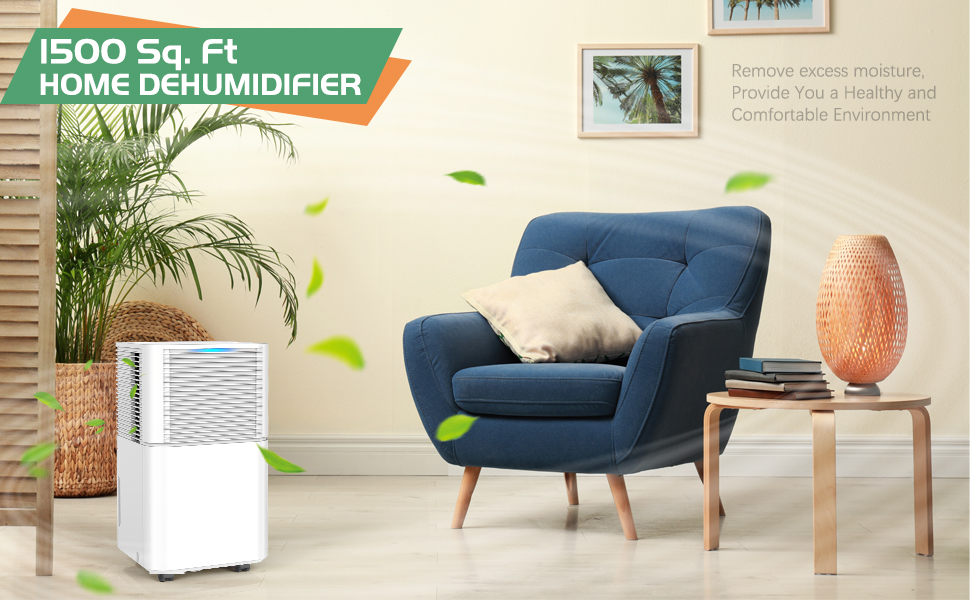
This manual provides detailed instructions for the safe and efficient operation of your HUMILABS Model D031B Dehumidifier. Designed for spaces up to 1500 sq. ft., this unit effectively removes up to 30 pints of moisture per day, ensuring a comfortable and healthy environment in your home, basement, office, or laundry room. Please read this manual thoroughly before use and keep it for future reference.
Safety Information
- Always ensure the dehumidifier is placed on a stable, level surface.
- Do not block air inlets or outlets. Maintain at least 8 inches of clearance around the unit.
- Do not operate the unit with a damaged power cord. Contact customer support for replacement.
- Unplug the unit before cleaning or performing any maintenance.
- Keep out of reach of children. Use the child lock feature when necessary.
- Do not use in areas where flammable liquids or gases are stored.
- Ensure the voltage matches the rating label on the unit.
Product Overview
The HUMILABS Model D031B is a compact and portable dehumidifier featuring a digital display, multiple operating modes, and two drainage options.
Key Components
- Control Panel: Located on the top of the unit, with touch-sensitive buttons and a digital display.
- Water Tank: Removable tank for manual water collection, with a visible water level indicator. Capacity: 0.528 gallons.
- Air Inlet/Outlet: Grilles for air circulation.
- Handles: Ergonomically designed lift-up handles for easy portability.
- Universal Wheels: 360° rotatable wheels for effortless movement.
- Drainage Port: Located at the back for continuous drainage hose connection.
- Air Filter: Removable and washable filter for air purification.


Setup
- Unpacking: Carefully remove the dehumidifier from its packaging. Retain packaging for future storage or transport.
- Placement: Place the unit upright on a firm, level surface in the desired location. Ensure there is at least 8 inches of space around the air inlets and outlets for proper airflow.
- Wheel Installation (Optional): The unit comes with 360° rotatable wheels for easy movement. If not pre-installed, attach them to the bottom of the unit as per the instructions in the box.
- Power Connection: Plug the power cord into a grounded electrical outlet.
Operating Instructions
Control Panel Overview
The control panel is located on the top of the unit and features touch-sensitive buttons and a digital display.

Functions
- Power Button: Press to turn the unit ON or OFF.
- Mode Button: Cycle through operating modes:
- Dehumidifying Mode: Standard operation to reduce humidity.
- Dry Clothes Mode: Specifically designed to help dry clothes faster in humid conditions.
- Continuous Mode: Runs continuously regardless of humidity level.
- Humidity Setting (HUMI): Adjust the desired humidity level from 30% to 80% in 5% increments. The unit will operate until the set humidity is reached.
- Fan Speed (SPEED): Select between Low and High fan speeds.
- Timer: Set a timer for automatic ON/OFF operation, from 1 to 24 hours.
- Child Lock (LOCK): Press and hold for 3 seconds to activate/deactivate the child lock, preventing accidental changes to settings.
- Digital Display: Shows current humidity level, timer settings, and error codes.
- Humidity Indicator Light: Changes color based on ambient humidity:
- Blue: Humidity < 45%
- Green: 45% ≤ Humidity ≤ 65%
- Red: Humidity > 65% or Water Tank Full
Drainage Methods
1. Manual Drainage
The dehumidifier collects water in its internal 0.528-gallon (2-liter) water tank.
- When the tank is full, the "Full" indicator light will illuminate, an alarm will sound for 20 seconds, and the unit will automatically stop operating.
- Carefully pull out the water tank from the front of the unit.
- Empty the collected water into a sink or drain.
- Reinsert the empty water tank firmly until it clicks into place. The unit will resume operation.

2. Continuous Drainage
For continuous operation without needing to empty the tank, use the included 3.3ft drainage hose.
- Locate the drainage port on the back of the unit.
- Remove the rubber stopper from the drainage port.
- Connect one end of the drainage hose to the port, ensuring a secure fit.
- Route the other end of the hose to a suitable drain (e.g., floor drain, large bucket), ensuring the hose is sloped downwards to allow gravity drainage and is free of kinks.
- The unit will now continuously drain water, eliminating the need for manual emptying.

Maintenance
Cleaning the Air Filter
Regular cleaning of the air filter is essential for optimal performance.
- Turn off and unplug the dehumidifier.
- Locate the air filter cover on the back of the unit.
- Gently pull out the filter.
- Clean the filter using a vacuum cleaner to remove dust and debris. For heavy dirt, wash it with warm, soapy water.
- Rinse the filter thoroughly and allow it to air dry completely before reinserting.
- Place the dry filter back into the unit and close the cover.

Auto Defrost Function
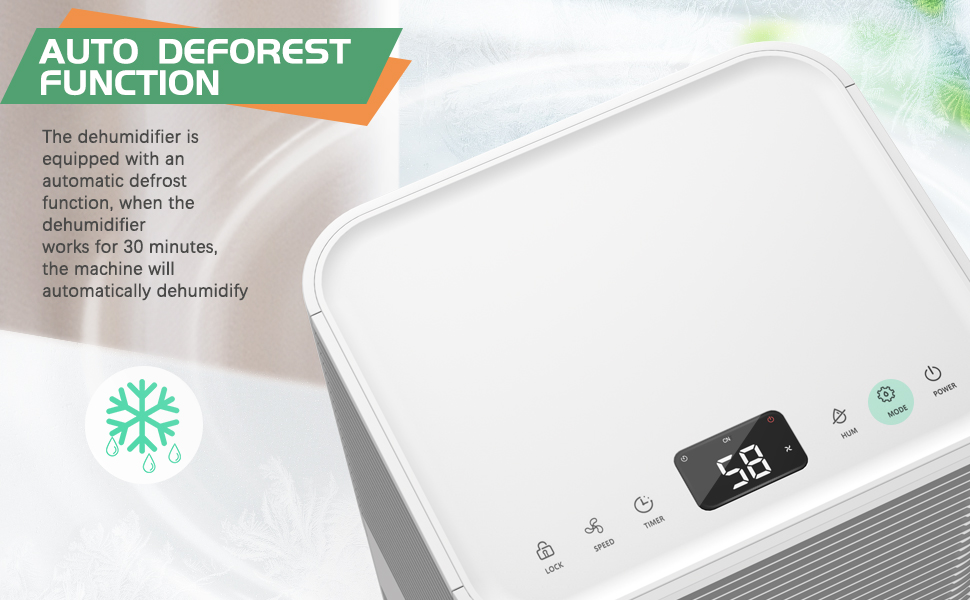
The unit is equipped with an automatic defrost function. If frost builds up on the evaporator coils, the unit will automatically enter defrost mode to melt the ice, ensuring efficient operation.
Troubleshooting
| Problem | Possible Cause | Solution |
|---|---|---|
| Unit does not turn on | No power, power cord damaged, water tank full/not properly inserted | Check power connection, ensure tank is empty and correctly seated. |
| Unit not defrosting automatically | Issue with the condenser | Contact Waykar support team for assistance. |
| Display shows fluctuating numbers | Adjusting to show current humidity | This is normal operation as the unit measures humidity. |
| Drainage problems (continuous) | Hose positioned incorrectly or kinked | Ensure the hose is positioned correctly and without any kinks, allowing gravity drainage. |
| Unit is noisy | Normal operating sound, unit not on level surface | Ensure unit is on a stable, level surface. Low noise mode is available. |
Specifications
| Feature | Detail |
|---|---|
| Brand | HUMILABS |
| Model Name | D030A |
| Dehumidification Capacity | 30 Pints/Day (under 90°F, 90% RH) |
| Coverage Area | Up to 1500 sq. ft. |
| Water Tank Capacity | 0.528 Gallons (2 Liters) |
| Operation Modes | Dehumidifying, Dry Clothes, Continuous, Sleep |
| Humidity Setting Range | 30% - 80% RH |
| Timer | 1-24 Hours |
| Noise Level | 36dB (Low Noise Mode) |
| Dimensions (DxWxH) | 8.6"D x 9.8"W x 17.5"H |
| Item Weight | 24.2 pounds |
| Material | Plastic |
| Special Features | Auto & Manual Drainage, 360° Rotatable Wheels, Digital Display, Auto Defrost, Child Lock |

Warranty and Support
Your HUMILABS dehumidifier comes with a one-year warranty.
Product Quality Issues: Once you receive your dehumidifier, check the packaging for any signs of shipping damage. If there's anything wrong, you can return it easily through Amazon. For any other issues, feel free to reach out directly to Waykar through the support team. Our dedicated support team is always here to help with any concerns.
Contact Support: For any questions, issues, or warranty claims, please contact the Waykar support team via the email address listed in the manual.
