
Introduction
The KitchenAid KQ908 Digital Kitchen and Food Scale is designed for precise measurement of both dry and liquid ingredients. Featuring a sleek glass surface, stainless steel accent trim, and an oversized knob for easy operation, this scale is a versatile addition to any kitchen. Its backlit display ensures readability, and the tare function simplifies weighing multiple ingredients in one container.
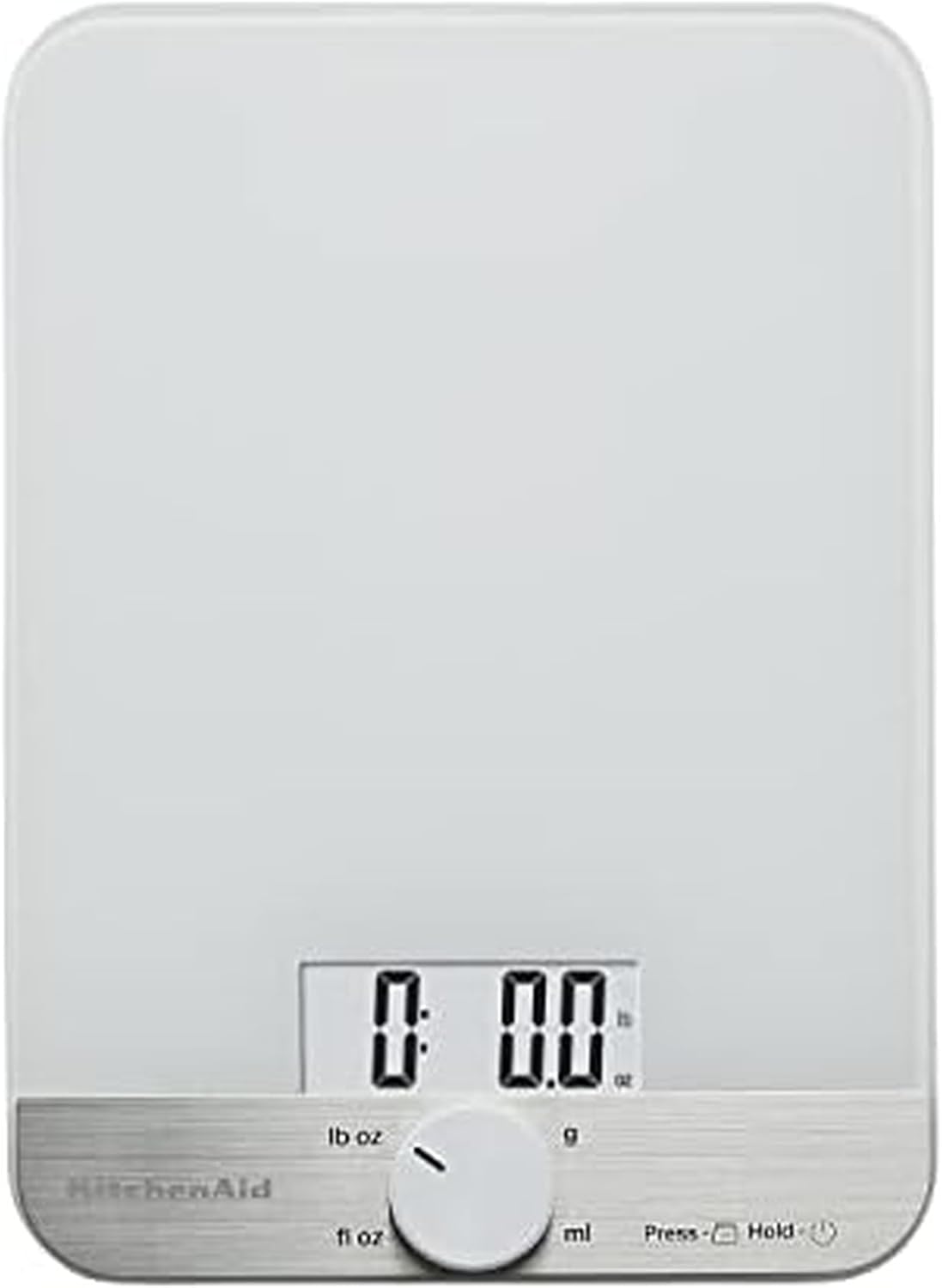
Image: The KitchenAid KQ908 Digital Kitchen Scale in white, featuring its glass surface and digital display.
Setup
Battery Installation
- Locate the battery compartment on the underside of the scale.
- Open the battery compartment cover.
- Insert three (3) AAA batteries, ensuring correct polarity (+/-). The batteries are included with your purchase.
- Close the battery compartment cover securely.

Image: The underside of the KitchenAid KQ908 scale, illustrating the battery compartment for AAA batteries.
Operating Instructions
Power On/Off
- To power on the scale, press the oversized knob located on the front panel. The display will illuminate.
- To power off the scale, press and hold the oversized knob for approximately 3 seconds. The scale will also auto shut-off after 3 minutes of no change in weight on the platform to conserve battery life.
Changing Units of Measurement
- To change the unit of measurement, rotate the oversized knob. The available units are:
- lb oz (pounds and ounces)
- g (grams)
- fl oz (fluid ounces)
- ml (milliliters)
- Select the desired unit by rotating the knob until it aligns with the indicator on the display.
Tare Function (Add and Weigh)
- The Tare function allows you to zero out the weight of a container or to weigh multiple ingredients consecutively in the same container.
- Place an empty container on the scale. The display will show its weight.
- Press the oversized knob once. The display will reset to '0.0', effectively subtracting the container's weight.
- Add your first ingredient. The display will show its weight.
- To add another ingredient, press the knob again to reset the display to '0.0' before adding the next item.
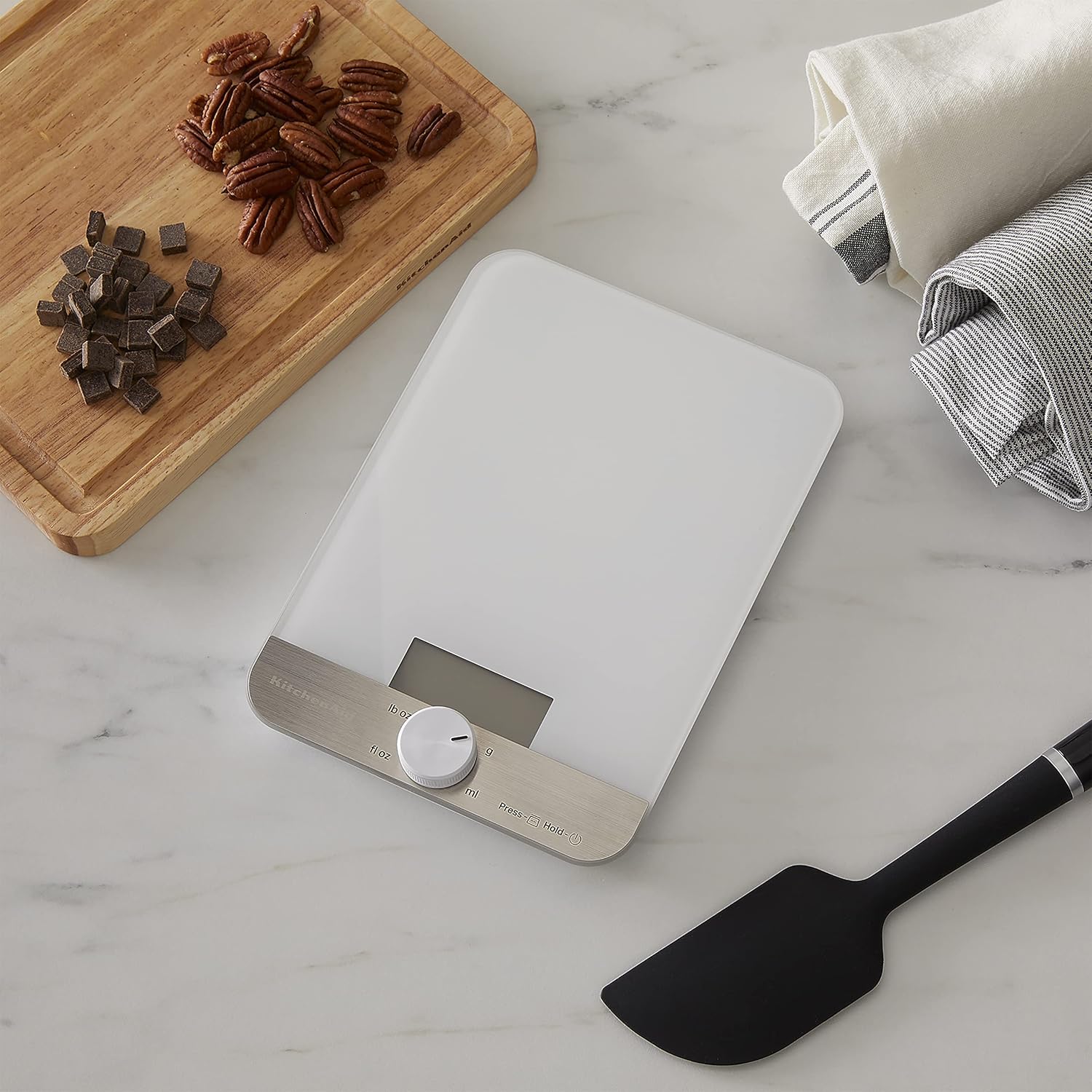
Image: The KitchenAid KQ908 scale displaying the weight of pecans, demonstrating its use for dry ingredients.
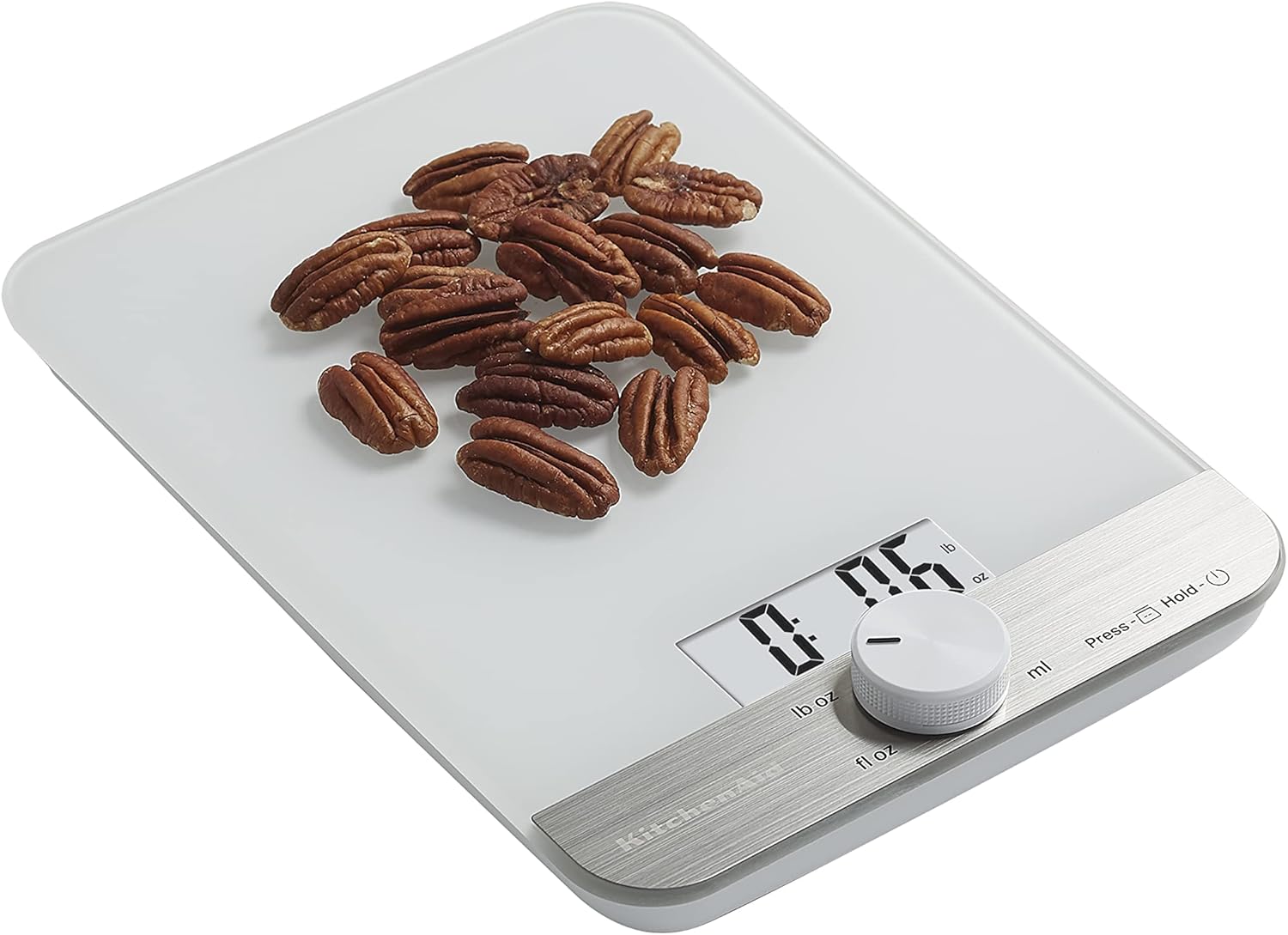
Image: The KitchenAid KQ908 scale with an empty surface, ready for weighing, showing the digital display at zero.
Maintenance and Care
Cleaning Instructions
- The glass surface is naturally stain and odor-free and is tempered for safety.
- Hand wash only: Do not immerse the scale in water or place it in a dishwasher.
- For best results, wipe the scale with a damp cloth and dry thoroughly after each use.

Image: A hand cleaning the glass surface of the KitchenAid KQ908 scale with a yellow sponge, illustrating the ease of cleaning.
Troubleshooting
If you encounter any issues with your KitchenAid KQ908 Digital Kitchen and Food Scale, please consider the following common solutions:
- Inaccurate Readings: Ensure the scale is placed on a flat, stable surface. Uneven surfaces can affect accuracy.
- Display Not Turning On: Check if the batteries are correctly installed and have sufficient charge. Replace batteries if necessary.
- Scale Not Responding: Try removing and reinserting the batteries to perform a soft reset.
For persistent issues, please refer to the support section or contact KitchenAid customer service.
Specifications
| Feature | Detail |
|---|---|
| Model Number | KQ908WH |
| Brand | KitchenAid |
| Color | White |
| Material | Glass, Stainless Steel |
| Max Capacity (Dry) | 11 LB x 0.1 Oz / 5000 grams x 1 gram |
| Max Capacity (Liquid) | 5000 millilitre x 1 millilitre / 176 FL Oz x 0.1 FL Oz |
| Readout Accuracy | 0.1 Ounces |
| Power Source | 3 x AAA Batteries (included) |
| Auto Shut-off | After 3 minutes of no change in weight |
| Item Weight | 1.18 Pounds |
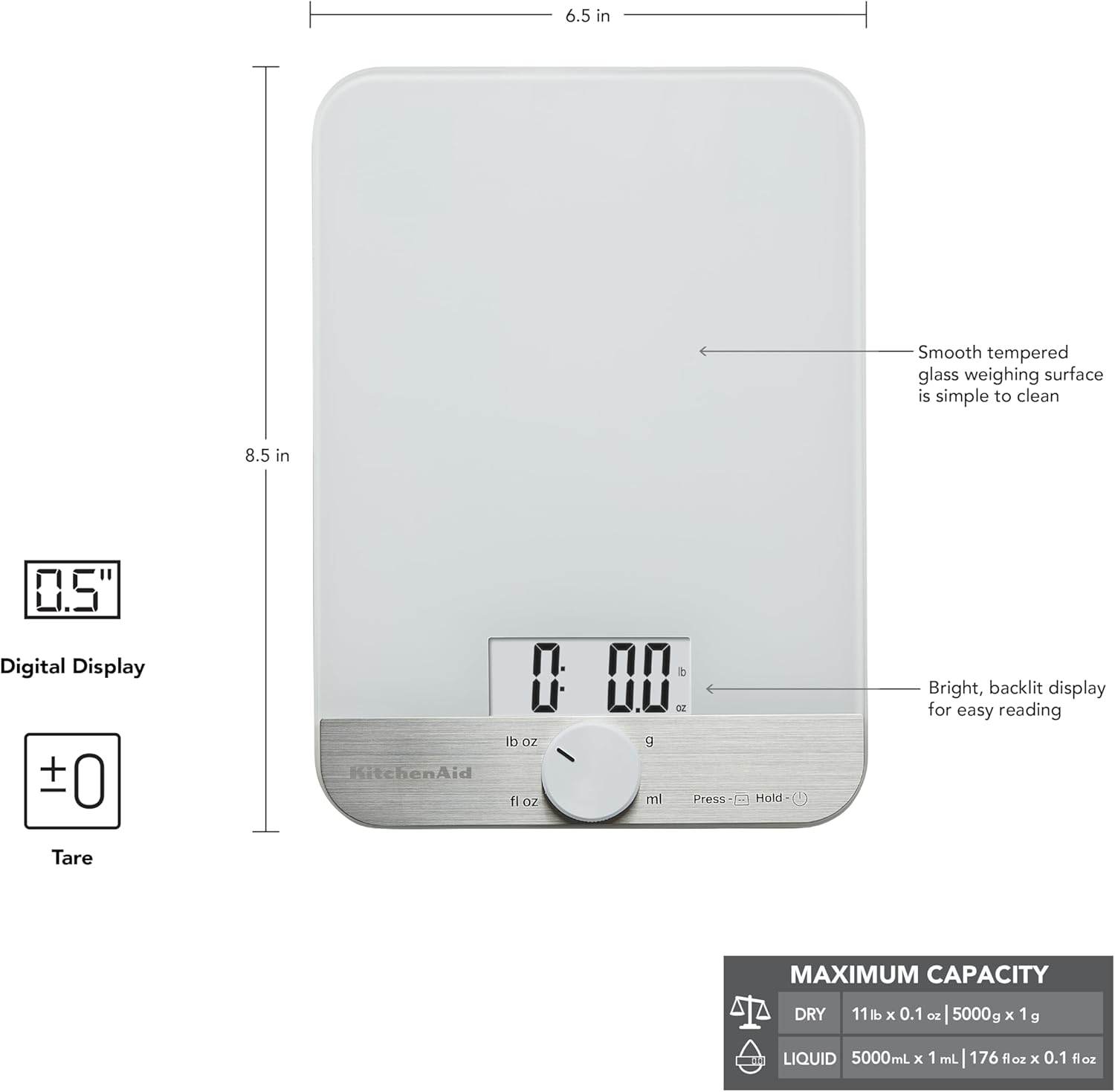
Image: A detailed diagram of the KitchenAid KQ908 scale, highlighting its dimensions and maximum capacity for both dry and liquid ingredients.
Warranty Information
KitchenAid products are warranted to be free from defects in material and workmanship. For one year from the date of purchase, under normal use and care, KitchenAid will replace this product free of charge if it is found to be defective in material or workmanship. In addition, from year two through the life of this product, any product found to be defective under conditions of normal use and care will be repaired at no charge or replaced with the same item or an item of equal or better value. Please see packaging for more information.
Support
For further assistance, product registration, or to view additional KitchenAid products, please visit the official KitchenAid website or contact their customer support. Keep your purchase receipt for warranty claims.
Online Support: www.kitchenaid.com


