
1. Introduction
Thank you for choosing the Armitron Men's Day-Date Function Bracelet Watch, Model 20-5491. This manual provides detailed instructions for setting up, operating, and maintaining your watch to ensure optimal performance and longevity. Please read this manual carefully before using your watch.
2. Product Overview
The Armitron Model 20-5491 is a classic men's watch featuring a Japanese quartz movement, a scratch-resistant mineral crystal lens, and a day/date calendar function. It is designed for daily wear with a durable stainless steel bracelet.
Components:
- Watch Case: Houses the movement and dial.
- Dial: Displays time, day, and date. Features a navy blue sunray finish with silver-tone hands and markers.
- Crown: Used for setting time, day, and date. Located on the right side of the watch case.
- Bracelet: Silver-tone adjustable link bracelet with a fold-over clasp and double push-button safety.
- Mineral Crystal Lens: Protects the dial from scratches.

Figure 2.1: Front view of the Armitron Model 20-5491 watch, showcasing the navy blue dial, silver-tone hands, markers, and the day/date window.
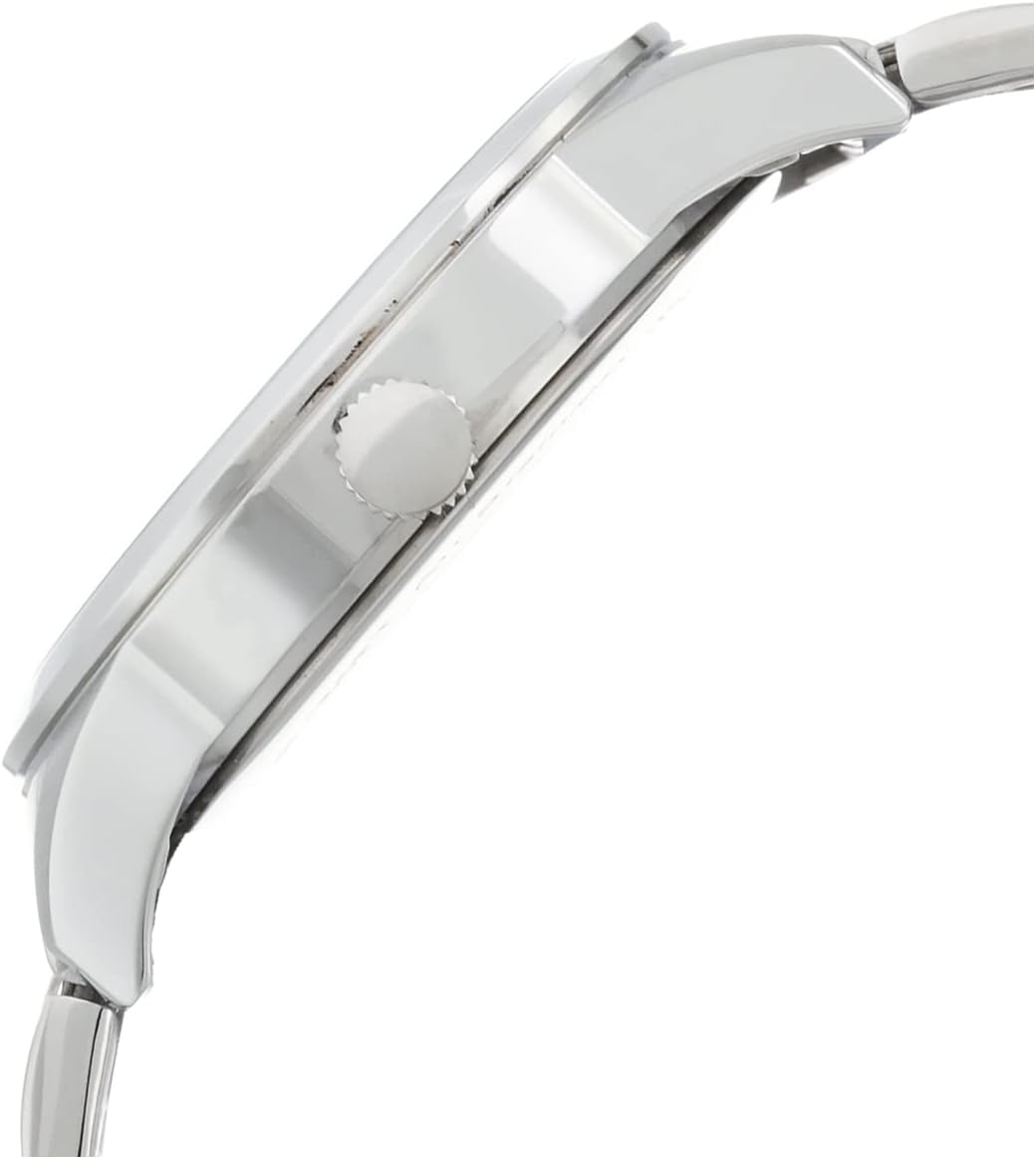
Figure 2.2: Side view of the watch, highlighting the crown used for adjustments.
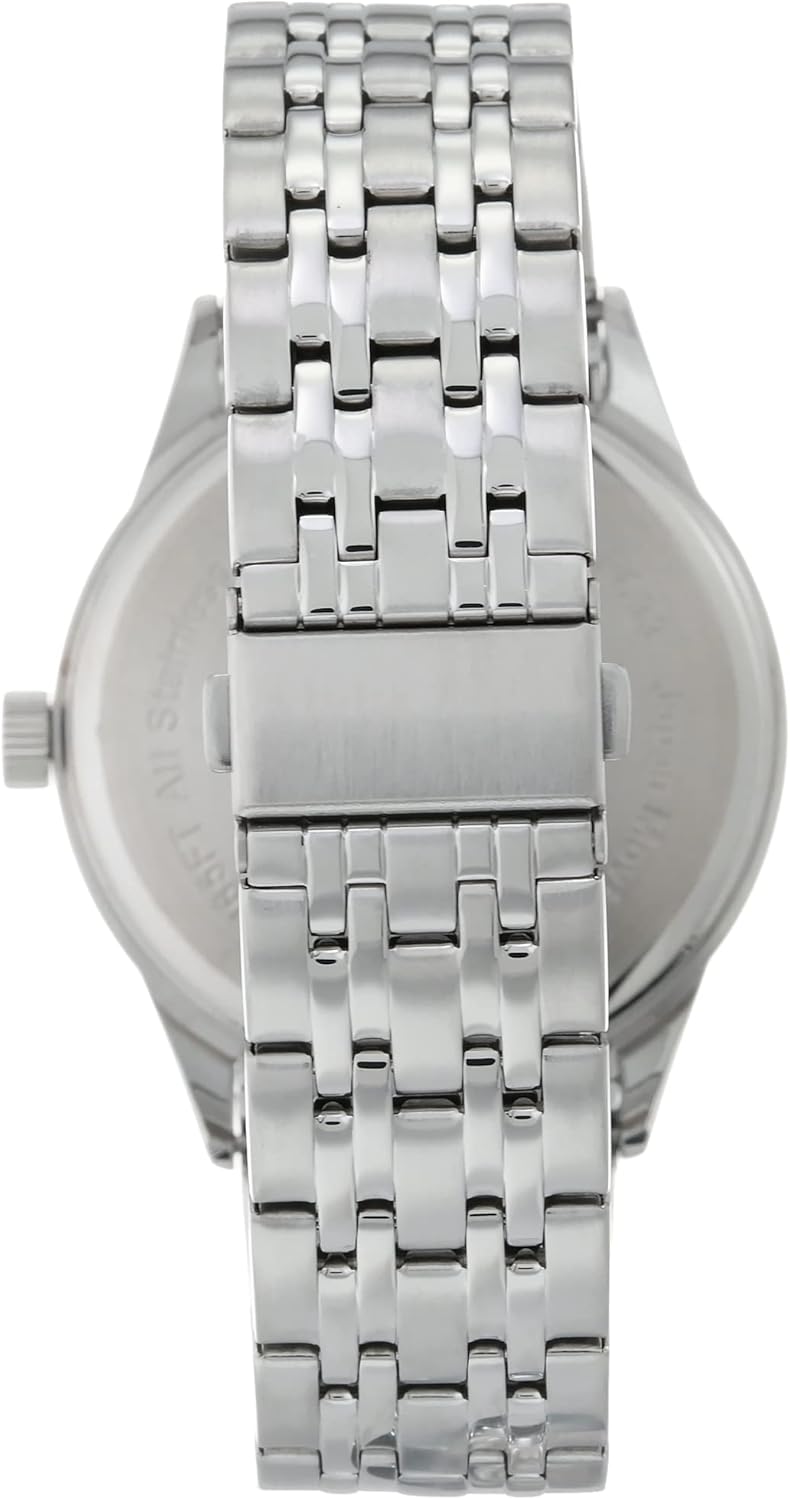
Figure 2.3: Rear view of the watch, showing the stainless steel case back and the adjustable link bracelet with its fold-over clasp.
3. Setup: Setting Time, Day, and Date
Your Armitron watch features a crown with multiple positions for setting the time, day, and date. Always ensure the watch is not running during the "danger zone" (between 9 PM and 3 AM) when adjusting the date, as this can damage the movement. If the time is within this range, first advance the time past 3 AM before setting the date.
3.1 Setting the Time
- Pull the crown out to the third position (farthest out). The second hand will stop.
- Turn the crown clockwise to advance the hour and minute hands until the correct time is displayed. Pay attention to AM/PM for the day/date change.
- Once the correct time is set, push the crown back into the first position (normal operating position). The second hand will resume movement.
3.2 Setting the Date
- Pull the crown out to the second position (middle position).
- Turn the crown counter-clockwise to adjust the date. Stop when the previous day's date is displayed. For example, if today is the 15th, set it to the 14th.
- Once the date is set, proceed to set the day.
3.3 Setting the Day
- While the crown is still in the second position, turn the crown clockwise to adjust the day. Stop when the previous day of the week is displayed. For example, if today is Tuesday, set it to Monday.
- After setting the day, pull the crown out to the third position.
- Turn the crown clockwise to advance the time past midnight. The date and day will change to the current date and day. Continue turning until the correct current time is displayed.
- Push the crown back into the first position.
4. Operating the Day-Date Function
Once set, the day and date functions operate automatically, advancing once every 24 hours. If the watch is not worn for an extended period and stops, you will need to reset the time, day, and date as described in Section 3.
For months with fewer than 31 days, the date will need to be manually adjusted at the beginning of the following month. Follow the steps in Section 3.2 to correct the date.
5. Maintenance
5.1 Cleaning Your Watch
To maintain the appearance of your watch, regularly wipe the case and bracelet with a soft, dry cloth. For stubborn dirt, a slightly damp cloth can be used, followed by immediate drying. Avoid using harsh chemicals or abrasive materials, as these can damage the watch's finish.
5.2 Water Resistance
Your Armitron Model 20-5491 watch is water resistant to 165 feet (50 meters). This means it is suitable for short periods of recreational swimming, but not for diving or snorkeling. Always ensure the crown is fully pushed in to the first position before any contact with water.
Important: Do not operate the crown while the watch is wet or submerged, as this can compromise the water resistance and damage the movement.

Figure 5.1: Water Resistance Chart, illustrating different levels of water resistance and their corresponding activities. This watch is suitable for "Swimming" (50M/165FT).
5.3 Battery Replacement
This watch is powered by a quartz movement, which requires a battery. When the watch stops running, it likely indicates the battery needs replacement. Battery replacement should be performed by a qualified watch technician to ensure the watch's water resistance and proper functioning are maintained. Attempting to replace the battery yourself may void the warranty and damage the watch.
6. Troubleshooting
- Watch Not Running:
- Check if the crown is fully pushed into the first position.
- If the watch still does not run, the battery may need replacement (refer to Section 5.3).
- Incorrect Time/Day/Date:
- Refer to Section 3 for detailed instructions on setting the time, day, and date.
- Ensure the time is set correctly for AM/PM, as this affects the day/date change.
- Condensation Under Crystal:
- This indicates a breach in the watch's water resistance. Avoid further contact with water and seek professional service immediately to prevent damage to the movement.
7. Specifications
| Feature | Detail |
|---|---|
| Model Number | 20/5491NVSV |
| Movement | Japanese Quartz |
| Lens Material | Mineral Crystal |
| Dial Color | Navy Blue Sunray |
| Case Material | Stainless Steel |
| Bracelet Material | Stainless Steel |
| Clasp Type | Fold-over clasp with double push-button safety |
| Water Resistance | 50 meters (165 feet) |
| Functions | Hour, Minute, Second, Day, Date |
| Approximate Case Dimensions | 4.37 x 3.15 x 2.91 inches (Package Dimensions) |
| Approximate Weight | 9.49 ounces (Package Weight) |
8. Warranty and Support
Armitron watches are manufactured to high-quality standards. For specific warranty information, please refer to the warranty card included with your purchase or visit the official Armitron website. Keep your proof of purchase for warranty claims.
For customer support, service, or inquiries regarding your Armitron watch, please contact Armitron customer service through their official channels. Contact information can typically be found on the Armitron website or on the packaging materials.
Official Armitron Website: www.armitron.com


