
1. Introduction
This manual provides detailed instructions for the setup, operation, and maintenance of your Torkase Smart RGB Floor Lamp. This versatile LED floor lamp offers adjustable brightness, tunable white light (2700K to 6500K), and 16 million color options. It can be controlled via touch button, the Smart Life mobile application, and voice commands through compatible smart home devices like Amazon Alexa and Google Assistant. The lamp also features a built-in USB charging port.

Figure 1: Torkase Smart RGB Floor Lamp (Black model) with a close-up of the lamp head displaying various colors and a smartphone showing the Smart Life app interface.
2. Package Contents
Verify that all components are present and in good condition before proceeding with assembly.
- Lamp Base (heavy, circular)
- Lamp Pole Sections (multiple threaded sections)
- Lamp Head (with integrated LED and control buttons)
- Power Adapter
- User Manual (this document)

Figure 2: All components of the Torkase Smart RGB Floor Lamp laid out, including the circular base, power adapter, lamp pole sections, and the lamp head.
3. Setup and Assembly
Follow these steps to assemble your floor lamp:
- Attach the Lamp Base: Place the heavy circular lamp base on a flat, stable surface.
- Assemble Pole Sections: Carefully thread the lamp pole sections together. Ensure the internal wiring connectors are properly aligned and connected before fully tightening each section. Finger-tighten until snug.
- Connect Lamp Head: Attach the lamp head to the top pole section. Ensure the electrical connector is securely plugged in and then finger-tighten the lamp head onto the pole.
- Connect Power: Plug the power adapter into the lamp's power input port, typically located near the base or on one of the lower pole sections. Then, plug the adapter into a standard wall outlet.
Video 1: Detailed assembly guide for the Torkase Smart RGB Floor Lamp, showing how to connect each section and the power supply.

Figure 3: Diagram illustrating the lamp's dimensions (66 inches height) and the location of the touch controls (Power Button, Color/Brightness Button) and the USB Charging Port on the lamp pole.
4. Operating Instructions
4.1. Manual Control (Touch Buttons)
The lamp features touch-sensitive buttons on its pole for basic control:
- Power Button: Tap to turn the lamp On/Off.
- Color/Brightness Button: Tap to cycle through different white light temperatures (warm to cool) and preset RGB colors. Hold to smoothly adjust brightness for the current color or white light setting.
4.2. Smart Life App Control
Download the "Smart Life" app from your device's app store (iOS or Android). Register an account and follow the in-app instructions to add your Torkase Smart RGB Floor Lamp.
- Pairing Mode: Ensure the lamp is plugged in. If the light is not blinking rapidly, press and hold the power button on the lamp for 5-10 seconds until it starts flashing.
- Add Device in App: Open the Smart Life app, tap the "+" icon to add a device. Select "Lighting (Wi-Fi)" under the "Lighting" category.
- Connect to Wi-Fi: Enter your 2.4GHz Wi-Fi network credentials (5GHz networks are not supported).
- Control Interface: Once connected, you can access various control options:
- White Mode: Adjust color temperature from 2700K (soft white) to 6500K (cool white) and dim brightness from 1% to 100%.
- Color Mode: Choose from 16 million RGB colors. Adjust brightness and saturation.
- Scene Mode: Select from pre-set scenes (e.g., Night, Read, Working, Leisure, Soft, Colorful, Dazzling, Gorgeous) or create custom scenes.
- Music Mode: The lamp's colors will synchronize with music played through your phone's microphone.
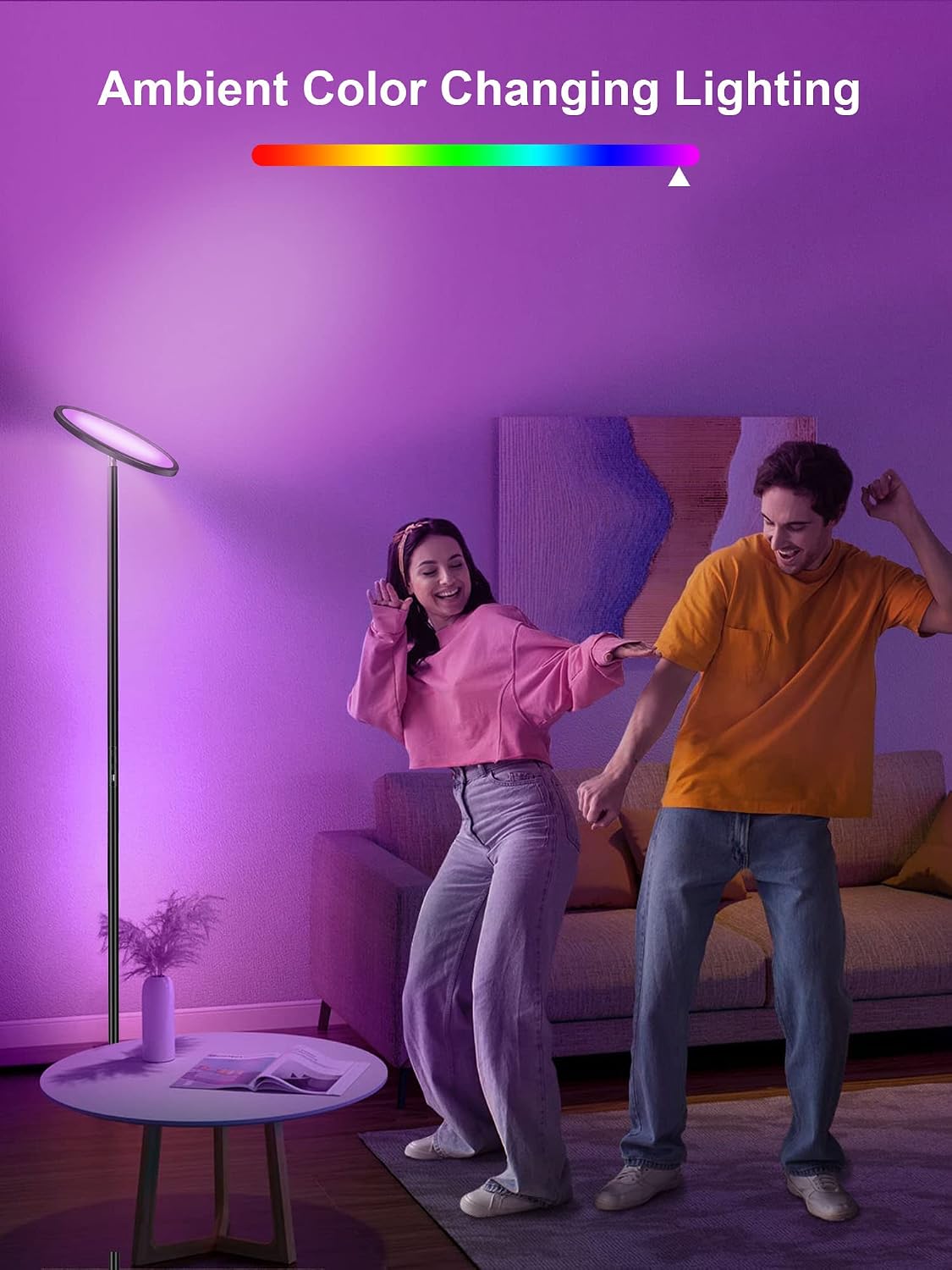
Figure 4: A user controlling the Torkase Smart RGB Floor Lamp using the Smart Life app on a smartphone, demonstrating color and brightness adjustments.

Figure 5: The Torkase Smart RGB Floor Lamp illuminating a room with vibrant, ambient color-changing light, showcasing its decorative capabilities.
4.3. Voice Control (Alexa / Google Home)
To enable voice control, link your Smart Life account to Amazon Alexa or Google Assistant:
- Open Alexa/Google Home App: Launch the respective app on your smartphone.
- Enable Smart Life Skill: Navigate to "Skills & Games" (Alexa) or "Works with Google" (Google Home). Search for "Smart Life" and enable the skill.
- Link Accounts: Log in with your Smart Life account credentials when prompted.
- Discover Devices: Once linked, ask your voice assistant to "Discover devices" or manually initiate discovery in the app.
- Voice Commands: You can now use voice commands to control your lamp. Examples:
- "Alexa, turn on [Lamp Name]"
- "Hey Google, set [Lamp Name] to blue"
- "Alexa, dim [Lamp Name] to 50%"
- "Hey Google, change [Lamp Name] to warm white"

Figure 6: A family interacting with the Torkase Smart RGB Floor Lamp using voice commands through Amazon Alexa, demonstrating hands-free control.
5. Specifications
| Feature | Detail |
|---|---|
| Brand | Torkase |
| Model | B09SDWKV9L |
| Product Dimensions | 9.8"D x 9.8"W x 66"H |
| Item Weight | 9.9 pounds |
| Light Source Type | LED |
| Wattage | 25 watts |
| Brightness | 2000 Lumen |
| Color Temperature | 2700K to 6500K (Tunable) |
| Color Options | 16 Million RGB Colors |
| Control Methods | Touch Button, Smart Life App, Voice Control (Alexa, Google Assistant) |
| Connectivity | 2.4GHz Wi-Fi |
| USB Port Output | 5V/1A |
| Material | Porcelain, Metal |
| Indoor/Outdoor Usage | Indoor Use Only |
6. Troubleshooting
- Lamp not turning on:
- Ensure the power adapter is securely plugged into both the lamp and a working wall outlet.
- Check if the power button on the lamp is functioning.
- Cannot connect to Wi-Fi/App:
- Verify your Wi-Fi network is 2.4GHz. 5GHz networks are not supported.
- Ensure your phone is connected to the same 2.4GHz Wi-Fi network during setup.
- Reset the lamp to pairing mode by pressing and holding the power button until it flashes rapidly.
- Ensure your Wi-Fi password is entered correctly in the Smart Life app.
- Voice control not working:
- Confirm that the Smart Life skill is enabled and linked correctly in your Alexa or Google Home app.
- Ensure the lamp is online and connected to the Smart Life app.
- Use the exact voice commands as specified in the app or manual.
- Light flickering or inconsistent colors:
- Check all physical connections of the lamp pole sections to ensure they are tightly screwed together.
- Ensure the power supply is stable.
7. Maintenance
To ensure the longevity and optimal performance of your Torkase Smart RGB Floor Lamp, follow these maintenance guidelines:
- Cleaning: Use a soft, dry cloth to wipe down the lamp pole and head. Do not use abrasive cleaners, solvents, or liquid sprays directly on the lamp.
- Power Disconnection: Always unplug the lamp from the power outlet before cleaning or performing any maintenance.
- Indoor Use: This lamp is designed for indoor use only. Avoid exposing it to moisture, high humidity, or extreme temperatures.
8. Warranty and Support
For warranty information or technical support, please refer to the product packaging or contact Torkase customer service directly. Keep your purchase receipt as proof of purchase for any warranty claims.