
Introduction
Thank you for choosing the oneisall Cat Clippers. This grooming kit is designed for efficient and quiet pet hair trimming, especially suitable for matted or long-haired cats. It features a powerful 5-speed motor, a quiet design to minimize pet anxiety, a safe and sharp blade, and an IPX7 waterproof rating for easy cleaning. The built-in LCD display provides battery status, ensuring you are always ready for grooming sessions. This manual provides essential information for the proper setup, operation, and maintenance of your new cat clippers.
Package Contents
Please ensure all items are present in the package:
- oneisall 7268 Cat Clipper
- 4 Guide Guards (3mm, 6mm, 9mm, 12mm)
- Cleaning Brush
- Comb
- Scissor
- USB Charger Cable

Image: The oneisall Cat Clippers kit, showing the clipper, four guide combs, scissors, comb, cleaning brush, and USB charging cable.
Setup
Charging the Clippers
Before first use, fully charge the clippers. Connect the USB charger cable to the clipper and a suitable power source. A full charge takes approximately 1.5 hours and provides up to 120 minutes of working time. The LCD display will show the battery percentage and a charging reminder.

Image: Close-up of the clipper's LCD screen, indicating battery percentage and charging status.
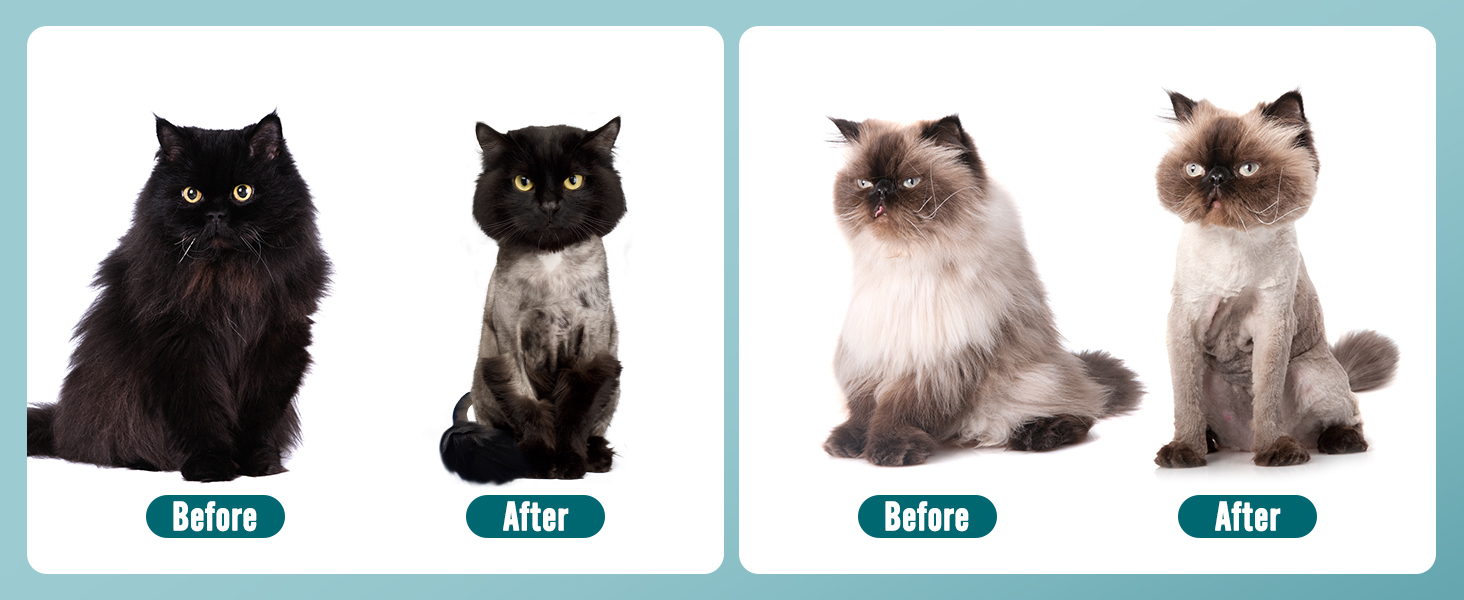
Image: The clipper being charged, highlighting its 120-minute operating time on a full charge.
Attaching Guide Guards
Select the desired guide guard (3mm, 6mm, 9mm, or 12mm) based on the desired hair length. Align the guide guard with the clipper blade and snap it into place securely. Ensure it is firmly attached before use.

Image: The cat clipper shown with four different guide combs (3mm, 6mm, 9mm, 12mm) for varying hair lengths.
Operating Instructions
Powering On/Off and Speed Adjustment
Press the power button to turn the clippers on or off. Use the '+' and '-' buttons to adjust between the 5 available speeds. A higher speed provides a stronger vibration and faster cutting, while lower speeds are ideal for nervous pets due to reduced noise and vibration.
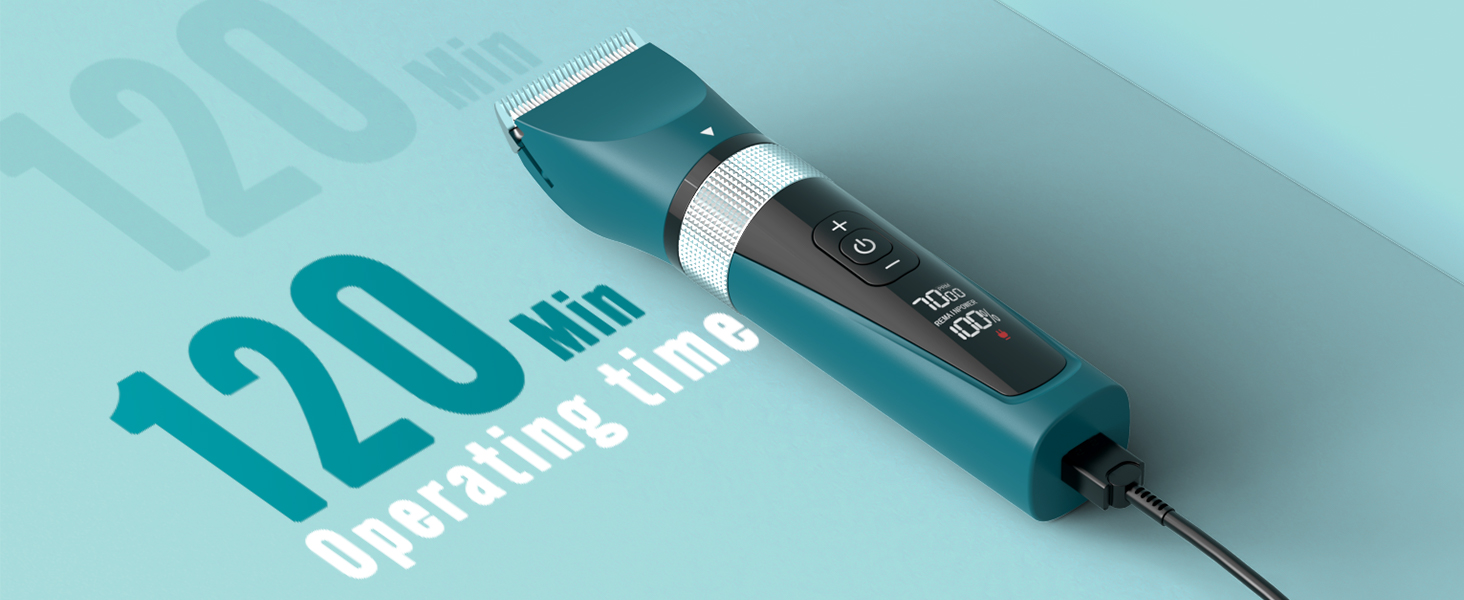
Image: Two clippers illustrating the 5-speed adjustable powerful motor feature.

Image: The quiet operation of the clipper, ideal for nervous cats, with a sound icon indicating low noise.
Grooming Your Pet
The powerful motor and sharp blade are designed to cut through matted hair effectively. For best results, ensure your pet's fur is clean and dry. Gently guide the clippers through the fur, following the natural direction of hair growth. Be cautious around sensitive areas.
- Trim along the cat's back hair.
- Trim the cat's tail hair.
- Trim the cat's belly hair.
- Trim cat butt hair.
- Trim the bottom of the cat's feet.
- Achieve a 'lion-cut' style if desired.

Image: The clipper effectively cutting through matted cat hair, demonstrating its powerful performance.
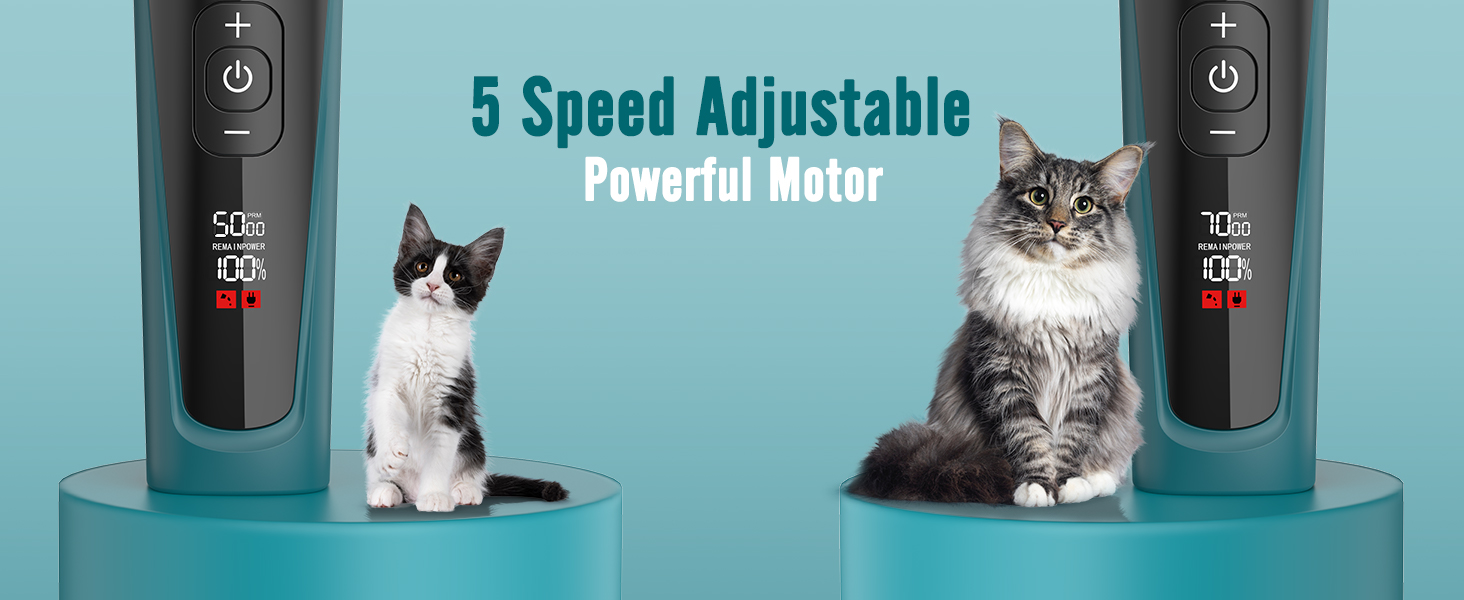
Image: A visual guide showing six steps for grooming a cat, including trimming the back, tail, belly, hindquarters, and feet.
Maintenance
Cleaning the Clippers
The oneisall Cat Clippers feature an IPX7 waterproof design, allowing for easy cleaning under running water. After each use, detach the blade and rinse it thoroughly to remove any trapped hair and debris. Use the included cleaning brush for stubborn areas. Ensure the clipper is completely dry before storage.

Image: The clipper being rinsed under running water, demonstrating its IPX7 waterproof capability for easy cleaning.
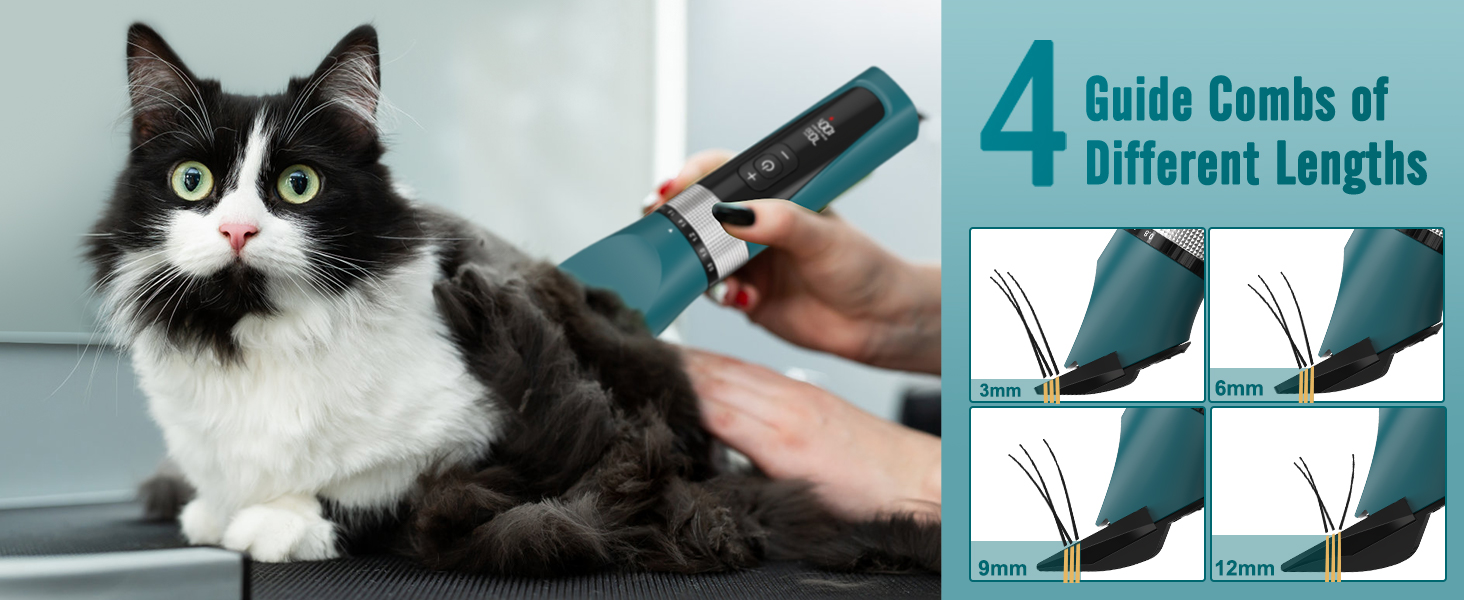
Image: Close-up showing the detachable blade being rinsed under water, emphasizing its washable design.
Storage
Store the clippers in a cool, dry place, away from direct sunlight and moisture. Keep out of reach of children and pets.
Troubleshooting
Common Issues and Solutions
- Clippers not turning on: Ensure the battery is charged. Connect to the USB charger and allow it to charge for at least 1.5 hours.
- Reduced cutting performance: Clean the blade thoroughly to remove any hair buildup. Ensure the blade is properly attached. If performance does not improve, the blade may need oiling or replacement.
- Unusual noise or vibration: Check if the blade is securely attached. Clean the clipper thoroughly to ensure no foreign objects are interfering with the motor or blade.
- Overheating: If the clipper feels warm during prolonged use, turn it off and allow it to cool down before resuming. Avoid using on infants or sensitive areas.
If you encounter issues not listed here or if the problem persists, please contact customer support.
Product Specifications
| Brand | oneisall |
| Model Number | 7268 |
| Product Dimensions | 7.05 x 1.65 x 1.73 inches |
| Item Weight | 1.19 Pounds (0.54 Kilograms) |
| Battery Type | 1 AA batteries required (included) |
| Charging Time | 1.5 Hours |
| Operating Time | 120 Minutes |
| Speed Settings | 5 Speeds |
| Waterproof Rating | IPX7 |
| Recommended Uses | Grooming, Shaving, Trimming |
Warranty and Support
Warranty Information
The oneisall Cat Clippers come with a 24-month warranty from the date of purchase. This warranty covers manufacturing defects and issues arising from normal use. Please retain your proof of purchase for warranty claims.
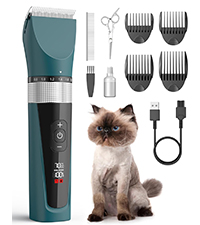
Image: Icon indicating a 24-month warranty period.
Customer Support
For any questions, concerns, or technical assistance, please do not hesitate to contact our customer support team. We are available 7 days a week, 24 hours a day.
Email: support@oneisall.com
Image: Icon displaying the customer support email address.
Important Safety Information
Please read and follow all safety instructions to prevent injury or damage to the product:
- Always keep the trimmer away from water sources when not actively cleaning.
- Avoid using it on infants or sensitive areas of your pet.
- Be cautious when handling the trimmer to prevent skin irritation or injury from the sharp blades.
- Always unplug the trimmer when not in use or during cleaning.
- Follow the recommended cleaning and maintenance procedures to ensure safe operation.
- Do not use if the product appears damaged.