1. Introduction
The ASUS S500MC-DH704 is a compact and versatile desktop personal computer designed for various uses, including home office tasks, content creation, and online learning. This manual provides essential information for setting up, operating, and maintaining your ASUS S500MC-DH704 desktop PC.
2. What's in the Box
Verify that all items are present in the packaging before proceeding with setup.
- ASUS S500MC-DH704 Desktop PC
- Wired Keyboard
- Wired Optical Mouse
- Power Cord & Adapter
3. Setup Guide
Follow these steps to set up your ASUS S500MC-DH704 desktop PC.
3.1 Connecting Peripherals
- Connect the Monitor: Connect your monitor to the appropriate video output port (HDMI, VGA, or DVI) on the rear of the PC.
- Connect the Keyboard and Mouse: Plug the wired keyboard and mouse into the available USB ports on the front or rear of the PC. PS/2 ports are also available for compatible devices.
- Connect Audio Devices: If using external speakers or headphones, connect them to the audio output jack.
- Connect to Network (Optional): For a wired internet connection, connect an Ethernet cable from your router or modem to the RJ45 Gigabit Ethernet port on the rear of the PC. For wireless, ensure your PC is within range of a Wi-Fi network.
3.2 Power Connection
- Connect the power cord to the power adapter, then plug the adapter into the power input port on the rear of the PC.
- Plug the other end of the power cord into a grounded electrical outlet.
3.3 Initial Boot-Up
- Press the power button located on the front of the PC.
- The system will boot up and guide you through the initial Windows 11 Home setup process. Follow the on-screen instructions to configure your operating system.
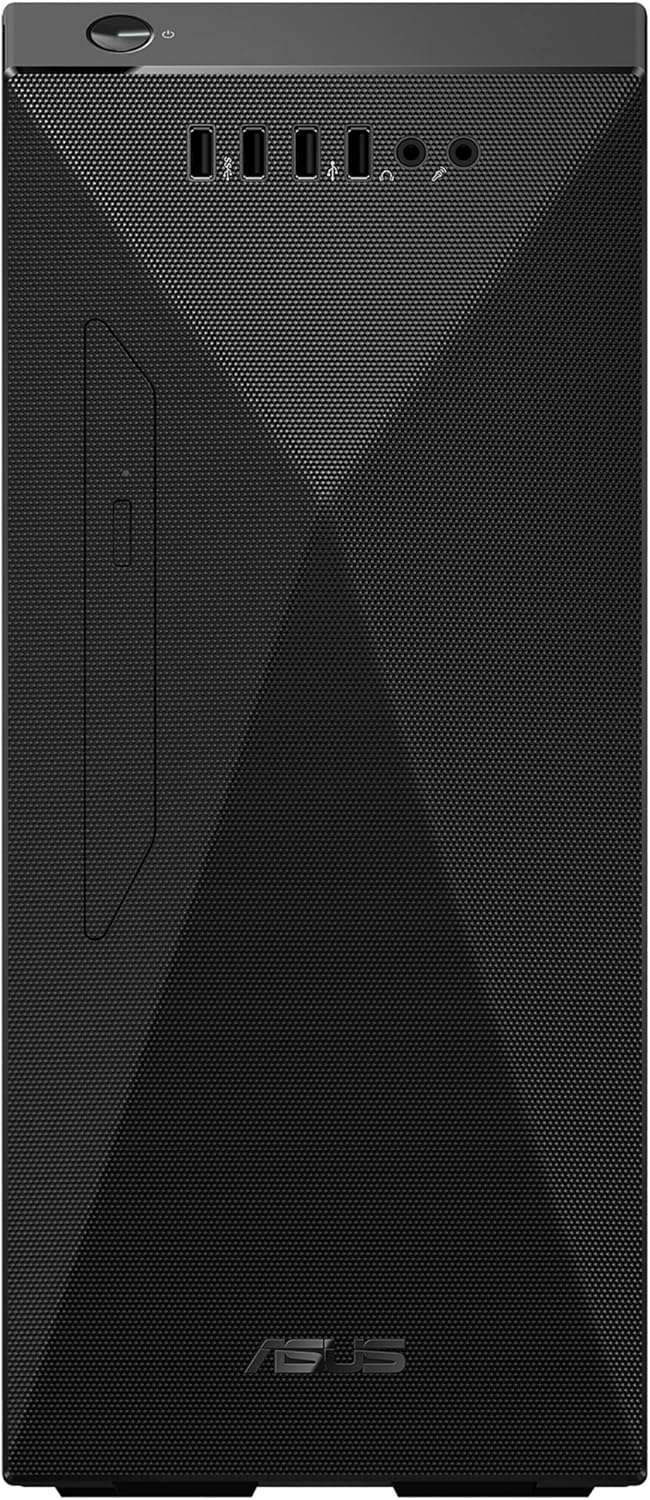
Image: The ASUS S500MC desktop PC shown with a monitor, keyboard, and mouse, illustrating a typical setup. Note: Monitor is not included with the PC.
4. Operating Your PC
This section covers basic operation and features of your ASUS S500MC-DH704.
4.1 Power On/Off and Restart
- Power On: Press the power button on the front of the PC.
- Shut Down: In Windows 11, click the Start button, then Power > Shut down.
- Restart: In Windows 11, click the Start button, then Power > Restart.
4.2 Using Input/Output Ports
Your PC is equipped with various ports for connecting external devices.
- Front I/O: Includes 1x Headphone, 1x MIC in, 2x USB 2.0 Type-A, 1x USB 3.2 Gen 1 Type-C, 1x USB 3.2 Gen 1 Type-A. These are convenient for frequently connected devices like USB drives or headphones.
- Rear I/O: Includes 1x RJ45 Gigabit Ethernet, 2x PS2, 1x Serial port, 3x Audio jacks, 2x USB 2.0 Type-A, 2x USB 3.2 Gen 1 Type-A. These are typically used for more permanent connections like monitors, printers, or wired network.
- Optical Drive: The integrated DVD writer 8X allows for reading and writing CDs and DVDs.
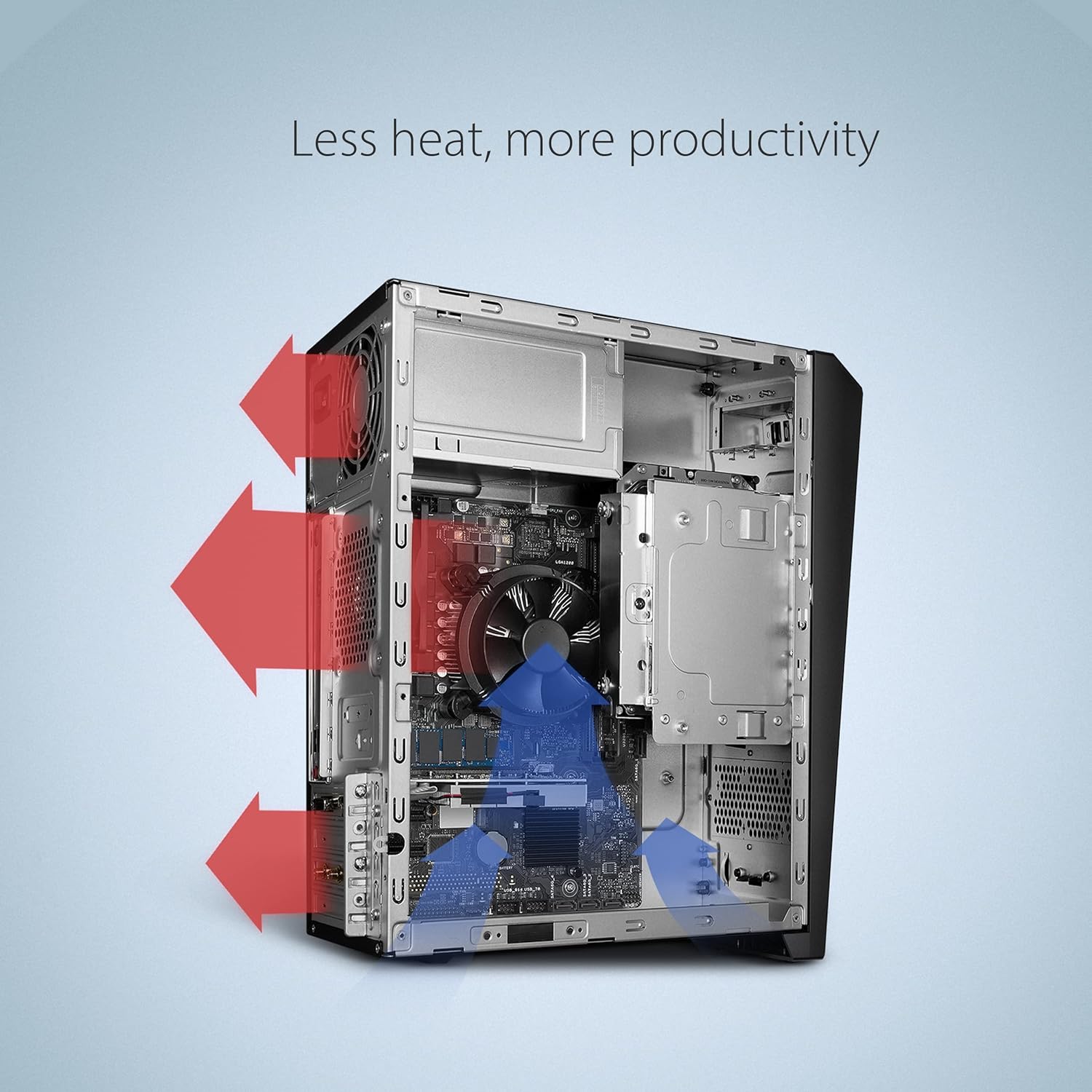
Image: Detailed view of the front and rear input/output ports on the ASUS S500MC desktop PC, indicating their functions.
4.3 Network Connectivity
- Wired: Connect an Ethernet cable to the RJ45 port for a stable, high-speed internet connection.
- Wireless: The PC supports Dual-Band Wi-Fi 5 (802.11ac) for wireless internet access. To connect, go to Windows Settings > Network & internet > Wi-Fi, then select your network and enter the password.
- Bluetooth: Bluetooth 4.2 is integrated for connecting wireless peripherals such as headphones, speakers, or mice.
4.4 Two-Way AI Noise Cancellation
The ASUS S500MC features AI noise-canceling audio technology to enhance communication clarity during online meetings or voice chats. This technology filters out background noise from both incoming and outgoing audio streams. Refer to your Windows audio settings or ASUS utility software for configuration options.
5. Maintenance
Proper maintenance ensures the longevity and optimal performance of your PC.
5.1 Cleaning Your PC
- Exterior: Use a soft, damp cloth to clean the exterior surfaces. Avoid harsh chemicals.
- Ventilation: Regularly check and clean the ventilation grilles to prevent dust buildup, which can impede airflow and lead to overheating. Use compressed air to gently clear dust from vents.
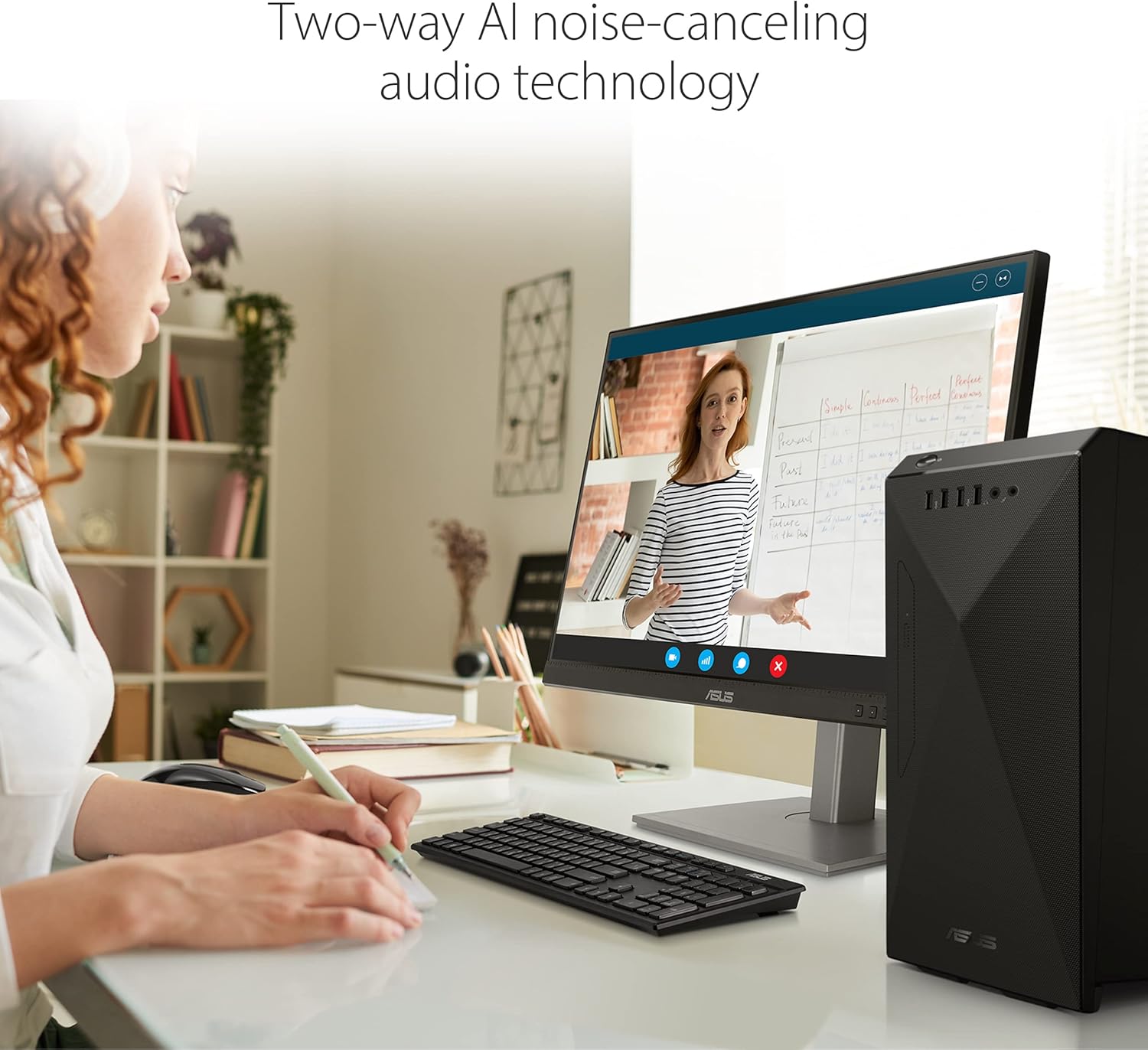
Image: Internal view of the ASUS S500MC desktop PC, illustrating the optimized airflow design for efficient cooling.
5.2 Software Updates
- Windows Updates: Ensure your Windows 11 operating system is kept up-to-date. Go to Settings > Windows Update to check for and install updates.
- Driver Updates: Periodically check the ASUS support website for the latest drivers for your hardware components to ensure compatibility and optimal performance.
5.3 Data Backup
Regularly back up your important data to an external drive or cloud storage to prevent data loss.
6. Troubleshooting
This section provides solutions to common issues you might encounter.
6.1 No Power
- Ensure the power cord is securely connected to both the PC and the electrical outlet.
- Verify the electrical outlet is functional by plugging in another device.
- Check the power adapter for any damage.
6.2 No Display on Monitor
- Confirm the monitor is powered on and its video cable is securely connected to the PC's video output port.
- Ensure the correct input source is selected on your monitor.
- Try connecting the monitor to a different video output port on the PC, if available.
6.3 Network Connectivity Issues
- Wired: Check the Ethernet cable connection. Restart your router/modem.
- Wireless: Ensure Wi-Fi is enabled in Windows settings. Verify your Wi-Fi password. Restart your router.
6.4 System Performance Issues
- Close unnecessary applications running in the background.
- Ensure your operating system and drivers are up-to-date.
- Check for sufficient free space on your primary drive.
7. Specifications
Detailed technical specifications for the ASUS S500MC-DH704 desktop PC.
| Feature | Specification |
|---|---|
| Model Number | S500MC-DH704 |
| Processor | 11th Gen Intel Core i7-11700 (up to 4.9 GHz, 16M Cache) |
| Operating System | Windows 11 Home |
| RAM | 16 GB DDR4 (expandable up to 64GB) |
| Storage | 512 GB PCIe NVMe M.2 SSD |
| Graphics | Intel UHD Graphics 750 (Integrated) |
| Optical Drive | DVD writer 8X |
| Wireless Connectivity | Dual-Band Wi-Fi 5 (802.11ac), Bluetooth 4.2 |
| Front I/O Ports | 1x Headphone, 1x MIC in, 2x USB 2.0 Type-A, 1x USB 3.2 Gen 1 Type-C, 1x USB 3.2 Gen 1 Type-A |
| Rear I/O Ports | 1x RJ45 Gigabit Ethernet, 2x PS2, 1x Serial port, 3x Audio jacks, 2x USB 2.0 Type-A, 2x USB 3.2 Gen 1 Type-A |
| Expansion Slots | 1x PCIe 3.0 x 16, 2x PCIe 3.0 x 1, 1x M.2 connector for WiFi, 1x M.2 connector for storage |
| Security | TPM 2.0 |
| Dimensions (LxWxH) | 6.3 x 12.56 x 14.48 inches |
| Weight | 13.01 pounds |

Image: A close-up view of an ASUS motherboard, highlighting the quality and engineering of internal components.
8. Warranty Information
Your ASUS S500MC-DH704 desktop PC comes with a standard manufacturer's warranty. Please refer to the warranty card included with your product or visit the official ASUS website for detailed terms and conditions, including warranty duration and coverage.

Image: The ASUS S500MC desktop PC is shown alongside icons symbolizing rigorous quality and durability testing, including vibration, temperature, drop, humidity, shock, noise, port, and line voltage/frequency tests.
9. Support and Resources
For further assistance, driver downloads, FAQs, or to contact technical support, please visit the official ASUS support website:


