
1. Overview
The Paladone Stranger Things VHS Logo Light is a decorative desk light designed to resemble a classic VHS tape. It features the iconic Stranger Things logo and emits a red light, creating a nostalgic atmosphere. This light is officially licensed merchandise and is suitable for indoor use.
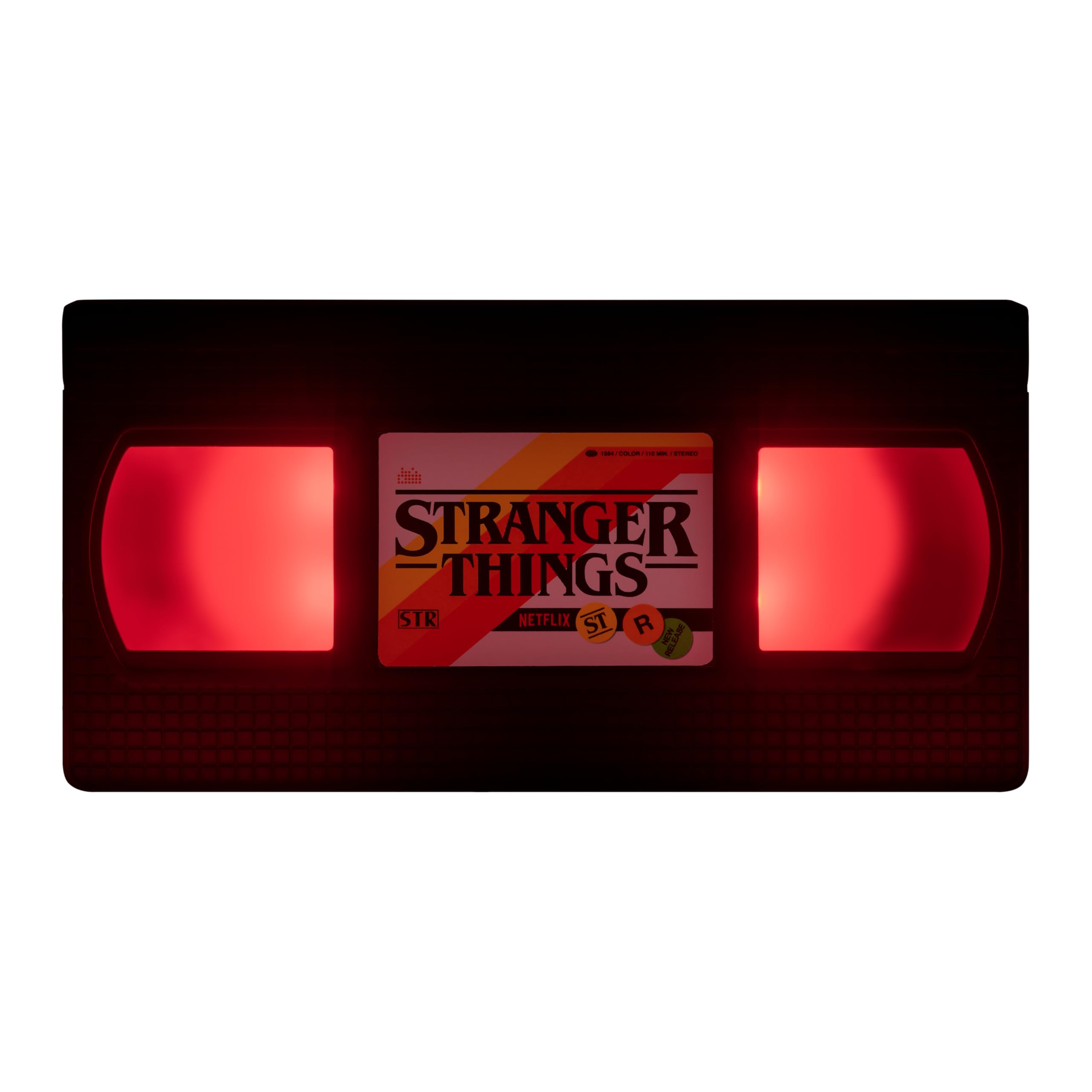
Image: The Stranger Things VHS Logo Light, illuminated in red.
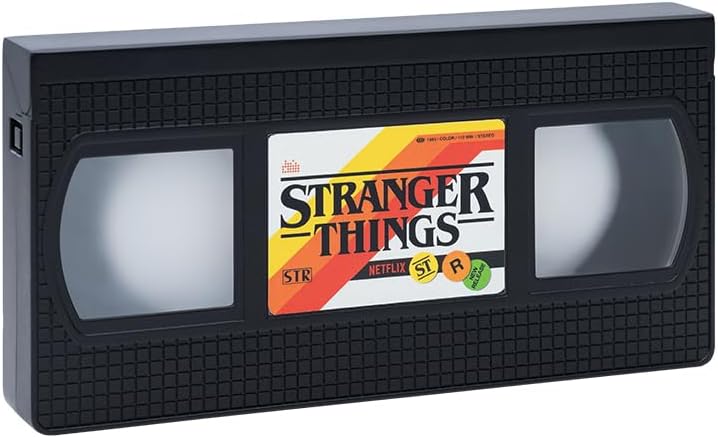
Image: The Stranger Things VHS Logo Light, unlit, showing its VHS tape design.
2. Package Contents
- 1 x Paladone Stranger Things VHS Logo Light
- 1 x Micro USB Power Cable
Note: 3x AAA batteries are required for battery operation and are not included in the package.
3. Powering the Device
The Stranger Things VHS Logo Light can be powered by two methods:
- USB Power: Connect the included Micro USB cable to the light and plug the other end into a compatible USB power source (e.g., computer, USB wall adapter - not included).
- Battery Power: Insert 3x AAA batteries (not included) into the designated battery compartment. Ensure correct polarity (+/-).
Choose the power method that best suits your needs. The light is cordless when operating on battery power.
4. Operation
The light features a simple touch-sensitive switch for operation.
- Turning On/Off: Locate the touch switch, typically on the side or top of the unit. Gently touch or press the switch to turn the light on. Repeat the action to turn the light off.
- Light Modes: The light emits a steady red glow. There are no multiple light modes.
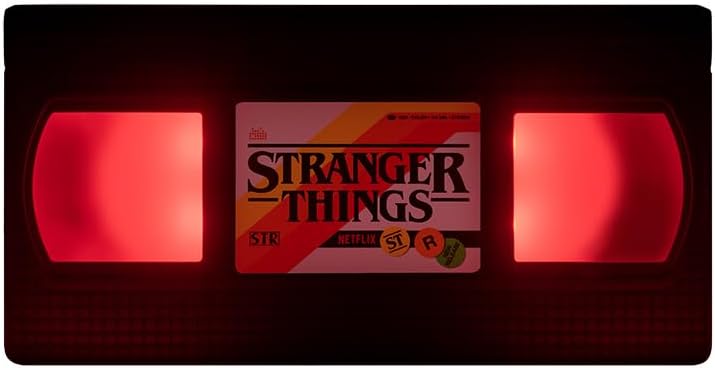
Image: Close-up view of the light in operation, showing the red illumination.
Video: Demonstrates the Stranger Things VHS Logo Light turning on and off, showcasing its red glow and design.
5. Care and Maintenance
- Cleaning: Wipe the surface with a soft, dry cloth. Do not use abrasive cleaners or solvents.
- Storage: Store the light in a cool, dry place when not in use. If storing for extended periods, remove batteries to prevent leakage.
- Water Resistance: This product is not waterproof. Avoid exposure to water or high humidity.
6. Troubleshooting
- Light does not turn on:
- Check if the USB cable is securely connected to both the light and the power source.
- If using batteries, ensure they are inserted correctly with the right polarity and are not depleted. Replace with fresh AAA batteries if necessary.
- Try a different power source or USB cable.
- Light is dim:
- If using batteries, they may be low. Replace with fresh AAA batteries.
- Ensure the USB power source provides sufficient power (5 Volts).
7. Specifications
| Model Number | PP9948ST |
| Brand | Paladone |
| Product Dimensions | 1.38"D x 7.87"W x 4.65"H (approx. 3.5cm D x 20cm W x 11.8cm H) |
| Item Weight | 0.035 ounces (approx. 1 gram) |
| Material | Plastic |
| Light Source Type | LED |
| Light Color | Red |
| Power Source | Battery Powered (3x AAA, not included) or Micro USB (cable included) |
| Voltage | 5 Volts |
| Wattage | 1 Watt |
| Switch Type | Touch |
| Indoor/Outdoor Usage | Indoor |
| Water Resistance Level | Not Water Resistant |

Image: Product dimensions showing width and height measurements.
8. Safety Information
- This product is not a toy. Keep out of reach of small children.
- Do not attempt to disassemble or modify the light.
- Use only the specified power sources (Micro USB or AAA batteries).
- Avoid dropping or subjecting the light to strong impacts.
- Dispose of batteries responsibly according to local regulations.
9. Manufacturer Contact
For further assistance or inquiries, please contact Paladone Products Ltd. Refer to the product packaging or the official Paladone website for the most current contact information.
Brand: Paladone
Manufacturer: Paladone Products Ltd