
HITACHI 43HAK5350
Contents
HITACHI 43HAK5350 Android Smart TV 43-inch User Manual
1. Introduction
This manual provides essential information for the safe and efficient operation of your HITACHI 43HAK5350 Android Smart TV. Please read it thoroughly before using the television and retain it for future reference.
The HITACHI 43HAK5350 is a 43-inch 4K UHD Android Smart TV featuring HDR10 and Dolby Vision for enhanced picture quality. It includes integrated Google Chromecast, Google Assistant compatibility, Wi-Fi, Bluetooth, and access to a wide range of applications via Google Play.

Image 1.1: Front view of the HITACHI 43HAK5350 Android Smart TV.
2. Safety Information
Observe the following safety precautions to prevent damage and ensure safe operation:
- Do not expose the TV to rain or moisture.
- Do not block ventilation openings.
- Ensure the power cord is not walked on or pinched.
- Unplug the TV during lightning storms or when unused for long periods.
- Refer all servicing to qualified service personnel.
- Keep small parts and batteries out of reach of children.
3. What's Included
Upon unpacking, please verify that all the following items are present:
- HITACHI 43HAK5350 Android Smart TV Unit
- Remote Control
- Batteries for Remote Control
- User Manual (this document)
- Power Cable
- TV Stand Components (if applicable)
4. Setup
4.1 Unpacking and Stand Installation
Carefully remove the TV from its packaging. Place the TV face down on a soft, flat surface to avoid screen damage. Attach the stand components to the designated slots on the bottom of the TV using the provided screws. Ensure the stand is securely fastened before placing the TV upright.
4.2 Connecting Power
Connect the power cable to the TV's power input, then plug the other end into a suitable wall outlet. Do not power on the TV until all other connections are made.
4.3 Connecting External Devices
Your TV offers various connection options:
- HDMI: For high-definition devices like Blu-ray players, game consoles, or set-top boxes. The TV has 3 HDMI ports.
- USB: For connecting USB storage devices for media playback or recording. The TV has 2 USB ports.
- Antenna/Satellite: Connect your terrestrial or satellite antenna cable to the appropriate input for DVB-T2/S2 reception.
- Ethernet: For a wired internet connection.
4.4 Initial Power-On and First-Time Setup
After connecting all necessary cables, plug in the power cord and press the power button on the remote control or TV. The TV will guide you through the initial setup process, which typically includes:
- Language selection.
- Network connection (Wi-Fi or Ethernet).
- Google Account sign-in (required for Android TV features).
- Channel scanning (DVB-T2/S2).
- Accepting terms and conditions.
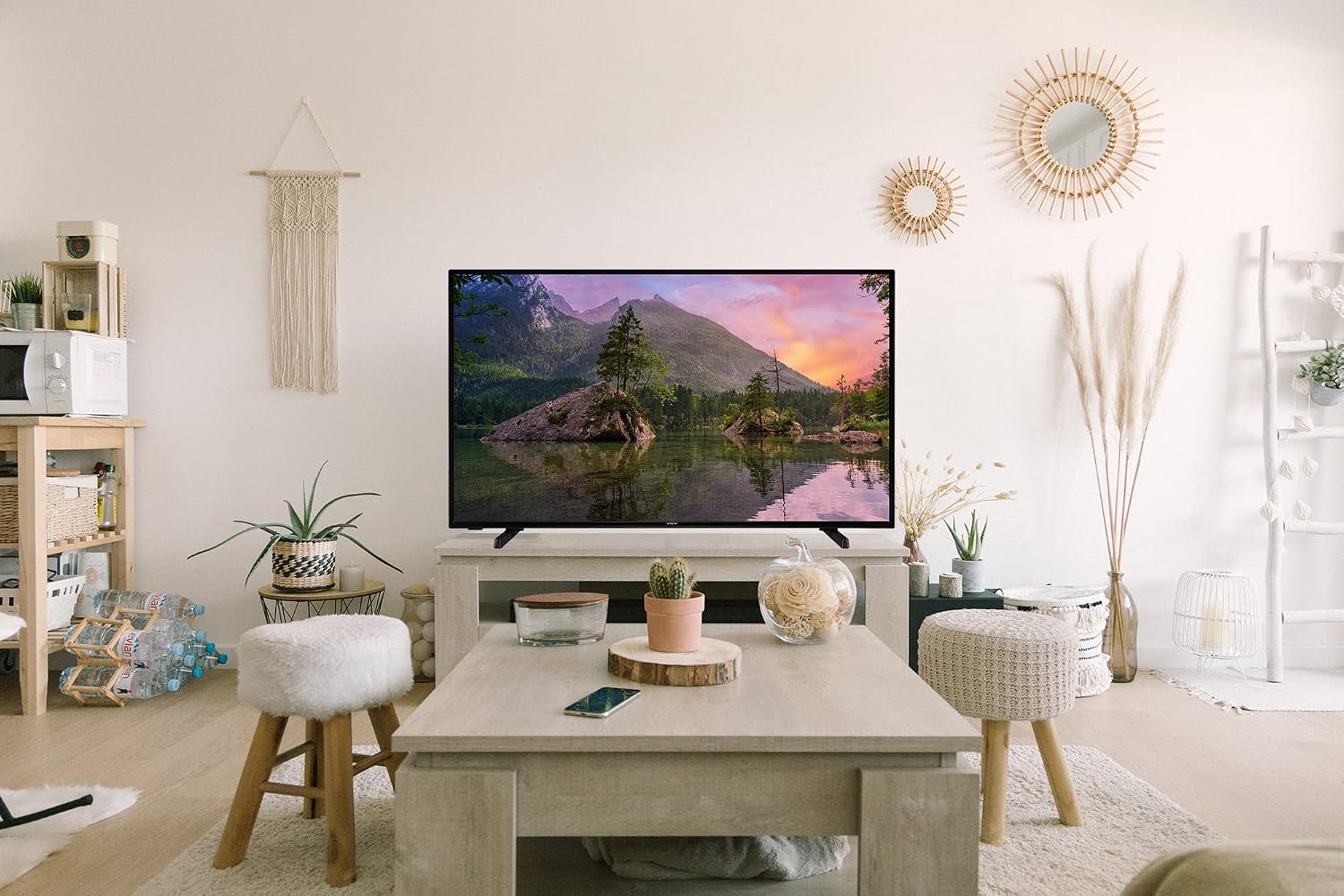
Image 4.1: The HITACHI 43HAK5350 TV integrated into a modern living room environment.
5. Operating the TV
5.1 Remote Control Overview
The included remote control allows you to navigate the TV's functions. Familiarize yourself with buttons for power, volume, channel selection, input source, home, back, and dedicated app buttons.
5.2 Basic TV Functions
- Power On/Off: Press the power button on the remote.
- Volume Control: Use the Volume Up/Down buttons.
- Channel Selection: Use the Channel Up/Down buttons or enter channel numbers directly.
- Input Source: Press the 'Source' or 'Input' button to switch between HDMI, AV, TV, etc.
5.3 Smart TV Features (Android TV)
Your HITACHI 43HAK5350 runs on Android TV, offering a range of smart features:
- Android TV Interface: Navigate using the directional pad and 'OK' button on your remote. The home screen provides quick access to apps, inputs, and settings.
- Google Assistant: Press the Google Assistant button on your remote and speak into the microphone to search for content, control smart home devices, or get information.
- Chromecast Built-in: Cast content (videos, photos, music) from compatible apps on your smartphone, tablet, or computer directly to your TV. Look for the Chromecast icon within apps.
- Google Play Store: Access and download thousands of applications, including streaming services like Netflix, HBO, YouTube, Disney+, Prime Video, Twitch, and TikTok.
- Bluetooth: Connect Bluetooth headphones, soundbars, or game controllers wirelessly.
- USB Recording: Connect a USB storage device to record live TV broadcasts. Refer to the on-screen menu for recording options and scheduling.
6. Maintenance
6.1 Cleaning the Screen
Gently wipe the screen with a soft, lint-free cloth. For stubborn marks, slightly dampen the cloth with water or a specialized screen cleaner. Never spray liquid directly onto the screen.
6.2 Cleaning the Exterior
Wipe the TV's exterior and stand with a soft, dry cloth. Avoid using abrasive cleaners or solvents.
7. Troubleshooting
If you encounter issues with your TV, consult the following table for common problems and solutions:
| Problem | Possible Solution |
|---|---|
| No power | Check if the power cable is securely connected to the TV and the wall outlet. Try a different outlet. |
| No picture, but sound is present | Ensure the correct input source is selected. Check cable connections to external devices. |
| No sound, but picture is present | Check volume level and mute status. Verify audio settings and external speaker connections. |
| Remote control not working | Replace batteries. Ensure there are no obstructions between the remote and the TV's IR sensor. |
| Cannot connect to Wi-Fi | Check your router and modem. Re-enter the Wi-Fi password. Try restarting the TV and router. |
| Slow performance / Apps crashing | Restart the TV. Clear cache for problematic apps. Ensure sufficient storage space. |
8. Specifications
Technical specifications for the HITACHI 43HAK5350 Android Smart TV:
- Model Name: 43HAK5350
- Product Model Number: 325G000076385
- Screen Size: 43 inches
- Display Technology: LED
- Resolution: 4K UHD (3840 x 2160)
- Refresh Rate: 120 Hz
- Special Features: High Dynamic Range (HDR10, Dolby Vision), Smart TV (Android), Chromecast built-in, Google Assistant compatible
- Connectivity: Wi-Fi, Bluetooth, 3 x HDMI, 2 x USB, Ethernet
- Aspect Ratio: 16:9
- Supported Internet Services: Daily Motion, Netflix, Prime Video, Wireless Display (Miracast Screen Mirroring), YouTube, HBO, Disney+, Movistar+, Twitch, TikTok
- Product Dimensions (with stand): Approximately 97.3 cm (W) x 62.3 cm (H) x 24 cm (D) (based on 81.99cm height and 121.01cm width from image, scaled for 43 inch)
- Product Weight: Approximately 2 kg
- Energy Efficiency Rating: G
- Power Consumption (Operating): 54 watts

Image 8.1: Dimensions of the HITACHI 43HAK5350 TV, showing approximate measurements.
9. Warranty and Support
For warranty information and customer support, please refer to the warranty card included with your product or visit the official HITACHI website. Keep your proof of purchase for any warranty claims.
Documents and downloads
Ask a question about this manual
Ask about setup, troubleshooting, compatibility, parts, safety, or missing instructions. Manuals+ will review the question and use this page’s manual context to help answer it.