Introduction
The Cellularline MAG 5000 is a portable power bank designed for compatibility with MagSafe technology. It provides efficient and secure wireless charging for your iPhone. This manual outlines the proper use and care of your device.
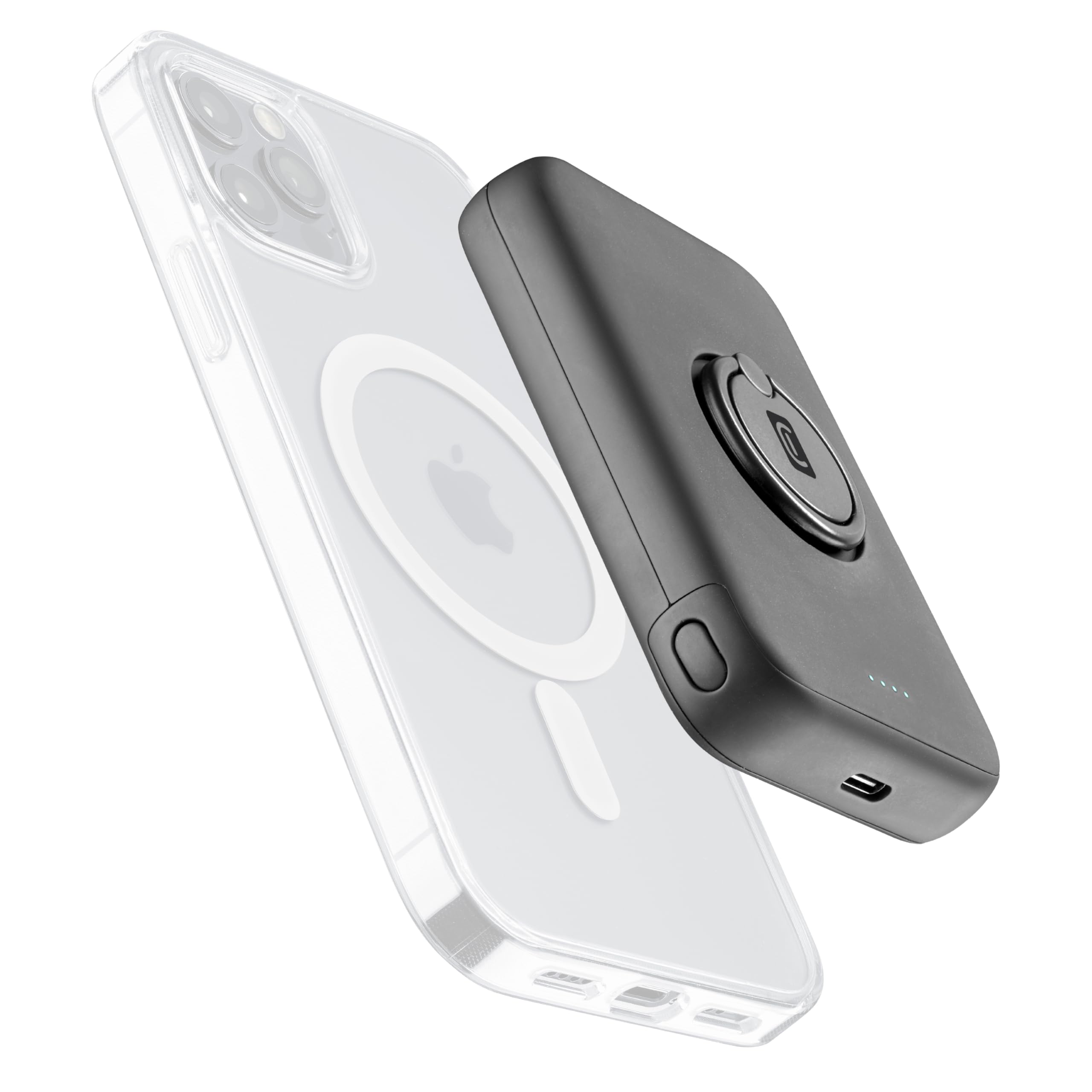
Image: Cellularline MagSafe Portable Charger attached to an iPhone, demonstrating its compact design and magnetic attachment.
Package Contents
Verify that all items are present in the package:
- 1 x Cellularline MagSafe Portable Charger (MAG 5000)
- 1 x USB-C to USB-C Cable
- 1 x Instruction Manual
Setup and Initial Use
1. Charging the Power Bank
Before first use, fully charge the MAG 5000 power bank. Connect the supplied USB-C to USB-C cable to the power bank's USB-C port and to a compatible USB wall adapter (not included). The LED indicators will show the charging status.
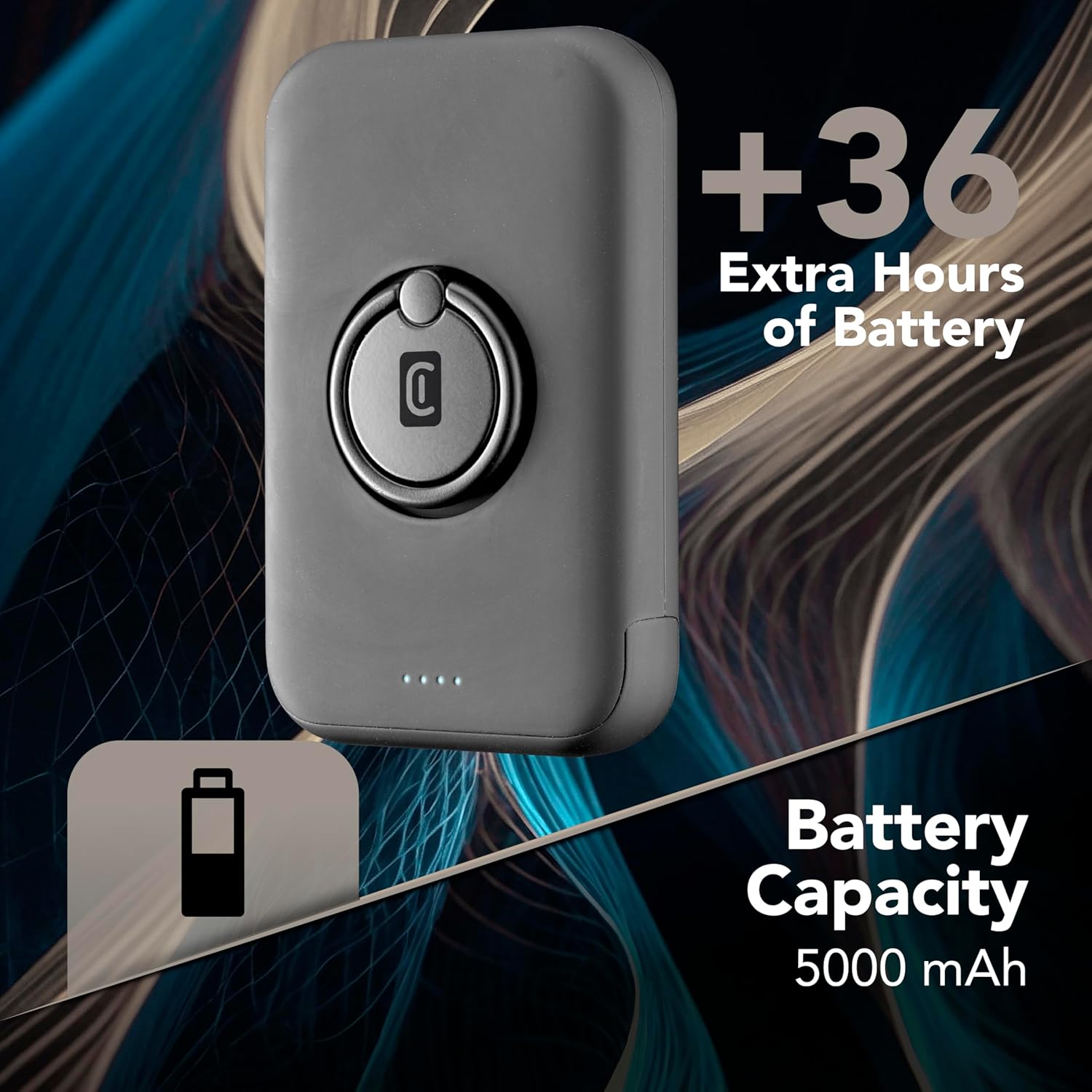
Image: The Cellularline MagSafe Power Bank, highlighting its 5000 mAh battery capacity and LED indicators.
2. Attaching to iPhone
The MAG 5000 is designed for iPhone models 12 and later, which feature MagSafe technology. Simply align the power bank with the back of your iPhone; the integrated magnets will securely attach it. No cables or precise alignment are required for magnetic attachment.

Image: A Cellularline MagSafe Power Bank magnetically attached to the back of an iPhone, illustrating the MagSafe compatibility.
For optimal performance, use the power bank with an iPhone without a case, or with a MagSafe-compatible case.

Image: An assortment of MagSafe-compatible phone cases, demonstrating the variety of cases that can be used with the power bank.
Operating Instructions
Wireless Charging
Once magnetically attached to your iPhone, the MAG 5000 will begin wireless charging automatically. It provides up to 7.5W wireless charging. The integrated magnets ensure a firm hold and do not interfere with your iPhone's functionalities.

Image: The Cellularline MagSafe Power Bank wirelessly charging an iPhone, with blue magnetic field lines indicating active charging.
LED Indicators
The power bank features LED indicators to display the remaining charge level. Refer to the following table for LED status:
| LED Status | Meaning |
|---|---|
| All LEDs solid | Fully charged |
| Flashing LEDs | Charging in progress |
| Fewer solid LEDs | Lower charge level |
Integrated Ring Function
The ring positioned on the external casing serves a dual purpose:
- Stand: Use the ring to prop up your iPhone, allowing you to view the screen while it charges.
- Holder: The ring can be used as a secure grip, making it easier to hold your iPhone while on the go.

Image: A person holding an iPhone with the Cellularline MagSafe Power Bank attached, demonstrating the integrated ring being used as a finger holder.
Maintenance and Care
- Keep the power bank dry. Moisture can damage the internal circuits.
- Do not expose to extreme temperatures (hot or cold).
- Avoid dropping or subjecting the device to strong impacts.
- Clean the surface with a soft, dry cloth. Do not use harsh chemicals or abrasive cleaners.
- Store in a cool, dry place when not in use.
Troubleshooting
| Problem | Possible Cause / Solution |
|---|---|
| Power bank not charging iPhone |
|
| Power bank not charging itself |
|
| iPhone or power bank getting warm during charging | It is normal for devices to become slightly warm during wireless charging. If it becomes excessively hot, disconnect immediately and contact support. |
| Magnetic attachment is weak |
|
Specifications
| Feature | Detail |
|---|---|
| Model Number | PBMAGSF5000WIRK |
| Battery Capacity | 5000 mAh |
| Wireless Charging Output | Up to 7.5 W |
| Connectivity Technology | USB-C (for recharging power bank) |
| Dimensions (L x W x H) | 12 x 2 x 7 cm |
| Weight | 280 grams |
| Special Features | Wireless Charging, Slim Design, LED Indicators, Integrated Ring (Stand/Holder) |
| Compatibility | iPhone 12 and later (MagSafe compatible) |
| Color | Black |
| Country of Origin | China |
Safety Information
- Do not disassemble, modify, or repair the device.
- Keep away from water, fire, and high temperatures.
- Do not use if the device is damaged.
- Keep out of reach of children.
- Dispose of the product responsibly according to local regulations.
Warranty and Support
This product comes with a standard manufacturer's warranty. For detailed warranty terms and conditions, please refer to the warranty card included in your package or visit the official Cellularline website.
For technical support, troubleshooting assistance, or to inquire about replacement parts, please contact Cellularline customer service through their official website or the contact information provided in your product documentation.
Online Support: www.cellularline.com