
1. Introduction
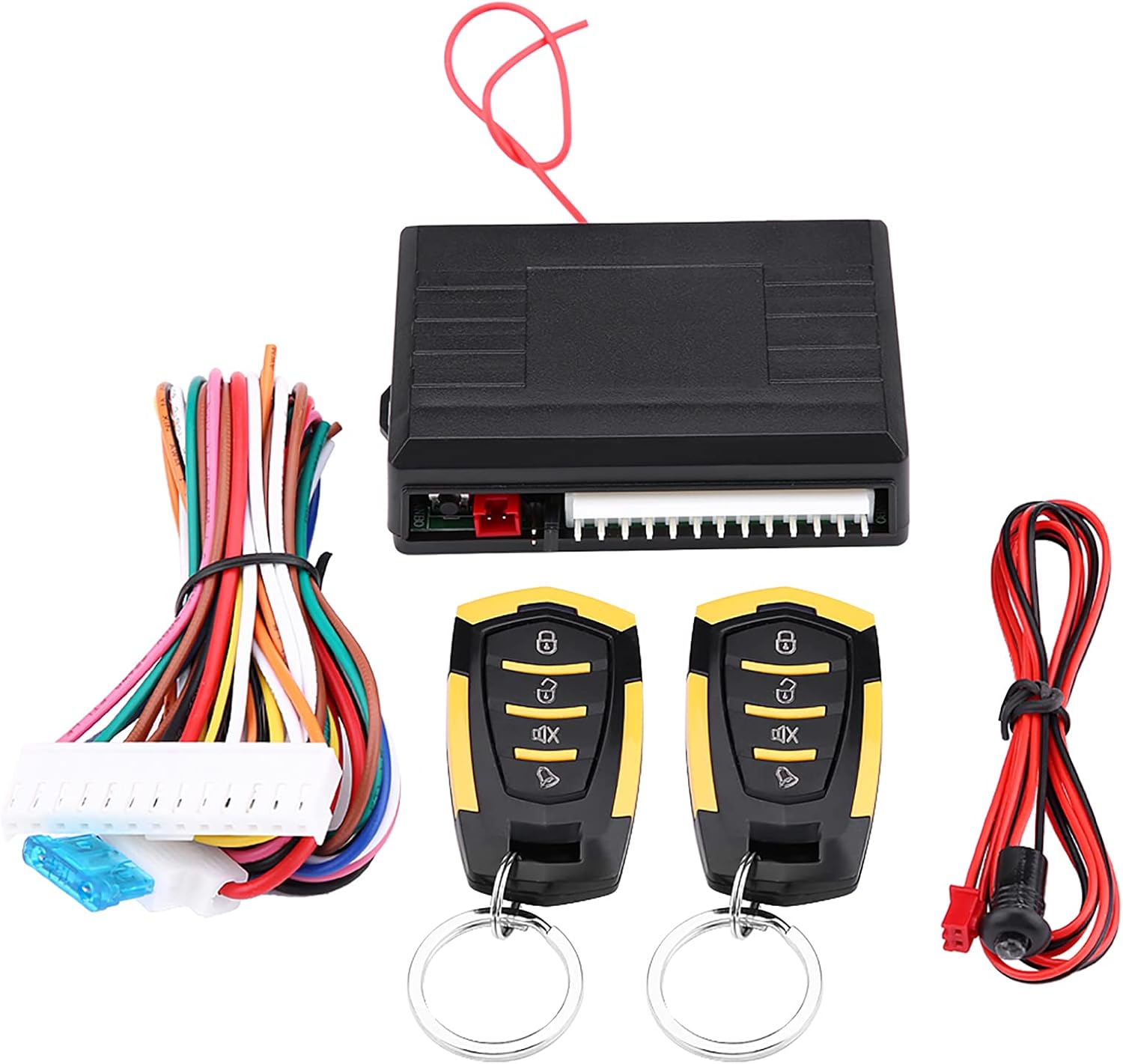
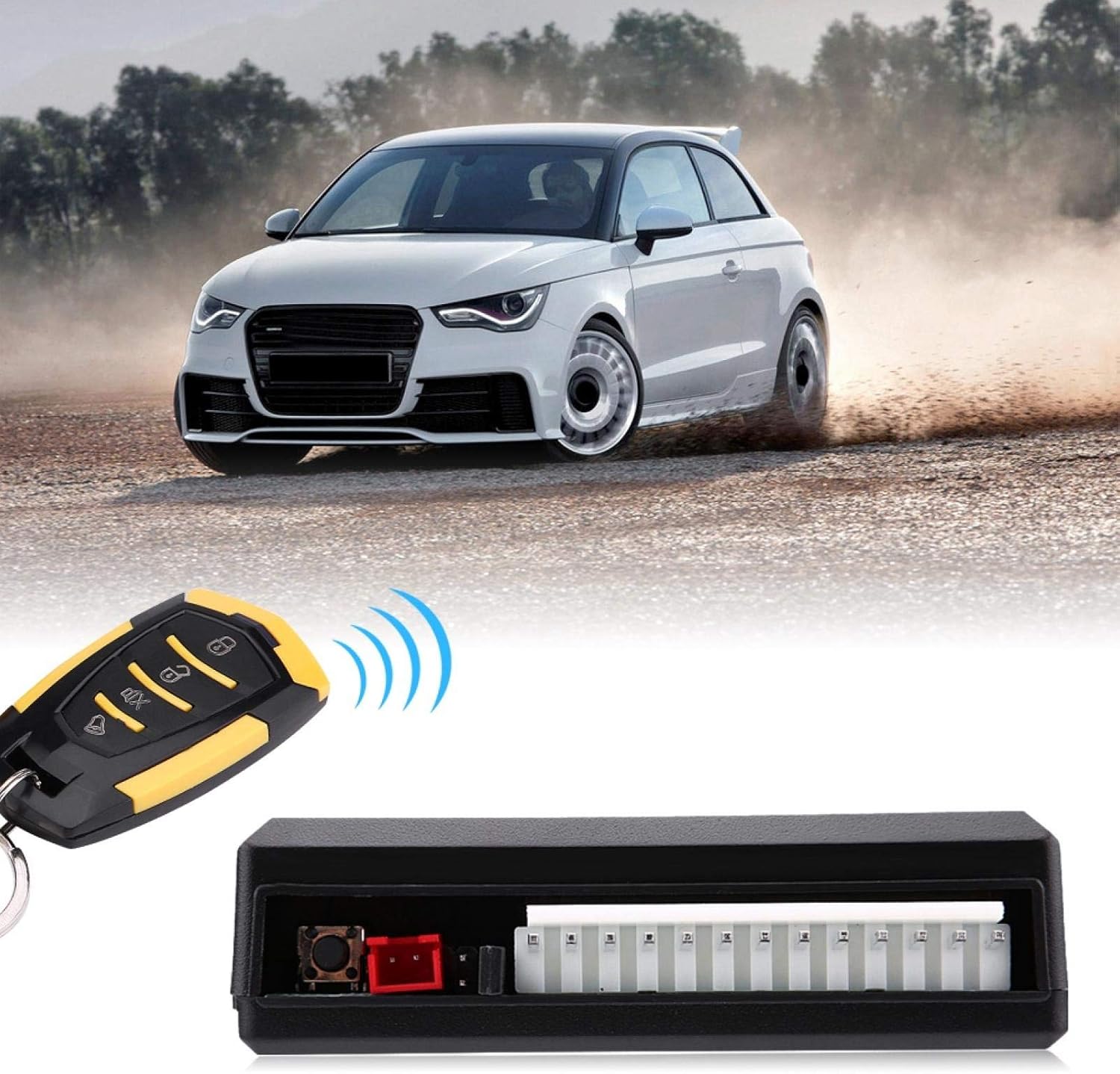
The Acouto Universal Car Keyless Entry System provides a convenient way to remotely lock and unlock your vehicle's doors. This system is designed for universal compatibility with most vehicles and includes features such as remote central locking, car finding, and remote trunk release. This manual provides essential information for the proper setup, operation, and maintenance of your keyless entry system.
2. Package Contents
Please verify that all items listed below are included in your package:
- 1 x Control Box
- 2 x Remote Controllers
- 1 x LED Connection Wire
- 1 x Set of Wiring Harness
- 1 x User Manual (this document)
3. Specifications
| Parameter | Value |
|---|---|
| Model | LB-405/L218 |
| Voltage | 12V±2V DC |
| Static Current | <15mA |
| Indicator Current | 20mA |
| Sensor Current Impact | <1mA |
| Working Frequency | 433.92MHZ |
| Remote Distance | Approximately 50-80m |
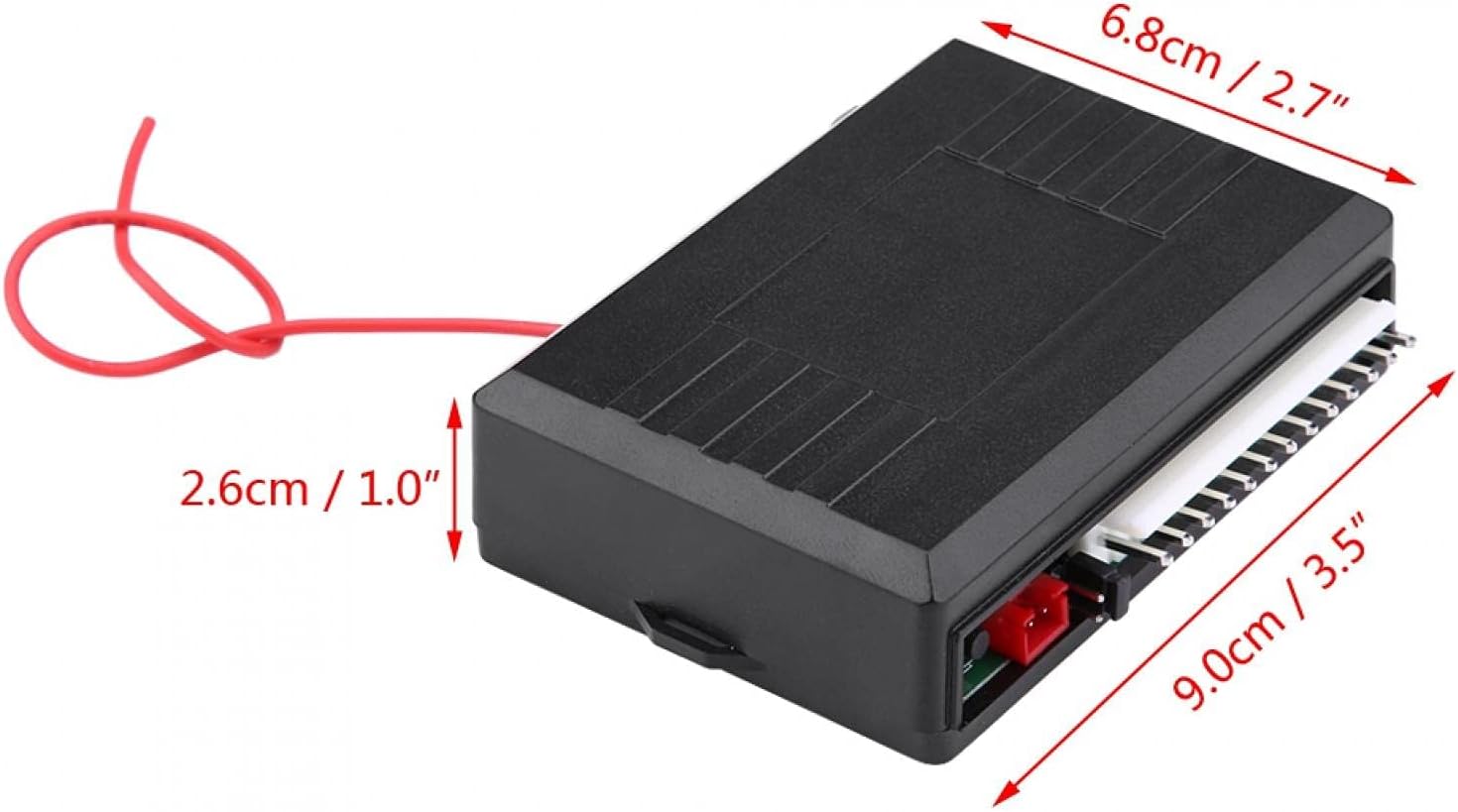
| Control Box Dimensions (L x W x H) | 9.0 x 6.8 x 2.6 cm (3.5 x 2.7 x 1.0 in) |
| Compatibility | Universal (Cars, Trucks, SUVs, Vans) |

4. Setup and Installation
Installation of a keyless entry system involves electrical wiring and integration with your vehicle's existing central locking mechanism. Due to the complexity and potential variations in vehicle wiring, professional installation is highly recommended. Incorrect installation can lead to damage to the product or your vehicle's electrical system.
General Components Overview:
- Control Box: This is the main unit that processes signals from the remote and controls the vehicle's locking system. It connects to the vehicle's power, ground, and central locking wires.
- Wiring Harness: A set of color-coded wires designed to connect the control box to various points in your vehicle's electrical system, including power, ground, door lock/unlock actuators, and the trunk release.
- LED Connection Wire: Used to connect an indicator LED, typically installed on the dashboard, to show the system's status (e.g., armed/disarmed).
Note: Detailed wiring diagrams specific to your vehicle model are crucial for proper installation. This manual does not include vehicle-specific wiring instructions. Please consult a qualified automotive technician or refer to a comprehensive vehicle wiring guide.

5. Operating Instructions
Once installed, the Acouto Keyless Entry System is operated using the provided remote controllers. The remote typically features several buttons for different functions:
- Lock Button: Press once to lock all vehicle doors. The vehicle's turn signals may flash once, and a confirmation sound (if connected to a siren) may be heard.
- Unlock Button: Press once to unlock all vehicle doors. The vehicle's turn signals may flash twice, and a confirmation sound may be heard.
- Trunk Release Button (often labeled with a trunk icon or 'AUX'): Press and hold for a few seconds to remotely open the vehicle's trunk or activate an auxiliary output.
- Car Find / Panic Button (often labeled with a bell or speaker icon): Press once to locate your vehicle in a parking lot by flashing the lights and/or sounding the horn/siren. Press and hold for a few seconds to activate a panic alarm.
6. Maintenance
To ensure the longevity and reliable performance of your Acouto Keyless Entry System, follow these maintenance guidelines:
- Remote Battery Replacement: If the remote's range decreases or it stops responding, the battery may need replacement. Refer to the remote's design for battery access (typically a small screw or clip). Use the specified battery type.
- Keep Dry: Avoid exposing the control box and remote controllers to water or excessive moisture.
- Clean Gently: Clean the remote controllers with a soft, dry cloth. Do not use harsh chemicals or abrasive cleaners.
- Avoid Extreme Temperatures: Do not leave the remote controllers in direct sunlight or in areas with extreme temperatures for extended periods.
7. Troubleshooting
If you encounter issues with your keyless entry system, try the following troubleshooting steps:
- System Not Responding:
- Check the remote controller battery and replace if necessary.
- Ensure you are within the operating range (50-80 meters) of the vehicle.
- Verify that the vehicle's 12V power supply to the control box is intact.
- Reduced Remote Range:
- Replace the remote battery.
- Ensure there are no significant obstructions between the remote and the vehicle.
- Check for sources of radio interference in the vicinity.
- Doors Do Not Lock/Unlock:
- Confirm that the vehicle's central locking system is functioning manually.
- Inspect the wiring connections between the control box and the vehicle's central locking actuators for looseness or damage.
- If only one door is affected, the issue might be with that specific door's actuator or wiring.
- LED Indicator Not Working:
- Check the connection of the LED wire to the control box.
- Ensure the LED itself is not damaged.
If these steps do not resolve the issue, it is recommended to consult a professional automotive technician.
8. Warranty and Support
For information regarding warranty coverage, please refer to the purchase documentation or contact your retailer. For technical support or further assistance, please visit the official Acouto store or contact their customer service department.
Acouto Store: https://www.amazon.com/stores/ACOUTO/page/07344A45-C8A9-4167-A254-4522793FB4BB