
1. Product Overview
1.1 Product Description
This product is a touch screen digitizer replacement for the 10.1-inch Dragon Touch NotePad 102 and Pritom TronPad L10 tablets. It includes the touch panel glass sensor and necessary repair tools. Please note that the LCD display is not included with this replacement kit.
1.2 Package Contents
- 1x Touch Screen Replacement for Dragon Touch NotePad 102 / Pritom TronPad L10
- 1x Repair Tools Kit (includes screwdrivers, prying tools, suction cup, etc.)
- 1x Adhesive Tape
1.3 Compatibility
This touch screen digitizer is specifically designed for the Dragon Touch NotePad 102 and Pritom TronPad L10 models. Ensure your device model matches before proceeding with installation to prevent damage.
2. Installation Guide
2.1 Important Safety Information
- Professional Installation Recommended: If you lack experience in electronic equipment repair, it is strongly advised to seek assistance from a professional repair service. Attempting self-repair without proper knowledge may lead to further damage to your device.
- Battery Disconnection: Before beginning any installation, always disconnect the battery from your tablet. Reconnect the battery only after the new screen is properly installed and secured.
- Fragile Component: The screen is made of glass. Handle it with extreme care when opening the package and during installation to prevent breakage or damage.
- Adhesive Application: Do not apply the adhesive to permanently install the screen until you have fully tested the new screen and confirmed its perfect functionality. Screens with applied adhesive cannot be returned or refunded if issues arise.
2.2 Tools Required
The replacement kit includes basic repair tools. Additional tools that may be helpful include:
- Hair dryer or heat gun (for softening adhesive)
- Large suction cups (to assist in lifting the old digitizer)
- Anti-static wrist strap (to prevent electrostatic discharge)
- Clean, well-lit workspace
2.3 Installation Steps (General Guidance)
Due to the complexity of tablet disassembly and reassembly, detailed step-by-step instructions are best followed via video tutorials. We recommend searching platforms like YouTube or Google for specific installation videos for "Dragon Touch NotePad 102 touch screen replacement" or "Pritom TronPad L10 digitizer replacement."
General steps typically involve:
- Power off your tablet and disconnect the battery.
- Carefully heat the edges of the old screen to soften the adhesive.
- Use prying tools and suction cups to gently separate the old digitizer from the tablet frame. Be extremely careful not to damage the underlying LCD screen or internal components.
- Disconnect the ribbon cable of the old digitizer from the motherboard.
- Clean any remaining adhesive residue from the tablet frame.
- Connect the ribbon cable of the new digitizer to the motherboard.
- Before applying permanent adhesive, perform an initial test (see Section 3.1).
- If the test is successful, apply the new adhesive tape around the frame and carefully secure the new digitizer in place.
- Reconnect the battery and reassemble the tablet.
2.4 Product Images
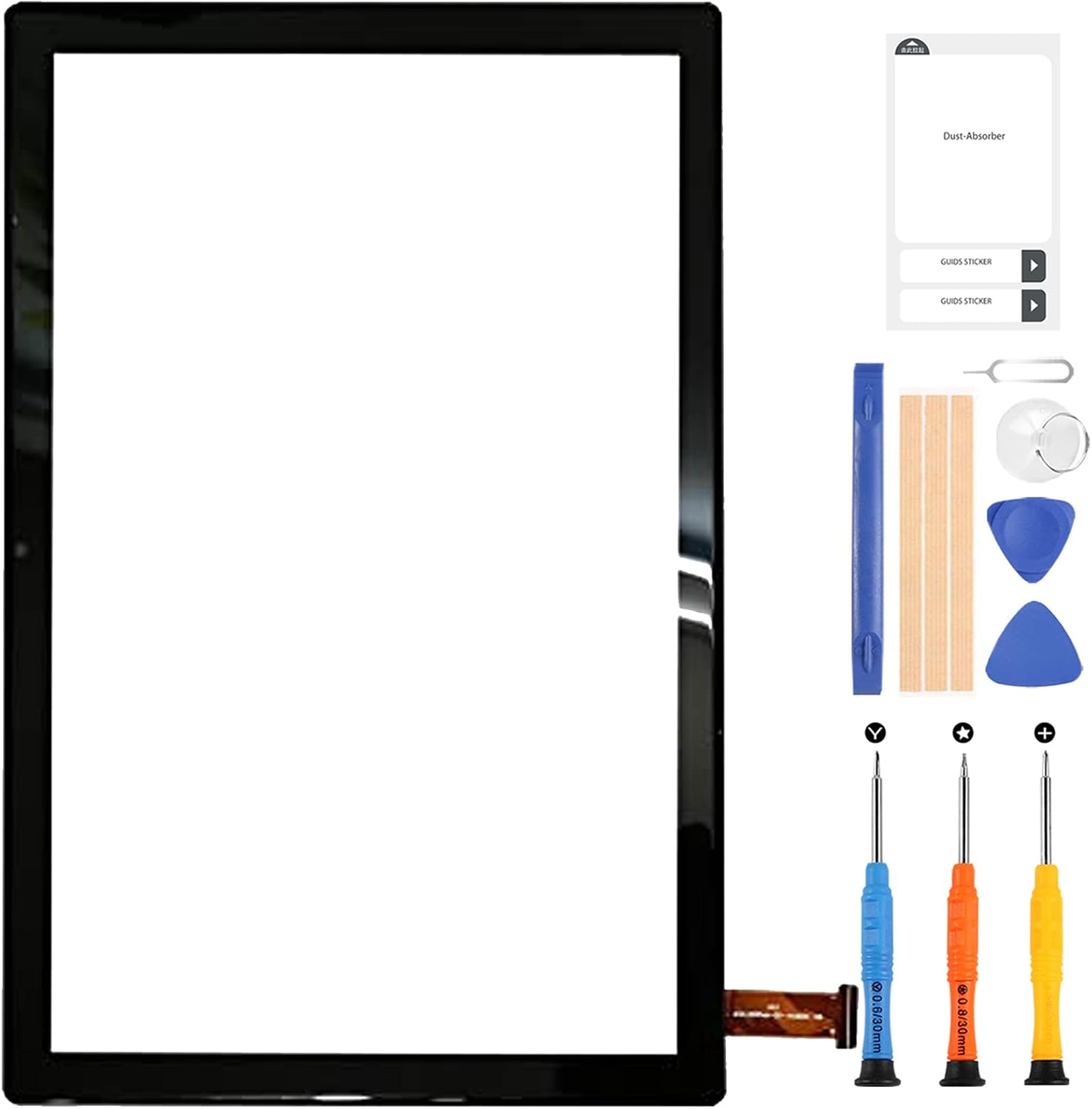
Image 1: The A-MIND Touch Screen Digitizer Replacement Kit, featuring the 10.1-inch digitizer and a set of repair tools including screwdrivers, prying tools, and a suction cup.

Image 2: A close-up view of the 10.1-inch touch screen digitizer, highlighting its dimensions and clear glass surface.
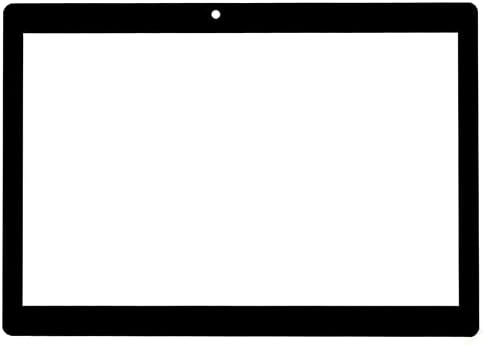
Image 3: A direct front view of the A-MIND 10.1-inch touch screen digitizer, showing its black bezel and transparent display area.
2.5 Official Product Video
Video 1: A short showcase video demonstrating the A-MIND touch screen digitizer for Dragon Touch NotePad 102. This video provides a visual overview of the product.
3. Operation
3.1 Initial Test Procedure
Before permanently adhering the new digitizer, connect its ribbon cable to the tablet's motherboard and reconnect the battery. Power on the tablet and thoroughly test the touch functionality across the entire screen. Verify that all areas respond correctly to touch input. If the screen functions as expected, proceed with applying the adhesive. If any issues are detected, do not apply adhesive and contact customer support.
3.2 Post-Installation Reboot
After completing the installation and reassembling your tablet, it may be necessary to perform a manual reboot. This ensures that the tablet's system properly recognizes and activates the new digitizer, resolving any initial non-responsiveness.
4. Care and Maintenance
4.1 Cleaning the Screen
To clean the digitizer, use a soft, lint-free cloth, preferably microfiber. Lightly dampen the cloth with water or a screen-specific cleaning solution. Avoid harsh chemicals, abrasive materials, or excessive moisture, as these can damage the screen's surface or internal components.
4.2 Storage
If storing the digitizer before installation, keep it in its original protective packaging in a cool, dry place, away from direct sunlight and extreme temperatures. This helps prevent dust accumulation and accidental damage.
5. Troubleshooting
- Screen Not Responding After Installation:
Ensure the ribbon cable is securely connected to the motherboard. Perform a manual reboot of the tablet. If the issue persists, re-check all connections and consider professional assistance.
- Partial Touch Response:
This could indicate an issue with the ribbon cable connection or a faulty digitizer. Re-check the connection. If the problem continues, contact customer support for further assistance.
- Screen Damaged During Installation:
Physical damage incurred during installation is not covered under warranty. Exercise extreme caution during the repair process. If damage occurs, a new replacement may be required.
- Adhesive Not Holding:
Ensure the tablet frame was thoroughly cleaned of old adhesive residue before applying the new tape. Apply even pressure during installation to ensure proper adhesion.
6. Product Specifications
| Feature | Detail |
|---|---|
| Model Compatibility | Dragon Touch NotePad 102, Pritom TronPad L10 |
| Screen Size | 10.1 inches |
| Component Type | Touch Screen Digitizer (Touch Panel Glass Sensor) |
| Color | Black |
| Package Dimensions | 10.91 x 8.54 x 1.26 inches |
| Item Weight | 9.6 ounces |
| Manufacturer | A-MIND |
| ASIN | B09QQHQN4T |
7. Warranty and Support
7.1 Warranty Information
This product comes with a 6-month warranty. The warranty covers defects in materials and workmanship under normal use. It does not cover damage resulting from improper installation, accidental breakage, or any other man-made or physical damage. If the screen does not function normally due to a manufacturing defect within the warranty period, a new replacement may be provided.
7.2 Customer Support
For any issues or inquiries regarding your order or the product, please contact our customer service team. We are committed to providing assistance within 24 hours. Please have your order details ready when contacting support.