
Introduction
This manual provides comprehensive instructions for the Mobility Lab ML305578 Vlogging Kit. It covers product components, setup, operation, maintenance, and troubleshooting to ensure optimal use of your device. Please read this manual carefully before using the product.
Product Overview
The Mobility Lab ML305578 Vlogging Kit is designed to enhance your smartphone video recording experience. It includes several key components:
- Tripod/Grip: Functions as a stable tripod for stationary shots or folds into a comfortable handgrip for mobile recording.
- Universal Smartphone Holder: Securely holds most smartphones.
- LED Video Light: Provides additional illumination for improved video quality in various lighting conditions.
- Directional Microphone: Captures clear audio with external noise reduction.
- Bluetooth Remote Control: Allows for remote start/stop of recording and photo capture.

Figure 1: Fully assembled Mobility Lab ML305578 Vlogging Kit with smartphone, microphone, and LED light.
Setup Instructions
- Attach the Smartphone Holder: Screw the universal smartphone holder onto the top of the tripod/grip. Ensure it is tightened securely.
- Mount the LED Video Light: Slide the LED video light into the cold shoe mount on the smartphone holder or tripod.
- Mount the Microphone: Slide the directional microphone into the remaining cold shoe mount.
- Insert Smartphone: Carefully place your smartphone into the universal holder. Adjust the holder to securely grip your phone without obstructing buttons or ports.
- Connect Microphone: Plug the microphone's audio jack into your smartphone's audio input port. Note: Some smartphones may require an adapter (not included) for the microphone jack type.
- Pair Bluetooth Remote:
- Turn on the Bluetooth remote control.
- Enable Bluetooth on your smartphone and search for available devices.
- Select "Mobility Lab Remote" or a similar name to pair.
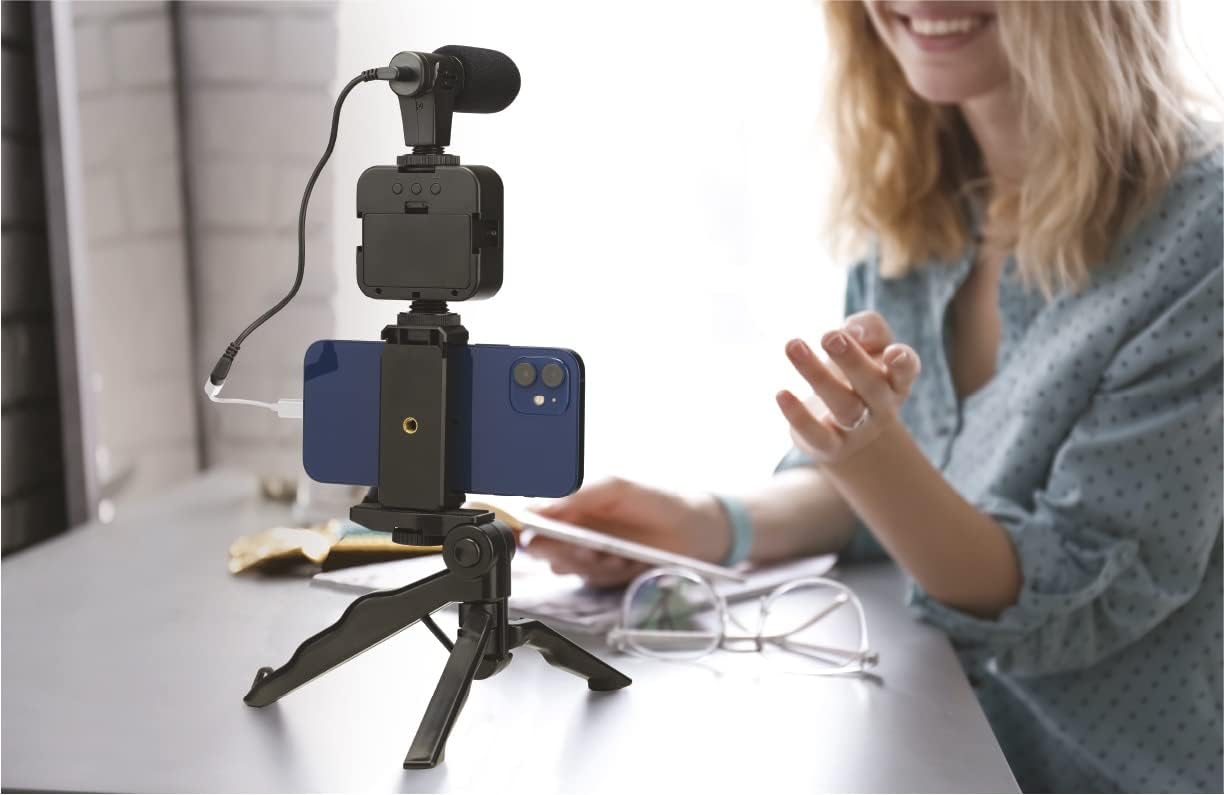
Figure 2: Kit assembled and ready for use on a flat surface.
Operating Instructions
Using the Tripod/Grip
- Tripod Mode: Extend the legs of the tripod to place it on a flat surface for stable, stationary recording.
- Handgrip Mode: Fold the legs together to form a comfortable handgrip for mobile recording or vlogging on the go.

Figure 3: Demonstrating the kit used as a handgrip for mobile recording.
Operating the LED Video Light
- Locate the power button on the LED light.
- Press the power button to turn the light on/off.
- If available, use additional buttons to adjust brightness levels.

Figure 4: The vlogging kit with the LED light activated, showing its illumination capability.
Using the Directional Microphone
- Ensure the microphone is securely connected to your smartphone's audio input.
- Open your smartphone's camera or video recording application.
- Verify that the external microphone is selected as the audio input source in your app settings, if applicable.
- Position the microphone towards the sound source for optimal audio capture.
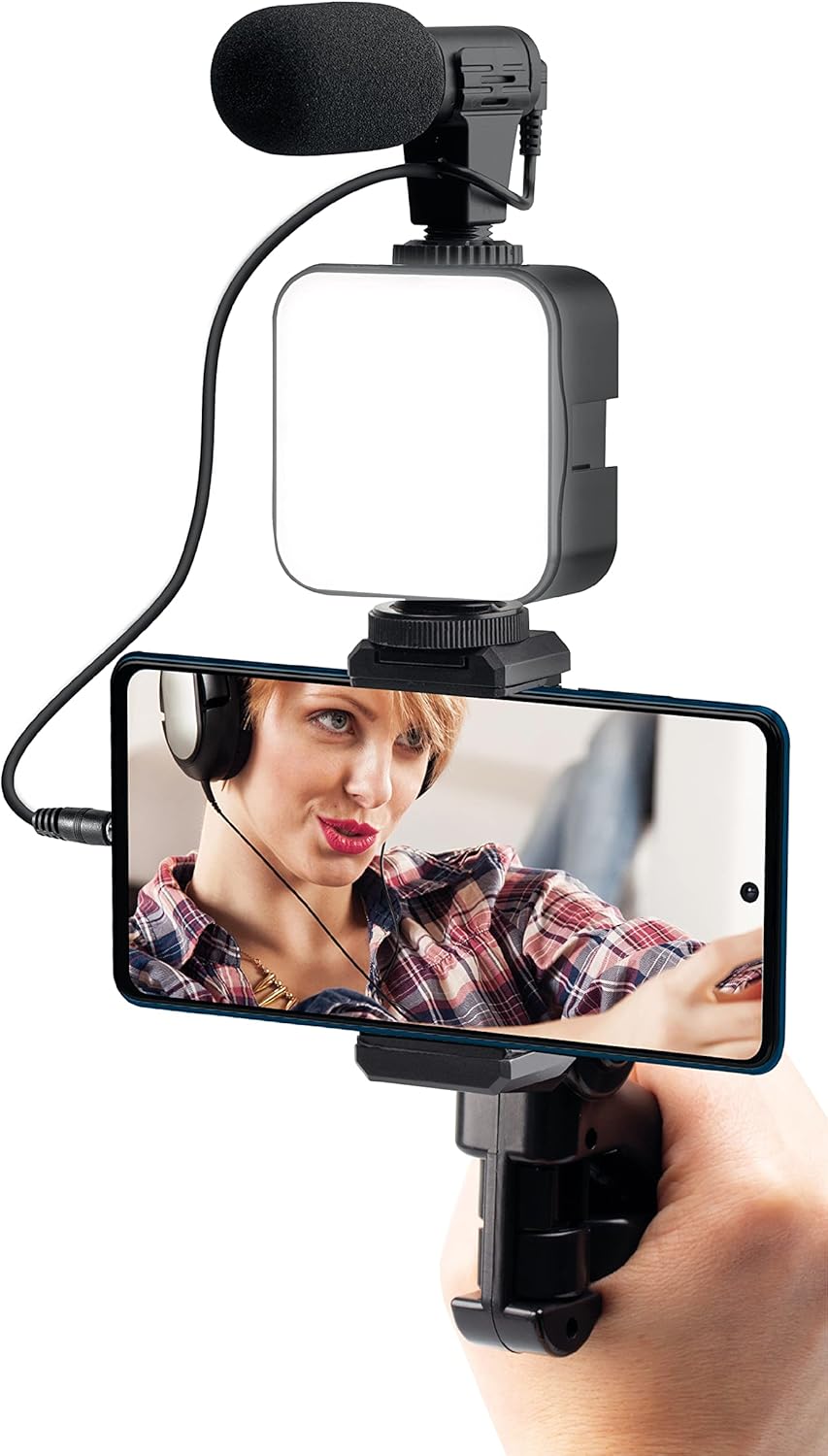
Figure 5: User demonstrating the microphone in use with the vlogging kit.
Using the Bluetooth Remote Control
- After successful pairing (see Setup Instructions), open your smartphone's camera app.
- Press the designated button on the remote to trigger photo capture or start/stop video recording.
Maintenance
- Cleaning: Use a soft, dry cloth to clean the surfaces of the kit components. Avoid abrasive cleaners or solvents.
- Storage: Store the kit in a cool, dry place away from direct sunlight and extreme temperatures.
- Battery Care: If the LED light or Bluetooth remote uses replaceable batteries, ensure they are inserted correctly and replace them when power is low. Remove batteries during long periods of non-use to prevent leakage.
Troubleshooting
| Problem | Possible Cause | Solution |
|---|---|---|
| Microphone not recording audio. | Incorrect connection, incompatible jack, or app settings. | Ensure microphone is fully plugged in. Check if your smartphone requires a specific adapter (e.g., TRRS to TRS). Verify microphone input is selected in your recording app. |
| Bluetooth remote not pairing. | Remote not in pairing mode, Bluetooth off on phone, or low battery. | Ensure remote is on and in pairing mode. Turn Bluetooth off and on again on your phone. Replace remote battery if necessary. |
| LED light not turning on. | Low battery or power button not pressed correctly. | Charge or replace batteries in the LED light. Press the power button firmly. |
| Tripod feels unstable. | Uneven surface, legs not fully extended, or excessive weight. | Place on a flat, stable surface. Ensure tripod legs are fully extended and locked. Avoid placing heavy accessories on the kit. |
Specifications
- Brand: Mobility Lab
- Model Name: ML305578
- Model Number: 3700527305578
- ASIN: B09QQGC97S
- Manufacturer: MOBILITY ELECTRONICS
- Country of Origin: France
- Compatibility: Universal Smartphone (width dependent)
- Connectivity: Wired (microphone), Bluetooth (remote control)
Warranty Information
Specific warranty information for the Mobility Lab ML305578 Vlogging Kit is not explicitly provided in the product details. Please refer to the retailer's return policy or contact Mobility Lab directly for warranty details.
Support
For further assistance or technical support regarding your Mobility Lab ML305578 Vlogging Kit, please contact the manufacturer or your point of purchase. Support contact information is not available in the provided product details.