
1. Introduction
Thank you for choosing the elemage 2K Wireless Battery Security Camera. This manual provides essential information for the proper installation, operation, and maintenance of your security camera. Please read it thoroughly before use and retain it for future reference.

Image 1.1: The elemage 2K Wireless Battery Security Camera, a compact and wire-free device designed for outdoor surveillance.
2. Product Overview and Components
The elemage ZS-GX6S camera is designed for versatile security monitoring. It features a 2K resolution lens, infrared and color night vision, PIR motion detection, two-way audio, and IP65 weather resistance. The package includes the following components:
- elemage 2K Wireless Battery Security Camera
- Mounting Bracket
- Mounting Screws and Wall Plugs
- USB Charging Cable
- User Manual

Image 2.1: Contents of the elemage camera package, including the camera, mounting hardware, and charging cable.
3. Setup
3.1 Initial Charging
Before first use, fully charge the camera's integrated lithium-ion battery using the provided USB cable and a compatible 5V power adapter (not included). A full charge ensures optimal performance and battery life.
3.2 App Installation
Download and install the 'CloudEdge' application on your smartphone. The app is available on both iOS and Android app stores. Follow the on-screen instructions to create an account.
3.3 Wi-Fi Connection
- Open the CloudEdge app and select 'Add Device'.
- Follow the in-app prompts to power on your camera and enter your 2.4 GHz Wi-Fi network details. The camera does not support 5 GHz Wi-Fi networks.
- Scan the QR code displayed on your phone with the camera lens. A voice prompt will confirm successful connection.
3.4 Mounting the Camera
The camera is designed for screw-in installation. Choose a suitable location that provides the desired viewing angle and strong Wi-Fi signal. Use the provided mounting bracket, screws, and wall plugs to securely attach the camera to a wall or ceiling. Ensure the camera is positioned to avoid direct sunlight or strong light sources that could affect image quality.
4. Operating the Camera
4.1 Live View and Playback
Access the CloudEdge app to view live footage from your camera. You can also review recorded events stored on the Micro SD card (up to 128GB, not included) or in the cloud storage (free trial available upon activation).
4.2 2K Full HD and Night Vision
The camera captures video in 2048 x 1536 (2K) resolution. It supports three night vision modes: infrared, full color, and auto (intelligent). In full color night vision mode, the camera utilizes its integrated spotlight to provide clear, colored images even in low-light conditions, up to 10 meters.
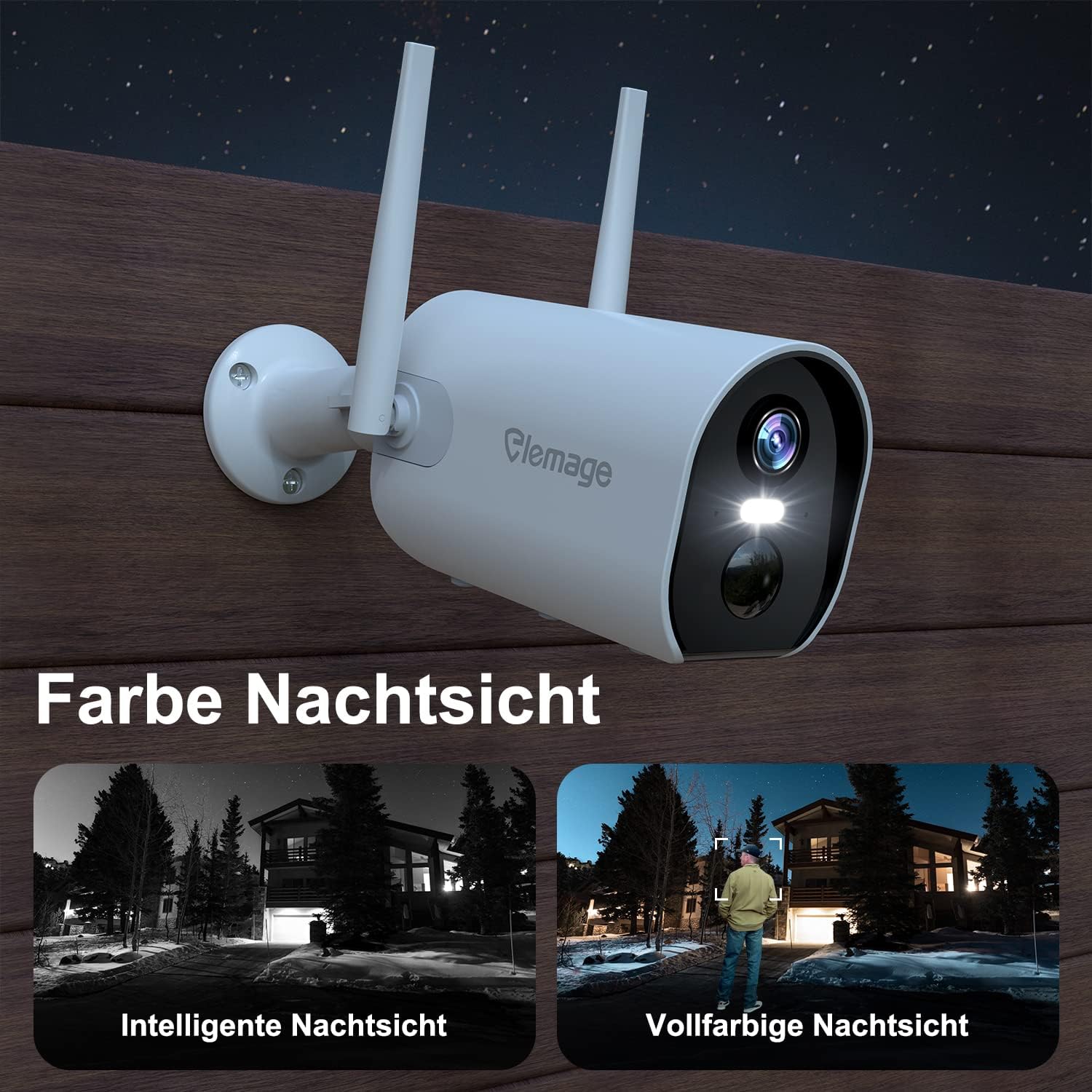
Image 4.1: Comparison of intelligent night vision (black and white) and full-color night vision provided by the camera's spotlight.
4.3 PIR Motion Detection and Alarms
The camera features AI-powered PIR motion detection to accurately identify human movement and reduce false alarms. You can define specific alarm zones within the app to focus detection on areas of interest. Upon detection, the camera sends real-time notifications to your smartphone and can trigger an acoustic alarm and/or a light alarm.

Image 4.2: The camera's intelligent AI sensor detects human movement, sending notifications to your smartphone.

Image 4.3: The camera can activate an acoustic alarm and/or a light alarm upon detecting motion.
4.4 Two-Way Audio
Utilize the built-in microphone and speaker for two-way communication. This allows you to speak directly with individuals near the camera, such as delivery personnel, through the CloudEdge app.

Image 4.4: Illustrates the two-way audio function, allowing communication with visitors via the camera.
4.5 Multi-User Sharing
The camera supports multi-user connectivity, allowing you to share access to the device with family and friends through the CloudEdge app. This enables multiple authorized users to monitor the property simultaneously.
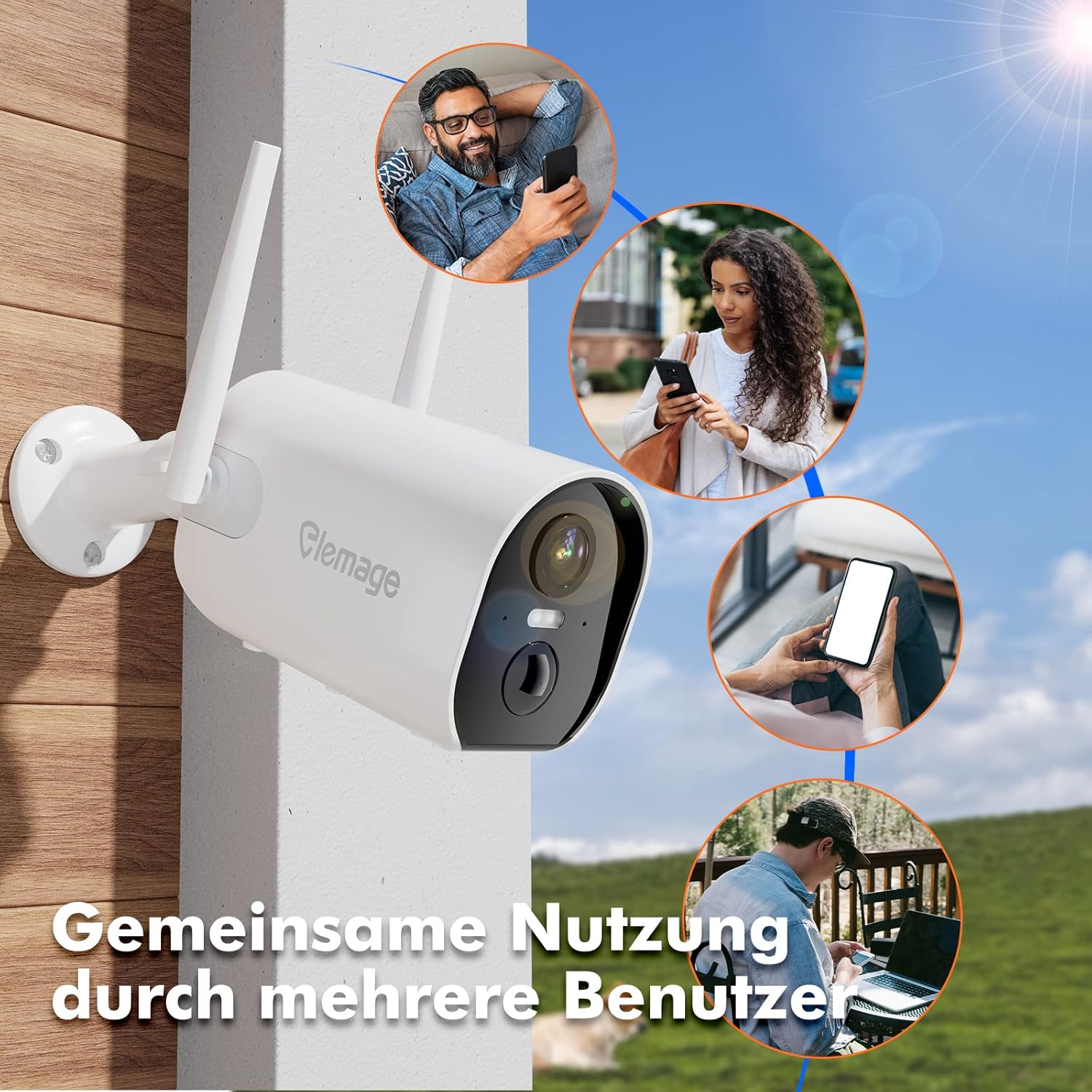
Image 4.5: Multiple users can access and monitor the camera feed simultaneously through the app.
5. Maintenance
5.1 Battery Management
The integrated battery provides 3 to 6 months of standby time, depending on usage (e.g., 15 alarm activations per day). Recharge the camera when the battery level is low to ensure continuous operation. Use only the provided USB cable for charging.
5.2 Weather Resistance
The camera has an IP65 weather-resistant rating, making it suitable for outdoor use. It is protected against dust ingress and low-pressure water jets from any direction. While designed to withstand various weather conditions, avoid submerging the camera in water.
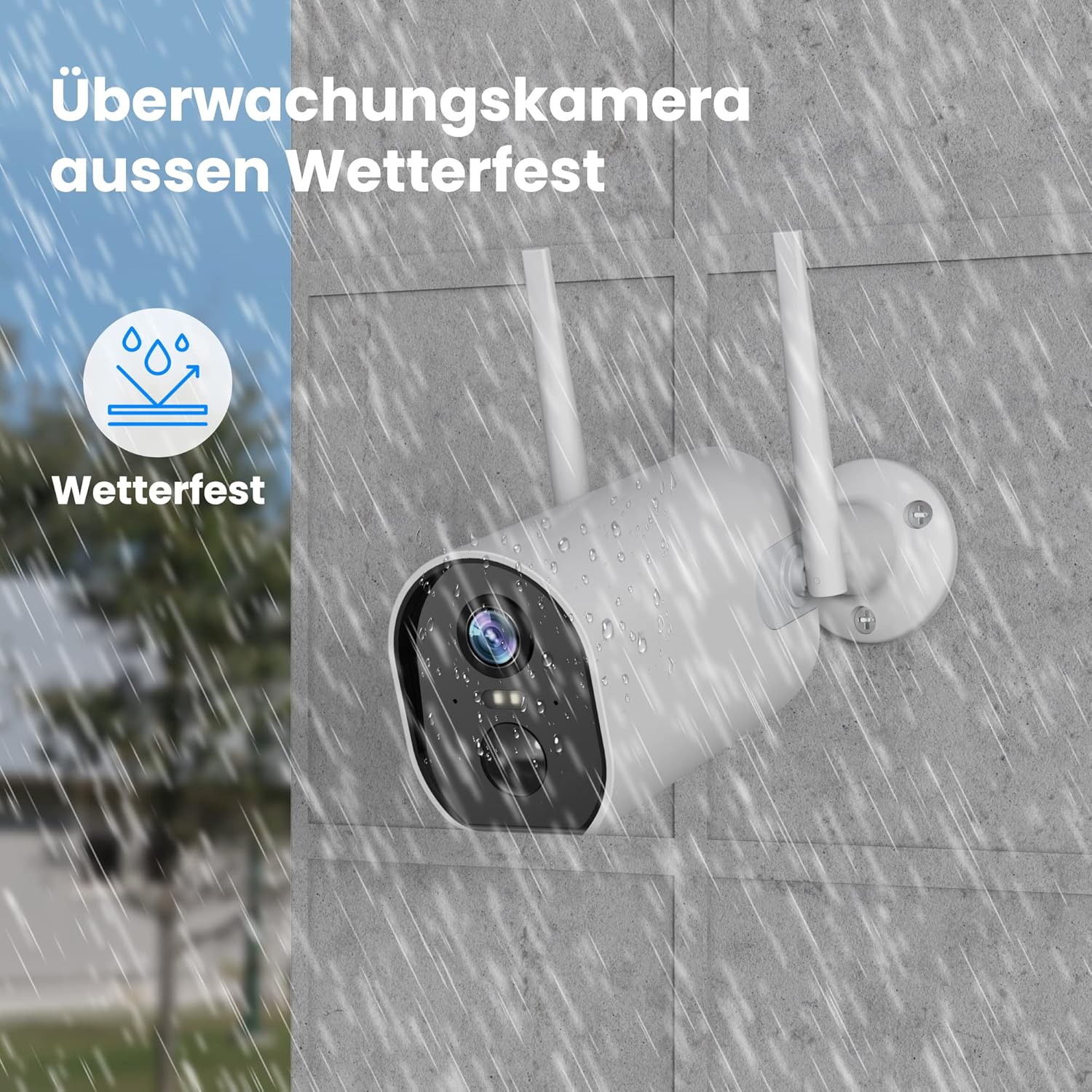
Image 5.1: The camera's IP65 rating ensures protection against outdoor elements like rain.
5.3 Cleaning
Periodically clean the camera lens and housing with a soft, dry cloth to remove dust and dirt. Do not use harsh chemicals or abrasive cleaners, as these can damage the device.
6. Troubleshooting
- Camera not connecting to Wi-Fi: Ensure your Wi-Fi network is 2.4 GHz. Check Wi-Fi signal strength at the camera's location. Restart your router and the camera.
- Poor image quality: Clean the camera lens. Ensure there are no obstructions. Check network stability for live view.
- Motion detection not working: Verify PIR settings in the CloudEdge app. Adjust sensitivity and ensure alarm zones are correctly configured.
- Short battery life: Frequent motion detections, live view access, and two-way audio usage can reduce battery life. Ensure the camera is fully charged.
- No notifications: Check app notification settings on your smartphone and within the CloudEdge app. Ensure the camera is connected to Wi-Fi.
For further assistance, refer to the help section within the CloudEdge app or consult the manufacturer's support resources.
7. Specifications
| Feature | Specification |
|---|---|
| Model Number | ZS-GX6S |
| Video Resolution | 2048 x 1536 (2K) |
| Connectivity | Wireless (Wi-Fi 2.4 GHz) |
| Power Source | Battery Powered (1 Lithium-ion, included) |
| Voltage | 5 Volts |
| Power | 1 Watt |
| Dimensions (L x W x H) | 11.6 x 5.5 x 7.2 cm |
| Weight | 450 Grams |
| Material | Plastic |
| Weather Resistance | IP65 |
| Special Features | Night Vision, PIR Motion Detection, Two-Way Audio |
| Recommended Use | Outdoor Security |
8. Warranty and Support
Specific warranty information is typically provided at the point of purchase or within the product packaging. Please refer to your purchase documentation for details regarding warranty coverage.
For technical support, troubleshooting assistance, or further inquiries, please consult the help section within the CloudEdge application or visit the official elemage website for contact information.
