
ttec AirBeat Lite 2
Ttec AirBeat Lite 2 TWS BT Headset User Manual
Model: AirBeat Lite 2
Introduction
Welcome to the user manual for your Ttec AirBeat Lite 2 True Wireless Stereo (TWS) Bluetooth Headset. This manual provides detailed instructions on how to set up, operate, and maintain your headset to ensure optimal performance and longevity. Please read this manual carefully before using your device.
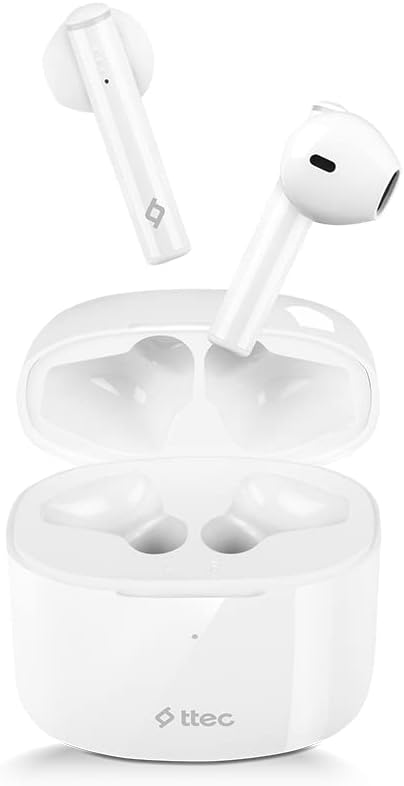
Image: The Ttec AirBeat Lite 2 earbuds resting in their open charging case, showcasing their compact and sleek white design.
What's in the Box
Upon opening your Ttec AirBeat Lite 2 package, you should find the following components:
- Ttec AirBeat Lite 2 True Wireless Earbuds (Left and Right)
- Charging Case
- USB Charging Cable (Type-C, typically)
- User Manual (this document)
- Ear Cushions (pre-installed or additional sizes, as per product specifications)
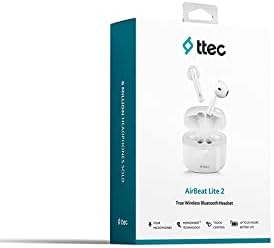
Image: The retail packaging for the Ttec AirBeat Lite 2 headset, displaying the product image and brand logo.
Setup
1. Charging the Headset and Case
Before first use, it is recommended to fully charge both the earbuds and the charging case. The charging case acts as a portable power bank for your earbuds.
- Charging the Case: Connect the provided USB charging cable to the charging port on the case and plug the other end into a USB power adapter (not included) or a computer's USB port. The indicator light on the case will show charging status.
- Charging the Earbuds: Place the earbuds into their respective slots in the charging case. Ensure they are correctly seated. The earbuds will automatically begin charging.

Image: The Ttec AirBeat Lite 2 charging case with earbuds, illustrating battery life and quick charge capabilities. A 15-minute charge provides 1 hour of use, with 6 hours of earbud charge life and 26 hours total with the case.
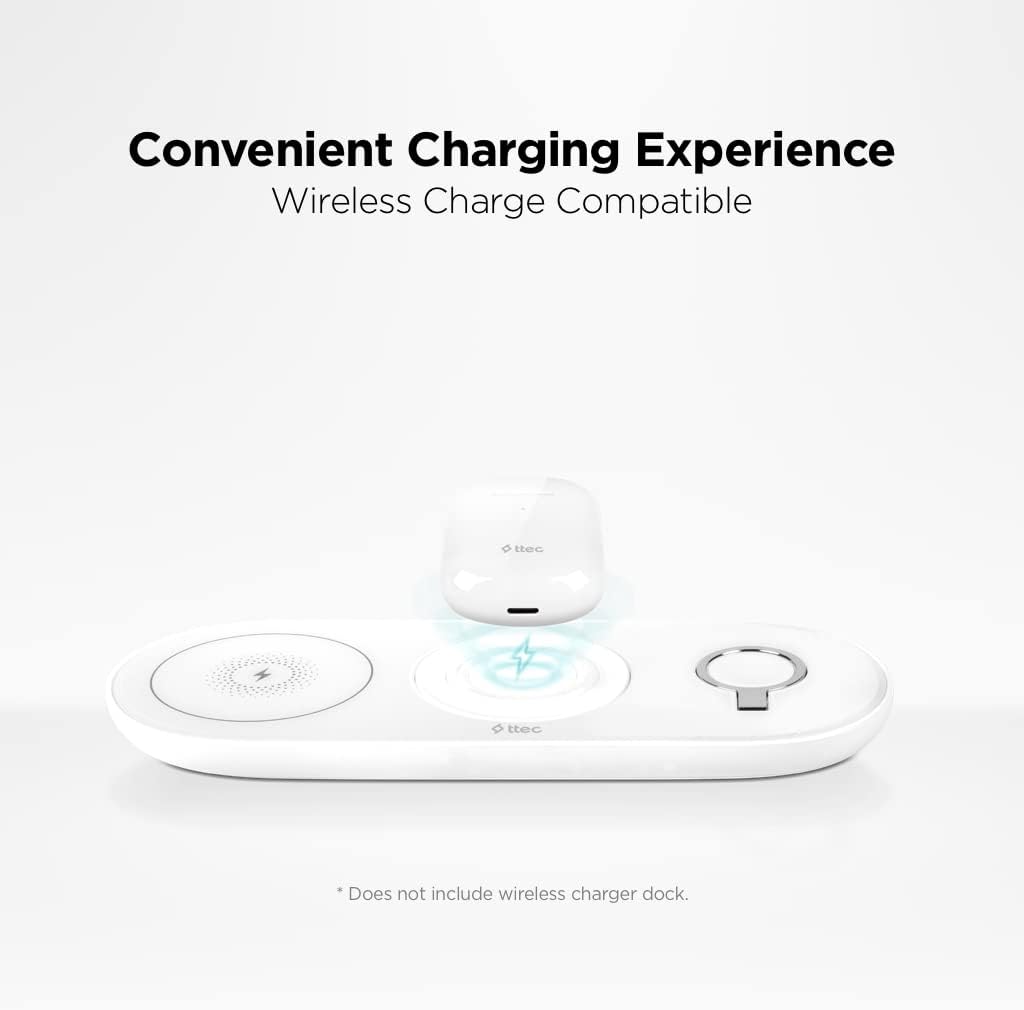
Image: The Ttec AirBeat Lite 2 charging case placed on a wireless charging pad, demonstrating its wireless charge compatibility. Note: Wireless charger dock is not included.
2. Pairing with a Device
The Ttec AirBeat Lite 2 uses Bluetooth 5.0 for a fast and stable connection.
- Ensure the earbuds are charged and placed in the charging case.
- Open the charging case. The earbuds will automatically enter pairing mode (indicator lights may flash).
- On your device (smartphone, tablet, laptop), go to Bluetooth settings and turn Bluetooth on.
- Search for available devices. Select "Ttec AirBeat Lite 2" from the list.
- Once connected, the earbuds will indicate successful pairing (e.g., a voice prompt or steady light).
The earbuds support MonoSmart Technology, allowing both earbuds to be used independently. You can connect either the left or right earbud alone if desired.

Image: A person wearing a Ttec AirBeat Lite 2 earbud, illustrating the fast and easy Bluetooth 5.0 connection technology.
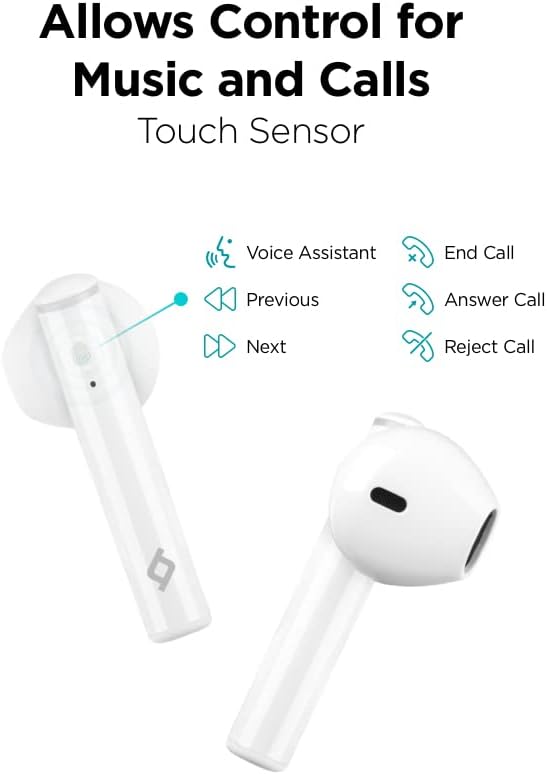
Image: A person using a single Ttec AirBeat Lite 2 earbud, demonstrating the MonoSmart Technology that allows independent use of either earbud.
Operating Instructions
Touch Controls
The Ttec AirBeat Lite 2 features intuitive touch sensors on each earbud for easy control of music playback and calls.

Image: A close-up of the Ttec AirBeat Lite 2 earbud, highlighting the touch sensor area and illustrating various control functions: Voice Assistant, Previous/Next track, End/Answer/Reject Call.
| Action | Function |
|---|---|
| Single Tap | Play/Pause Music, Answer/End Call |
| Double Tap (Left Earbud) | Previous Track |
| Double Tap (Right Earbud) | Next Track |
| Triple Tap | Activate Voice Assistant |
| Long Press (2 seconds) | Reject Call |
Music and Call Quality
The Ttec AirBeat Lite 2 delivers an impressive music experience with superior sound and deep bass. For calls, it features 4 microphones and ENC (Environmental Noise Cancelling) technology, ensuring excellent call clarity by reducing background noise.
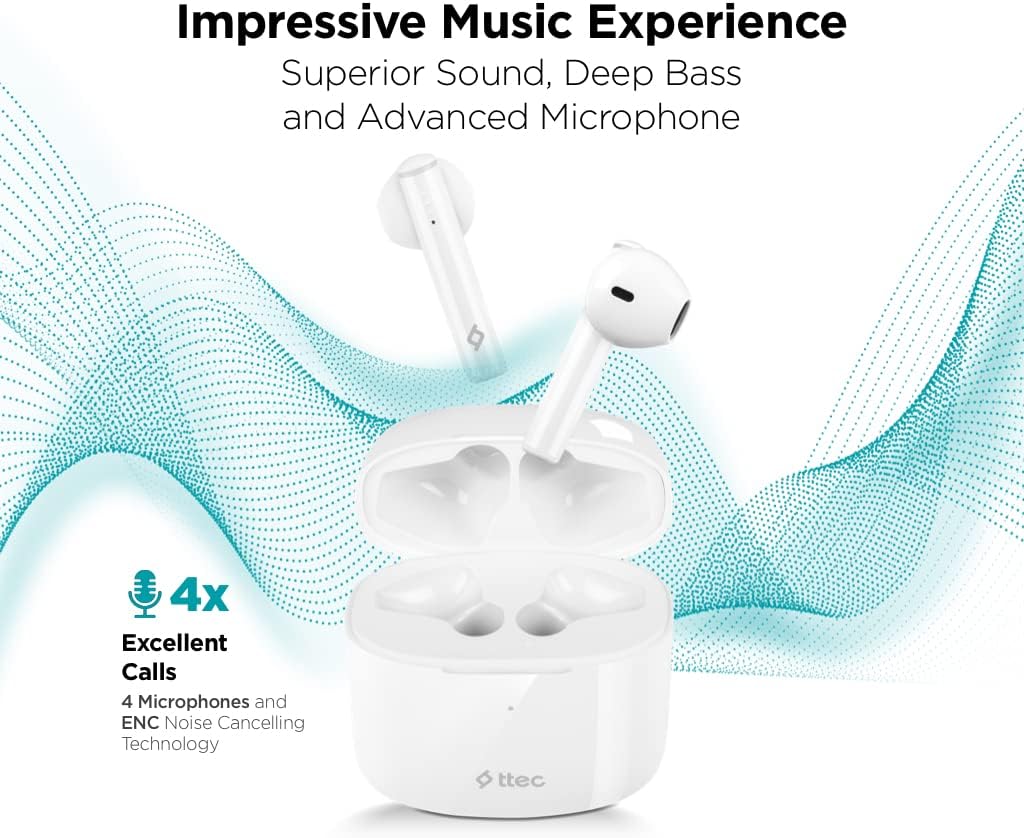
Image: The Ttec AirBeat Lite 2 earbuds in their case, surrounded by sound wave graphics, highlighting superior sound, deep bass, advanced microphone, and 4x excellent calls with ENC Noise Cancelling Technology.
Maintenance
Proper maintenance ensures the longevity and optimal performance of your Ttec AirBeat Lite 2 headset.
- Cleaning: Regularly clean the earbuds and charging case with a soft, dry, lint-free cloth. Do not use abrasive cleaners or solvents. Gently remove any earwax or debris from the earbud tips and speaker mesh using a small, soft brush or cotton swab.
- Storage: When not in use, store the earbuds in their charging case to protect them from dust, dirt, and physical damage. Store the case in a cool, dry place away from direct sunlight and extreme temperatures.
- Water Resistance: The earbuds are IPX4 rated, meaning they are sweat and water resistant. This protects them from splashing water from any direction. However, they are not waterproof and should not be submerged in water or exposed to heavy rain. Dry them thoroughly if they get wet.
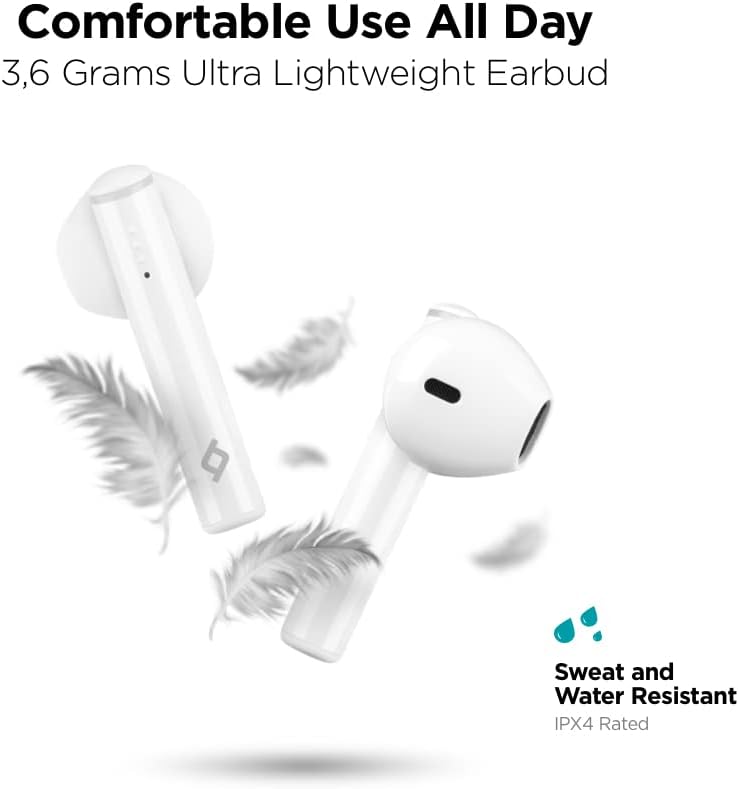
Image: Ttec AirBeat Lite 2 earbuds floating among feathers, emphasizing their ultra-lightweight design (3.6 grams) and highlighting their IPX4 sweat and water resistance.
Troubleshooting
If you encounter any issues with your Ttec AirBeat Lite 2 headset, try the following troubleshooting steps:
- No Sound from Earbuds:
- Ensure earbuds are charged.
- Check if the earbuds are properly paired with your device.
- Increase the volume on both your device and the earbuds.
- Try re-pairing the earbuds.
- Earbuds Not Pairing:
- Ensure Bluetooth is enabled on your device.
- Make sure the earbuds are in pairing mode (open case).
- Turn off Bluetooth on other nearby devices that might be trying to connect.
- Forget "Ttec AirBeat Lite 2" from your device's Bluetooth list and try pairing again.
- Charging Issues:
- Ensure the charging cable is securely connected to both the case and the power source.
- Try a different USB cable or power adapter.
- Clean the charging contacts on both the earbuds and the case.
- Intermittent Connection:
- Ensure your device is within the Bluetooth range (typically 10 meters/33 feet) without significant obstacles.
- Avoid strong electromagnetic interference.
- Try restarting both the earbuds (by placing them in the case and closing it) and your connected device.
If the issue persists, please refer to the support section for further assistance.
Specifications
| Feature | Detail |
|---|---|
| Model Name | AirBeat Lite 2 |
| Connectivity Technology | Wireless (Bluetooth) |
| Wireless Communication Technology | Bluetooth 5.0 |
| Included Components | Ear Cushions, USB Charging Cable |
| Material | Plastic |
| Specific Uses | Travel, Everyday Use |
| Compatible Devices | Cellphones, Television, Tablets, Telephones, Laptops, Desktops, Smart Speaker |
| Control Type | Touch Control |
| Ear Placement | In Ear |
| Form Factor | In Ear |
| Noise Control | Environmental Noise Cancelling (ENC) |
| Earbud Weight | 3.6 grams (approx. per earbud) |
| IP Rating | IPX4 (Sweat and Water Resistant) |
| Battery Life (Earbuds) | 6 Hours (approx.) |
| Total Battery Life with Case | 26 Hours (approx.) |
Note: Some specifications from raw data have been refined for accuracy based on product images and primary description (e.g., ENC instead of ANC, earbud weight instead of package weight).
Safety Information
Please read and follow these safety guidelines to prevent damage to your device or injury to yourself:
- Do not disassemble, repair, or modify the product.
- Keep the device away from extreme temperatures, humidity, and corrosive substances.
- Avoid dropping or subjecting the device to strong impacts.
- Do not expose the charging case to water or moisture.
- Use only approved charging cables and adapters.
- Prolonged exposure to loud sounds can cause hearing damage. Adjust volume to a moderate level.
- Be aware of your surroundings when using earbuds, especially in traffic or dangerous situations.
- Dispose of the product responsibly according to local regulations.
Warranty and Support
Ttec products are designed for quality and reliability. For warranty information and customer support, please refer to the official Ttec website or contact your local retailer.
For technical assistance or inquiries, please visit the Ttec support page or contact their customer service directly. Keep your purchase receipt as proof of purchase for warranty claims.
Online Resources:
- Official Ttec Website: www.ttec.com.tr (Please verify the correct regional website for support)
Related documentsAirBeat Lite 2


Ask a question about this manual
Ask about setup, troubleshooting, compatibility, parts, safety, or missing instructions. Manuals+ will review the question and use this page’s manual context to help answer it.