
1. Introduction
Thank you for choosing the N'OVEEN IWH370 Tankless Water Heater. This manual provides essential information for the safe and efficient installation, operation, and maintenance of your new appliance. Please read it thoroughly before use and retain it for future reference.
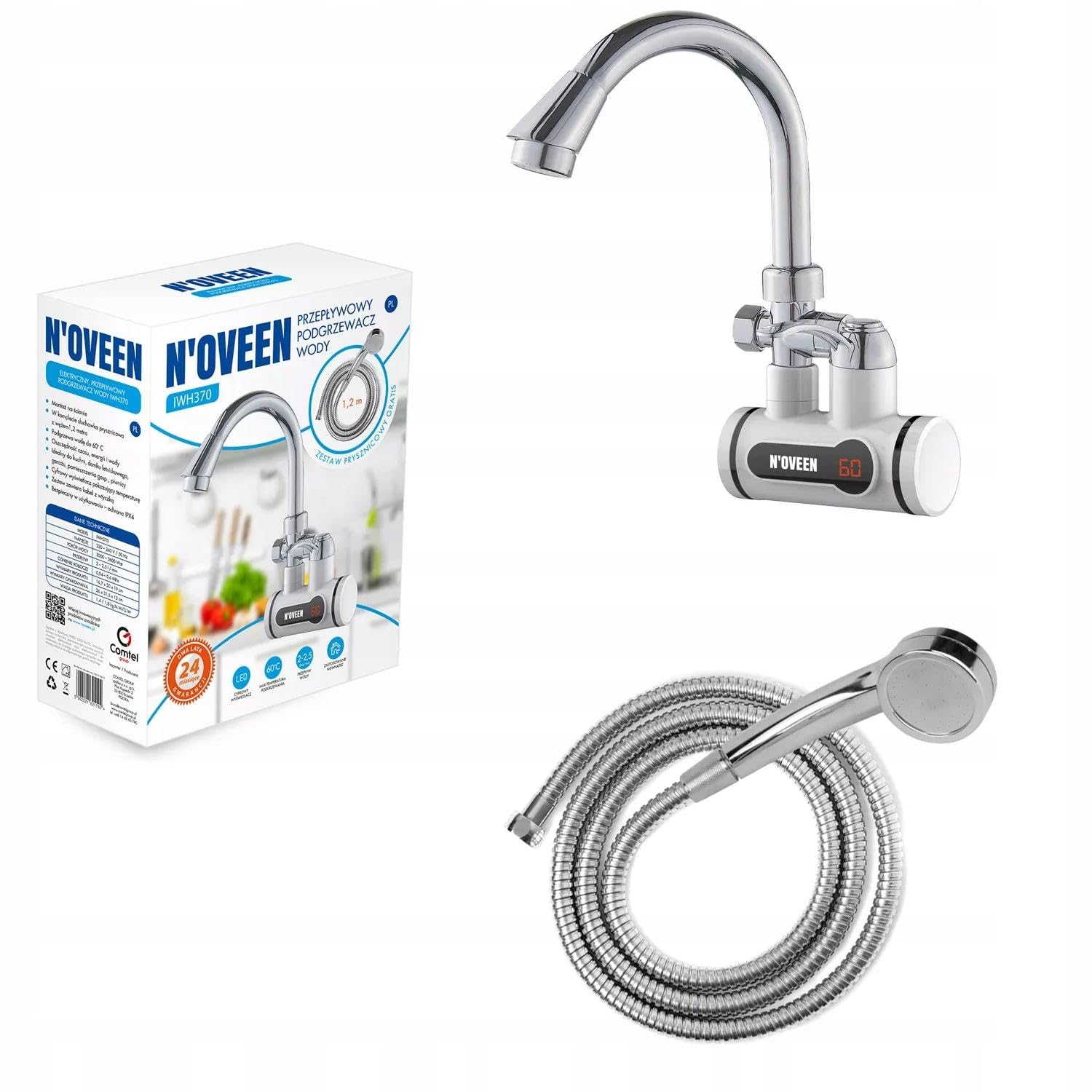
Figure 1: The N'OVEEN IWH370 Tankless Water Heater, featuring an integrated faucet and digital temperature display.
2. Safety Instructions
Always follow basic safety precautions when using electrical appliances to reduce the risk of fire, electric shock, and personal injury.
- Read all instructions carefully before installation and use.
- This appliance must be installed by a qualified electrician and plumber in accordance with local regulations.
- Ensure the power supply voltage matches the rating label on the appliance.
- Do not operate the water heater if the power cord or plug is damaged.
- Do not immerse the appliance, cord, or plug in water or other liquids.
- Keep children and pets away from the appliance during operation.
- Do not attempt to repair or modify the appliance yourself. Contact qualified service personnel.
- Ensure proper grounding for electrical safety.
- Do not block the water outlet during operation.
- Turn off the power supply before performing any maintenance or cleaning.
3. Product Components
The N'OVEEN IWH370 Tankless Water Heater typically includes the following components:
- Main Faucet Unit with Integrated Heating Element
- Digital Temperature Display
- Water Inlet and Outlet Connections
- Power Cable
- Mounting Hardware (may vary)
- Optional: Shower Head and Hose (as indicated on packaging)

Figure 2: Close-up view of the N'OVEEN IWH370 faucet unit, showing the heating element housing and digital display.
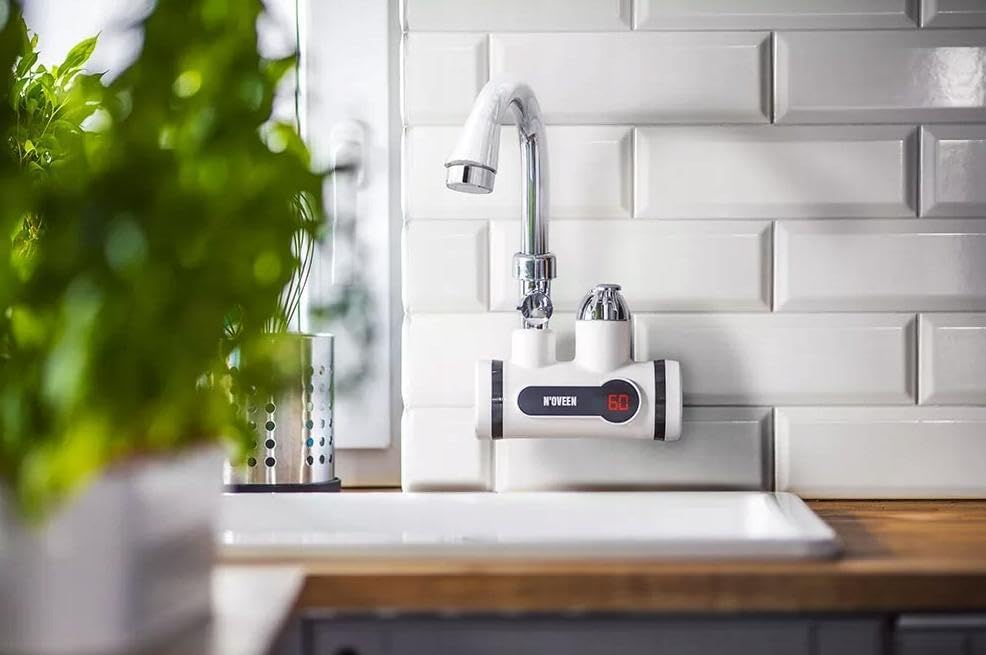
Figure 3: Product packaging for the N'OVEEN IWH370, illustrating the unit and indicating a complimentary shower set.

Figure 4: An optional shower head and hose, which may be included with certain product packages.
4. Setup and Installation
Installation should only be performed by a qualified professional. Incorrect installation can lead to electric shock, water leakage, or damage to the appliance.
- Choose Location: Install the water heater faucet over a sink or basin where hot water is desired. Ensure there is sufficient space for the unit and connections.
- Water Connection: Connect the water inlet to a cold water supply line. Ensure all connections are tight to prevent leaks.
- Mounting: Securely mount the faucet unit to the sink or countertop according to the provided mounting instructions.
- Electrical Connection: Connect the power cable to a dedicated, properly grounded electrical outlet. Ensure the circuit can handle the appliance's power requirements (3000-3600W).
- Initial Water Flow: Before plugging in the unit, open the faucet to allow water to flow through the system for a few minutes to purge any air. This prevents dry heating.
- Leak Check: Inspect all water connections for leaks.
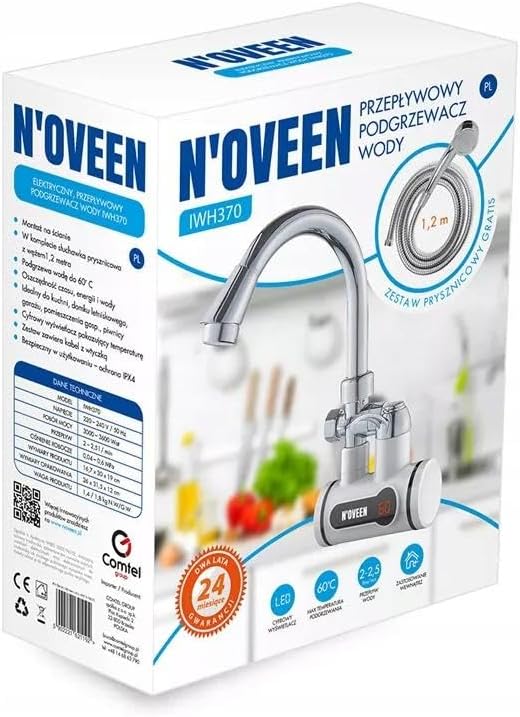
Figure 5: The N'OVEEN IWH370 Tankless Water Heater installed and ready for use in a typical kitchen environment.
5. Operating Instructions
Using your N'OVEEN IWH370 Tankless Water Heater is straightforward:
- Power On: Ensure the unit is properly installed and plugged into a grounded electrical outlet.
- Turn on Water: Rotate the faucet handle to the desired position for water flow.
- Temperature Display: The digital display on the unit will show the current water temperature. The heater will automatically activate to heat the water as it flows through.
- Adjust Temperature: The unit is designed to provide hot water up to approximately 60°C. The temperature is regulated by the flow rate and the unit's internal thermostat.
- Turn Off: Rotate the faucet handle to the off position to stop water flow and heating.
Note: The water temperature may vary slightly depending on the incoming water temperature and flow rate.
6. Maintenance
Regular maintenance ensures optimal performance and longevity of your water heater.
- Cleaning: Clean the exterior of the unit with a soft, damp cloth. Do not use abrasive cleaners or solvents.
- Descaling: In areas with hard water, mineral deposits may accumulate. Consult a qualified technician for descaling procedures if water flow is significantly reduced or heating efficiency decreases.
- Filter Cleaning: Periodically check and clean the inlet water filter (if present) to prevent blockages.
- Power Disconnection: Always disconnect the power supply before cleaning or performing any maintenance.
7. Troubleshooting
If you encounter issues with your water heater, refer to the following common problems and solutions:
| Problem | Possible Cause | Solution |
|---|---|---|
| No hot water / No heating | No power; Water pressure too low; Heating element failure. | Check power connection and circuit breaker; Ensure adequate water pressure; Contact service for element replacement. |
| Water leakage | Loose connections; Damaged seals or pipes. | Tighten connections; Inspect and replace damaged parts. Contact a plumber if necessary. |
| Low water flow | Clogged filter; Mineral buildup. | Clean or replace inlet filter; Descale the unit (professional service recommended). |
| Temperature display not working | Electrical fault; Sensor issue. | Check power supply; Contact service for inspection. |
If the problem persists after attempting these solutions, please contact customer support or a qualified technician.
8. Specifications
| Feature | Detail |
|---|---|
| Model Number | IWH370 (5902221621192) |
| Brand | N'OVEEN |
| Voltage | 220-240 V |
| Power | 3000-3600 W |
| Water Pressure | 0.04-0.5 MPa |
| Maximum Water Temperature | 60°C |
| Efficiency Class | B |
| Product Dimensions (L x W x H) | 16.7 x 12 x 30 cm (approximate, based on packaging) |
| Weight | 1.36 kg (approximate) |
9. Warranty and Support
This N'OVEEN product comes with a 2-year (24-month) warranty from the date of purchase. Please retain your proof of purchase for warranty claims.
For technical support, service, or warranty inquiries, please contact your retailer or the N'OVEEN customer service department. Contact information can typically be found on the product packaging or the official N'OVEEN website.


