1. Introduction and Overview
This manual provides essential information for the safe and effective use of your Link2Home 30W LED Work Light, Model EM-WL-1030A. This versatile work light is designed to provide high-intensity illumination for various indoor and outdoor tasks, featuring adjustable brightness, multiple mounting options, and a durable, weatherproof construction.

Figure 1: Front view of the Link2Home 30W LED Work Light.
2. Product Features
- High-Intensity LED Illumination: Provides 2400 lumens (30W) for precise lighting in various work environments.
- Energy-Efficient Design: Consumes 30W, offering significant energy savings compared to traditional halogen bulbs. Suitable for both indoor and outdoor applications.
- Adjustable Brightness: Features two settings: High (2400 lumens) and Low (1200 lumens).
- Flexible Light Positioning: The triangular ergonomic shape allows for 300° rotation and 11 orientation notches, enabling precise direction of light.
- Versatile Mounting Options: Can be carried by hand, positioned freestanding, mounted to a wall, or hung using the integrated rotatable hook.
- Power Bank Feature: Includes a portable charging port for mobile devices, allowing you to recharge while using the work light.
- Durable and Weatherproof: Constructed with an impact-resistant glass lens and an IP54 waterproof rating, designed to withstand tough job site conditions.
- Certified Safety: ETL and FCC certified for quality and safety standards.

Figure 2: Key features of the work light, including soft grip handle, 300° rotation, ON/OFF switch, and 6ft cable.

Figure 3: Demonstrates the wall-mounted and hooking system capabilities of the work light.
3. Setup
The Link2Home 30W LED Work Light offers multiple setup configurations to suit your needs:
- Freestanding: Place the work light on any flat, stable surface. The triangular design provides stability, and the light head can be rotated to direct illumination.
- Hanging: Utilize the integrated rotatable hook located on the top of the unit. Extend the hook and hang the light from a suitable support structure.
- Wall Mounting: The back of the unit features wall mount holes. Securely fasten the light to a wall using appropriate hardware (not included) that is suitable for your wall material.
- Tripod/Clamp Mounting (Optional): For extended height and precise positioning, the work light is compatible with separately sold tripods and clamps. Attach the light to the tripod using the female screw thread on the base or a compatible clamp.
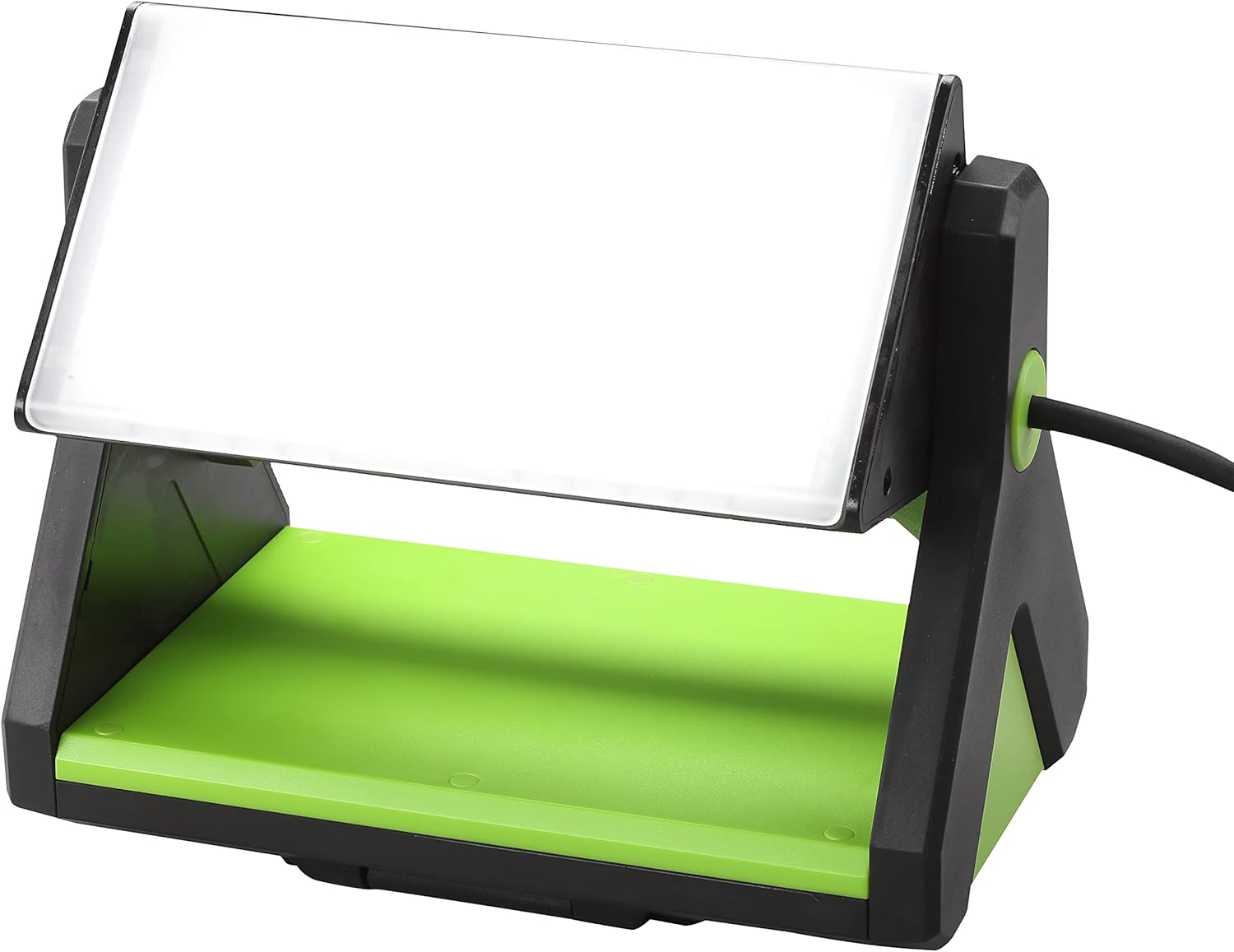
Figure 4: The work light positioned freestanding on a surface.
4. Operating Instructions
Follow these steps to operate your Link2Home 30W LED Work Light:
- Connect to Power: Plug the 6ft power cord into a standard electrical outlet.
- Power On/Off: Locate the ON/OFF switch on the unit. Press the switch to turn the light on or off.
- Adjust Brightness: The light features two brightness settings. Press the ON/OFF switch to cycle between High (2400 lumens) and Low (1200 lumens).
- Adjust Light Direction: Rotate the light head up to 300° and utilize the 11 orientation notches to direct the light precisely where needed.
- Use as Power Bank: To charge mobile devices, locate the portable charging port. Connect your device's USB cable to the port. The work light must be powered on for this feature to function.
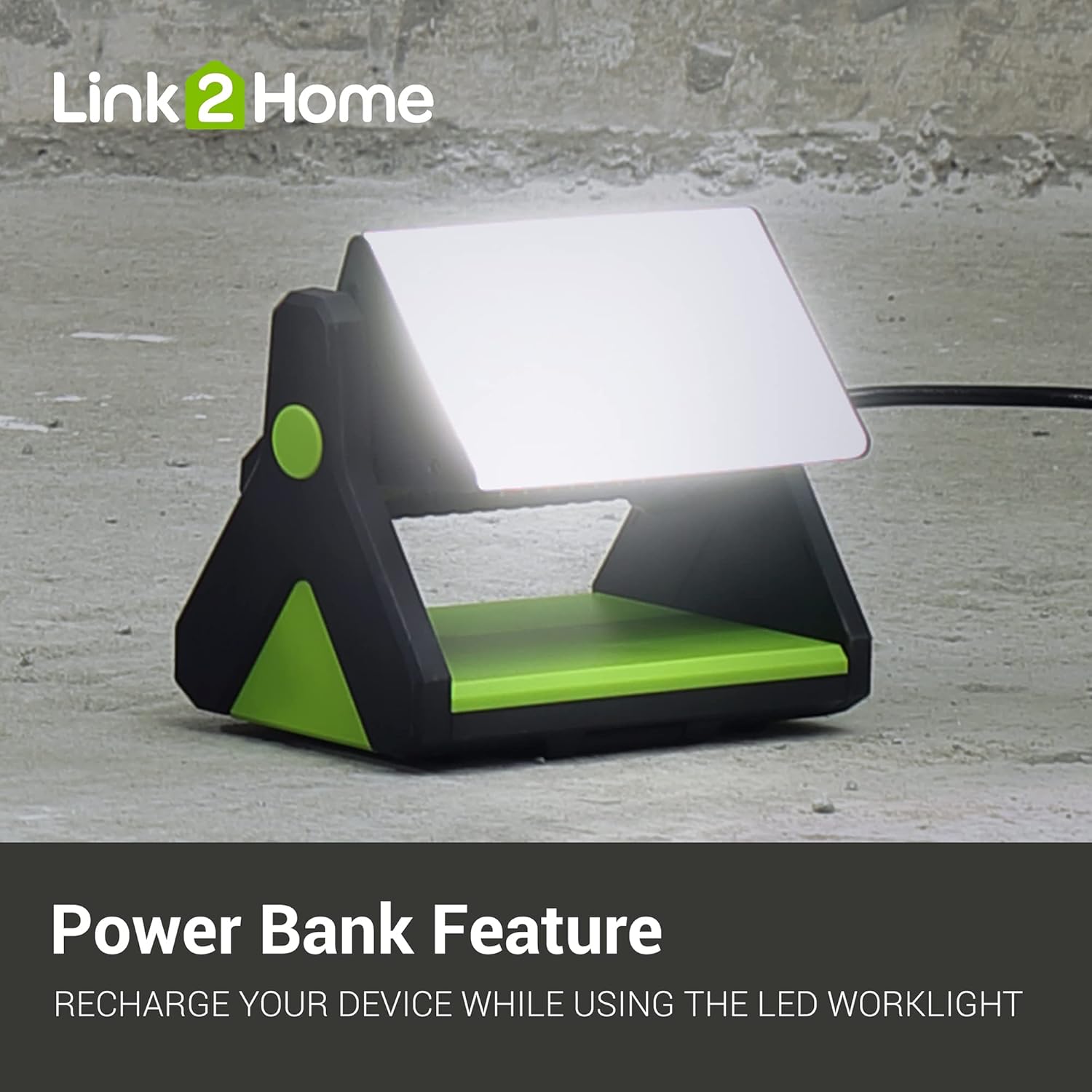
Figure 5: The work light's power bank feature in use, charging a mobile device.

Figure 6: Illustration of the 300° rotation system for directing light.
Video 1: An overview of Link2Home Worklight products, demonstrating features like adjustable brightness, rotation, power bank functionality, and various mounting options including wall mount and tripod use. This video is provided by the seller, Home and Around Products.
5. Maintenance
To ensure the longevity and optimal performance of your Link2Home 30W LED Work Light, follow these maintenance guidelines:
- Cleaning: Disconnect the power before cleaning. Use a soft, damp cloth to wipe down the exterior surfaces. Avoid abrasive cleaners or solvents that could damage the finish or lens.
- Storage: When not in use, store the work light in a cool, dry place away from direct sunlight and extreme temperatures.
- Inspection: Periodically inspect the power cord for any signs of damage, fraying, or wear. If damage is found, discontinue use and contact customer support.
- Lens Care: The impact-resistant glass lens should be kept clean for maximum light output. Clean gently with a soft cloth.
6. Troubleshooting
If you encounter issues with your Link2Home 30W LED Work Light, please refer to the following common troubleshooting steps:
- Light Does Not Turn On:
- Ensure the power cord is securely plugged into a functional electrical outlet.
- Verify that the ON/OFF switch is in the 'ON' position.
- Check the power outlet with another device to confirm it is supplying power.
- Light Output is Low:
- Confirm the brightness setting is on 'High' if maximum illumination is desired.
- Ensure the lens is clean and free from dirt or obstructions.
- Device Not Charging via Power Bank:
- Ensure the work light is powered on.
- Verify that your device's USB cable is properly connected to the charging port.
- Check if your device is compatible with the charging output of the work light.
If these steps do not resolve the issue, please contact Link2Home customer support for further assistance.
7. Specifications
| Specification | Detail |
|---|---|
| Model Number | EM-WL-1030A |
| Brand | Link2Home |
| Brightness | 2400 lumens (High), 1200 lumens (Low) |
| Wattage | 30 Watts |
| Power Source | Corded Electric |
| Cord Length | 6 ft |
| Material | Glass (Lens) |
| Color | Black/Green |
| Waterproof Rating | IP54 |
| Certifications | ETL, FCC |
| Mounting Type | Tabletop, Wall Mount, Hang |
| Item Weight | 3.74 pounds |
| Package Dimensions | 10.04 x 7.64 x 6.54 inches |
8. Warranty and Support
For detailed warranty information, please refer to the documentation included with your product or visit the official Link2Home website. If you require technical assistance, have questions about product operation, or need to report an issue, please contact Link2Home customer support directly.
You can find contact information on the Link2Home website or through your retailer.


