
Introduction
The Sekonda Flex 42mm Smartwatch is designed to enhance your daily life with a range of smart features. This smartwatch features a durable silver alloy case with a round, interactive 1.1-inch dial. Key functionalities include activity tracking, sleep monitoring, and health metrics. It comes with a comfortable stainless steel mesh strap and boasts an IP67 water resistance rating, allowing for immersion up to 1 meter for 30 minutes.

Image: Front view of the Sekonda Flex 42mm Smartwatch with a digital display showing time and activity data.
Package Contents
Ensure all items are present in the package:
- Sekonda Flex Smartwatch
- Magnetic USB Charging Cable
- Instruction Manual
Setup
1. Charging the Smartwatch
Before initial use, fully charge your smartwatch. Connect the magnetic USB charging cable to the charging points on the back of the watch and to a standard USB power source. A full charge typically provides up to 10 days of battery life, depending on usage.

Image: Side view of the smartwatch, highlighting the charging contacts on the back of the watch case.
2. App Installation
The Sekonda Flex Smartwatch is compatible with Android devices (version 5.1 and newer) and Apple iOS devices (version 10.0 and newer). To download the companion application:
- Search for "Q Watch" in your smartphone's app store (Google Play Store for Android or Apple App Store for iOS).
- Alternatively, scan the QR code provided in the included instruction manual to directly access the app download page.
- Install the "Q Watch" application on your smartphone.
3. Pairing with Your Smartphone
After installing the "Q Watch" app:
- Ensure Bluetooth is enabled on your smartphone.
- Open the "Q Watch" app and follow the on-screen instructions to add your device.
- Select "Sekonda Flex" from the list of available devices to establish a connection.
- Confirm the pairing request on both your smartphone and the smartwatch if prompted.
Operating the Smartwatch
Basic Navigation
The smartwatch features a responsive touchscreen and a physical button on the side for navigation. Swipe across the screen to access different functions and menus. Press the physical button to return to the home screen or wake the device.
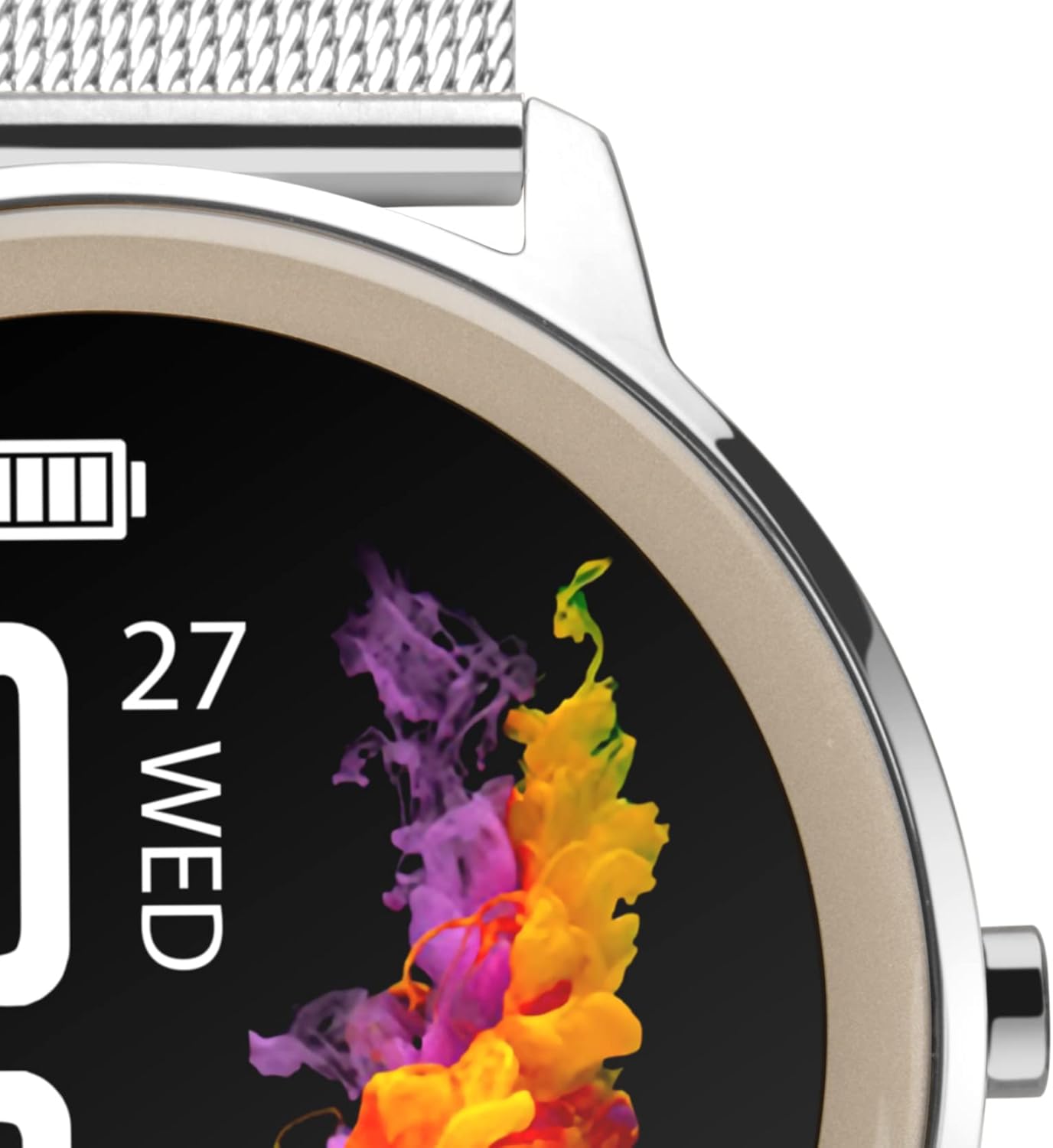
Image: Close-up of the smartwatch display showing time, date, and battery indicator.
Customizing the Display
You can personalize your smartwatch display:
- Change Watch Face: On the home screen, press and hold the center of the display. Swipe left or right to browse pre-installed watch faces and tap to select.
- Download More Watch Faces: The "Q Watch" app offers over 100 additional watch face designs. You can also upload a custom photo to use as your watch face through the app.

Image: A person's hand interacting with the smartwatch display, demonstrating touch functionality.
Features
Activity and Sports Tracking
The Sekonda Flex Smartwatch tracks your daily activity and supports various sports modes:
- Daily Activity: Monitors total steps, distance covered, and active calories burned. Helps you track and achieve your fitness goals.
- Sport Modes: Select specific modes like walking, running, climbing, and more to record detailed data during your workouts.

Image: A person holding a water bottle, with the smartwatch visible on their wrist, suggesting an active lifestyle.
Health Monitoring
Monitor your health metrics directly from your wrist:
- Heart Rate Monitor: Tracks your heart rate throughout the day.
- Sleep Monitor: Analyzes your sleep patterns, including deep and light sleep stages.
- Blood Pressure & Oxygen: Provides measurements for blood pressure and blood oxygen levels.
- Body Temperature: Tracks your body temperature.
Smart Notifications & Controls
Stay connected and control your media:
- Notifications: Receive alerts for incoming calls, messages, social media updates, and emails directly on your smartwatch.
- Music Control: Control music playback on your connected smartphone, including skipping tracks, pausing, playing, and adjusting volume.
- Weather: View local weather forecasts and temperature.
- Find Phone: Use your smartwatch to locate your paired smartphone.
Additional Functions
The smartwatch includes several other useful tools:
- 9 default languages
- Do Not Disturb mode
- Countdown timer and stopwatch
- Water drinking reminder
- Menstrual alerts
- Remote photo capture (control your phone's camera from the watch)
Maintenance
Water Resistance
The Sekonda Flex Smartwatch has an IP67 water resistance rating. This means it is protected against dust and can withstand immersion in water up to 1 meter for 30 minutes. It is suitable for swimming and bathing, but not for diving or high-pressure water activities.
Cleaning and Care
To maintain your smartwatch:
- Wipe the screen and strap regularly with a soft, dry, lint-free cloth.
- Avoid using harsh chemicals, abrasive cleaners, or solvents, as these can damage the watch's finish and seals.
- Ensure the charging contacts are clean and dry before charging to prevent corrosion.

Image: Close-up view of the stainless steel mesh strap, showing its texture and construction.
Troubleshooting
| Problem | Possible Solution |
|---|---|
| Short Battery Life | Battery life can vary based on usage. Frequent use of health monitoring features, notifications, and screen brightness can reduce battery duration. Try reducing screen brightness, disabling unnecessary notifications, or adjusting monitoring frequency in the app. Ensure the watch is fully charged. |
| App Disconnects Frequently | Ensure the "Q Watch" app is updated to the latest version. Check your phone's Bluetooth settings and ensure the app has necessary permissions (e.g., location, background activity). Try restarting both your phone and the smartwatch, then re-pair them. Keep the smartwatch within Bluetooth range of your phone. |
| Inaccurate Activity Data / Data Loss | Ensure the smartwatch is worn correctly and securely on your wrist. Regularly sync data with the "Q Watch" app to prevent loss. If data loss occurs after a disconnection, ensure the app is set to synchronize from the watch to the app, or manually initiate a sync. |
| Notifications / Alarms Not Working | Verify that notifications are enabled in both the smartwatch settings and the "Q Watch" app. Check your phone's app permissions for "Q Watch" to ensure it can access notifications. Ensure a stable Bluetooth connection. For alarms, confirm they are set correctly in the app and synced to the watch. |
| Smartwatch Not Turning On | Connect the smartwatch to its charger and ensure it is receiving power. If it still doesn't turn on after a few minutes of charging, try performing a hard reset (refer to the physical manual for specific instructions, if available, or hold the side button for an extended period). |
Specifications
| Feature | Detail |
|---|---|
| Model Name | Flex |
| Model Number | 40387 |
| Case Size | 42 mm |
| Operating System | Android (5.1+), iOS (10.0+) |
| Connectivity | Bluetooth |
| Screen Shape | Round |
| Screen Size | 1.1 inches |
| Display Type | AMOLED |
| Resolution | 360 x 360 |
| Max Display Brightness | 500 NITS |
| Case Material | Stainless Steel Alloy |
| Strap Material | Stainless Steel Mesh |
| Water Resistance Rating | IP67 (1 meter for 30 minutes) |
| Battery Type | Lithium Polymer |
| Battery Life | Up to 10 days |
| Input Interface | Touchscreen and Physical Dials |
| Health Monitors | Heart Rate, Blood Oxygen, Blood Pressure, Body Temperature, Sleep |
Warranty & Support
Warranty: The Sekonda Flex Smartwatch comes with a Lifetime Warranty, ensuring peace of mind regarding manufacturing defects and quality issues. Please retain your proof of purchase for warranty claims.
Support: For further assistance, technical support, or warranty claims, please refer to the contact information provided in your product packaging or visit the official Sekonda website. Ensure you have your model number (40387) and proof of purchase ready when contacting support.

