
1. Introduction
The Kipcush E1 White Noise Bluetooth Transmitter is a portable device designed to provide a relaxing audio environment. It features 20 high-fidelity soothing sounds and a timer function to help users fall asleep faster and stay asleep longer. This device is specifically designed for use with Bluetooth-enabled earphones, such as Apple AirPods.

Image: Kipcush E1 device highlighting its Hi-Fi Lossless Sound capabilities and DAC audio decoder chip.
2. Important Safety Instructions
- Never drop or insert any objects into openings of the device.
- This device should not be used near water, such as in bathtubs, swimming pools, faucets, or basins.
- Disconnect the power supply of the device when it is unused for an extended period of time or when moving the machine.
- Use this device only for its intended use as described in this manual.
- Never operate this device if it has damaged cord, cable, or housing.
- Do not use this product if you have a pacemaker or other medical device that may be affected by electromagnetic radiation.
- Keep this product out of reach of children.
- Do not use this product while sleeping to avoid the risk of overheating.
- Charge the battery only with the provided charger to avoid the risk of electric shock.
- Do not use this product if the battery is damaged or leaking.
- This product is not a toy and is not intended for use by children.
- Always follow the manufacturer's instructions for safe use and storage.
3. Package Contents
- Kipcush E1 White Noise Bluetooth Transmitter x1
- USB Type-C Charging Cable x1
- User Manual x1
4. Product Overview
Controls and Indicators
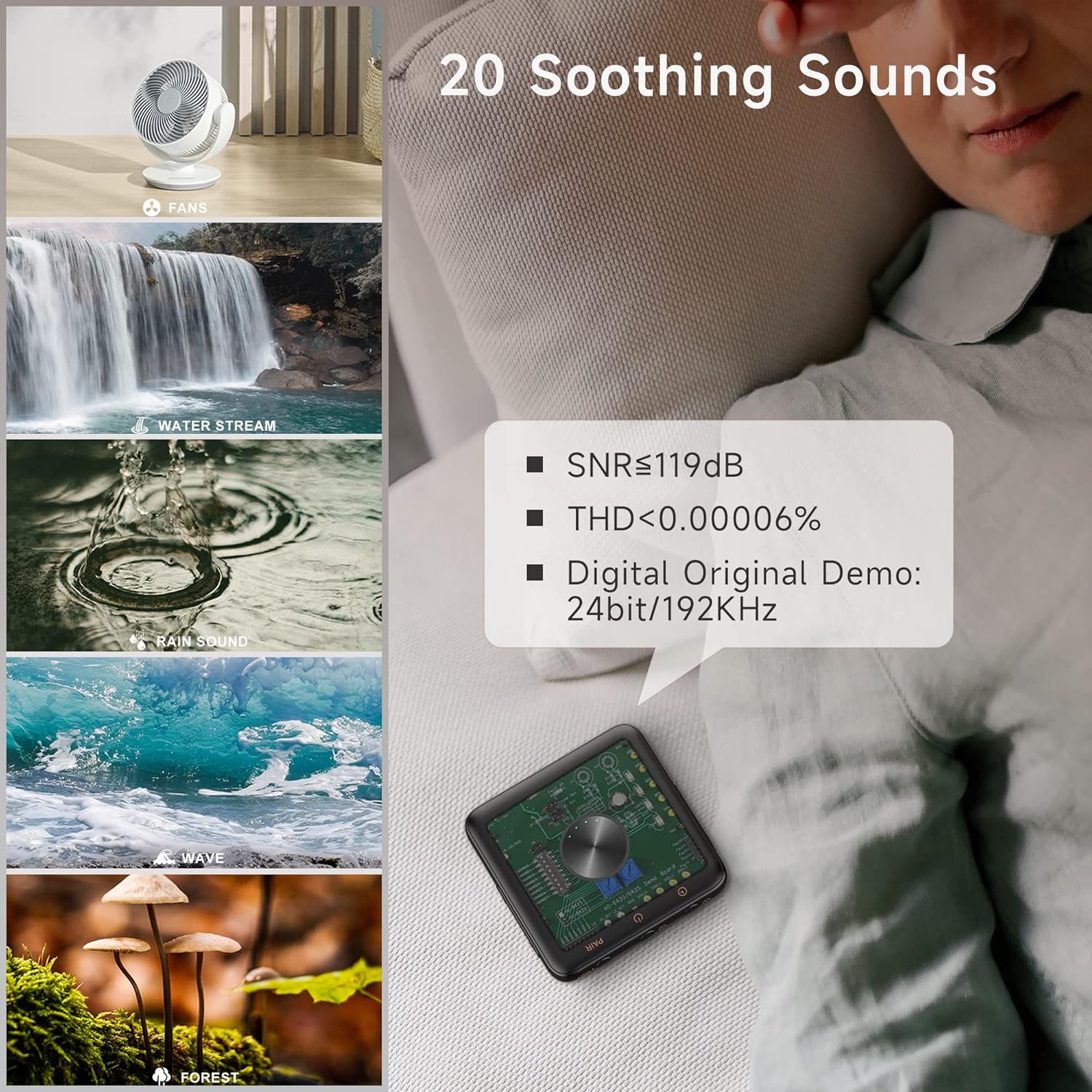
Image: Top view of the Kipcush E1 device displaying its control buttons and indicators.
- PAIR Button: Initiates Bluetooth pairing mode.
- Power On/Off Button: Turns the device on or off.
- Volume Up (+) / Next Track Button: Increases volume or skips to the next sound.
- Volume Down (-) / Previous Track Button: Decreases volume or goes to the previous sound.
- Play/Pause Button: Plays or pauses the current sound.
- Timer Button: Activates or adjusts the sleep timer.
- Bluetooth Indicator: Shows Bluetooth connection status.
- Timing Indicator: Shows timer status.
- Battery Level Indicator: Displays current battery charge.
- USB Type-C Jack: For charging the device.
5. Setup
5.1 Charging the Device
Before first use, fully charge your Kipcush E1 using the provided USB Type-C cable. Connect the cable to the device's Type-C jack and a compatible USB power source. The battery level indicator will show charging status.
5.2 Powering On/Off
To power on the device, press and hold the Power On/Off button until the power/pairing indicator flashes blue three times. To power off, repeat the process.
5.3 Bluetooth Pairing
The Kipcush E1 is designed to connect with Bluetooth audio devices, primarily Apple earphones. Follow these steps to pair your device:
- Turn on your Bluetooth headphone device (e.g., Apple AirPods) and ensure it is in pairing mode. This is usually found on your earphone's charging case.
- With the E1 transmitter powered on, press and hold the PAIR button until the Bluetooth indicator blinks blue, indicating it is in 'ready to pair' mode.
- Briefly press and hold both the PAIR button on the E1 and the pairing button on your headphone device until the Bluetooth light on the E1 stays solid blue.
- Once successfully paired, you will hear a sound confirming the connection. The E1 will automatically connect to this device in the future.
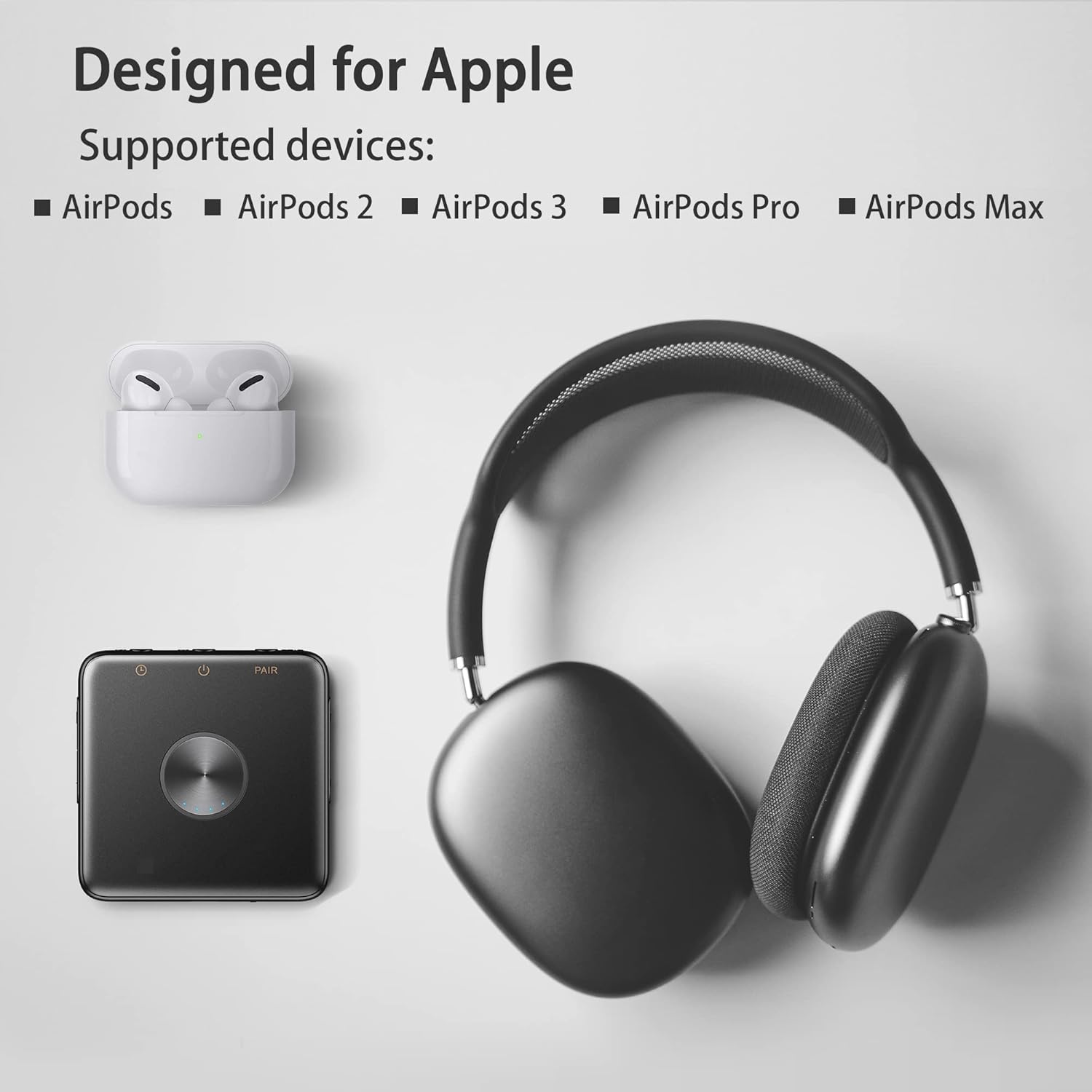
Image: Kipcush E1 shown with various Apple AirPods models, indicating compatibility.
Video: Demonstration of the Kipcush E1 Bluetooth Transmitter pairing process with Apple earphones.
6. Operating the Device
6.1 Sound Selection
The Kipcush E1 offers 20 high-fidelity soothing sounds, including white noise, fan noises, natural sounds, and water stream sounds. Use the Volume Up (+) / Next Track button to skip to the next sound, and the Volume Down (-) / Previous Track button to go to the previous sound.

Image: Visual representation of the 20 soothing sounds available on the Kipcush E1, including natural and fan noises.
6.2 Volume Control
Adjust the volume using the Volume Up (+) and Volume Down (-) buttons. The device has up to 32 volume level settings.
6.3 Play/Pause
Press the Play/Pause button to start or stop the current sound.
6.4 Timer Function
The Kipcush E1 includes timer functions at 15, 30, 60, 90, and 120-minute intervals. Tap the Timer button to cycle through the available timer settings. The timing indicator will turn green when a timer is successfully set. To turn off the timer, press the Timer button until the timing indicator turns off.
7. Maintenance
- Wipe the device with a soft, dry cloth. Do not use abrasive cleaners or solvents.
- Store the device in a cool, dry place away from direct sunlight and extreme temperatures.
- Ensure the USB Type-C port is free from dust and debris.
8. Troubleshooting
| Problem | Solution |
|---|---|
| Device does not power on. | Ensure the device is fully charged. Press and hold the Power On/Off button for a few seconds. |
| Cannot pair with Bluetooth earphones. | Ensure both the E1 and your earphones are in pairing mode. Make sure your earphones are not connected to another device. Re-enter pairing mode on both devices if necessary. |
| No sound or low volume. | Check the volume level on both the E1 and your connected earphones. Ensure the devices are properly paired. |
| Sound quality is poor. | Ensure the E1 is within range of your Bluetooth earphones. Avoid obstacles that may interfere with the signal. |
| Timer function not working. | Ensure the Timer button is pressed correctly to select a duration. The timing indicator should light up green. |
9. Specifications
| Feature | Detail |
|---|---|
| Model | E1 |
| Type-C Input | 5V = 1.5A |
| Battery Capacity | 1000mAh |
| Product Dimensions | 70 x 70mm |
| Typical Bluetooth Transmit Power | 2dBm |
| Operation Temperature Range | -10°C to 45°C |
| Storage Temperature Range | -30°C to 45°C |
| Item Weight | 50 Grams |
| Material | Plastic |
10. Warranty and Support
Warranty
We strive to build our products with the highest attention to detail and craftsmanship. However, sometimes there are occurrences of defects, and we understand this. As such, we are happy to offer a one-year hassle-free warranty on all our devices as we continue and strive to make amazing products.
Support
Please contact us if you have any questions regarding this product or require assistance. Refer to the product packaging or the official Kipcush website for contact information.