
1. Introduction
Thank you for choosing the UGREEN Magnetic Phone Holder for Car. This manual provides detailed instructions for the proper installation, operation, and maintenance of your device. Please read this manual thoroughly before use to ensure optimal performance and safety.
2. Product Overview
2.1 Package Contents
- UGREEN Magnetic Phone Holder (Model 90527)
- Metal Ring (for non-MagSafe compatible devices/cases)
- User Manual
2.2 Key Features
- Strong Magnetic Force: Equipped with multiple magnets for secure phone attachment.
- Air Vent Clip: Designed for stable attachment to most car air vents.
- 360° Rotation: Allows for flexible viewing angles (portrait or landscape).
- MagSafe Compatibility: Directly compatible with MagSafe iPhones (iPhone 12/13/14 series) and MagSafe cases.
- Universal Compatibility: Can be used with other phones or cases using the included metal ring.
- Non-Interference: Designed not to interfere with mobile phone wireless charging.
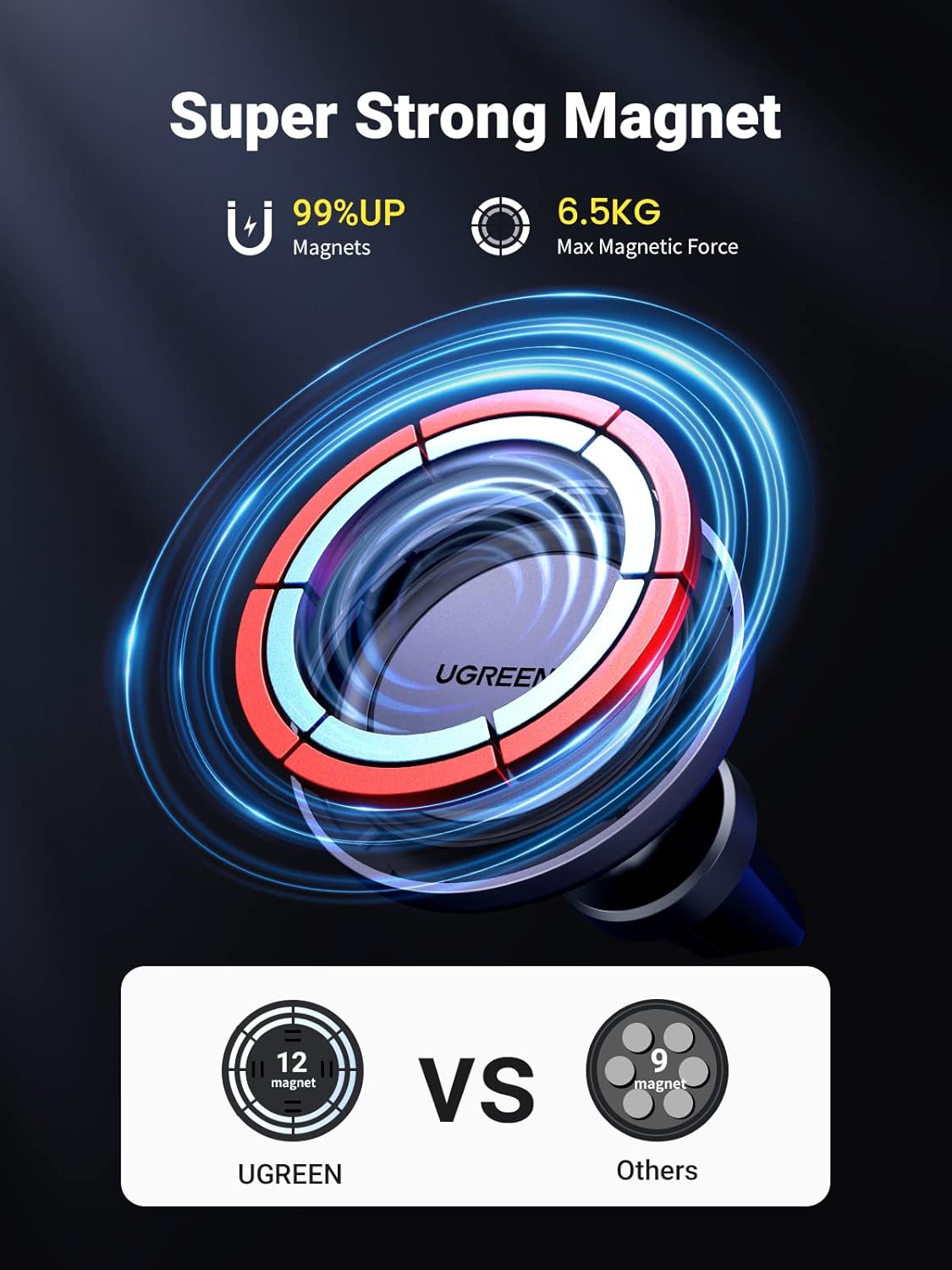
Image 1: UGREEN Magnetic Phone Holder for Car, showing its compact design and magnetic surface.
3. Setup and Installation
3.1 Assembling the Mount
- Unscrew the nut from the ball joint of the air vent clip.
- Place the nut over the ball joint of the magnetic head.
- Insert the ball joint into the socket on the back of the magnetic head.
- Tighten the screw nut securely to fix the magnetic head to the air vent clip.
Video 1: Official UGREEN video demonstrating the assembly of the magnetic phone holder and its wide compatibility and easy operation.
3.2 Attaching to Car Air Vent
- Identify a suitable air vent in your car. The clip is designed for horizontal or vertical vents. Avoid circular or unusually shaped vents that may not provide a secure grip.
- Adjust the air vent louvers to a stable position.
- Fully insert the tail clip of the mount into the chosen air vent louver. Ensure it is firmly seated to prevent movement.

Image 2: Close-up view of the UGREEN Magnetic Phone Holder's silicone clip securely inserted into a car's air vent, highlighting its stable attachment.
3.3 Phone Attachment
3.3.1 For MagSafe Compatible Phones/Cases (iPhone 12/13/14 Series)
- Simply bring your MagSafe compatible iPhone or phone with a MagSafe case close to the magnetic surface of the holder. The magnets will automatically align and secure the phone.

Image 3: An iPhone 14 Pro Max securely attached to the UGREEN Magnetic Phone Holder in a car, demonstrating direct MagSafe compatibility.
3.3.2 For Non-MagSafe Phones/Cases
- Clean the back of your phone or phone case thoroughly.
- Peel off the protective film from the adhesive side of the provided metal ring.
- Carefully center and paste the metal ring onto the back of your phone or phone case. Press firmly for a few seconds to ensure strong adhesion.
- Once the metal ring is attached, you can now attach your phone to the magnetic holder.

Image 4: A hand applying the adhesive metal ring to the back of a non-MagSafe phone case, illustrating the process for universal compatibility.
4. Operating Instructions
4.1 Adjusting Viewing Angle
- The magnetic head features a ball joint that allows for 360-degree rotation. Gently rotate or tilt your phone to achieve the desired viewing angle (portrait or landscape).

Image 5: A smartphone mounted horizontally on the UGREEN Magnetic Phone Holder, demonstrating the 360-degree rotation capability for landscape viewing.
4.2 Removing Your Phone
- To remove your phone, gently slide it off the magnetic surface along one side rather than pulling it directly away. This helps to reduce the magnetic force and prevents accidental dislodging of the mount from the air vent.
5. Compatibility
- Direct Compatibility: iPhone 12, iPhone 13, iPhone 14 series (including Pro, Pro Max, Mini, Plus models) and MagSafe compatible phone cases.
- Universal Compatibility: Any smartphone or phone case when used with the included adhesive metal ring.
- Air Vent Compatibility: Most horizontal and vertical car air vents. Not recommended for circular or non-standard vent designs.
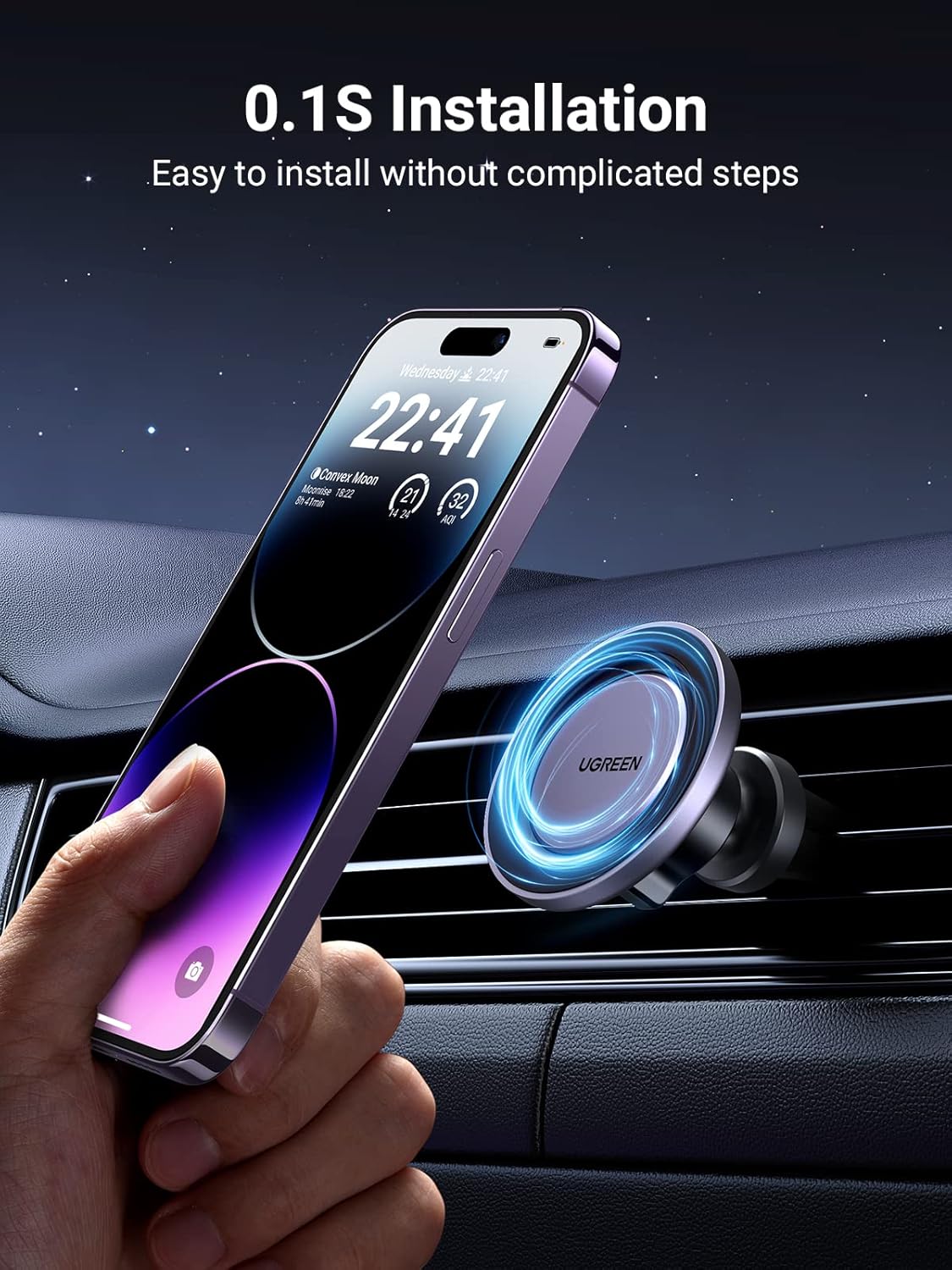
Image 6: Illustration of various car air vent types, indicating which are compatible (checked) and incompatible (crossed) with the UGREEN Magnetic Phone Holder.
6. Safety Information
- Ensure the mount is securely installed before placing your phone.
- Do not obstruct your driving vision with the phone holder or phone.
- Avoid adjusting the phone holder while driving. Make all adjustments before starting your journey.
- Keep the magnetic holder away from sensitive electronic devices that may be affected by magnetic fields.
- Do not expose the product to extreme temperatures or direct sunlight for prolonged periods.
7. Maintenance
- Clean the magnetic surface and the air vent clip with a soft, dry cloth.
- Do not use abrasive cleaners or solvents.
- Regularly check the tightness of the screw nut and the security of the air vent clip.
8. Troubleshooting
8.1 Phone Not Holding Securely
- Check MagSafe: Ensure your iPhone is a MagSafe compatible model (iPhone 12/13/14 series) or that your case is MagSafe compatible.
- Metal Ring: If not MagSafe compatible, ensure the metal ring is correctly and securely attached to your phone or case.
- Case Thickness: Very thick or non-MagSafe cases may reduce magnetic strength. Consider using the metal ring or a thinner case.
- Obstructions: Ensure there are no foreign objects between the phone/case and the magnetic holder.
8.2 Mount Falling from Air Vent
- Secure Insertion: Ensure the air vent clip is fully and firmly inserted into the air vent louver.
- Vent Type: Verify that your car's air vent type is compatible with the clip.
- Overloading: Avoid placing excessively heavy devices on the mount.
9. Specifications
| Model Number | 90527 |
| Material | Metal, Plastic |
| Color | Black |
| Item Weight | 2.79 ounces (approximately 79 grams) |
| Product Dimensions | 27.17 x 23.23 x 23.23 inches (Note: These dimensions seem unusually large for a phone holder and may refer to packaging or shipping dimensions. Please refer to product packaging for accurate device dimensions.) |
| Special Features | Adjustable, Magnetic |
10. Warranty and Support
UGREEN products come with a standard manufacturer's warranty. For specific warranty details, please refer to the warranty card included with your purchase or visit the official UGREEN website. If you encounter any issues or have questions regarding your product, please contact UGREEN customer support through their official channels or the retailer where you purchased the product.
UGREEN Official Website: www.ugreen.com