Introduction
Thank you for choosing the NanoRS RS703 Gaming Mouse Pad. This manual provides essential information for setting up, operating, maintaining, and troubleshooting your new mouse pad. Designed for gamers, this mouse pad features a smooth surface for precise mouse control, a non-slip rubber base for stability, durable stitched edges, and vibrant RGB LED lighting to enhance your gaming experience.
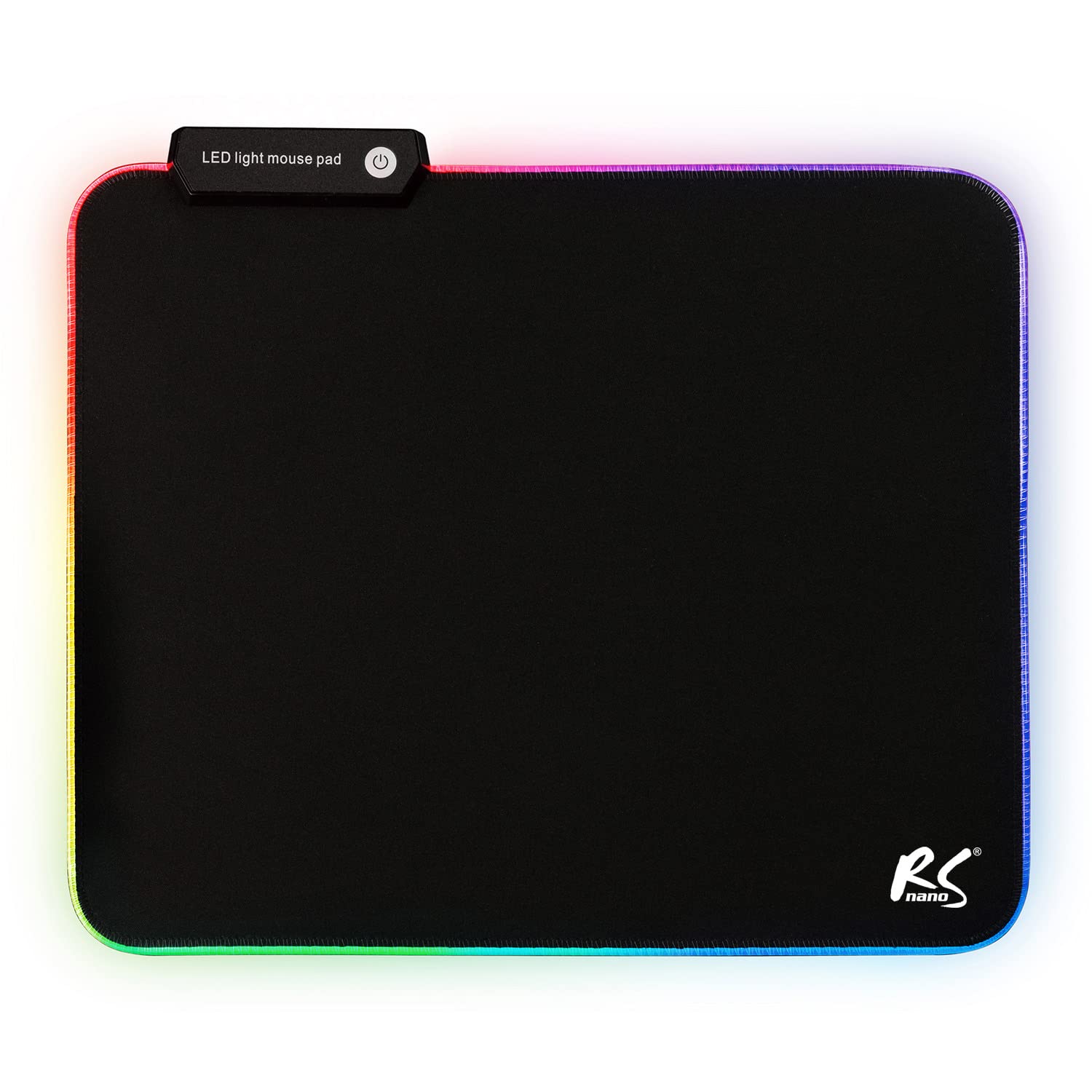
Image: The NanoRS RS703 Gaming Mouse Pad illuminated with multi-color RGB lighting, featuring a gaming mouse placed on its surface.
Setup Instructions
- Unpack the Mouse Pad: Carefully remove the NanoRS RS703 Gaming Mouse Pad from its packaging.
- Positioning: Place the mouse pad on a clean, flat, and stable surface, such as your desk. Ensure there are no obstructions that could interfere with mouse movement.
- Connect Power: Locate the USB cable attached to the mouse pad's control unit. Plug the USB connector into an available USB port on your computer or a compatible USB power adapter. The RGB lighting should illuminate automatically.

Image: A detailed view of the mouse pad's control unit, demonstrating the USB cable connection for power and RGB lighting.
Operating the RGB Lighting
The NanoRS RS703 features an integrated control unit for managing the RGB LED lighting effects.
- Power On/Off: Press the power button on the control unit to turn the RGB lighting on or off.
- Change Lighting Modes: With the lighting on, press the power button repeatedly to cycle through various lighting modes and colors. These modes typically include static colors, breathing effects, and dynamic multi-color cycles.

Image: The control unit of the NanoRS RS703 mouse pad, showing the power button used to manage the RGB lighting.
Maintenance
Proper care will extend the life and performance of your NanoRS RS703 Gaming Mouse Pad.
- Cleaning the Surface: To clean the mouse pad surface, gently wipe it with a soft, damp cloth. Avoid using harsh chemicals, abrasive cleaners, or excessive water, as these can damage the material and electronic components.
- Cleaning the Base: The anti-slip rubber base can be wiped with a damp cloth if it becomes dirty. Ensure it is completely dry before placing it back on your desk.
- Storage: The flexible design allows the mouse pad to be rolled up for easy transport or storage. Roll it loosely to avoid creasing the surface or damaging the LED strip.
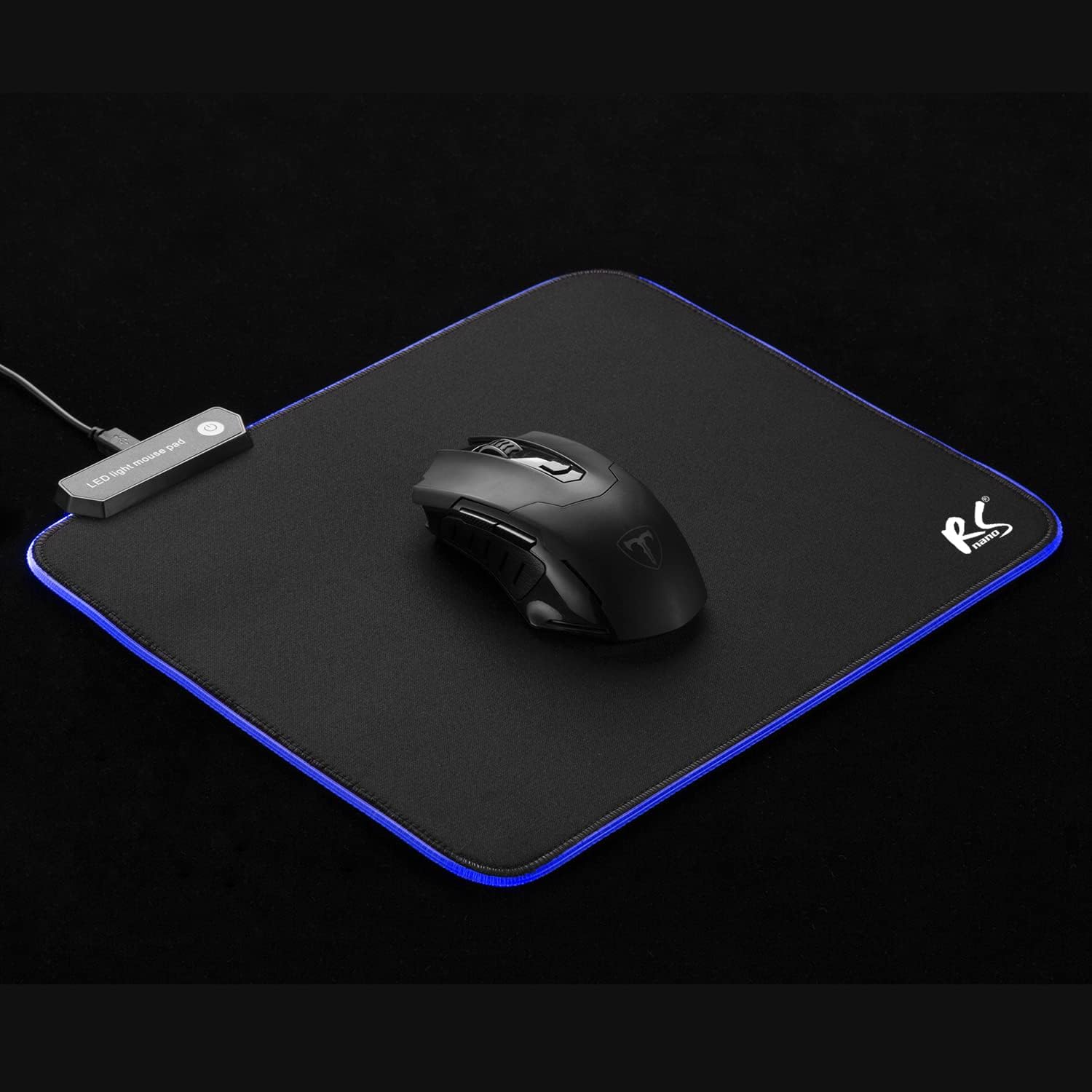
Image: The NanoRS RS703 mouse pad shown in a rolled-up state, highlighting its portability and ease of storage.
Troubleshooting
- RGB Lighting Not Working:
- Ensure the USB cable is securely connected to a functioning USB port.
- Try plugging the USB cable into a different USB port or a different power source.
- Press the power button on the control unit to ensure the lighting is not simply turned off.
- Mouse Tracking Issues:
- Clean the mouse pad surface to remove any dust or debris that might interfere with mouse sensor performance.
- Ensure your mouse sensor is clean.
Specifications
| Feature | Detail |
|---|---|
| Brand | NanoRS |
| Model | RS703 |
| Dimensions | 300 x 250 x 4 mm (with LED RGB lighting) |
| Material | Rubber (base) |
| Special Feature | RGB LED Lighting, Anti-slip Base, Stitched Edges, Rollable |
| Recommended Use | Gaming |
| Color | Black |

Image: The underside of the mouse pad, revealing the anti-slip rubber texture designed for stable placement on a desk.
Warranty and Support
For warranty information or technical support, please refer to the documentation provided with your purchase or contact NanoRS customer service through their official website or the retailer where the product was purchased. Keep your proof of purchase for warranty claims.

